Aqua-Soft Forums
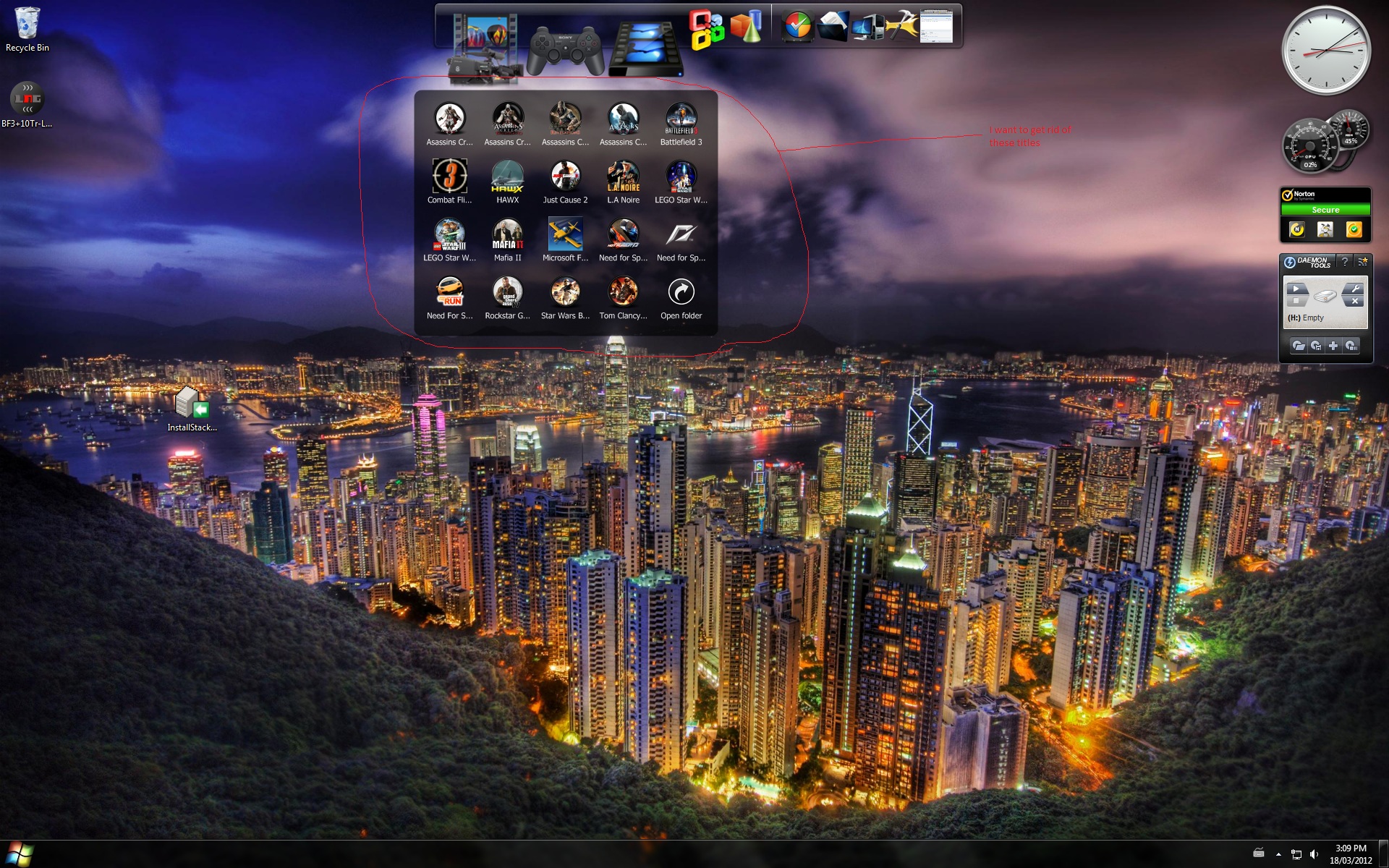
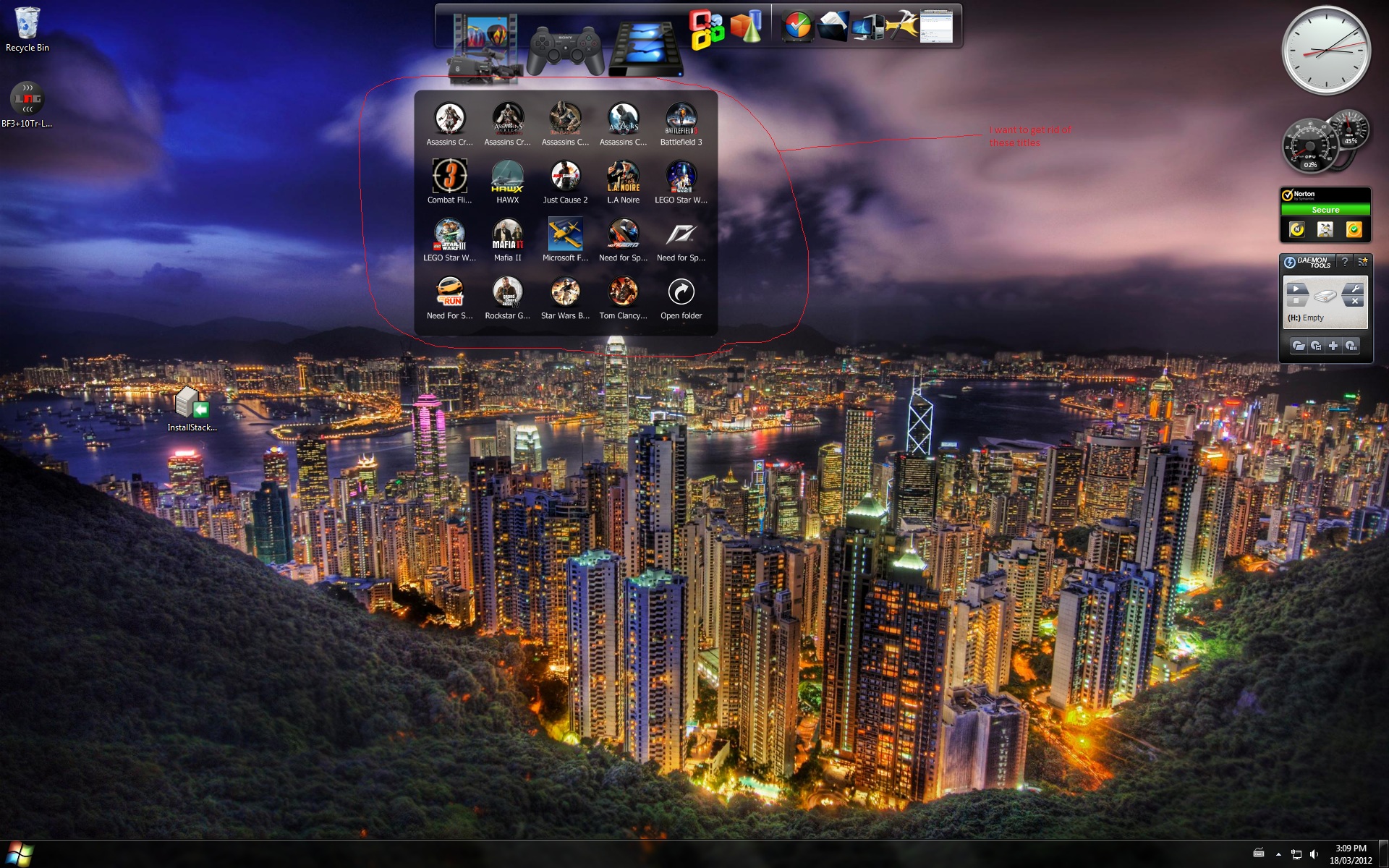
I'm back to using Stacks 1.0 with RocketDock after finding that 2.0 still has problems with crashing on launch in Vista. What I'm wondering is if there is any way to have an icon for "My Computer", like the default icon in 2.0. If I edit the icon settings it will not allow me to pick "My Computer" as the target Folder. Maybe this is just a limitation of Stacks classic?
Also, how do I add a text label to a stacks icon for the ROOT of a hard drive in RocketDock? There doesn't appear to be a place for that in the Stacks Icon Settings dialog, and the "Name" field in the RocketDock Icon picker is disabled.
thanks
-m