Aqua-Soft Forums
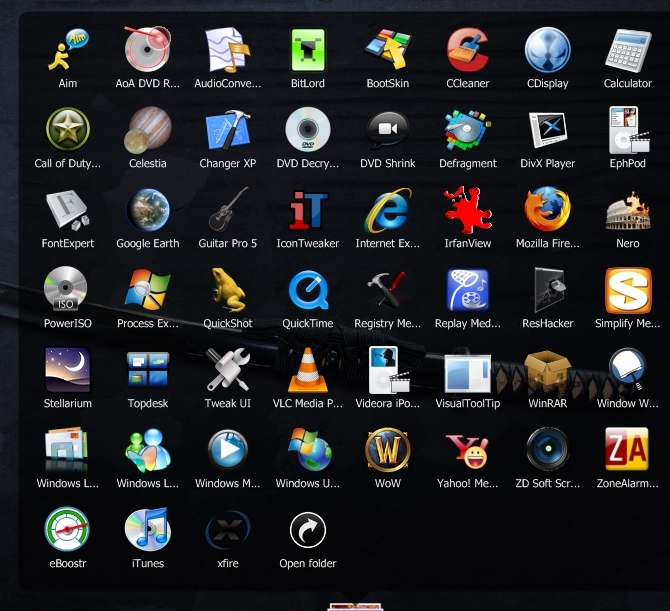
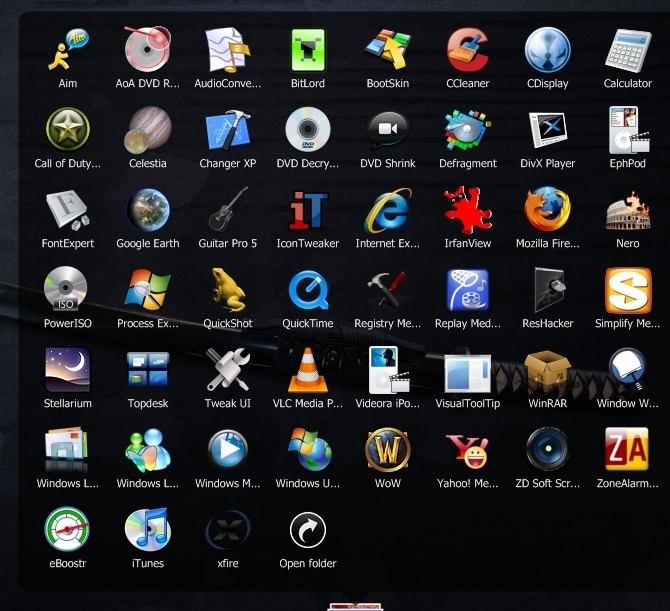
I found a little bug when i sort by name the icons that star in low case show up last.
I found a little bug when i sort by name the icons that star in low case show up last.
@tosbsas, uuffoo:
Last version is 1.0.0.128.
The server failed and failovered to a backup server, which had older versions of Stack Docklet (but up to date version of clients databases, etc...; my files are not replicated through the servers).
Now I uploaded the newest version, which is 1.0.0.128, to that server. Sorry for any inconveniences, please check that you have 1.0.0.128 version or similar.
Edit:
@vampirehim:
Reproduced. Solved. Thanks for the feedback!
matonga is the last build stable now ? Is it ok with mem ?
In Stack Docklet version 1.0.0.128, it would be much nicer if Special Folders were treated in the same way as ordinary folders such that there is no clear distinction between them in the Options and selecting Special Folders is just like selecting ordinary folders.
In Stack Docklet version 1.0.0.128, it would be much nicer if Special Folders were treated in the same way as ordinary folders. Selecting Special Folders should be like selecting ordinary folders, in effect blending the two (special and ordinary folders).
Why so? Well, I wanted a My Computer stack, but in the Options, it's called Drives, and there seems to be no way to change it. Additionally, it becomes much more convenient to select Special Folders. Unsupported Special Folders may be made such that you cannot select them in the Folder Tree.
Oh, and I think it's about time for either a multi-line filename display or an active icon background (in Grid mode). 
matonga, thank you very much for such prompt respond and spare you valuable time and knowledge to entertain us with this wonderful docklet. You are marvelous!!!
In Stack Docklet version 1.0.0.128, it would be much nicer if Special Folders were treated in the same way as ordinary folders such that there is no clear distinction between them in the Options and selecting Special Folders is just like selecting ordinary folders. Why so? Well, I wanted a My Computer stack, but in the Options, it's called Drives, and there seems to be no way to change it. Additionally, it becomes much more convenient to select Special Folders. Unsupported Special Folders may be made such that you cannot select them in the Folder Tree.Oh, and I think it's about time for either a multi-line filename display or an active icon background (in Grid mode).
For some reason reading that made my head hurt.
For some reason reading that made my head hurt.
jfty009260: I remind you to abide to the forum guidelines by writing your posts in english... nah, just kidding, hahaha.
What jfty009260 means, is that there is no need to make a "Filesystem folders" and "Special folders" options, and that such situation could be automatically handled by Stacks Docklet.
Indeed, more technically speaking (those with head aches please skip this paragraph) special folders use PIDLs and IShellFolder::EnumObjects( ), while filesystem folders use FindFirstFile( ), FindNextFile( ) and FileClose( ). But filesystem folders can also be represented with a PIDL and list their files by using IShellFolder::EnumObjects( ), which would allow you to select any "special"/"filesystem" folder indistinctively, and also allowing you to select such things as your photo camera, to have a stack of your photos each time you plugin your camera to your computer, etc...
For some reason reading that made my head hurt.
Oh, um...hahahahahaha. I never noticed how screwed up that first sentence was 
Fortunately, matonga interpreted it right.
I've had a curious issue with the docklet ever since I upgraded my video card. I have a dual monitor set up and I frequently switch my second display to my tv to watch movies.
I'm running XP Pro SP2 and I was using an Nvidia GeForce 6600, which worked fine. Since I upgraded to the Geforce 8800GT, every time I go into the Nvidia Control Panel and use the Multiple Display set-up wizard to choose the TV instead of the 2nd monitor, it always stops the Stacks Docklets from working.
I have the latest drivers for the video card. Any idea why this is happening?
I just checked using the version that was posted on the Rocketdock addons page which was from December last year, not sure which version that is. Anyway, that version doesn't have an issue when changing display properties.
It seems that it's because I changed to the current version that this has started happening. I think I updated around the same time I got the new video card. I'll just stick with the old version for now as I'm assuming this problem would affect so few people as to be hardly worth bothering with. The only thing is, the old version still has that bug when you add a new file or folder to the folder in the stack, it doesn't refresh properly.
Could somebody please post some of the more recent versions so I could try some of those as well please?
jfty009260: I remind you to abide to the forum guidelines by writing your posts in english... nah, just kidding, hahaha.What jfty009260 means, is that there is no need to make a "Filesystem folders" and "Special folders" options, and that such situation could be automatically handled by Stacks Docklet.
Indeed, more technically speaking (those with head aches please skip this paragraph) special folders use PIDLs and IShellFolder::EnumObjects( ), while filesystem folders use FindFirstFile( ), FindNextFile( ) and FileClose( ). But filesystem folders can also be represented with a PIDL and list their files by using IShellFolder::EnumObjects( ), which would allow you to select any "special"/"filesystem" folder indistinctively, and also allowing you to select such things as your photo camera, to have a stack of your photos each time you plugin your camera to your computer, etc...
I think it was just the fact I read that post at 7:00 AM, reading this one is completely within my intellect.
I thought the reason you didn't do that in the first place was because it would require a rewrite.
I tested changing an icon in a Filesystem type stack, and it was correctly handled by Stack Docklet.
BTW my Delphi screwed up with version numbers, so there are a lot of 1.0.0.128 Stacks Docklet released which are different versions. 
So I reconfigured it and uploaded again. Current version is 1.0.0.129.
Edit:
BTW I also tested Special folders, and it doesn't update the folder... !?... I've to check that.
Edit:
Ok, updated and uploaded. Now detect changes in special folders (item add, removal) however it doesn't detect when an item icon changes but at least new shortcuts in your desktop/nethood/whatever will appear in the stack.
About the special folders names, I'm trying to get the name itself from Windows, so you won't need to translate it, it would appear in whatever language your Windows uses.
Dont know whats wrong, update to version 1.0.0.131 and it crash my objectdock plus (1.90 build 537u for vista 64) every times i open the special folder. back to 1.0.0.128 and its working fine...
Same issue here with special folders on the new version: ObjectDock crashes
I found 2 paths to reproduce it:
1. From the Settings screen, change anything and click OK
-or-
2. Open the docklet THREE times. Not fast, slow, or anything, just open it three times (even do other tasks between the openings). It will crash on the third try.
I'm running ObjectDock (free), WinXP SP2
Using RocketDock 1.3.5 (the latest version) on WinXP SP 2. When I click on a stack made from a special folder, I get this error message:
---------------------------
RocketDock: RocketDock.exe - Application Error
---------------------------
The exception unknown software exception (0x0eedfade) occurred in the application at location 0x7c812a5b.
---------------------------
OK Cancel
---------------------------
RocketDock crahes here too with latest StacksDocklet version. I'm using Windows Vista Business x86.
Same issue here with special folders on the new version: ObjectDock crashesI found 2 paths to reproduce it:
1. From the Settings screen, change anything and click OK
-or-
2. Open the docklet THREE times. Not fast, slow, or anything, just open it three times (even do other tasks between the openings). It will crash on the third try.
I'm running ObjectDock (free), WinXP SP2
#1 Confirmed with RKLauncher build 282
How are the memory leak fixes coming?
Windows Vista Home Premium, running OD+, it crashes without fail every time I open a special folder, but works fin for non-special folders.
Hi All
I really like the stacksdocklet, it looks fantastic. I have one problem with it though. When I have it loaded into a tabbed dock with ObjectDock Plus, it always displays the folders up no matter where the dock is located. For example, I have the tabbed dock pinned to the top of my desktop but the folders still expand upwards off of the screen. It works just fine in untabbed docks. Any help with this would be great, thanks in advance!
Hi everyone, first of all, the stacks docklet is simply amazing and I love it. I'm using Stacks docklet for quite a long time now with Rocket dock, And I have a recent bug really pissing me off ! When I click on my docklet, the fan or grid expand correctly but immediately get back into the dock without me doing anything...
I am using it with ROcket dock 1.3.5 on Windows Vista Professional anyone has any idea about that bug ?
Everyone: just uploaded newer version where special folders don't crash, at least not so often.
@Yohann73:
Go to Global Settings, and check / uncheck the "Follow the dock" option (check if unchecked, uncheck if checked).
Tell me if it solved the problem.
It works perfect, matonga !!!, well I hope I wouldn't fine any crash;) thank you very much, matonga
Work like charm! Thank you Matonga 
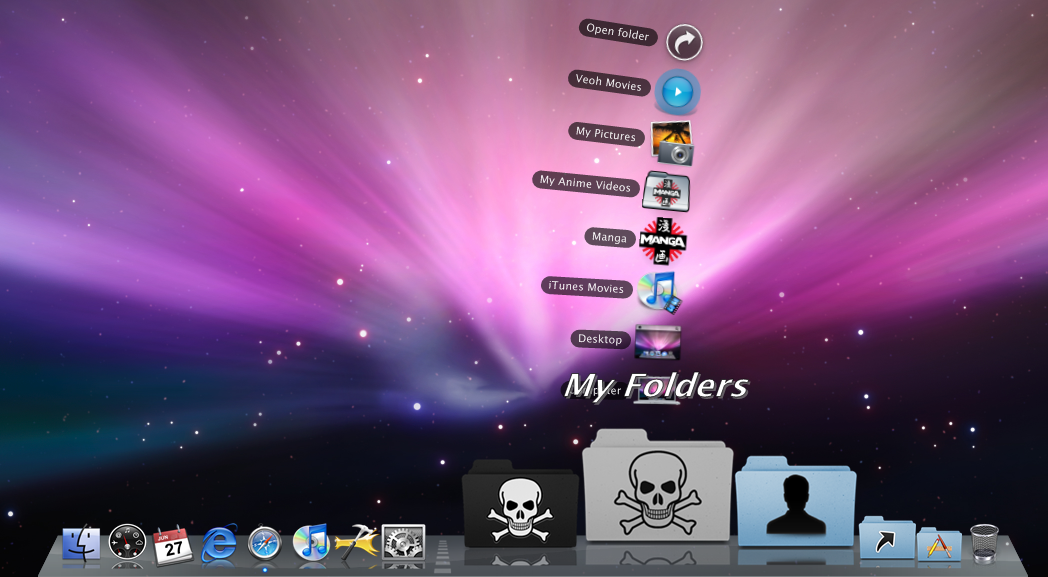
Matonga, yes the special folders don't crash on either Rocket Dock or Object Dock, but theres still one problem. On rocketdock when you click on the stack to view whats in it, the title of the folder doesn't disappear like that of object dock. Heres wat I mean.
And if possible, when you select the folder for what the stack to look at, can you add a name changer, like say you use control panel as a stack but want to rename it to system preferences, then it would be complete.