 Aqua-Soft Forums
@robc: sure. See text in bold (bold and underline by me):
......
KKMenu:
THIS IS NOT A REPLACEMENT FOR KKMENU. I'll not implement any functionality of it at all, unless it is a functionality of Mac OS X Stacks itself.
...
...
@robc: sure. See text in bold (bold and underline by me):
......
KKMenu:
THIS IS NOT A REPLACEMENT FOR KKMENU. I'll not implement any functionality of it at all, unless it is a functionality of Mac OS X Stacks itself.
...
...
^ But isn't the on-hover effect an original component of the Mac Stacks?
Yes... I've never seen a Mac stack, but I'm quite sure that, at least in the more recent releases, the Mac has some effect indeed. Look here for a tip on how to enable it on Mac OS X 10.5 http://osxdaily.com/2008/01/07/highlight-s...items-on-hover/
Actually, somebody here (http://www.aqua-soft.org/board/showpost.ph...6&postcount=455) said that the hovering indicator is Leopard default and Matonga himself replied that he would add it (http://www.aqua-soft.org/board/showpost.ph...0&postcount=463)... but it was so many pages (and months) ago that I chose to ask such a question directly again.
Panta, see? I did read the first post and, as I said, there was nothing related to my question; I also read the other posts and can use the search function (I just say that because many of your posts seem to tell people to learn to use the search function and/or read the first post... )  Now let's not start a war here, I'm nitpicking because (1) I do search before posting and (2) it's ME usually that tells people to search before posting
OBJECT DOCK DRAG/DROP!
If you are basing ur docklet on the drag drop api documentation provided by stardock then it won't work properly! check this forum out to see how it need to be done.
Here you go.
Ahh, that's cool! With that (old?) *dll I have now icons in my stack - GREAT!
How can I make a stack from systemfolders (i.e. that one with 'hardware', 'software', and other options)?
I tried this on rocketdock but everytime I do anything I get this error:
Can't save configuration to .ini file.
File: .DockletsSettings.ini
Group: Docklet0
Access is denied.
I'm on Vista.
nvm, my problem was fixed, this is what I did to solve it in case someone else encounters this problem:
"Go to where rocketdock is install [in your case probably c:program filesrocketdock]. right click on rocketdock(.exe) and select properties. Click on the Compatibilty tab, (something you should learn a lot about with both vista and XP) and check the "Run this program as an adminstrator". Restart rocketdock and SHAZAM! stacklet settings will save."
Okay, this thing is amazing, but I have one major issue, the text is totally wrong. I have my dock on the left, and I'd like to be able to get rid of the text along the top, or, at the very least, make it properly orientated.
Additionally, there is a small overhang; I'm using RocketDock.

Where is the text wrong? it seems that the names of the applications correspond to their icon - "Word" for the Word icon etc.
I'm using it with RocketDock also (though I prefer grid mode) and see no problems, but I've set the icons to zoom on hover; you can test this RocketDock setting to see if you find any differences.
Where is the text wrong? it seems that the names of the applications correspond to their icon - "Word" for the Word icon etc.
It's sideways. 
In leopard you only have the grid view if the bar is left or right.
In leopard you don´t have the grid view if the bar is left or right.
I think you wanted to say "Fan View", I just tried it out, thats true.
Hi
First of all, I really like the Stacks Docklet, thanks very much! But I have one question: Is it possible to somehow get rid of the animation or make it faster? While the effect is pretty nice and mac-like, it still takes about half a second to open the grid view. I know, this isn't much and in the meantime I already got quite used to it, but I still think the option could be usefull.
I'm sorry if this question has already been asked, I have only read about half of the thread here.
I am using the Stacks Docklet with Objectdock.
I don't know if it is a limitation of Objectdock but it would be cool if files in the stack could be right clicked to access the context menu. Also, drag-and-drop (putting files into the stack docklet icon) would be nice.
Drag and drop (files on the stack docklet icon) works here with RKLauncher.
A lot of time since the last update... Anything for a near future???
I use the Stack Docklet with Rocket Dock portable. When I set a folder for the Stack Docklet to use on Rocket Dock I modify the path so the drive letter is left out that way the path is relative and works no matter what drive letter the machine applies to my thumb drive. For example "DocumentsApps" is a folder on my thumb drive I have the Stack Docklet set to. Works great.
Problem is the short cuts to apps I put in that folder on my thumb drives will not let me modify the paths like the stack docklet does. When I attempt to modify the path of the short cuts Windows says the path is invalid.
My question is how do you modify the paths of the shortcuts so that they work when the drive letters change?
But that is a nightmare, if you access files often on those drives you should have the same drive letter assigned to the same drive, always... why didn't you set that (Under Disk Management, either XP or Vista) ?
Hi
I tried that docklet with RocketDock but it don't saves my settings although I enabled the option to save settings in an INI file. I also changed the security properties as described in the first post.
My system: Windows Vista Home Premium x64 SP1
I tried the docklet with StandaloneStack (http://www.chrisnsoft.com/standalonestack/) too and there it works greatly without any problems and without changing any security properties or something like that.
Tomorrow I will try ObjectDock and other compatible software to use the docklet.
edit: Problem solved! I simply reinstalled RocketDock and everything is fine now. 
Hi all
I just want to inform all of you, that the stack+standalonestack works perfect on Windows 7 64 bit.
The new taskbar is very good, perhaps my dock will not be in use anymore;)
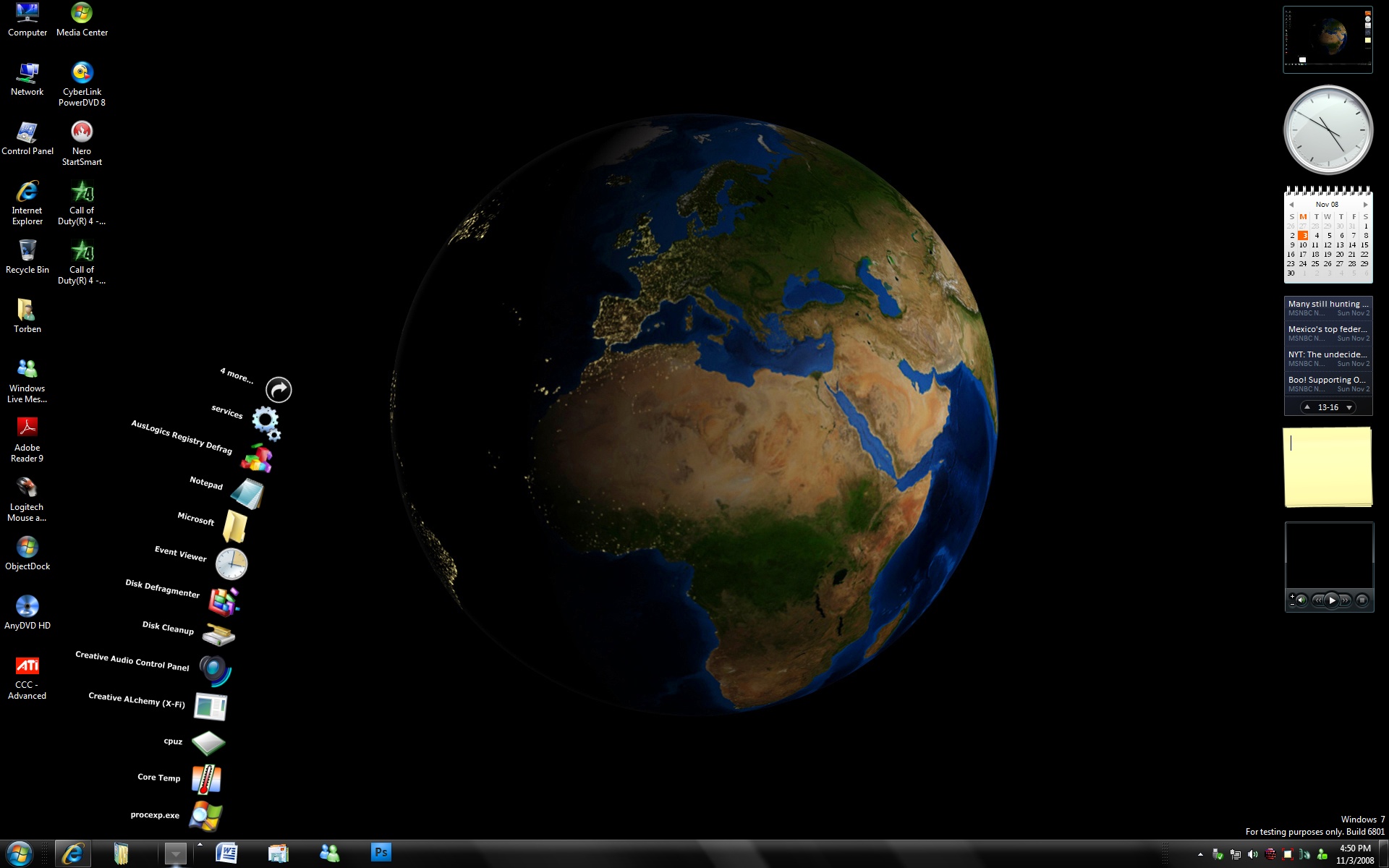
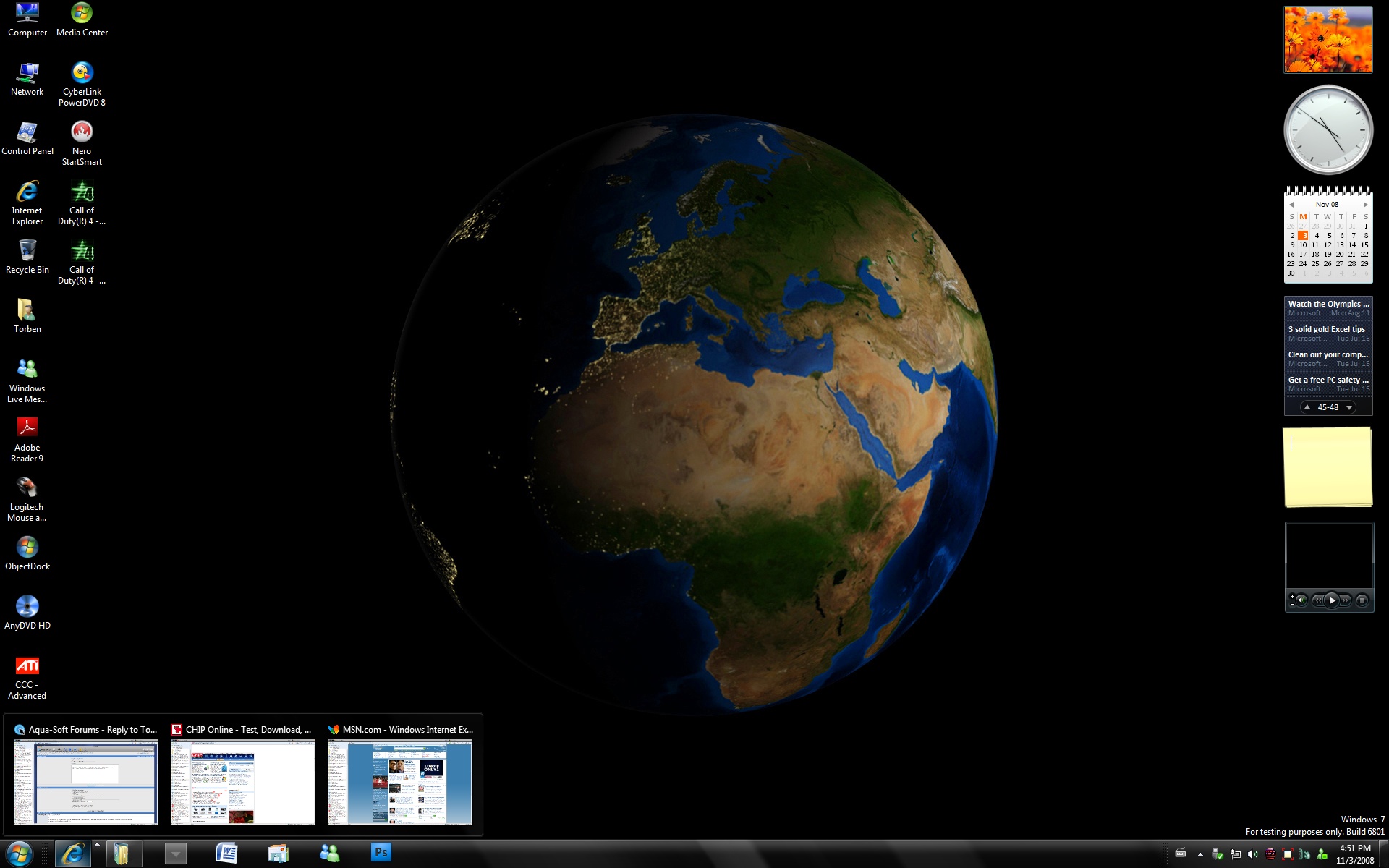
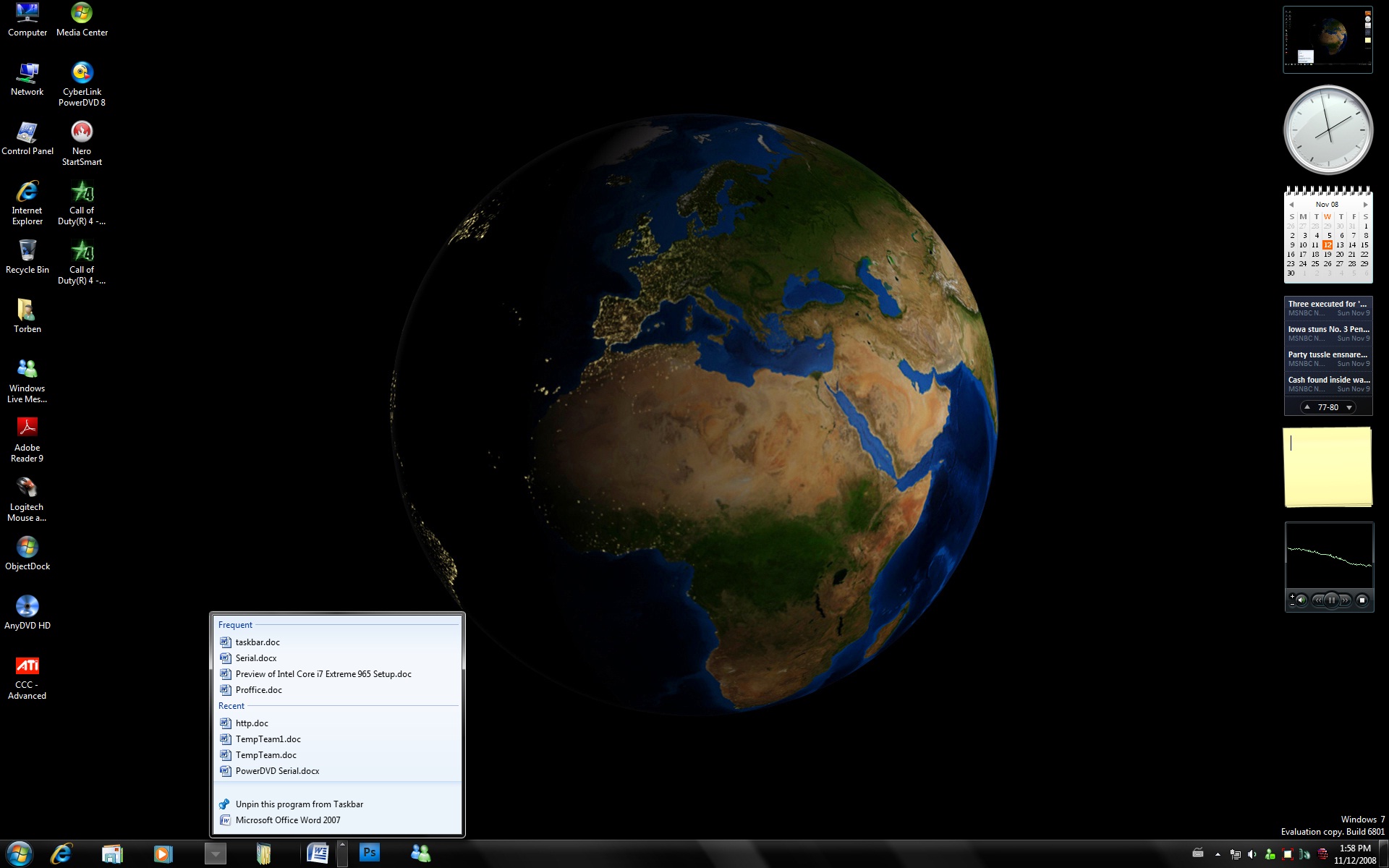
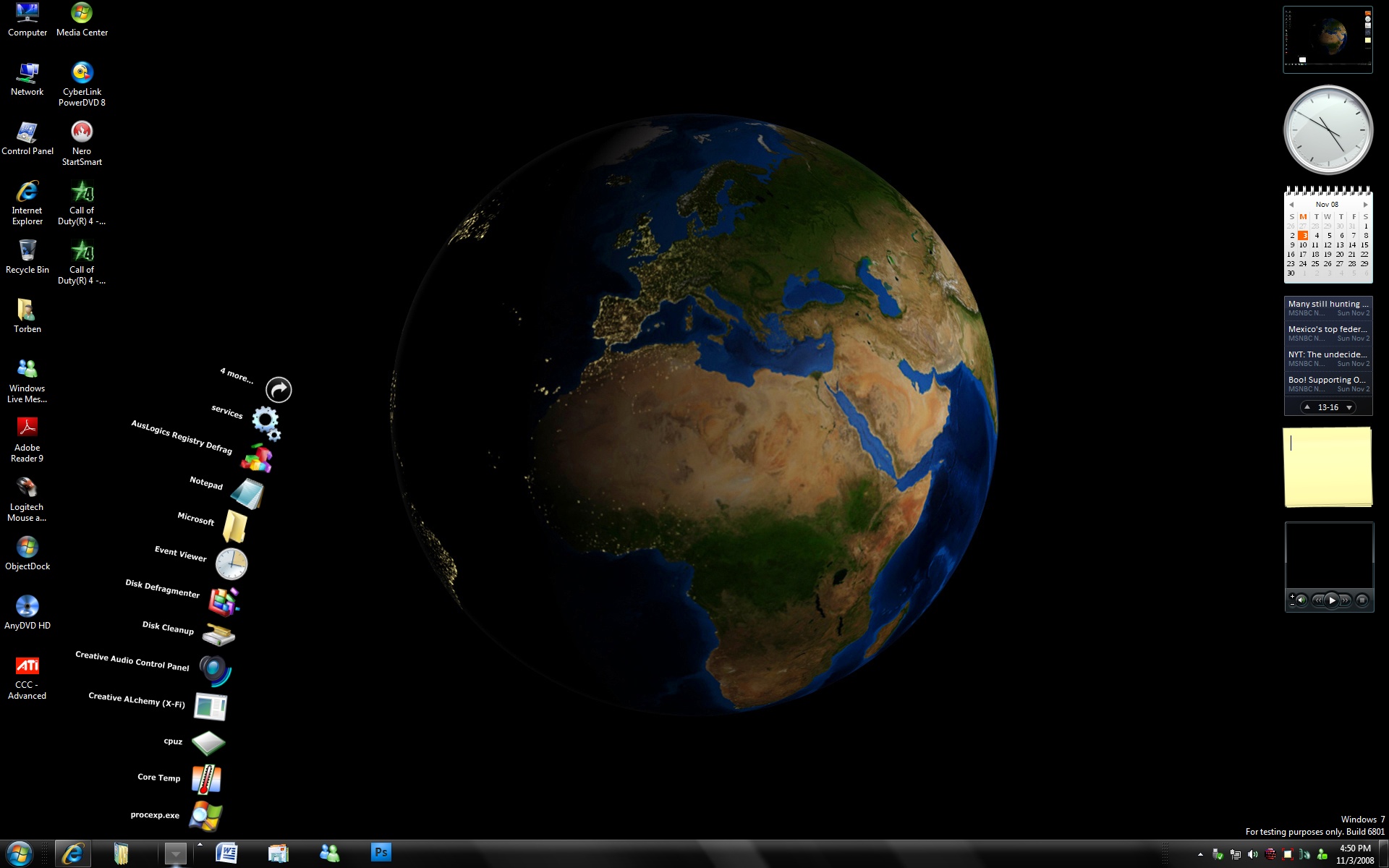
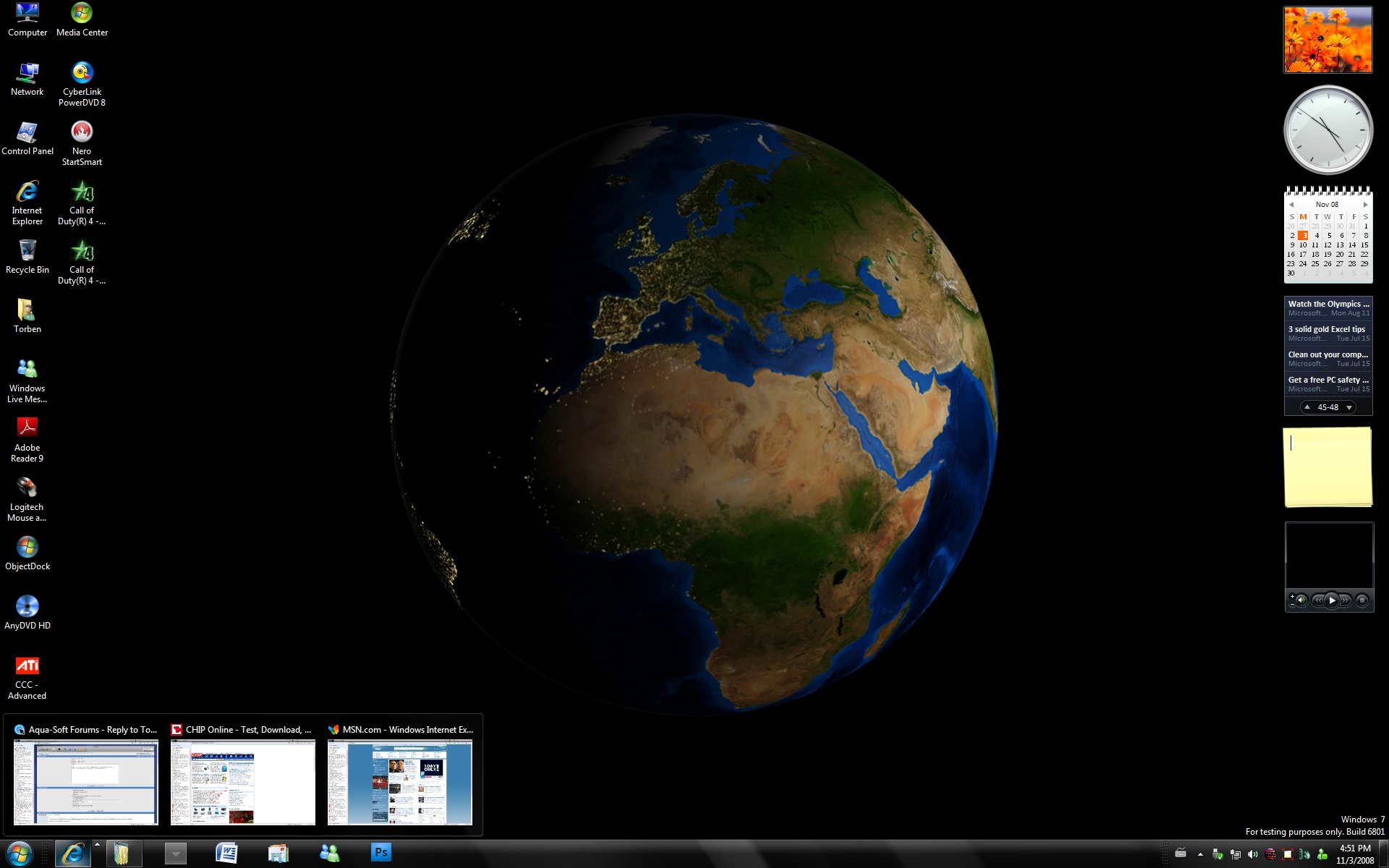

Hi allI just want to inform all of you, that the stack+standalonestack works perfect on Windows 7 64 bit.
The new taskbar is very good, perhaps my dock will not be in use anymore;)
can i ask where i can get windows 7?
Hi bennec83
here you can get it however, remember to scan the iso file. I got mine from a good friend from USA who visited Microsoft's PDC conference. http://thepiratebay.org/torrent/4476097 OR http://thepiratebay.org/torrent/4477744/Wi...ild_6801_(64bit)
To unlock the new Taskbar see: http://www.withinwindows.com/2008/11/02/fl...eme-workaround/
An illegal link to a win7 build?Well, I shall certainly not be downloading this.
Certainly.
It's a Beta Version. Not all torrents are illegal. Torrents were intended to share things between people, non illegal though.
As Schmrom says, Windows 7 version 6801 is a beta and not illegal to use/test.
I can only see Microsoft benefit from as many beta testers as possible, this will make the final version even better than it already is.