Stacks Docklet

@ Matonga : Blackbox is a shell replacement (originally for Linux, but ported to Windows). It is rather sleek and very stable.

The problem Caerah axplains is not related to the docklet as such, it is more a Rocketdock problem. When I load Blackbox, the dock or only its background disappears. This is caused by the way Rd places itself in relation with Windows' desktop. I think Blackbox covers the desktop with one of its own, thus hiding the dock partly or fully.

I hope My explanations make sense.

#502134

I dont know if someone already said that, but on Vista the docklet does not cope w/ the "smart" folders.

#502140

4) Change the dock icon to the open stack icon...

So now we´re in request mode....

#502170

@ChristianS

could you by chance make an app so that you can minimize windows to a stack? i have TaskStack installed just love it but i think that it would work better if it were possible to minimize to the stack docklet so that my dock doesnt get all cluttered with minimized windows. just a thought. thnx!

#502404

It's a great docklet, but it would be nice to be able to get attached drives to show in a docklet (I suppose I could just get something to mount new drives in a folder, but I don't know of such a thing :()

Also, I have no idea how hard it would be, but seeing as you're getting icons already, would it be possible to show thumbnails in the docklet itself, a la the os x stacks (Not saying real, because tbh this is more than an emulation)

#502415

I created an Applications folder in my user folder (C:UsersJDApplications) and placed shortcuts of all my applications in it. When i open up the stack and click on an icon i get:

http://img111.imageshack.us/img111/512/error1iy0.jpg

Any feedback would be appreciated.

Thanks,

JD

#502460

(see messages to everyone below Edit tag)

@purry:

Check your registry settings as detailed in previous posts.

Do you use some program to hide the shortcut's arrows?

Edit:

@everyone:

I added the arrow in grid mode (I mean, the black arrow in background's border, pointing to the stack icon).

Edit:

@everyone:

Added a shortcut_patch.reg to help anyone with problems with shortcuts. It may solve the problem (please note that if you actually can launch shortcuts from the stack, then you don't need the patch).

#502461

(see messages to everyone below Edit tag)

@purry:

Check your registry settings as detailed in previous posts.

I do, i use Vista Shortcut Manager.

#502465

I added the arrow in grid mode (I mean, the black arrow in background's border, pointing to the stack icon).

The best modification in weeks. Look much better now (if even possible).

#502467

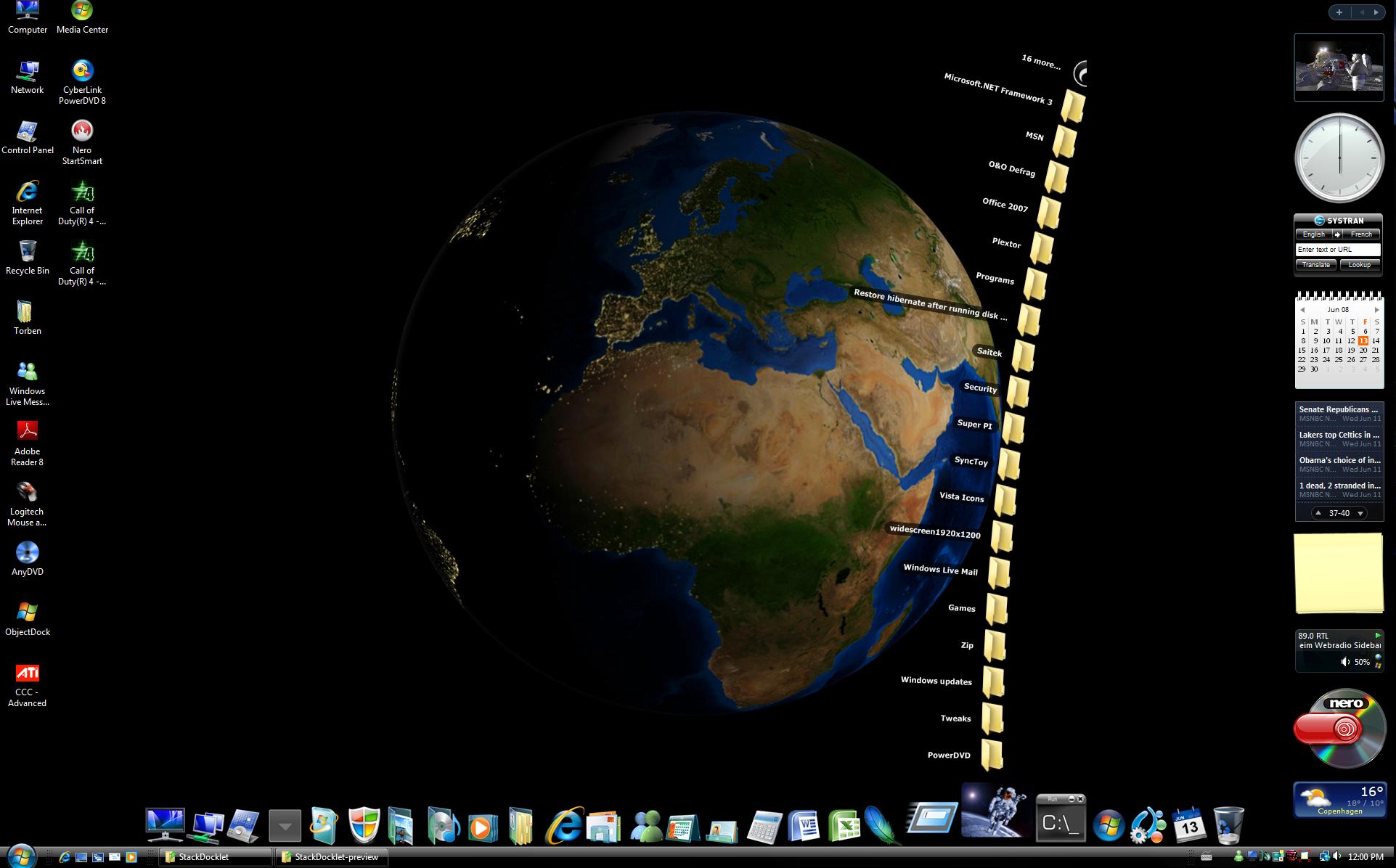
The stack still needs a little adjustment on a 24” display See stack-1.0.0.59.jpg (1920x1200) however I must say that I like the fan mode better in the old 1.0.0.28 version (smaller radius) stack-old radius.jpg and stack-new radius.jpg.

post-74392-1213351924_thumb.jpg

post-39-1213351924_thumb.jpg

post-39-1213351925_thumb.jpg

Stack-1.0.0.59.jpg
Stack-1.0.0.59.jpg
Stack-Old Radius.jpg
Stack-New Radius.jpg

#502470

Edit:

@everyone:

Added a shortcut_patch.reg to help anyone with problems with shortcuts. It may solve the problem (please note that if you actually can launch shortcuts from the stack, then you don't need the patch).

Tnx 4 that!

Forks fine and looks AWESOME!

What about sharing source code? ;)

upd:

Can you change the angle of slope depending on the location of dock-element?

For example: if menu locate in start of dock, a menu must be inclined to the left and vice versa :)

#502471

@matonga:

I see you mentioned in this latest update you fixed the problem with the grid going out of the screen edges.

I just tested that and it still goes out the left side of my screen.

#502474

Great...now the dock icon's text doesn't interfere with the stack docklet's icons. Thanks for the update.

#502479

Added an option to hide the 'Open folder' icon in fan /grid mode.

This doesn't hide the 'xxx more...' icon thing, it's been implemented minding those who use the stacks as app menus.

Edit:

Added a subtle shadow to fan items. Personally I don't like it, but Apple's stack puts a shadow on fan items, so I added it to Stack Docklet. The shadow is stored in DockletsStackDockletImagesShadow.png if someone has a better shadow or just wants to customize it.

#502487

Yummy, nice to see you're working on it

#502489

Hey,

I'm using StacksDocklet over RocketDock at work since.... this afternoon.

I have a strange issue : icons are not showing in stacks.

e30fda902c4d1b7c9134709e7aac9.gif

Some of the items are shortcuts, others are plain .EXE, but the result is the same. No icons. But the links are functionnal.

Moreover, I have another problem : TrayStack and TaskStack doesn't seem to work either... only showing up the "Open Folder" shortcut.

829b6d8eebcafb6999cc3d081eb09.gif

As far as I know, they're supposed to generate some stuff in "DockletsTask" and "DockletsTray" directories but they remain empty. :/

Any idea ?

Windows 2000 SP4

RocketDock 1.3.5 portable edition

StackDocklet.dll 1.0.0.43

gdiplus.dll 5.1.3102.1360

#502492

^^ I would try upgrading your OS! I dont think anyone else in this thread has windows 2000.

#502506

also, TrayStack and TaskStack are mods by Chris'n'soft, might have something to do with that maybe?

#502510

@ Matonga

dude thnx for the update. very cool fix's. i really like the hide open folder change, tho you cant see the icon the space is still there. i click on the blank area and the folder opens. is there a way to completely remove it? thnx!

-696

#502531

matonga, please tell me my problem, its on rocketdock.com and my user name is mav1094. the following URL is on what im talking about http://rocketdock.com/addons/docklets/1791

#502537

@CyberStrike

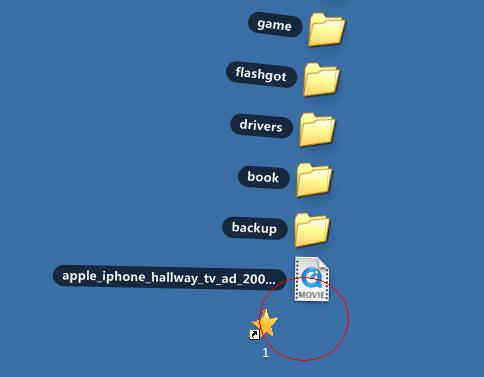
could you change standalonestack to the upward of center ,not the the right of center ?

post-70315-1213428493_thumb.jpg

1.JPG
1.JPG

#502545

Okay, well I have vista, and a partitoned HD, I made two folders on the second for programs and games (D:/Games and such). Well whenever I turn off my computer and turn it back on, it gets reset. Bot the icon and the path are deleted, but it still show the name if I hover over it.

Help?

#502712

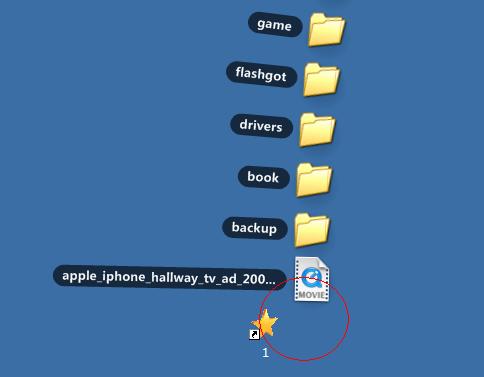
The little problem with tabbed docks is still there. Maybe an option for each docklet where you can input the y-offset value? :)

post-79703-1213568214_thumb.png

Untitled-1.png
Untitled-1.png

#502730

I really like it, but again a few feature requests:

- List mode

- Icon of the docklet consists of the icons inside the stack

- Icon changing when open

#502737

I love this docklet. I've been using it for so long I can't remember how I lived without it. It's so convenient.

Just one thing though, is there a way to resize the icons? my highest screen resolution is 1024x768 so it tends to get a little cramped. I'm comfortable with editing the .dll if I need to

#502752