Aqua-Soft Forums
thank you very mucherror: in your links
correct link http://hsiw.web.fc2.com/
I fixed it. 
>>ON TOPIC:D
thank you very mucherror: in your links
correct link http://hsiw.web.fc2.com/
I fixed it.
>>ON TOPIC:D
I think banning jano just because he's a bit thick is silly.
Jano, listen to what I say, and act on it, I beg of you:
You are acting very poorly, disregarding other's advice and opinions, and repeatedly saying something that has been proven false by multiple people, including myself.
If you want people to listen to you, you have to describe your problem, and not make assumptions about the cause, especially when others argue against you, including the app's creator.
My advice to you (and I really advise you to take it) is to shut up about your problem until next release, at least.
In the meantime, uninstall it using Revo Uninstaller, that will get EVERYTHING to do with it, reinstall it, and run as administrator and stuff.
EDIT: tl;dr version: shut it.
Guys, just ignore jano, it's really not big of a deal anymore... just don't pay any attention to it
and for the people who are actually asking for little suggestion, i'm guessing bobah, and matonga will think it's fine to post your suggestion, but don't act up, and say "HURRY UP!" or "Make it vista compatible"
problem is for the vista users who are having hard times... go use the search bar for this thread it won't hurt to click on it... it'll be less pain in the @$$ for bobah, and other users in here...
thanks
EDIT: I do have to agree with Jbar2000, it would be nice to edit my comp. and control pannel...
*if your having hard time doing that, just put it aside, and just keep doing what your doing! cause it's great!*
Well, I suppose this isn't a huge bug or anything, but when you get the next version done and perhaps are looking for things to add, please consider letting the user select the font and font size for the various options, ok? 
I know it isn't the time to ask for extra features; but for future reference or whatever: is to crazy to ask for an option to resize the panel, meaning the tray itself. Is there a way to do it already?
What do you all think?
My idea is because I use 70 for icon size, pretty big, and it tends to lose the illusion for the icons to be supported by the panel.
I can add option to resize the panel of the dock. But! It's not well because panel won't be correctly. Image will be strech and then you can see bugs of the skin  for exmaple that line which you can see before.
@ Lesa00 and Bobah:
Are you talking about function that ObjectDock have, to resize whole dock to smaller when many items is showing on the dock, so everything can be shown? That would be great.
I can add option to resize the panel of the dock. But! It's not well because panel won't be correctly. Image will be strech and then you can see bugs of the skin
That's a shame, I was just suggesting... the dock looks beautiful just the way it is. maybe make skins bigger?
@ Lesa00 and Bobah:Are you talking about function that ObjectDock have, to resize whole dock to smaller when many items is showing on the dock, so everything can be shown? That would be great.
Yes, the opposite exactly, but it's the same function. In objectdock the panel get's bigger proportionally to the size of the icons. I wouldn't mind having it, but it's not essential really, the dock is great as it is. Looking forward to the next release!
Okay. Now you can test new version 4.8.
BOBAH13 the apps. 4.8 works well, only when I choose start with windows comes this meldung
message error
This apps. now better for Windows Vista
Perfect
Thanks BOBAH13
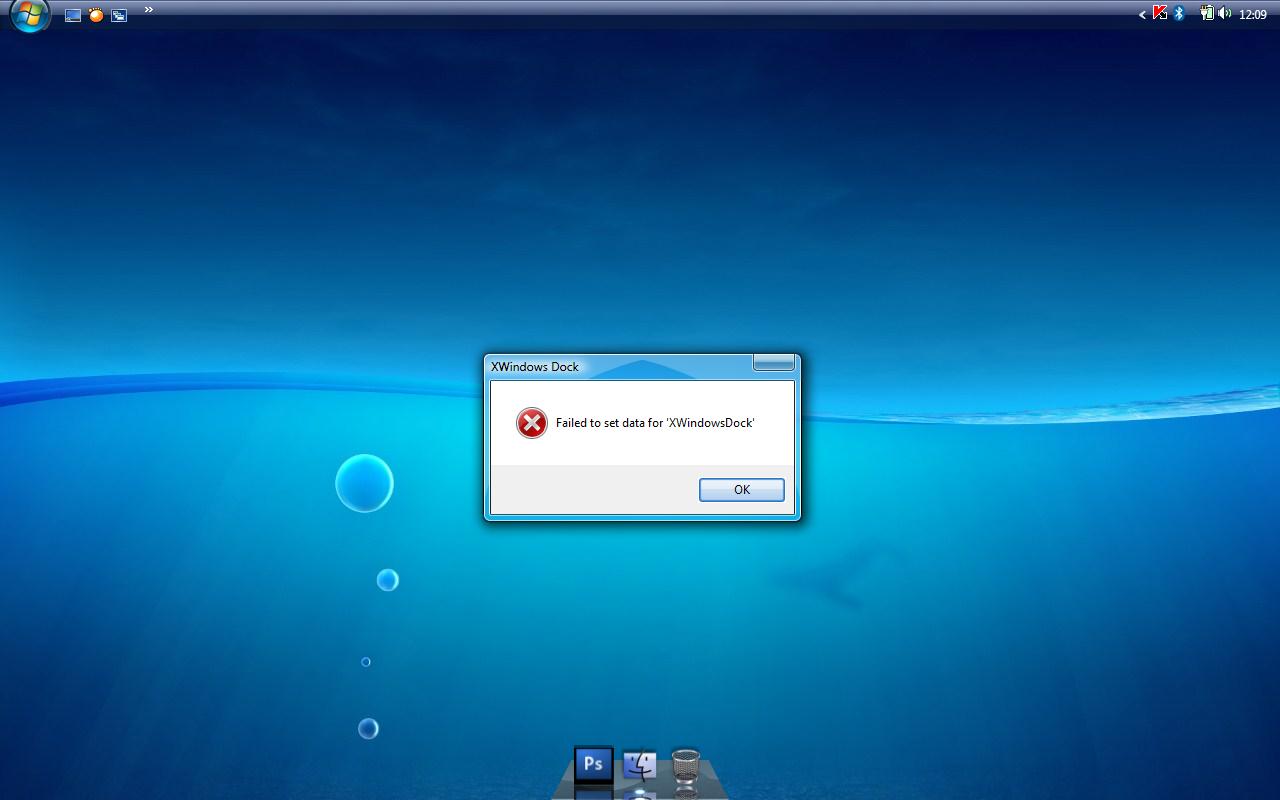

you can see this message because my dock trys to write to registry. So I think you should disable UAC as it was said before.
very nice apps.
Thanks for a great dock!
One issue I've had since the beginning is the Control panel icon on the dock - it doesn't launch Control panel when clicked. I have Vista.
I've got some problems...the 4.5 version works well, but 4.8 sucked!
I had the same problem as you, I removed everything and installed it over again, then it worked for me.
Hope it will work for you
I had the same problem as you, I removed everything and installed it over again, then it worked for me.Hope it will work for you
yeah, I did that too and it works now~~
Many thanks to BOBAH13 and your hard working !!!
Two words: absolutely astounding.
I know others have seen it smooth and all, but this release was kinder on my system!
I just have a small suggestion... Perhaps you could integrate something that would allow other programs to manipulate the dock? That would certainly add more functionality to the semi-pseudos Finderbar and Objectbar...
Thanks in advance for whatever reply
Oh dear.
I've lost all the things in my "file types", so now he stacks aren't as pretty 
What's supposed to be in there?
I have to say: Incredible! The change are good, specialy the grid. Thanks!
It wasn't compatible with my old dock items file, so I had to re-add everything. Otherwise, good job!
Edit: I have to point out something rather superficial and not important: The icons on the very left and very right side don't have tooltips that fade out.
Edit2: Also, icons' tooltips don't fade out like they should when you hover over one and move the mouse to a separator.
New video uploaded
XWindowsDock Ver. 4.8
Please Comment, and rate it!!, and possibly favorite it!!
thanks!
hello
I tried the new version did not let me keep my settings from the 4.5 version so I had to delete the folder and affiliated files so i have to start from scratch.
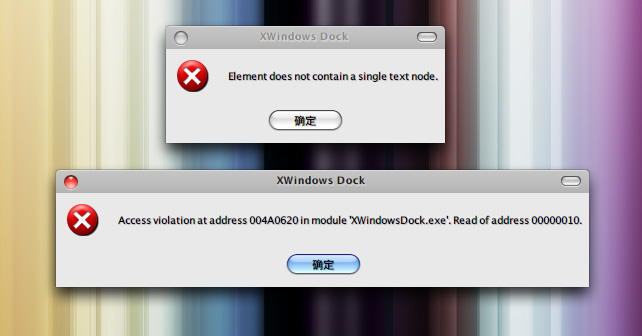
Got access violations errors FYI
Thanks for the new version -I don't if it slows down my computer-does anyone have that problem with the new version?
Hey,
found a Bug,
select a Docklet with the Left Mouse Button, move it bit around, hold down the left mouse button, now also click with the right mousebutton, now the selected Docklet dont go off the cursor
I hope my text is understandable =) ^^ if not i ll take some screenshots =)
@ manu
Your HUD skin was the problem that was my messing up my dock, the "out of memory" problem and it also messed up the menu of the dock.
I was thinking that maybe you named it the same as the default skin or something.
great work, thanks.
But must be made a clean install, otherwise u get errors.
Default minimisation looks much smooth now.
Great work,thx