XWindows Dock v5.2.3

People don't like others who act rude, so try to at least be more on listening than putting too many exclamation points. Prevent demands. Just state suggestions in a more... polite manner.

Be kind to the developers... They're people too, and ranting might make them want to stop working. How would you like it if someone brakes your heart?

If you want to know what it means bluntly, just ask.

?

#512004

In other words... Several of us dislike you and would rather have you gone unless you act more nice.

That's all I have to say... I wish to stop this possible flame war and continue praising BOBAH13, Matonga, and all the other developers out there who contributed to this wonderful dock:D

#512005

He means: Stop posting.

:D

EDIT: PROTIP: Check page numbers :)

#512006

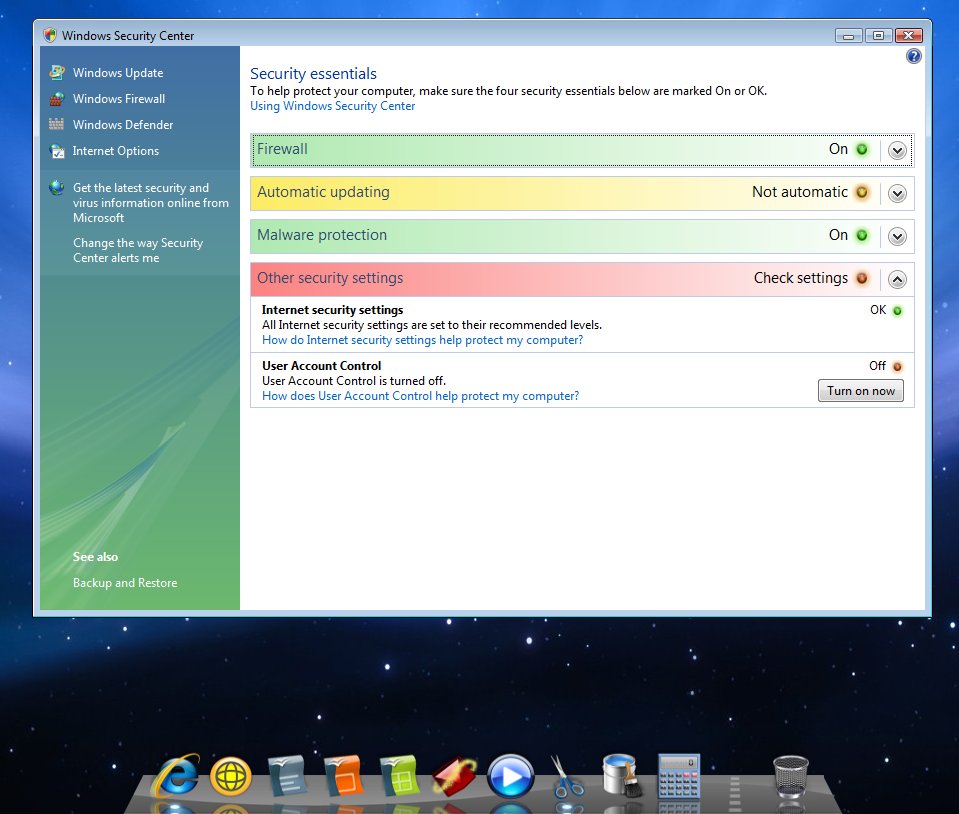
OBAH i hope ur program doesnt leave any marks in registry or elsewhere in system (pls tell me a way out as i see deleting the folder as the only option left )

i turned off UAC and it installed dock

but the problems started as soon as i turned it on again

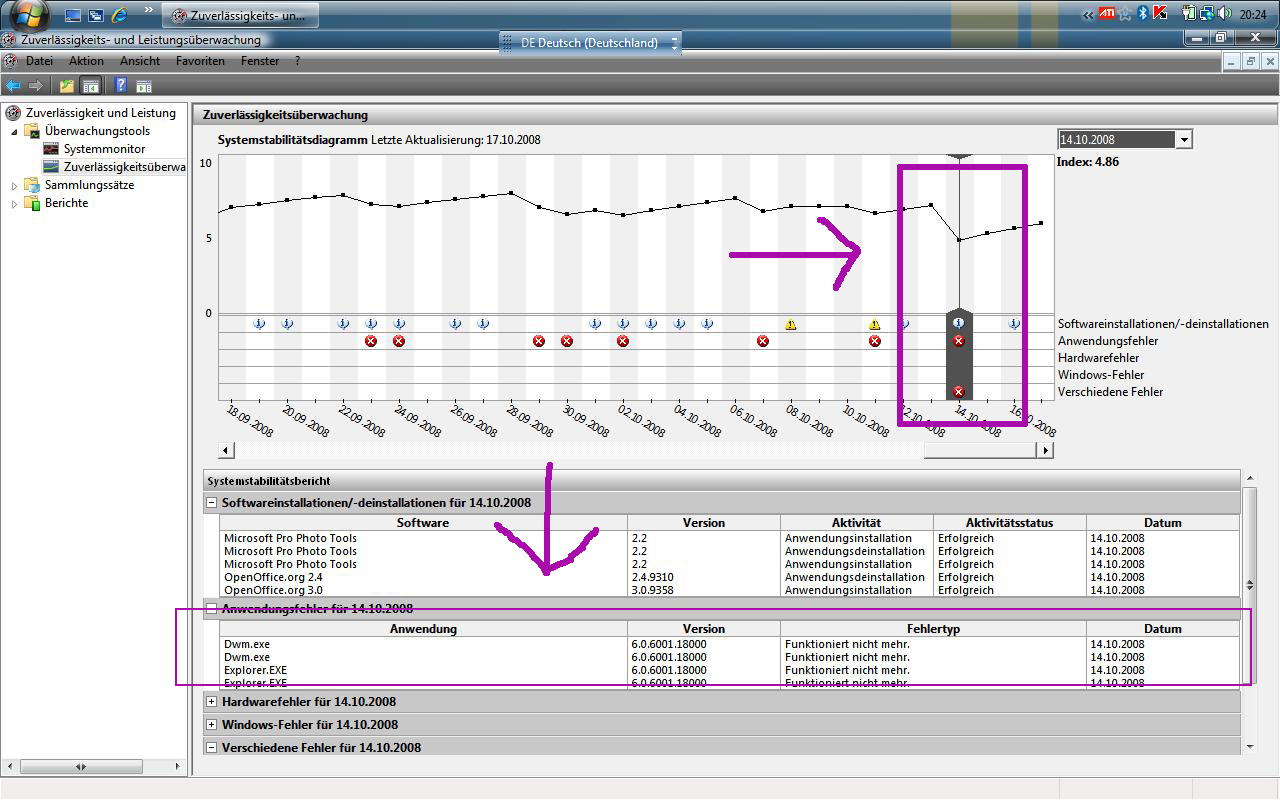
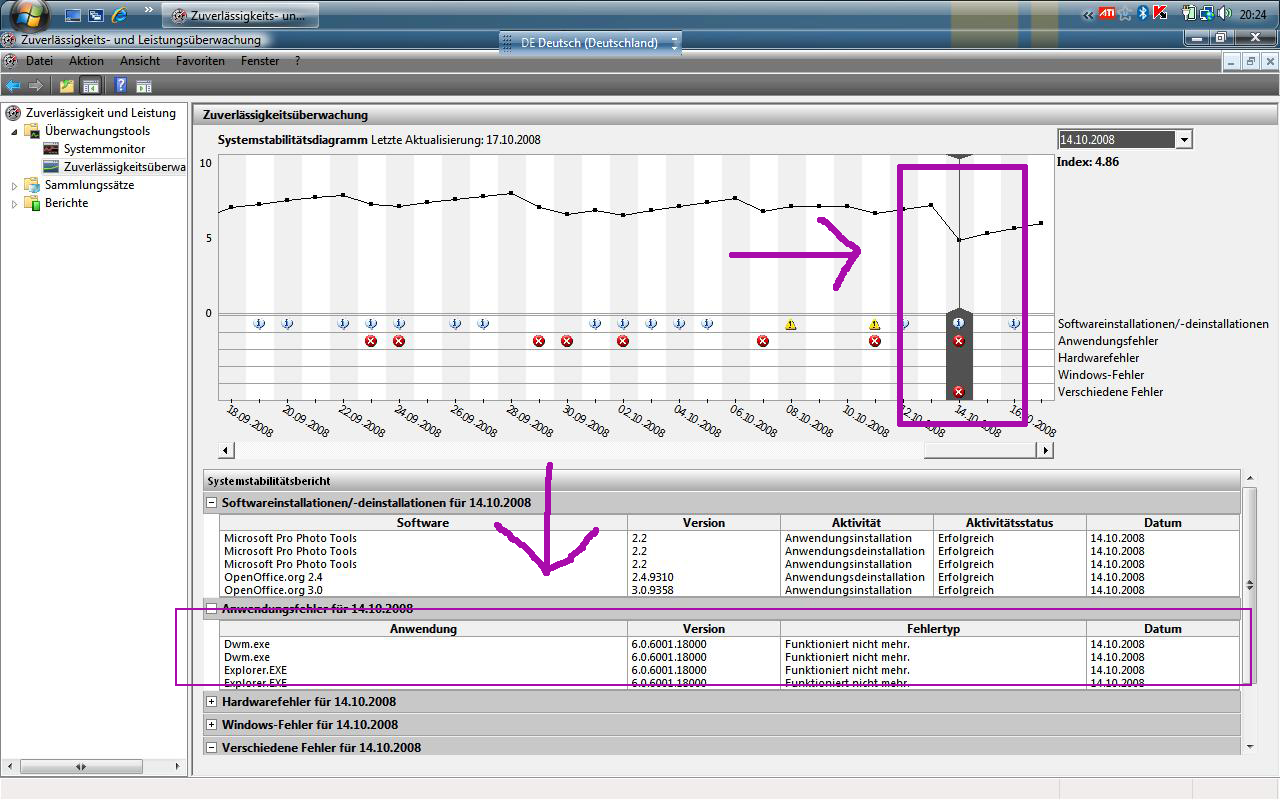
as 4 ur help to see the errors i am getting in screenshots

plz rectify in next issues of ur dock

thanx

great work anyways ( its pity i cudnt use it )

http://img233.imageshack.us/img233/3390/sc...wserror2rj4.jpg

http://img232.imageshack.us/img232/2082/sc...owserrorld4.jpg

screenxwindowserrorld4.th.jpg

screenxwindowserror2rj4.th.jpg

#512010

this work not with Windows vista !!!!!!!!!!

Compatible problem

many people say that this XwindowsDock work with Vista but this is lie "BIG LIE"

die wollen nur alle verarschen !!!!!

#512011

I can assure you, it is not a lie, and I would kindly ask you to shut the **** up.

This is a problem with your PC, and if you treat it as such, maybe someone can help, as opposed to you deciding the developer must change his software to work on your machine, of which you have given him no details, except "windwos vistuh hurrr"

#512012

Dieses ist ein Englisch sprechendes Forum, gefallen so sprechen Englisch, nicht deutsch... Du blode kuh!

And I think I speak, for at least a couple of us when I say just ban this stupid kiddo once and for all!

My apologies for flooding. Is just that he's gettin' on my nerves...

#512013

I can assure you, it is not a lie, and I would kindly ask you to shut the **** up.

This is a problem with your PC, and if you treat it as such, maybe someone can help, as opposed to you deciding the developer must change his software to work on your machine, of which you have given him no details, except "windwos vistuh hurrr"

i know your OS is XP

my is .......

post-89147-1224351880_thumb.png

Unbenannt.png
Unbenannt.png

#512014

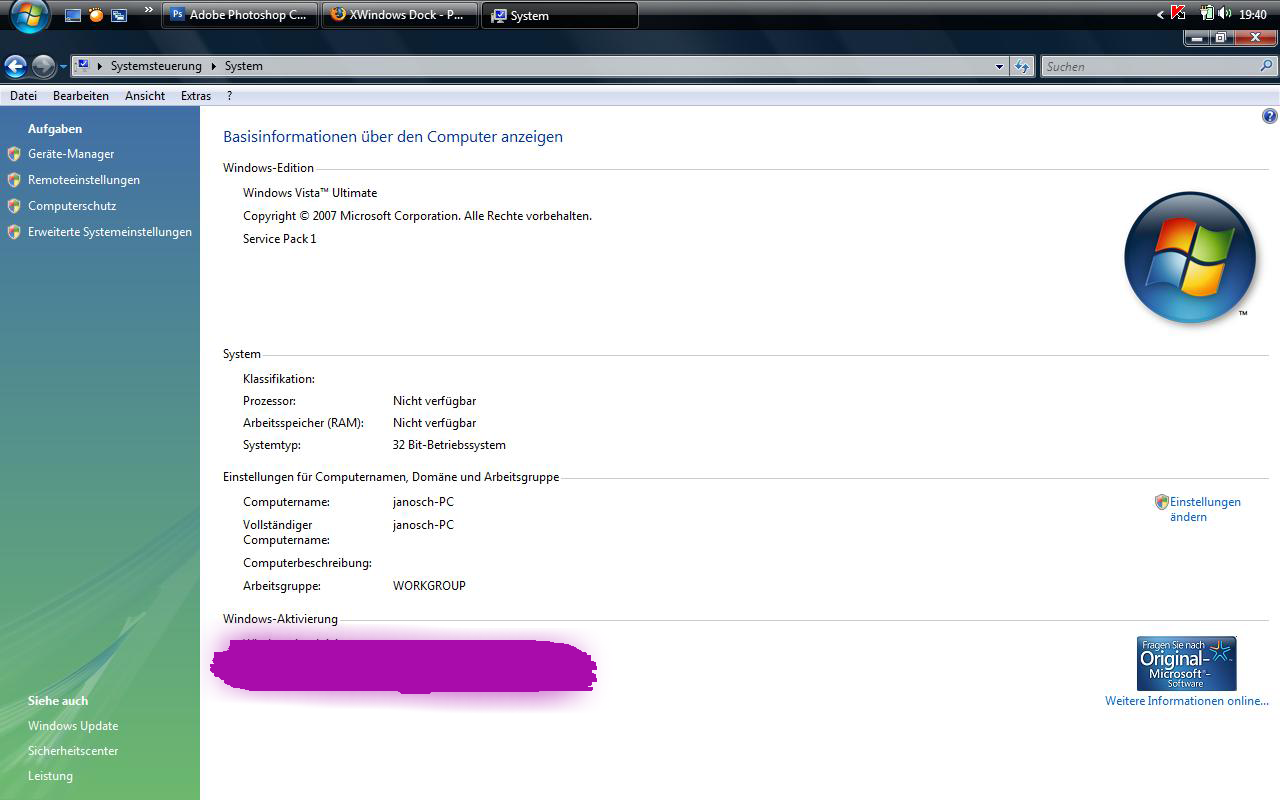
My OS is Vista Home Premium, wanna see the frigging install disk?

#512015

My OS is Vista Home Premium, wanna see the frigging install disk?

this is RocketDock not XwindoesDock

http://janosch500.deviantart.com/

post-89147-1224352192_thumb.jpg

Unbenannt1.jpg
Unbenannt1.jpg

#512017

Please men... stop fluding. Who does not like my dock please doesn't use it. And I'm tired to talk about this question ( about Vista ). I don't tell anybody to use my dock! as I said anybody didn't help me with money and how can you tell me what I must do ? I think you can't. So when I'll publish version 4.8 then you can download it and tell me what is wrong with dock on Vista and XP.

#512018

Guys. This is disgraceful. Shut the **** up, and get back to the original point of the thread. If you've got a problem, too bad. Bobah is still working on it, and he's not in a position to help you solve your problems at the moment. Think of it as a beta.

Seriously. Stop being stupid.

#512019

tryin to help u

#512020

Such a wonderful dock. It is sad to see people like janosch500 still believing that it's a conspiracy. Can we get someone to ban him for being an idiot?

#512023

Such a wonderful dock. It is sad to see people like janosch500 still believing that it's a conspiracy. Can we get someone to ban him for being an idiot?

is a wonderful dock this is true

but BETA

i wait for Final version with Vista compatible

a like this dock, look very nice and perfect copy from apple .

but I am not attacking the developer but the User's here

GREAT WORK from BOBAH13

#512026

It's xwindowsdock, I can assure you.

It's a modded version of the "integrated dock" skin.

Running on vista.

Start acting like it's a problem with your machine, and perhaps someone can help you.

#512027

I know some people are having problems running XWindows Dock on Vista but its very easy to solve this problem. I'm running it with no problem. Just do this:

1. Disable UAC and never turn it on again.

2. Delete XWindows Dock folder from Program Files.

3. Install a fresh copy of XWindows Dock.

4. Make a shortcut of "XWindowsDock.exe".

There, that's all there is to it.

post-48556-1224354937_thumb.png

Desktop.PNG
Desktop.PNG

#512028

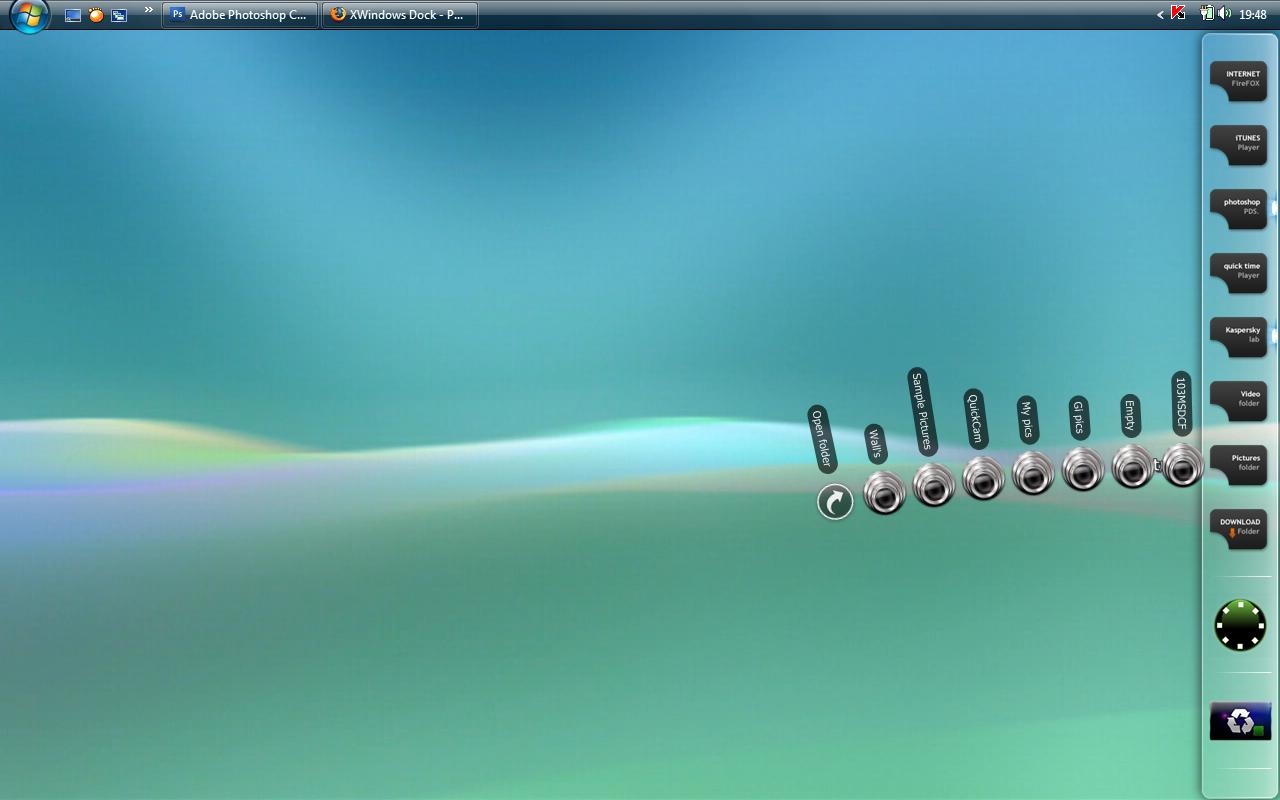
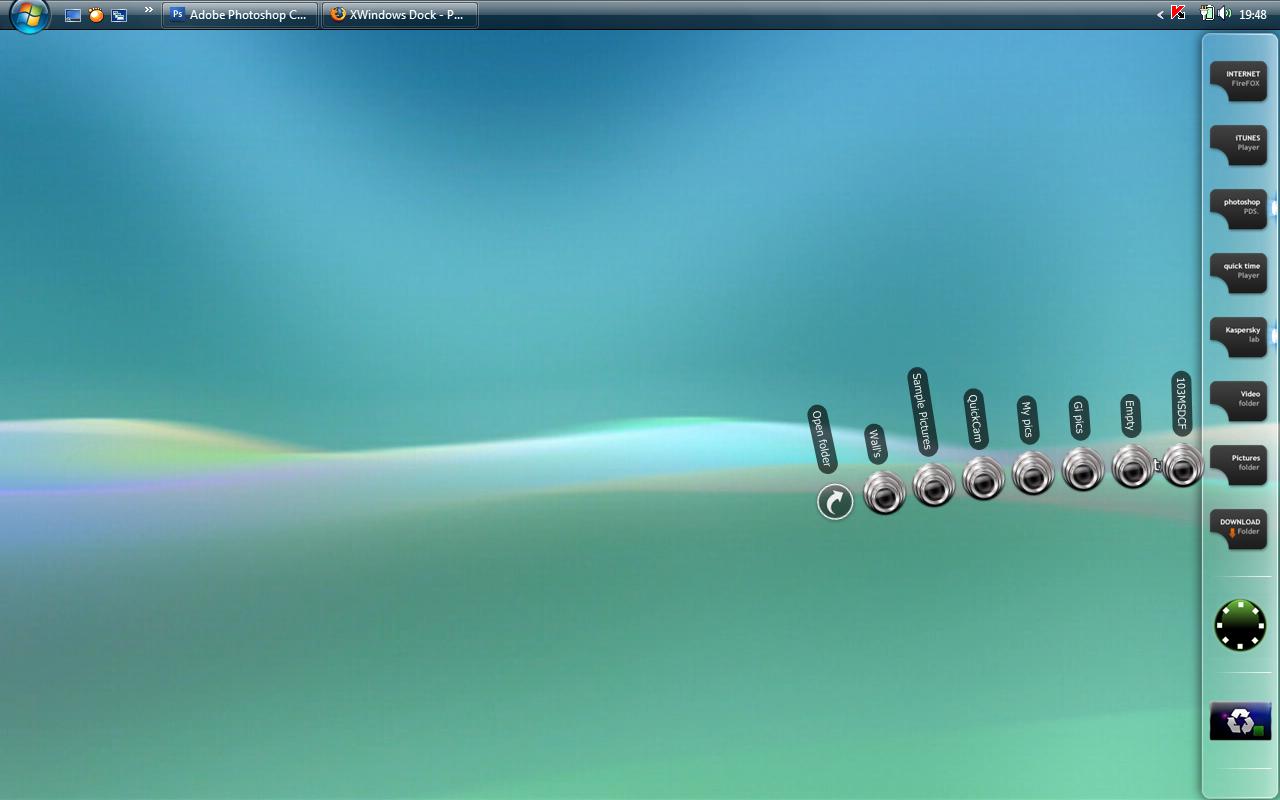
look my grafik Windows vista to

i hope you understand what i mean with the Grafik

post-89147-1224355276_thumb.png

23.png
23.png

#512029

http://i3.photobucket.com/albums/y93/Joshy...wsdockRULES.png

I have Vista Ultimate, and it works like a dream. It vibrates once in a while, but other than that, I have no problems.

Great job BOBAH. :D

#512030

look my grafik Windows vista to

i hope you understand what i mean with the Grafik

Can you please stop posting useless posts? Hopefully a moderator can ban you and take your IP as well. This is childish.

#512032

http://i3.photobucket.com/albums/y93/Joshy...wsdockRULES.png

I have Vista Ultimate, and it works like a dream. It vibrates once in a while, but other than that, I have no problems.

Great job BOBAH. :D

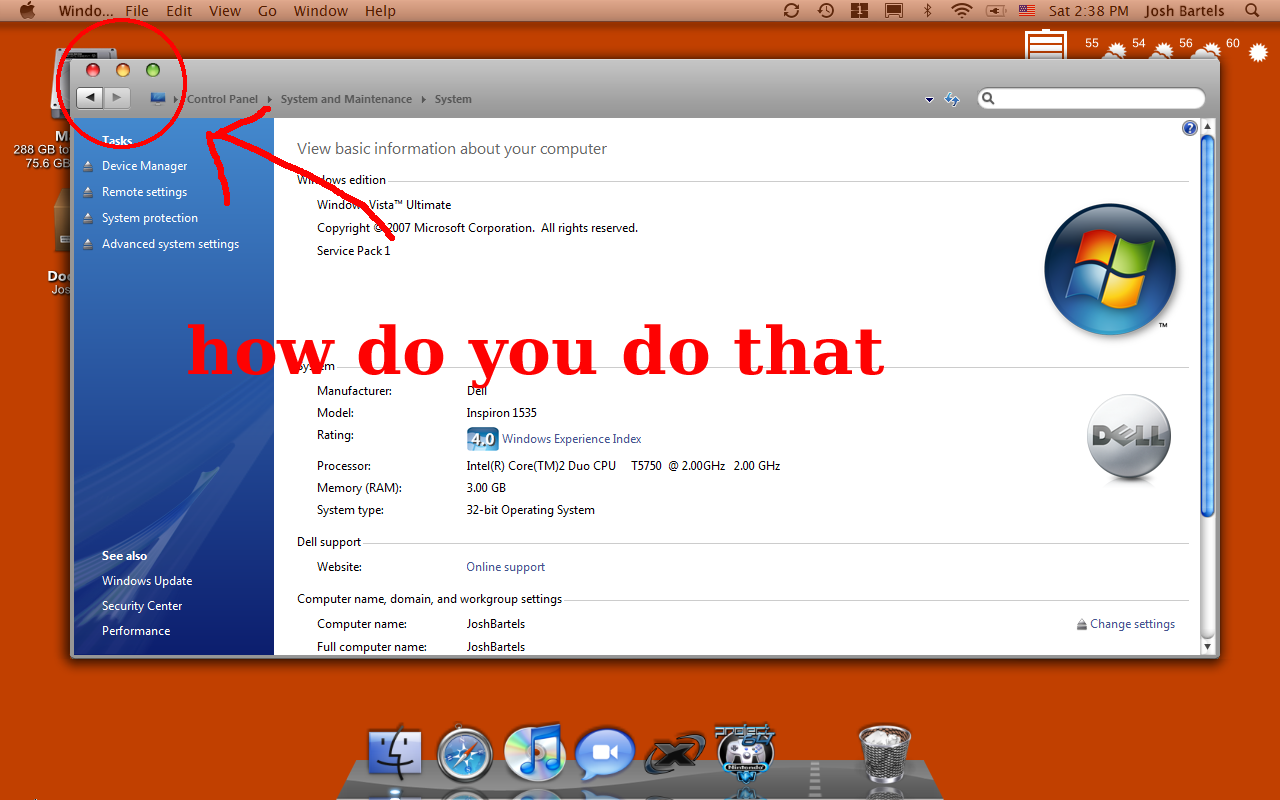
"how do you do that"

post-89147-1224356354_thumb.png

xwindowsdockRULES.png

#512034

"how do you do that"

Probably windowblinds

Edit: or not, see below

#512036

"how do you do that"

You mean having the Close/Max/Minimize on the left, right? Because I use a program called Leftsider, which moves them to that side on Vista. Here's a link:

http://hsiw.web.fc2.com/

#512037

jano shut the **** up, you are annoying as hell. Do not post in here anymore.

#512040

You mean having the Close/Max/Minimize on the left, right? Because I use a program called Leftsider, which moves them to that side on Vista. Here's a link:

32 bit: http://hsiw.web.fc2.com/leftsider103.zip

64 bit: http://hsiw.web.fc2.com/leftsider64_102.zip

thank you very much

error: in your links

correct link http://hsiw.web.fc2.com/

#512042