Aqua-Soft Forums
this work not with windows vista XWindows Dock 4.5
please you have the version for vista 32 bit thanks
this work not with windows vista XWindows Dock 4.5
please you have the version for vista 32 bit thanks
this work not with windows vista XWindows Dock 4.5please you have the version for vista 32 bit thanks
I have Windows Vista Sp1 32 bit and work 
where is uninstall program from the XwindowsDock
yes
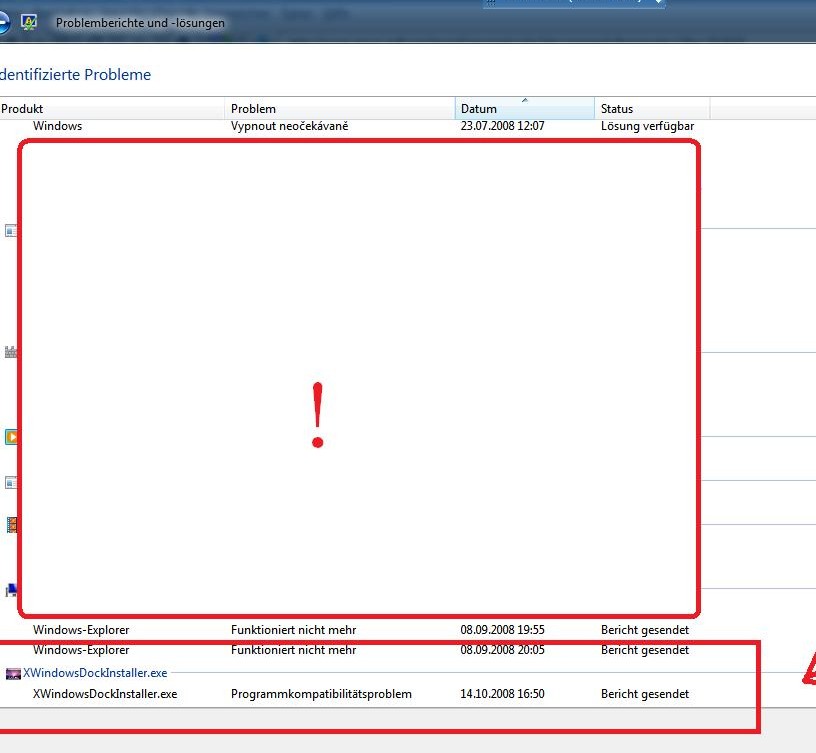
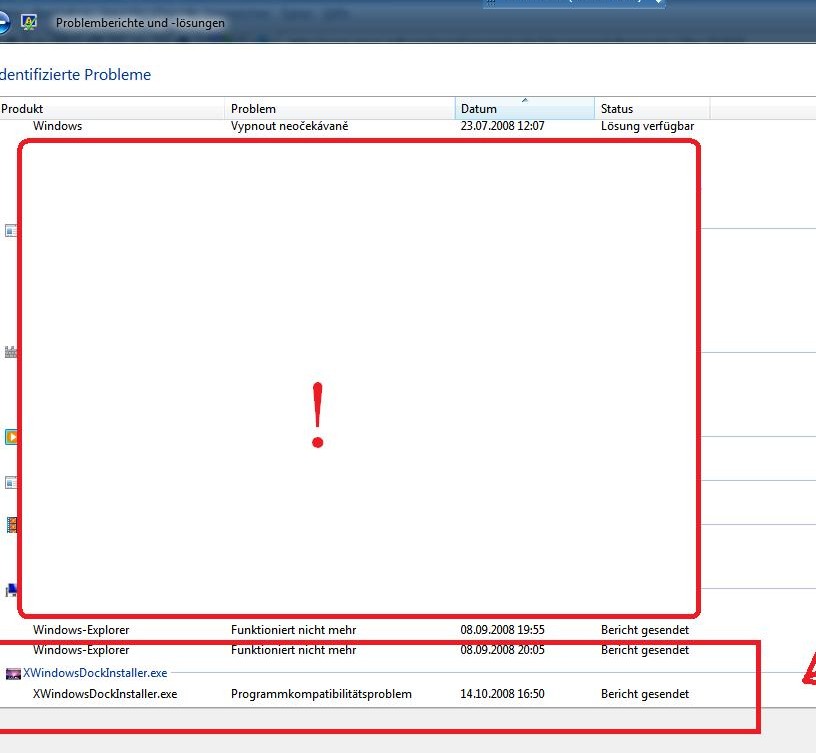
look, i tell you i have Windows vista ultimate 32 bit. and this works not for me . i have this Program installed and already a message come that Compatibility Agrees with this program not. it
missing in the folder a uninstall Program what of course bad and i must that from the System deleted
Those without the software to uninstall !!!
look, i tell you i have Windows vista ultimate 32 bit. and this works not for me . i have this Program installed and already a message come that Compatibility Agrees with this program not. itmissing in the folder a uninstall Program what of course bad and i must that from the System deleted
Those without the software to uninstall !!!
The installer is no real installer, it is just extracting files to a directory. So simply delete the directory.
Good job, vovan. Version 4.5 very usable :thumbsup:
The installer is no real installer, it is just extracting files to a directory. So simply delete the directory.
es ist vielleicht leichter das Programm direkt zu löschen das stimmt aber für den system is es nicht gut !!
2tens. bei der Anwendung hat dieses XwindowsDock namen von der Folder nicht angezeigt !!
3tens. ich könnte die Datein nicht per Drap&Drop hin und her schieben !!
4tens. ich wollte XwindowsDock beim start des Windows als start Programm festlegen Kamm aber eine Fehler Meldung !!!
5tens. nach Installation desses XwindowsDock war mein Computer immer noch busy und hörte nicht auf, nach 25 min. hatte mein System mit der Hand runtergefahren was natürlich schlecht ist !!!
so die Fehler
danke
EN.
It is perhaps easier for the program directly to delete this is true but for the system is not good!
2nd. in the application of this XwindowsDock name of the folder does not appear!
3rd. I could not file by Drap & drop slide back and forth!
so accurate
thank you
YES it works with Vista, Sp1 or not... so stop bragging about it and disable UAC.
If you where kind enough to read the entire thread you'll know this.
This is not shareware; it's not commercial software so stop demanding assistance, and start asking for it.
And please, please watch the ways you express yourself, after all that stupidity, the author may not continue with the development of this fine software...
The most noticeable part of the window reflection, for me, is the wallpaper reflection, which I think would be far easier to program, far lighter on resources, and look almost as good!
(I don't know how one would find the current wallpaper, so perhaps a simple workaround would be an option to point to the wallpaper file? A bit hackish, but who cares, eh?  )
)
It is perhaps easier for the program directly to delete this is true but for the system is not good!
2nd. in the application of this XwindowsDock name of the folder does not appear!
3rd. I could not file by Drap & drop slide back and forth!
4th. I wanted XwindowsDock start when Windows start of the program set comb but an error message!
5th. after its installation XwindowsDock my computer was still busy and not heard, after 25 min. had my system with the hand driven down which of course is bad!
so the errors
thank you
YES it works with Vista, Sp1 or not... so stop bragging about it and disable UAC.If you where kind enough to read the entire thread you'll know this.
This is not shareware; it's not commercial software so stop demanding assistance.
And please, please watch the ways you express yourself, after all that stupidity, the author may not continue with the development of this fine software...
no, is with Windows Vista not compatible !!!
sorry did not know, thankshave changed all the screenshots
could i have that wall that was in ur screenshot that got taken away. And yes i am allowed to have it
It is perhaps easier for the program directly to delete this is true but for the system is not good!2nd. in the application of this XwindowsDock name of the folder does not appear!
3rd. I could not file by Drap & drop slide back and forth!
4th. I wanted XwindowsDock start when Windows start of the program set comb but an error message!
5th. after its installation XwindowsDock my computer was still busy and not heard, after 25 min. had my system with the hand driven down which of course is bad!
so the errors
thank you
1st: There is nothing written into the registry, so it is no problem if you delete it directly.
2nd: sorry?
3rd: sorry?
4th: which?
5th: why do you think it is because of the dock?
Edit: Can you see the small button under you post? It says "Edit" try to use it next time.
Edit2: Maybe we should try to keep this thread in a professional way. BOBAH13 is doing good work and he is doing it for free.
i agree with u on that one
Edit2: Maybe we should try to keep this thread in a professional way. BOBAH13 is doing good work and he is doing it for free.
Amen to that!
Unfortunately, human stupidity dictates that people will continue to ask dumb questions and spam up the thread.
1st: There is nothing written into the registry, so it is no problem if you delete it directly.2nd: sorry?
3rd: sorry?
4th: which?
5th: why do you think it is because of the dock?
Edit: Can you see the small button under you post? It says "Edit" try to use it next time.
Edit2: Maybe we should try to keep this thread in a professional way. BOBAH13 is doing good work and he is doing it for free.
i don't know what kind of Windows system you have, but my computer says this is not compatible with windows vista !!
I ran this program as administrator, and nonetheless I had mistakes. Does somebody know what I am talking about?
i don't know what kind of Windows system you have, but my computer says this is not compatible with windows vista !!I ran this program as administrator, and nonetheless I had mistakes. Does somebody know what I am talking about?
I am using Windows Vista Ultimate 32bits, Aero enabled. So let's try to solve your problem.
Which Vista version do you have and is it 32bits or 64bits?
Open Control Panel > Administrative Tools > Event Viewer. In Event Viever choose Windows Logs > Application on the left side. Search for XWindows Dock and post the events which were thrown.
Edit: Is UAC enabled or not?
Okay. I think you have some problems, becuase: 1. you have vista 2. I think I did mistake in winh.dll.
What about uninstaller... so can't you delete folder where installed dock ? I'm trying to fix problems and add some functions. If you don't like this dock why you try to run it. And please if you have mistakes with it, publish what kind of mistakes, because I can't know what kind of them.
Не пойму я вас зачем вы мне пихаите название операционки, когда я прошу описать ошибки...