 Aqua-Soft Forums
i have Windows Vista ultimate 32 bit. with SP1
XWindows Dock v5.2.3
Bobah keep up the good work and just ignore all the little whiney kids on here demanding stuff.
and did someone seriously ask for an uninstaller to be made?
...Just delete the folder dumbass, we would like for bobah to spend time focusing on actually improving the dock.
Errors of the dock
First: Perhaps it is true that it is easier for the program to delete this right away, but for the system it is not good!
Second: In the application of this XwindowsDock the name of the folder does not appear!
Third: I could not file by Drap & drop slide back and forth!
Fourth, I wanted to attach XwindowsDock to the start program of Windows but an error message!
Fifth: After its installation XwindowsDock my computer was still busy did not stop, after 25 min. had my system with the hand driven down which of course is bad!
6th. An installation program is missing!
Seventh: to the program to start, I had to go straight to the hardware ©, where again an error occurred when I ran the XwindowsDock.
thank you
THIS IS NOT WINDOWS VISTA COMPATIBLE !!
Errors of the dockFirst: Perhaps it is true that it is easier for the program to delete this right away, but for the system it is not good!
Second: In the application of this XwindowsDock the name of the folder does not appear!
Third: I could not file by Drap & drop slide back and forth!
Fourth, I wanted to attach XwindowsDock to the start program of Windows but an error message!
Fifth: After its installation XwindowsDock my computer was still busy did not stop, after 25 min. had my system with the hand driven down which of course is bad!
6th. An installation program is missing!
Seventh: to the program to start, I had to go straight to the hardware ©, where again an error occurred when I ran the XwindowsDock.
thank you
i have two tips buddy...
1) you can reformat your PC, so there is absoulutley nothing in there... then install it, and make shortcut on your desktop and keep launching them, then you will see the icon on the start button
2) Switch to XP, it's wayy better than Vista, i'm not trying to dissapoint you, but it is the truth, it's more stable, and more efficient, and probably most outstanding windows OS made so far...
then your problems are done..
i have two tips buddy...1) you can reformat your PC, so there is absoulutley nothing in there... then install it, and make shortcut on your desktop and keep launching them, then you will see the icon on the start button
I no have the shortcut on the desktop, there is nothing
It's quite compatible with Vista, I assure you.
Siik, on hardware from the last 3 years, vista is so much better than XP it makes you fanboys look hilarious 

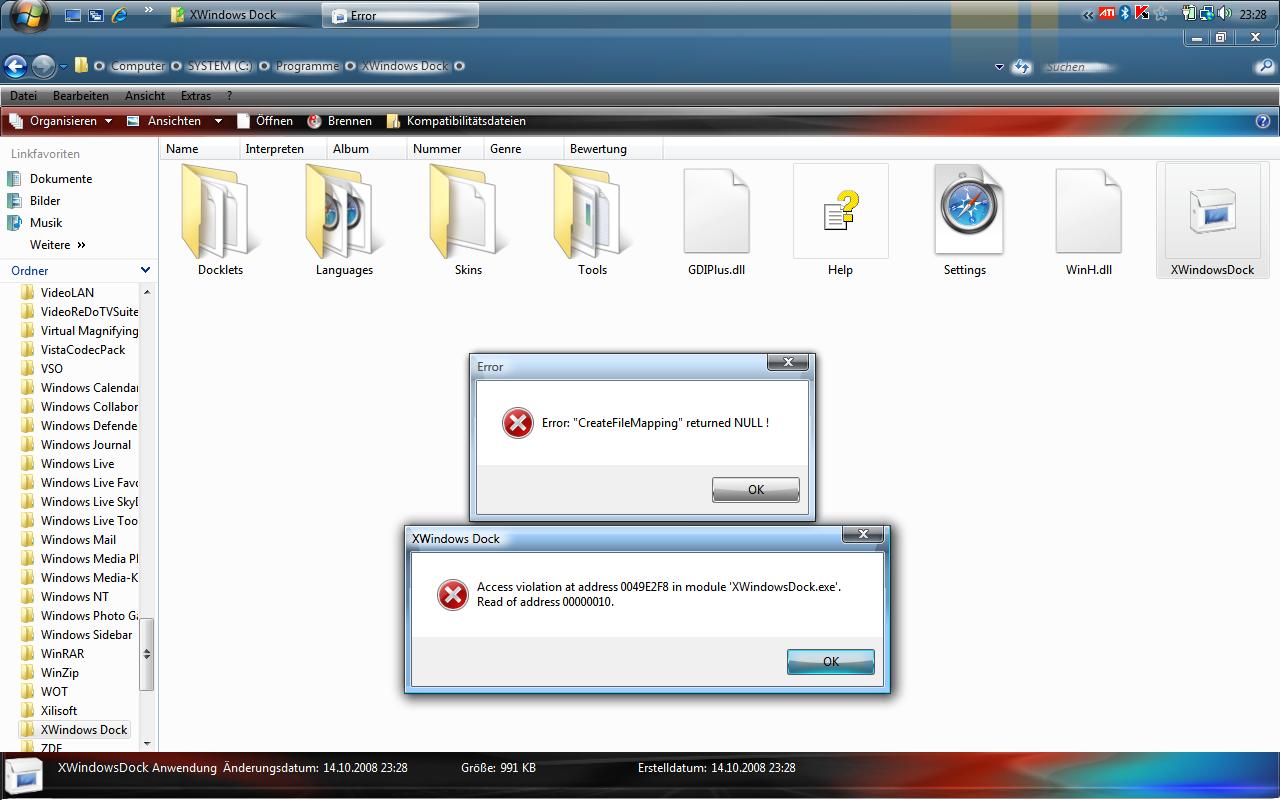


The program was running fine until I upgraded to 4.5, but now I get exactly the same error messages as janosch500.
And after I close those error boxes I can't drag the dock icons around to rearrange them.
Oh well, back to Object Dock Plus I go for now...
Just tried uninstalling the program and reinstalling it.
Once I had reinstalled it and clicked the "run program" button at the end of the installation it made almost every single process I was running crash, which then caused my laptop to reboot because all the essential windows processes were being killed as well...
Which was fun.
In conclusion your program does not work under Vista SP1 from my experience.
Edit:
And i'm still getting exactly the same error messages that I had before when I try and run the program.
I am running under vista SP1 and it works great, there are no problems with the dock the problem is on your guys end, probably a combination of things one being user account control.
I am running under vista SP1 and it works great, there are no problems with the dock the problem is on your guys end, probably a combination of things one being user account control.
nooooo, your Computer is not Windows Vista but Windows XP or lower !!!!
I have Vista 100%
nooooo, your Computer is not Windows Vista but Windows XP or lower !!!!I have Vista 100%
you perhaps using a theme modified together with uxtheme.dll patched or you have some program in memory that bumps with xwindowsdock. However it is a problem that you have only you.
nooooo, your Computer is not Windows Vista but Windows XP or lower !!!!I have Vista 100%
Yea your probably right, I really have a hard time telling the difference between XP and Vista, damn that sucks I have had xp this whole time and I didn't know it. Seriously are you retarded?
Yea your probably right, I really have a hard time telling the difference between XP and Vista, damn that sucks I have had xp this whole time and I didn't know it. Seriously are you retarded?
I'm sorry i just had to comment on this, come on now, the guy isn't retarded... lol  he's just mentally challenged... alright so If i test out, Windows Vista Sp1 on friday, and show you that it does work, will you just be quiet..?
-SiiK
Why wait till friday? It's obvious: in some configurations works, in some doesn't, but if some people (like me) use this dock in Vista, it's pretty obvious also that it does work.
I can't believe we're still talking about this!
Vladimir just told that he probably made some mistake in a .dll and that he's trying to fix it... so just wait, or stick with the dock that work's on your system, or why not, play with it till you solve it and please post the solution for the ones having the incompatibility issues... but please, please stop going around in circles, filling space and spamming this thread with inusable posts...
Why wait till friday? It's obvious: in some configurations works, in some doesn't, but if some people (like me) use this dock in Vista, it's pretty obvious also that it does work.I can't believe we're still talking about this!
Vladimir just told that he probably made some mistake in a .dll and that he's trying to fix it... so just wait, or stick with the dock that work's on your system, or why not, play with it till you solve it and please post the solution for the ones having the incompatibility issues... but please, please stop going around in circles, filling space and spamming this thread with inusable posts...
AGREE, i'm sorry I have to wait til' friday cause I'm pretty busy with school, and plus I'll need to make a partition on my laptop if i want to install vista sp1,
anyways if you have xwindowsdock, running on vista, can you post a video?
please?
thanks!
Yea your probably right, I really have a hard time telling the difference between XP and Vista, damn that sucks I have had xp this whole time and I didn't know it. Seriously are you retarded?
maybe start a forum: "Secret difference between XP and Vista Revealed".. LOL
Is there any current links to this dock? I would love to try this one, it looks great. Thanks for any help from anyone.
Is there any current links to this dock? I would love to try this one, it looks great. Thanks for any help from anyone.
did you check the first page?
I think YwindowsDock as a very nice program and I would like to have it, but by the lack of software compatibility and I must go back to RocketDock!
I will wait until Vista, even with the lack of software compatibility, and is due essarily
sorry for my English
Of course, I am not a dumb a**. The link is dead. So again, does anyone have a working link for the program. Thanks again.
Of course, I am not a dumb a**. The link is dead. So again, does anyone have a working link for the program. Thanks again.
Not dead...
http://narod.yandex.ru/100.xhtml?nemecsx.n...ckInstaller.zip
I ended up having to use IE instead of Firefox. It did download with IE. Thanks for any help.
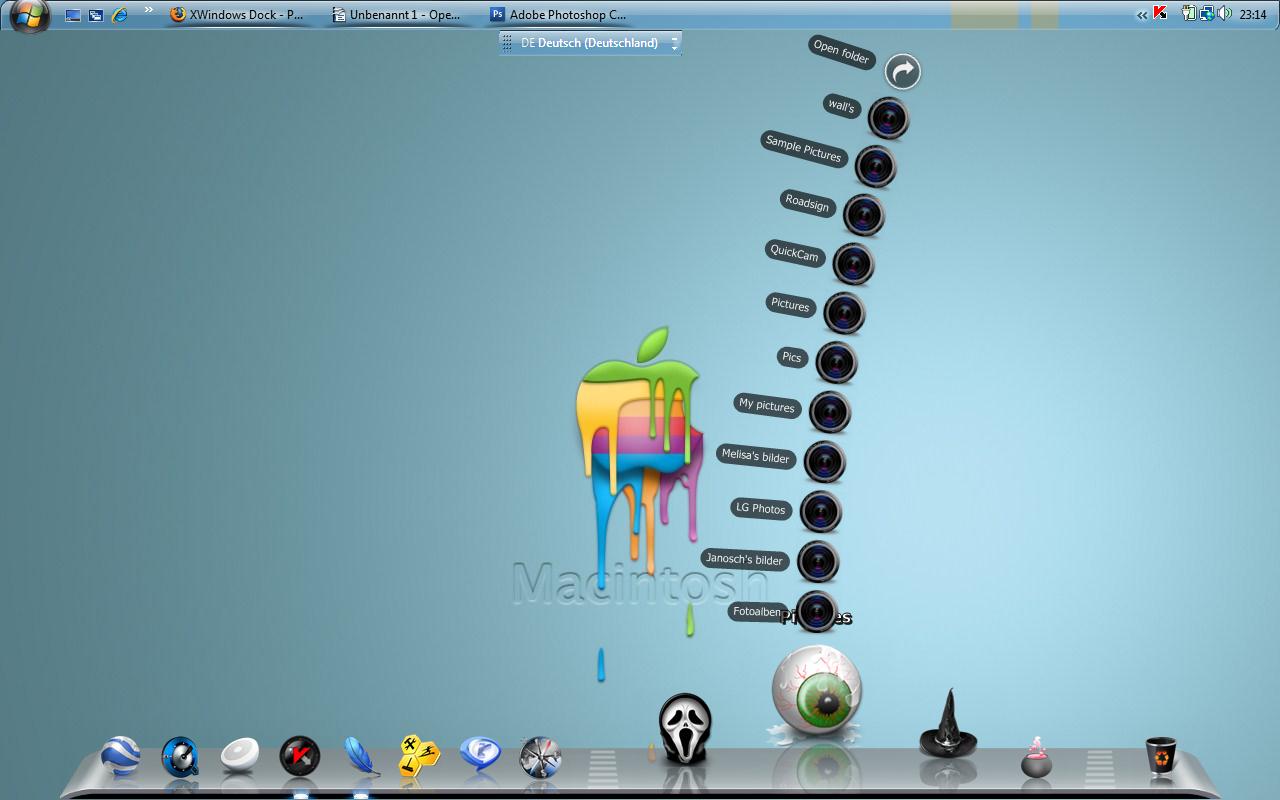
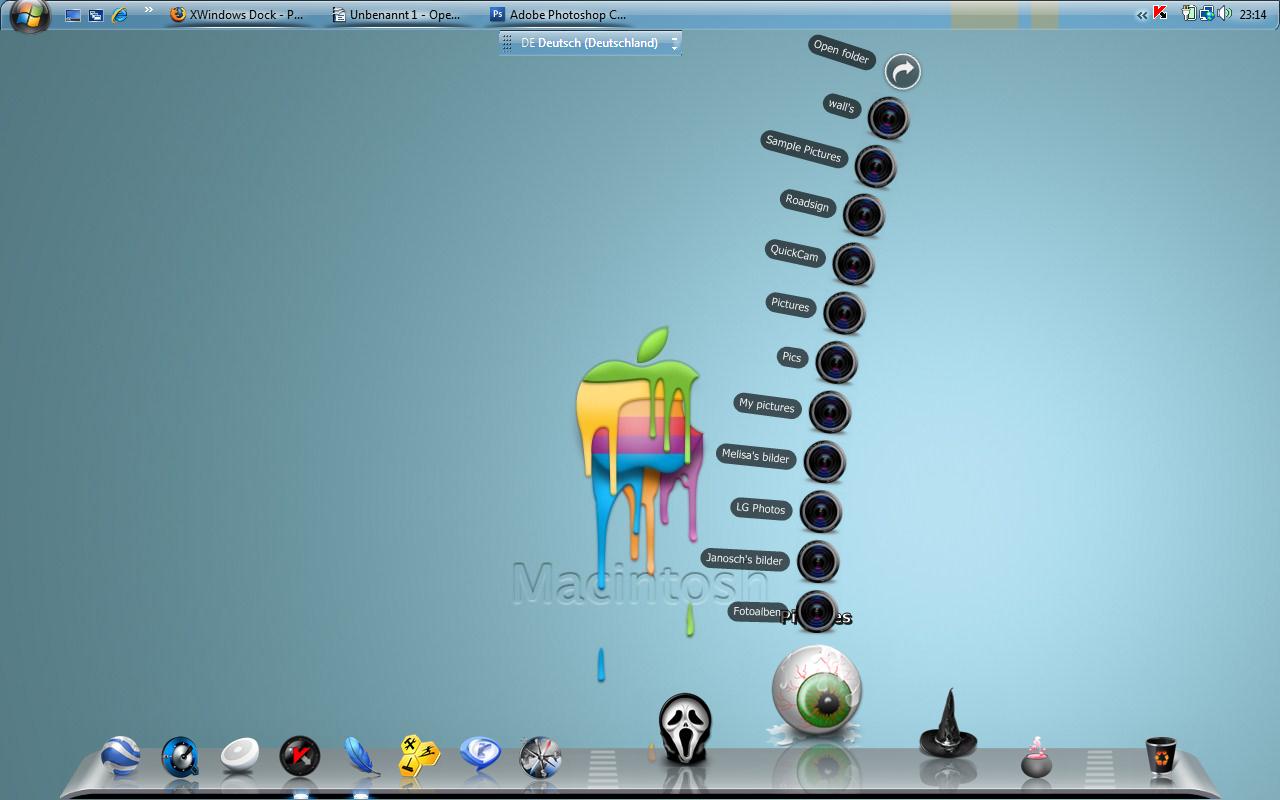
look this is my screen with Rocktdock
Please where can I download the skin shown in photo? thanks!