 Aqua-Soft Forums
Firefox does not minimize on RK Launcher, but other programs minimize perfectly
and I could not use aladin lamp efect properly
I am runing Windows XP Professional 2002 SP 2
Firefox does not minimize on RK Launcher, but other programs minimize perfectly
and I could not use aladin lamp efect properly
I am runing Windows XP Professional 2002 SP 2
Firefox does not minimize on RK Launcher, but other programs minimize perfectlyand I could not use aladin lamp efect properly
I am runing Windows XP Professional 2002 SP 2
Update to the latest nightly. It's a sticked post at the top of this forum. That should fix your problems with Firefox.
As for the Aladdin's Lamp effect, you probably didn't install it correctly and/or have an nVidia graphics card.
-NC
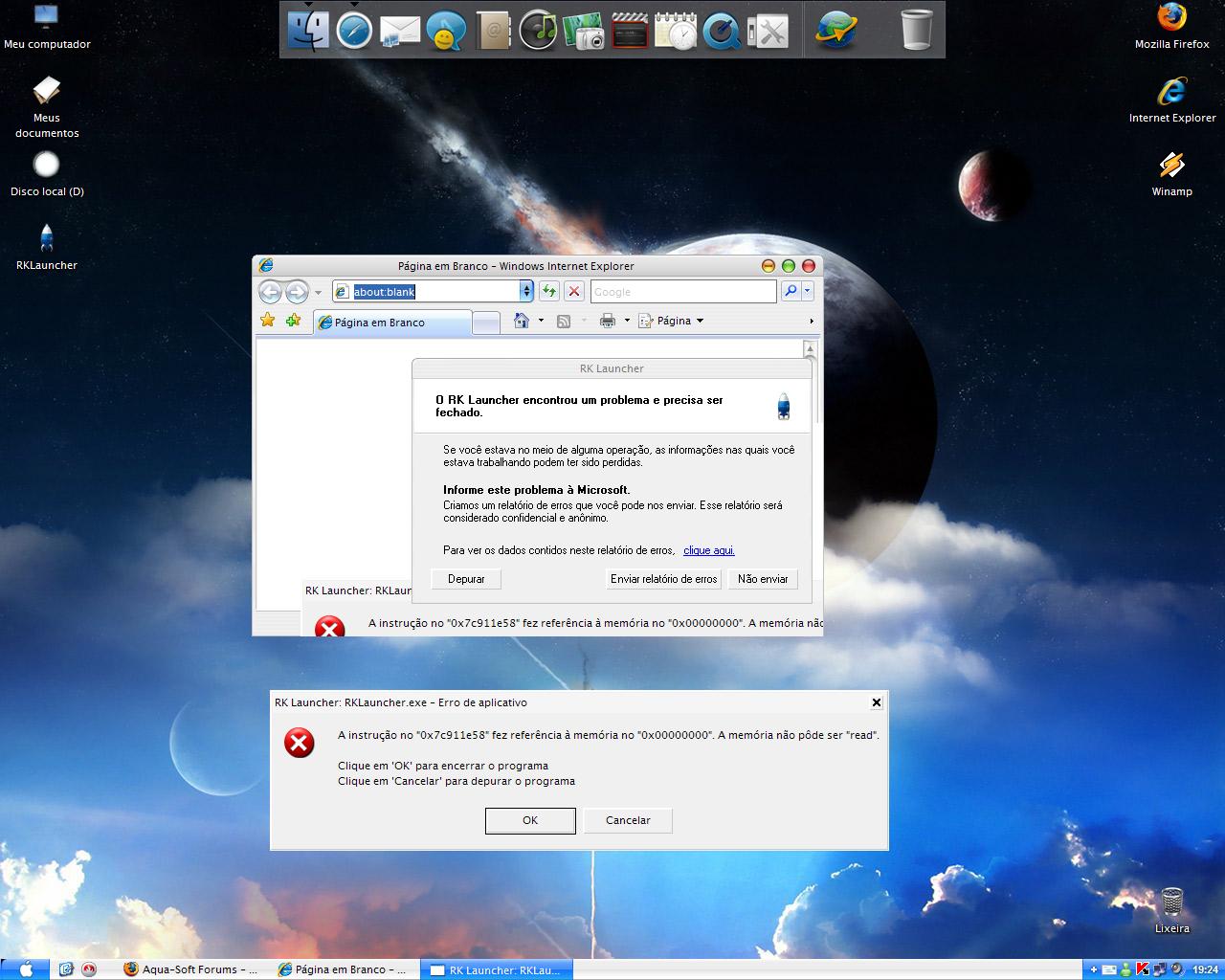
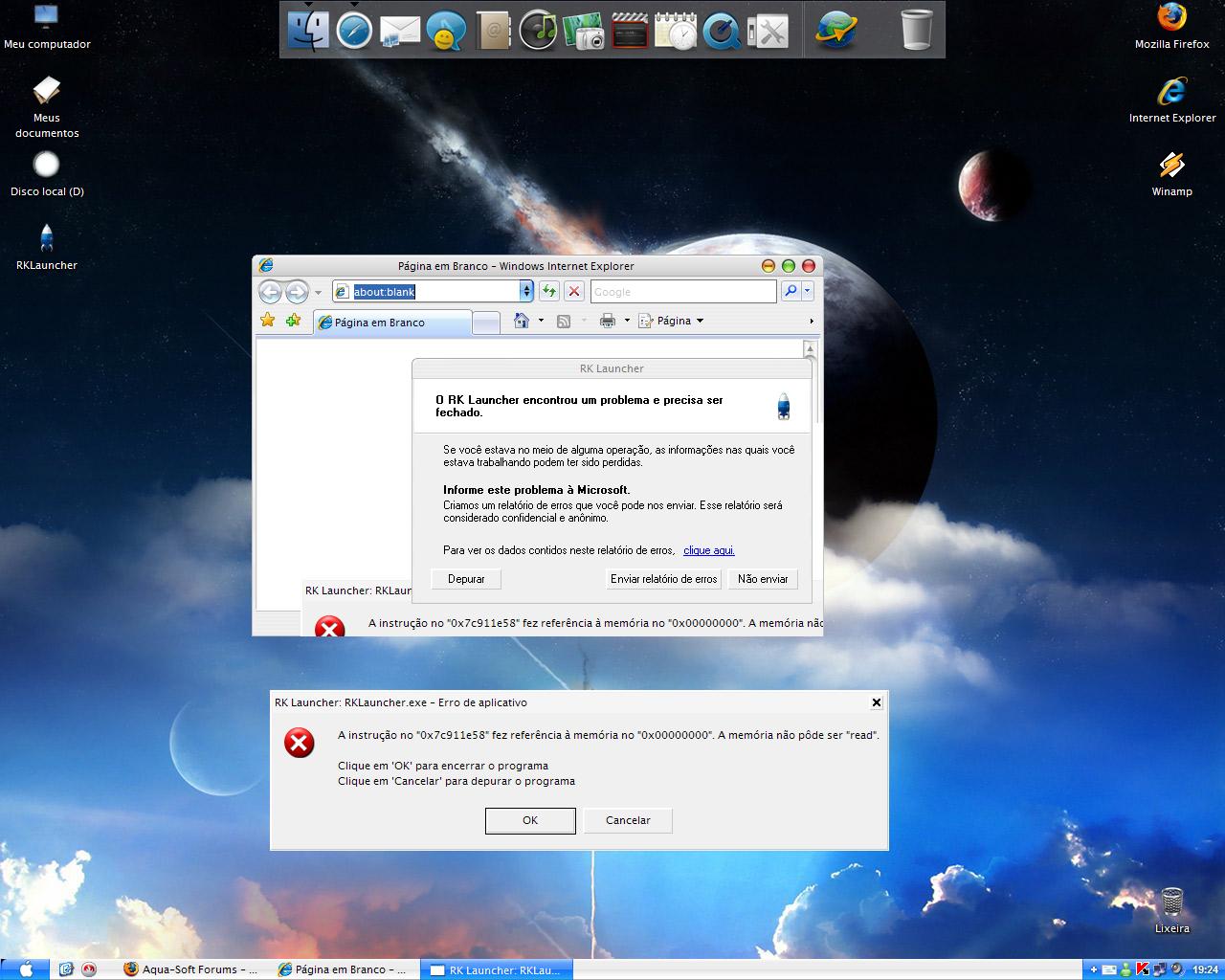
After it being up and running for a while it sometimes crashes after you press a program. example: it was running for a few hours then i pressed *safari* and it crashed with an error report (annoying!) from microsoft thing, when i restart it it works fine again. And it does minimize firefox in the latest nightly build, im running it and it minimizes it 
Update to the latest nightly. It's a sticked post at the top of this forum. That should fix your problems with Firefox.As for the Aladdin's Lamp effect, you probably didn't install it correctly and/or have an nVidia graphics card.
-NC
oh yes, i have nVidia card, thanks i will update
Frangioo
RKLauncher doesn't load latest Sysstats,
i've tried both 0.4 and Nightly Update.
The first does not load, the second create a
window that says that it won't load sysstats.
Another bug is that if i click on Add Docklets
without select a docklet (in ObjectDock window)
it crashes...
Is there any way to make the bounce animation smooth when opening 'my computer' or the control panel? I understand they are folders and so must open differently to apps, but the animation is so jumpy and jagged.
when i minimize a window that is not at the front, the screenshot also takes a picture of the window at the front of it.
do you understand me?
it happens the same when, for example, someone talks to me in the msn and the window minimize to the dock with a sceenshot of the window in front of it
I just can't use the Alladin Effect. A strange error happens.
What i can do? I want to use this effect!!
Athlon 64 3800+
2x512 Ram
7900 GS Extreme
Update to the latest nightly. It's a sticked post at the top of this forum. That should fix your problems with Firefox.
I've got v0.4 and I also have the problem with FF. Also with iTunes. So unless there is a newer version (which there could be but the stickied thread said v0.4) is there anything I can d? *shrugs*
ETA: Nevermind, now I see the nightly
This one's particularly irksome. When I click a dock item, it quite often freezes the dock for a moment, with that induvidual icon darkended in the clicked state. It could be a second or two, it could be thirty, could be a minute. Real aggrivating.
How do you put a custom icon in from that enormous list of icons that used to be included in the package?
I have this stickies app that I'd like to substitute a "document" type icon for (like I used to in version 4.0 Beta) but now when I tried to click "custom Icon" there was only a list of about ten or fifteen icons (didn't include all those sweet various icons for different program types).
How do I implement this?
Thanks Raduking for all you do through making this program available to us!
PMZ
My Recycle Bin icon keeps reseting everytime i start RK.
i put a custom icon and works jsut fine after that, but on restart it changes to original one.
What should be the probl?
Appreciate it,
joint
My Recycle Bin icon keeps reseting everytime i start RK.i put a custom icon and works jsut fine after that, but on restart it changes to original one.
What should be the probl?
Appreciate it,
joint
Make sure you're setting the icon through the docklet settings and not through RK Launcher. I seem to remember experiencing the same problem, which went away when I made the changes through the docklet settings.
You could also try backing up and manually editing your .conf file.
-NC
well i've removed the recycle bin from the dock, now it dosen't seem to work anymore with drag and drop, since i want to add it again.
as for docklets, i only have one 'Recylce Bin' is called but dosen't work :|
i'm using the 0.41 Nightly that had the installer.
Maybe try one of these:
http://dockex.com/items/1 (Y'z Dock)
http://dockex.com/items/32 (ObjectDock)
I don't really remember which RK Launcher will support, but it's worth trying them both out...
-NC
When using the windows + m key to minimize everything, the firefox (2.0.0.6) preview icon in the dock becomes a black strip and photoshop minimizes directly to the taskbar, no icon appears in the dock.
If I minimize these applications using the minimize button on the window they appear in the dock correctly.
I'm running the latest build available from the RKLauncher homepage.
Link to screenshot of Firefox icon error: http://img442.imageshack.us/img442/9341/rk...rfferrorpj9.gif
I also have a problem with the aladdin effect, whenever i minimize a window, rklauncher crashes.
My pc:
Compaq Preario 3118AU (Notebook)
Turion 64 X2 1.6GHz
1.5GB DDR2 RAM
nVidia GeForce Go 6150
Is there a problem with nVida graphics? Is there a fix? I will try the latest build also
Update: Sorry, should have tried the latest build earlier... it fixed the problem
Hi, is there a way to get my hand on some minimize plugin specification and or som existing minimize plugin source code?
Thanx
EvilCLay
I've searched around for solutions, but haven't really found anything. I'm using RK 0.41, build 282, and the latest version of Trillian Astra.
What I'd like to know is... is there a way to 'minimize' Trillian to the dock? It normally minimizes to the tray, so I'm not sure how to make it go to the dock instead. Is there a fix for this?
Does anyone reported that more than one KKMenu docklet introduced in the dock give an error at launch "Class already exists" reported by RKLauncher. For sure after closing the window the docklet works normaly but the error message(s) are anoying (for those including more KKMenu docklets, similar to native Apple Dock that has possibility of several Staks working). KKMenu is working fine but only one button is simply another START BUTTON from WIN.
Recycle Bin docklet no longer responds to left or right mouse clicks, and doesn't show "full" icon. This happened after I updated my Stardock Object Bar to v2.10. What can I do to restore the functionality of the docklet? Double-clicking on the Recycle Bin opens it, but I want to quickly right click and make selections as before. -Ken
Details:
WinXP Pro
RKLauncher 0.4 Beta build 169
Y'z Docklet
RealDock theme
Hi I have a Intel Core 2 Duo 2.33Ghz with 2Gb DDr2 ram and an Ati Radeon X Pro 1600 512mb With Windows vista utimate 64 bit
When I try to change icon it just shows no icon at all afterwards and it says cant display sys tray icons and changes my label to cant display system tray icons and I cant change or drop icons
OS: Vista -Latest Build
RK Launcher 0.41 build 282
When a program is minimized using aladdin's lamp effect and then is quit from right clicking the icon that is already on the dock and selecting "quit application" the minimized screen shot of the program is still on the right side of the dock. once you click on the minimized program that has been quit, only then it is removed from the minimized spot on the dock.
OS: Windows Vista 32Bit ITA
RKL: 0.41
Hi,
I don't know if this is a program or an OS error, but if I try to run RKLaucher I get this error:
Runtime Error!Program: ...RK LauncherRK Launcher 0.41 Beta NightlyRKLauncher.exe
This application has requested the Runtime to terminate it in an unusual way.
Please contact the application's support team for more information
I think you all know this kind of error.
What should I do?
TNX!
