 Aqua-Soft Forums
can anyone help me out on how i could do it to start with widows start up. thanks!!
Finderbar Add-on For Windows Taskbar
i have the same problem.. i want to eliminate the windows taskbar for ever from my desktop ...
so i want to have the mac finderbar but i allready must activate it manual because it does not start with windows start up
Put a finderbar-link into autostart-doesn´t that work?
yeah after a lot of trys i had also this idea, made it and it works^^
Ist es möglich daß man die Finderbar durchsichtiger macht, irgendwo in einer ini oder so?
Is it possible to make the Finderbar more transparent?
Ja, mit solchen Tools, wie z.B. TransTaskBar. Starte Finderbar, und dann mach die Menüleiste mit dem Tool durchsichtig. Schau mal in Google danach. Sorry, bin etz zu faul. (:
Yes, with tools like TransTaksbar. Start Finderbar, und run that program.
And why are you talking in 2 languages?
hey guys i need some help...
when i start finder i could only see this
http://img164.imageshack.us/my.php?image=barxh2.jpg
which does not show any words i.e. Finder, Files, etc...
thanks.
MMhh, odd. Try goto Try to Finderabr/Finderbar.ini and set
[Window]
MainWindowWidth=750
Start Finderbar and see if you can acces the Finderbar dropdown menu.(like FinderbarISound offIRestartIFreezeICancel).
If that doesn´t help, try to change your Finderbar background (draw a red line in the bar) and look if you can see it in you startbar (saves yours before).
@Bjorn,
nope editing finderbar.ini doesn't work, neither can i assess the finderbar drop down menu nor can i see a red line in the bar after i drew on it.
But there was one time where i pulled the taskbar down to half a screen and saw the finderbar on top, but that only happened once.
Unistall Finderbar. Put the startbar to the bottom, and then reinstall finderbar.
Start Finderbar and see what happens...
Thanks for trying but that didn't work either..
Why cant i make my taskbar transparent when im running finder bar.
Press ctrl "J" and make finderbar transparent!
I am experiencing the same problem as wengleung. Does this work well with Windowblinds, or what?
. what did u mean by "or what"?
. it does work with Windowblinds, as stated!
. imported the finderbar fonts into windows?
cheers ...
i had just a little problem with it that when i had it up and running it was a black box on my toolbar i dont know if this just may be part of it but it is a good program just that little thing
i had just a little problem with it that when i had it up and running it was a black box on my toolbar i dont know if this just may be part of it but it is a good program just that little thing
I have the same problem U_U
Do you release more version??? *0*
Try v1.4. Maybe this one works. Not much difference between the two versions.
I have the same problem U_U
Do you release more version??? *0*
No. The project Finderbar is closed. Sorry. I have not the time for it.
can you do it freesource , for other developers who can continue with it ?
Yes, the Finderbar is freesource - you can edit the code and add new features. But the name "Finderbar" and my name as first developer must be saved. Thank you. 
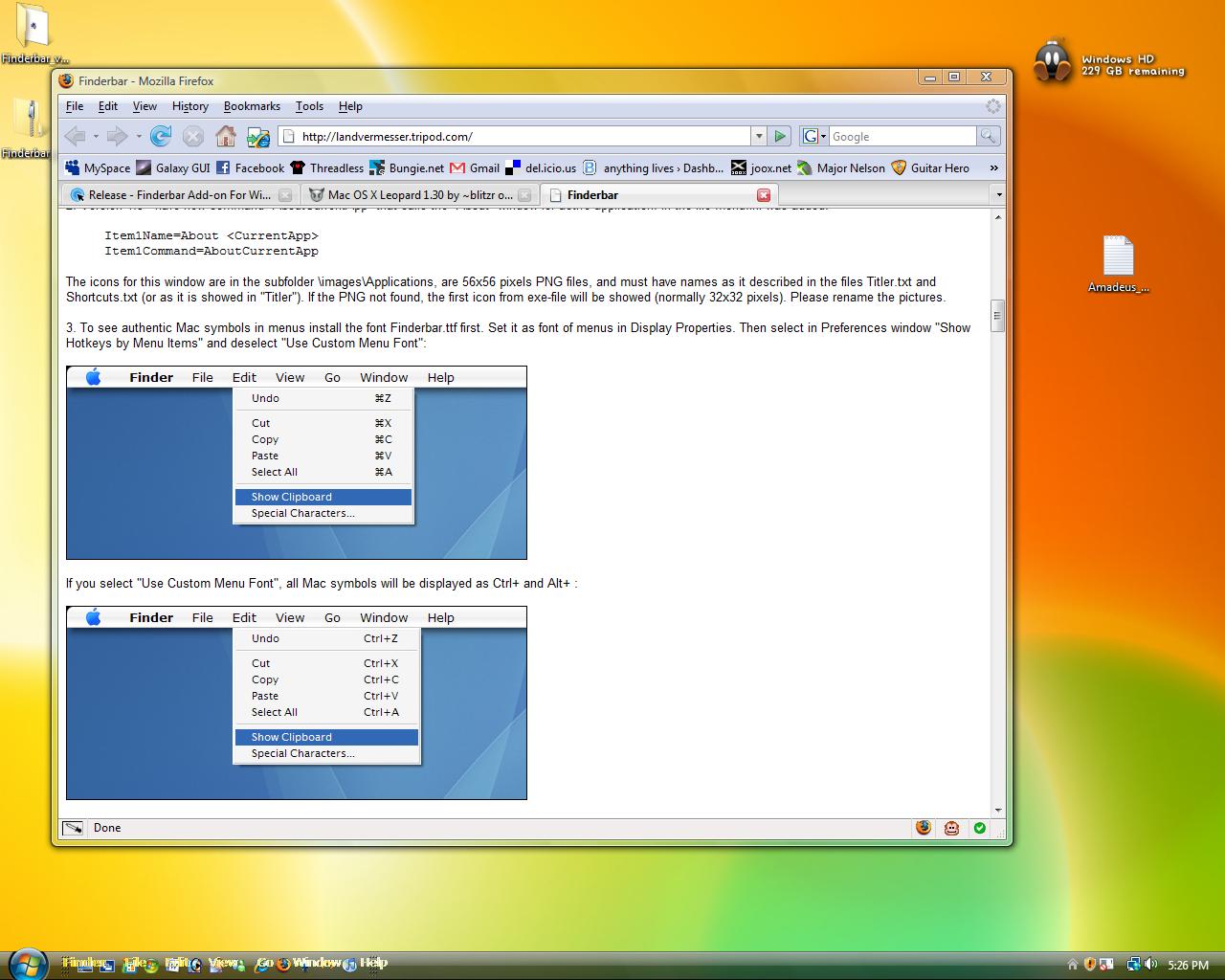
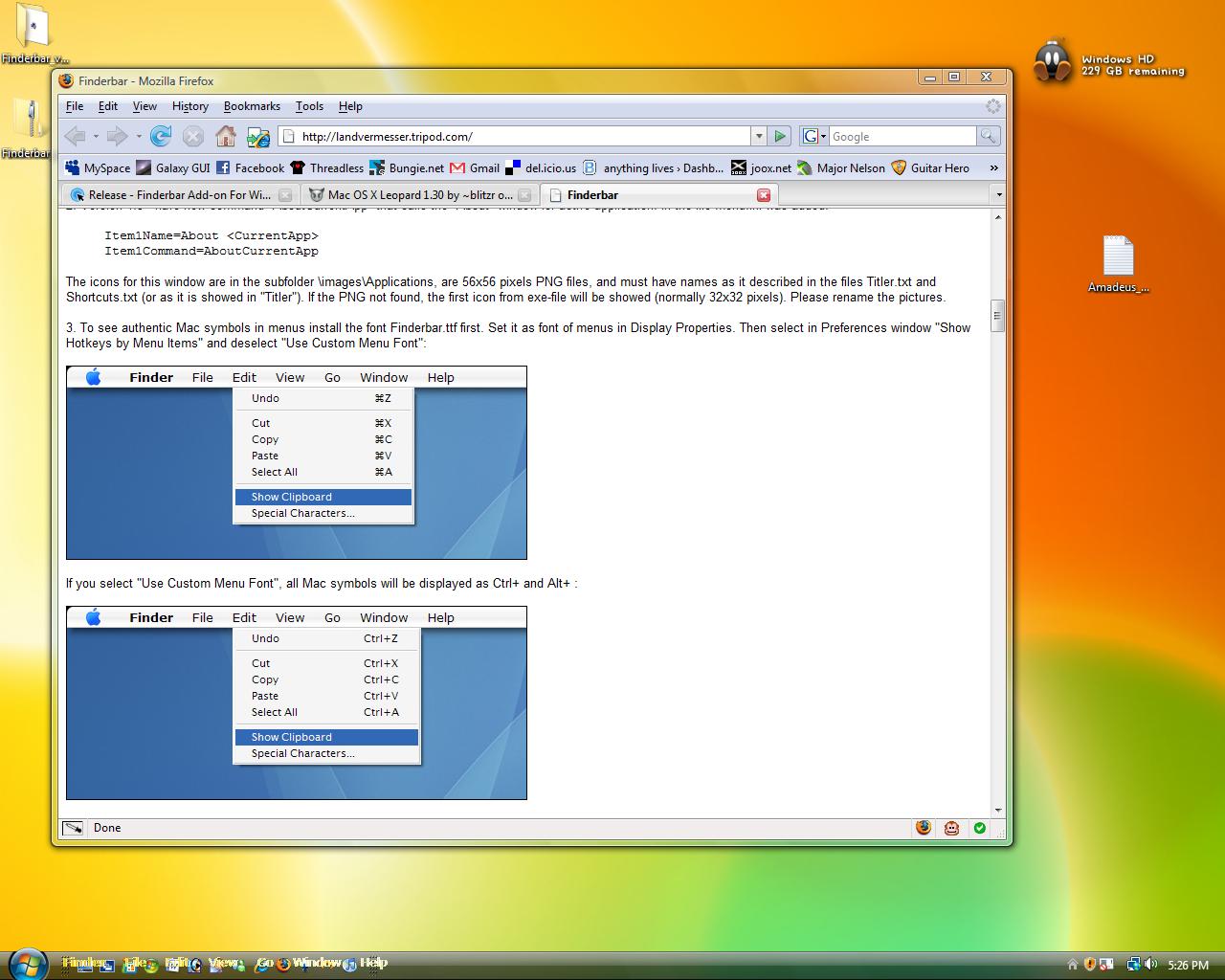

When you first start finderbar it produces a screenshot of your taskbar and writes its text on it.
So you have to delete the two background.png in the finderbar folder, than turn off your quickstartbar and start finderbar again.