FindeXer

All my windows are forced to open in one Window thanks to QTTabBar but, this might work out for Number 1.

Choose Folder Options,General Tab, make sure open each folder in same window is selected in Browse Folders section.

Number 2 has been discussed but, not sure where it stands in development as most people who use FindeXer want to get rid of the Treeview.

#462606

I checked that "same window" thing already... but thx ;)

If i go to folderoptions -> types -> folder, there is an action "open" in bold and it is set to standart.

Maybe this is the prob? Annybody had some expierience with that?

#462608

No that's fine. Look under the view tab in Advanced Settings and make sure "Launch Folder in Separate process" is unchecked.

#462610

I've also checked that :P

#462611

I'm at a loss. Also, I've got way to many registry hacks/tweaks to know which one might help.

#462614

lol

bye the way, Subscriptions are cool^^

#462615

Subscriptions? :confused:

I'm just a new mod, it's my way of trying to give back. :)

#462618

oh, didn't noticed that. I suscribed to this thread and thunderbird checks every minute for mails...;)

I think this is pretty cool - usually I looked in every thread manually^^

So... my place is 6 am, so I better go sleep now and blabla I should be quit now :P

thx anyway for your help!

Good night and good fight!

#462620

http://www.aqua-soft.org/board/showthread....hlight=explorer

Is this the same problem you're having, larzon83?

-NC

#462622

It only goes about 3/4 of the way for me.

Yes I know, so no update eh? :(

#462690

There is a slightly newer version he released over at Hollywood GUI, but not any major revisions.

#462698

Whoho!!!!! I figured it out!

It came into my mind that I also have a notebook, which is really fresh formated...

So tried it on that. There it worked... I looked in the folderoptions and find one difference:

folderoptions -> types -> folder. On my PC "open" was set to be standart and on my notebook

nothing was set to be standart... So I searched the forum again and find that thread:

http://www.aqua-soft.org/board/showthread....ght=window+open

The only thing to do is open regedit and go to HKCRFoldershell

You can see, the value is set to "open". Just 2x click that value and delete "close".

Leave it blank. logoff... logon... there u go ;)

Maybe this is usefull for other people ;)

So, One problem solved. But there's still the other prob with the toggling between treeview and findexer.

Actually, when clicking on the folders-button: treeview opens

And clicking the button again: standart window (with taskpane) opens

I'd love to have: click on the button-> treeview. click on the button again-> findexer

Isn't there any reg value that says windows how to toggle?

#462716

I think I'm not the only one having these problems... ;)

Looking forward for an answer ;)

Im with you larzon83, but it seems theres no fix at the moment...

Let's await for an future release that takes care about that

Hi everyone, i got an annoying behavior with this excelent app, when i hit show folder button or start search (it takes the place where FindeXer), and then wanna get FindeXer back but... instead of that, i got no shell till i close and re-open the folder.

Its just me or its a known bug.

Thanks.

Greetz ;)

#462746

omg this is great

thank you!

#462785

great app !!! thanks to the developer !!!

i hav a problem. when i right click on the findexer to change setting or icons, 2 or 3 times it work correctly, but after that with each right click on findexer bar, explorer restarts !!! it creates difficulties to edit the appearance !!! please help...........

#463246

I'm really hoping for an update on exactly what Austin said, that if I set my icon size to 32 and not display text, the slider doesn't go back as far as I would like it to :

#463278

Maybe we'll see more releases soon? Seeing how FIndeXer was just featured over at LifeHacker the other day!

#463283

Ahh, that's good news, this app really does deserve to be featured, it's the perfect finder clone for Windows without having to use an extra explorer clone like NexPlorer thats slow! :)

#463331

@SirSmiley

thx for mention that lifehacker article

I just browse to it to read this. And by the way found this grat little tool - also mentioned in this articel:

http://lifehacker.com/software/featured-wi...itor-275723.php

It lets you customize your buttons in opening and saving dialogs (Recent, desktop, local network, ...)

very usefull - for me :)

direct link:

http://www.maddogsw.com/placesbar/

back to the subject:

Whats up with alianyn? Doesn't he look in this thread anymore?

Would be cool to know more about the status quo... :)

#463338

Is there a way to have this active when using the Win+E shortcut? I use the shortcut quite a bit but i usually end up having to activate FindeXer through menu. Can somebody give me a work-around of sorts?

BTW: awesome work... keep it up!

#463340

It lets you customize your buttons in opening and saving dialogs (Recent, desktop, local network, ...)

very usefull - for me :)

direct link:

http://www.maddogsw.com/placesbar/

Nice & usefull app, thx for sharing :)

#463360

sei-aidyn,

That's in the works according to earlier posts in the thread.

Easiest work-a-round is create a standard shortcut to Explorer on your desktop like the picture below:

explorershortcutwv3.jpg

#463373

I had a question, I hope this is the right place to post.

I downloaded FinderXer (awesome!) and Styler, but one thing I still want is to have the large icons like in this pic:

http://www.markraats.com/FinderXer_Fine_Tuning.htm

Here's what mine currently looks like:

http://i48.photobucket.com/albums/f248/rai.../untitled-8.jpg

Do I need to do something via FindereXer, Styler or something else? Thanks for the help

#465558

I had a question, I hope this is the right place to post.

I downloaded FinderXer (awesome!) and Styler, but one thing I still want is to have the large icons like in this pic:

http://www.markraats.com/FinderXer_Fine_Tuning.htm

Here's what mine currently looks like:

http://i48.photobucket.com/albums/f248/rai.../untitled-8.jpg

Do I need to do something via FindereXer, Styler or something else? Thanks for the help

You can size our icons (as it appears you have) in control panel>appearance>

icon size - 48

icons spacing both horizontal and vertical - 48

To make your finder open up displaying the icons as you see in my screenshot, you can set up a folder on your c: drive called "applications".

You then need to create shortcuts in that directory to your apps - ie. safari, quicktime, fontbook, iCal and all other typical mac apps you might have installed on your machine.

Change the icons to each of the shortcuts for the correct Mac icons and change the shortcut names to the correct Mac name/description.

Make a shortcut from your dock to the "applications" folder and set your FindeXer to display 'icons'.

#465565

@lostfan

Hi,

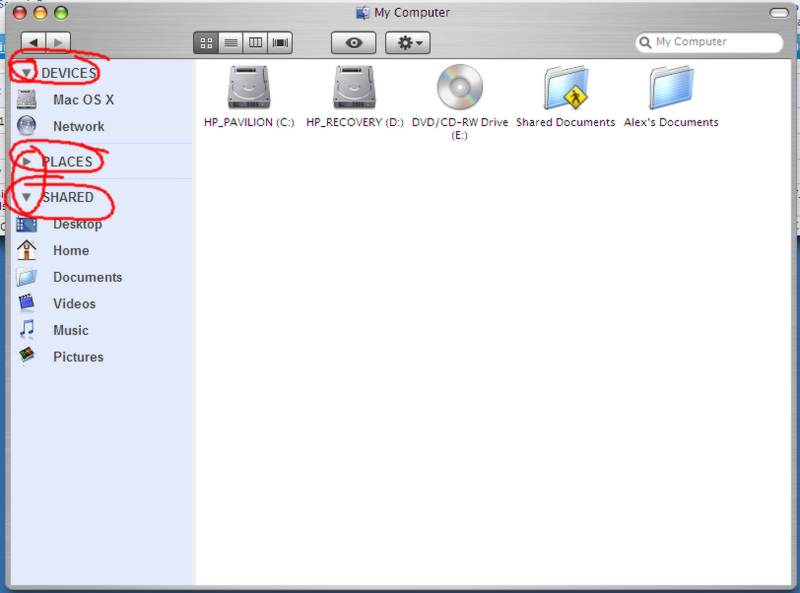
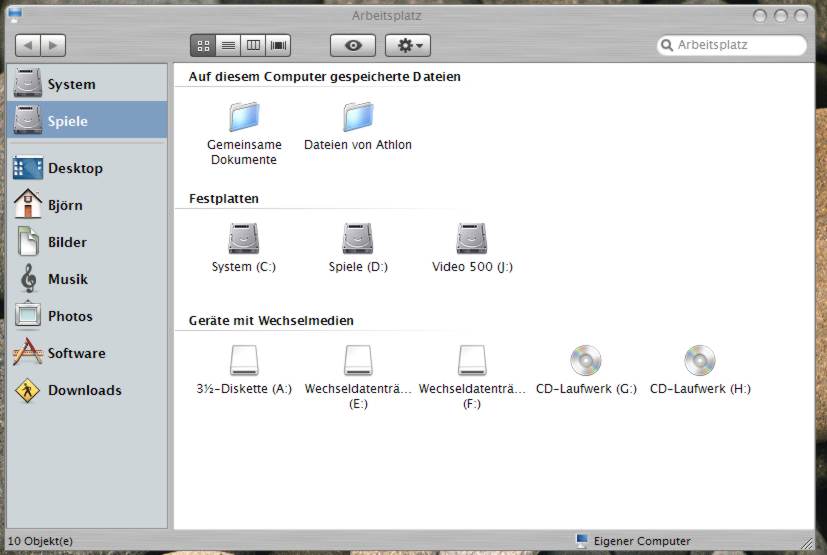
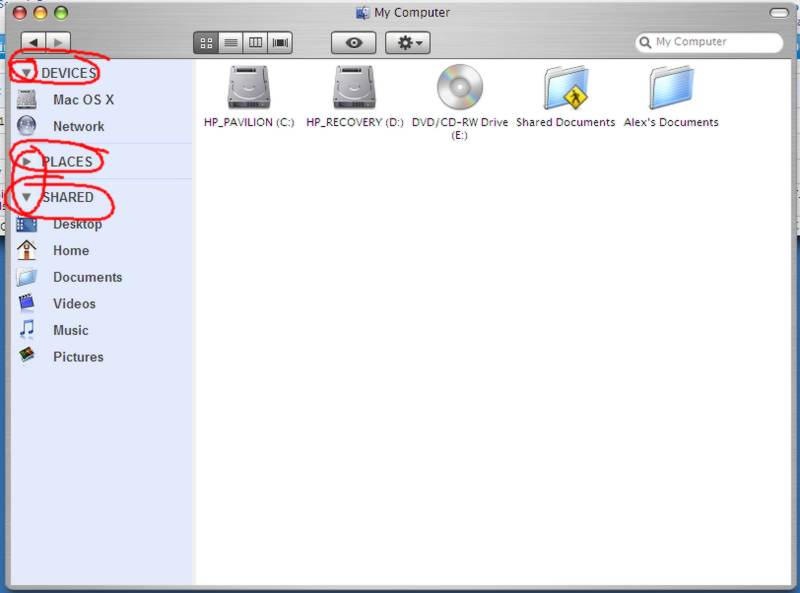
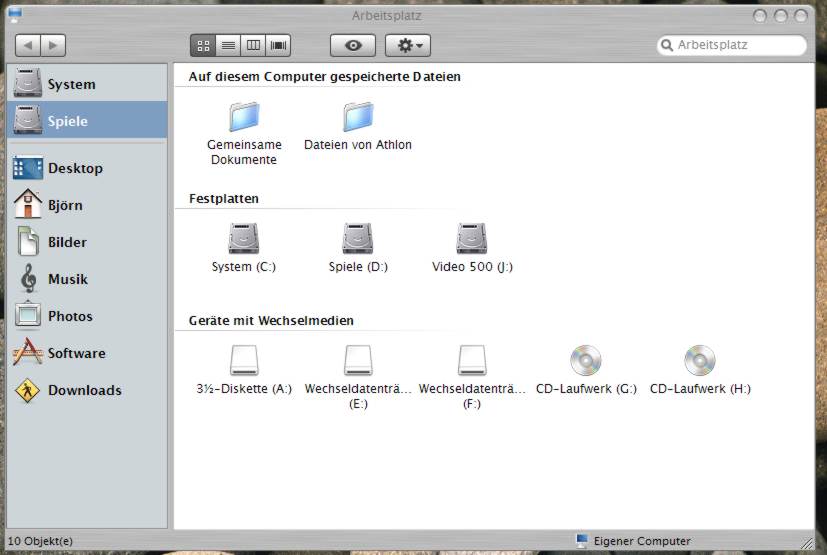
How can I get the arrows into Findexer Window. I just have the folders but cannot minimize them.

post-22893-1186703386_thumb.jpg

post-39-1186703386_thumb.jpg

untitled-8.jpg
untitled-8.jpg
neu-1.jpg
neu-1.jpg

#467880