Mac Finder Navigation Toolbar for Windows

@scissorhands7:

Have you restart the Explorer? My up button should be shown, when you replaced the default up button...

@KSoft:

I´m waiting for any Updates ;)

- LeftMargin

- A configurable Button to start a custom application

- language-files for translations

- some bugfixes

Btw, i´ve updated the Winleopard-Style: http://rockngothalien.deviantart.com/art/W...Style-107161982

- Add Modifications Buttons for a individual Theme-Configuration

- Add Addressbar-Highlight to the Folders-Button in the default-theme

#519368

Happy new year to All :)

ziseouran

I've tried search on my PC with Arabic symbols, for example, and it works but new folder really can't have such names, I'll see what I can do.

RocknGothAlien

Thanks for update! :)

#519452

This Toolbar is very cool and GREAT

Whit this toolbar using the Leopard Finder Styler toolbar icons and Findexer working in Leopard XP Brincopack and ObjectBar with real Leopard theme modified on Spanish I have doed a Leopard semi-perfect skin and only need hide the oter windows menubar

#519907

I have the previous version of the Winleopard toolbar and could not install it correctly and now I tried to download your updated version and I cannot get it to download from the deviantart site Help me please

#519931

Hmm, the Download link at Deviantart worked for me. Have you disabled scripts or something in your browser?

#520288

If I am with the toolbar enabled, my explorer crashes when I click on the fonts folder of windows.

If I disable the toolbar I can access the windows fonts folder and explorer does not close... happens to anyone else?

Using Windows XP SP2 Brazilian

#520294

Oh, yes it happens also by me:

unbenannt2bf5.png

#520299

I din't know if it's because I use 64bit, but on my vista, the only thing I can close in explorer is the menu bar. There's no way I can make it work

#520370

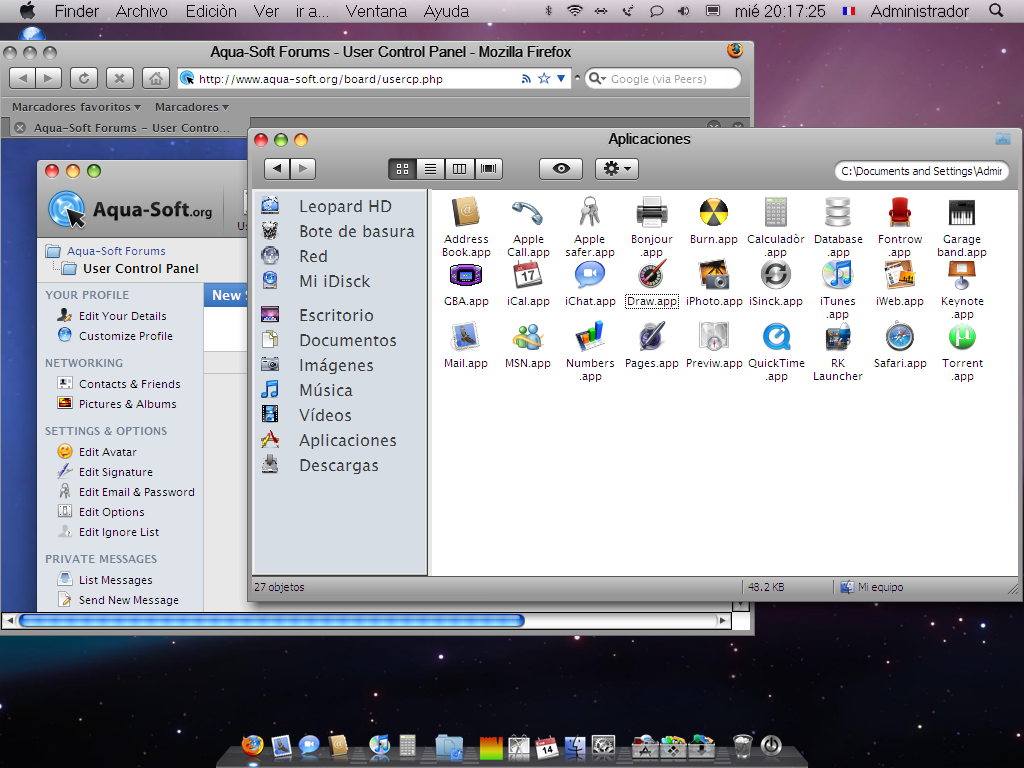
The Toolbar is great and more with the Leopard style this is my Leopard emulation and the Finder is the Windows explorer working with this toolbar and findeXer

post-91232-1231992895_thumb.png

Screenshut.ping.PNG
Screenshut.ping.PNG

#520398

Hi, I must say I'm replacing all my Styler toolbars with this one.

I find it easier to tweak it, and it also appears correctly when using WinExposé (Styler shows a black bar instead).

#520407

If I am with the toolbar enabled, my explorer crashes when I click on the fonts folder of windows.

If I disable the toolbar I can access the windows fonts folder and explorer does not close... happens to anyone else?

Using Windows XP SP2 Brazilian

It caused a pretty nasty crash of explorer here too, on XP SP3. If this bug gets resolved then I will definitely take another look at this. Great work, though.

#520487

Hello, All!

This a new version with minor bugfix for fonts folder.

http://ksoft.nm.ru/mfntv0.3.3dll.zip

Dll only, please try it. Thanks!

matmat07 Sorry, It is a little problematic to instal Vista for me now

matonga Cool! :) I'm glad that it can help to replace Styler with some additional functions maybe

seadx6 Your Leo looks great! :)

#520518

Theanks KSoft I have working for get a most good Leopard loock every day if you want this toolbar use your Mac finder navegation toolbarbar (Free stiler toolbar) whit the Styler toolbar Leopard skins for reemplace the default free styler buttons and get the Leopard style in the Windows explorer but mai result a bug and hide all the buttons Be carefull but is great the combination

Sorry but is a Windows XP with Leopard XP Brincopack 1.0

Do not double post - read the guidelines - mps69

#520991

Is there a way this could be installed for one user only.

So that one user has the Mac toolbar without menu and the other has the standart windows toolbar with menu?

EDIT: Works now.

#521041

I din't know if it's because I use 64bit, but on my vista, the only thing I can close in explorer is the menu bar. There's no way I can make it work

I am having the same problem as the poster above with error messages and I had to go to task manager to delete the process Whew.

Also I did download the dll and how do I install that and your new version Help please!

#521043

@ksoft: Hey, beautiful app! And pretty useful too. Now if it would only work nicely with qttabbar (which I find slightly more useful, soz) it'd be perfect (well, almost lol). Keep it up ;)

#521897

Hey Ksoft thanks for the PM but Im using Vista :S ... I tried to install via Virtual PC, but I dont found my XP CD ^^;

Search with Google "Windows XP download", download it and install it into Virtual PC. :)

#521931

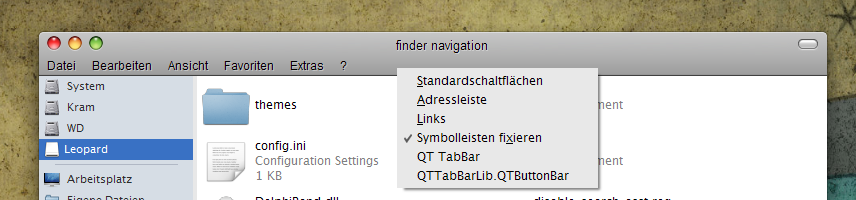
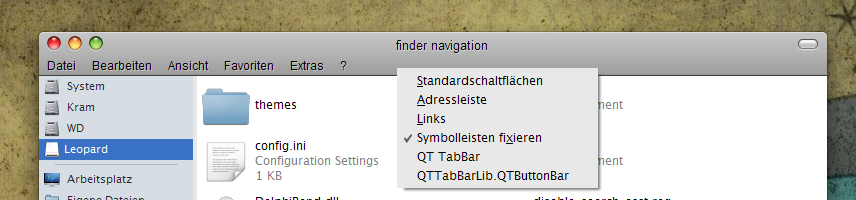
Does it work in XP 64?

Because when I install it I can't open the toolbar from the menu where I closed the standard toolbar etc. There is nothing else to select. Only qttabbar...

I even tried to reboot windows.

post-91826-1233491506_thumb.png

nav toolbar.PNG
nav toolbar.PNG

#522559

Hello, All,

On Vista or x64, I tried only XP 32bit so it can not work there.

#522735

It is working on Vista aside from the fact that I'm unable to remove the old address bar. Can't wait for future releases. Thank you so much. :)

#523124

Hey Ksoft

Now I a istalled XP but no more releases U_U

is MFNTfW dead??? ToT

#525093

this is very cool but i found a problem:

i can`t get findexer to work with it

any sugestions?

#525119

Use in conjunction with QT Tab toolbar, use Tab toolbar (option in misc tab) to hide the menu bar. Instead of using the toolbar to do it. That should fix things.

#525125

This IS AMAZING

Do you mind if I make a windows 7 skin for it?

I'll make a link to this page for the download and give you the credits.

Ps. my jaw hit the keyboard when I saw this...and its still THERE

#525580

what about a leopard theme but with cover flow icon?????

#525607