Mac Finder Navigation Toolbar for Windows

@ RocknGothAlien:

Thanks for the theme - but the background-color of the standard "path.png" has to be clear white. At the moment it's a very light grey so that you can see a little box around the text.

I corrected this, if you'd like to implement it to your theme :) Furthermore I can't get the "folderstree" to work - any suggestions?

Great work btw! ;)

post-33786-1229867436_thumb.png

path.png
path.png

#517887

@Don Orko,

Ohh, I didn´t saw this bug^^ But very thanks for the fix :)

Foldertree Button

At the Moment, it should activated "FindeXer", but you can change this in the "config.ini" ;)

Maybe would KSoft Improve this Button or something.

Would like to see this as a Switch Button (FindeXer & FolderTree)

So another Update^^

- Fixed Path.png (Thx Don Orko)

- Smaller KB Size of all Pictures inside^^

Download

#517890

@Don Orko and @RocknGothAlien,

White color good but gradient background for boxes, I hope, is areal too. I've used background image for edit box in RunMe so maybe I'll see how I can realize it here.

On semitransparent pixels: RocknGothAlien, thanks for explanation, I see it now :)

Please try v0.3.1 (just replace dll, maybe in open dialog, because Explorer windows should be closed):

http://ksoft.nm.ru/mfntv0.3.1dll.zip

Is boxes looks right/better now?

#517896

I made a simple skin for Nostalgic People :3, Retro like Windows 3.x

post-74758-1229876180_thumb.png

Retro_Classic.zip

Classic_Preview.png
Classic_Preview.png

Attachment: Retro_Classic.zip

#517898

Thx, works well now :)

#517900

A make a simple skin for Nostalgic People :3

Thanks for new theme! :)

@RocknGothAlien,

Cool! thanks that noticed this :)

#517904

Ok a couple things I found KSoft

First off add on, it makes things look so much nicer, and the search bar is excellent.

1. It removes Explorer Breadcrumbs no matter how many times I try to put it on

2. It Removes the QT Tab bar no matter how many times I try.

2nd I don't know if this is a problem only with RockGothAliens theme or if its with your toolbar, but whenever I go to customize toolbar and remove the view button that I currently have set (examples: Thumbnail style, Tiles, List, etc.) the whole toolbar loses functionality and says: Access Violation at address: 027331F8 in module DelphiBand.dll read address 00000044

I'm running XP Home edition SP2 with the latest update you have out and RocknGothAlien's theme.

After Troubleshooting The "Tile, List and Thumbnail" buttons had to be there. If they weren't that error appeared. It didn't do this behavior for any other buttons.

Any fixes would be appreciated!

Keep up the good work and I hope this helps

Well I've found a workaround for hiding all the other toolbars like the QT Tabs and Explorer breadcrumbs.

Here is a step by step:

1. Open your window and configure everything as to how you want it including all your bars.

2. Right click the Mac Finder Bar and make sure that the menu bar is NOT HIDDEN.

3. Press Control Alt Delete and end your explorer.exe task

4. Start new task and start your explorer.

5. Open up your window

6. Under QT Tab Hide your menu bar in the misc. options

7. Close window.

8. Open Window and every bar should be as you want it.

#517949

Hi, with the new 0.3 everything is working now (menu bar hides now, findexer shows now, costomize toolbar no more disorted), but I have some issues with TrueTransparency.

TT moves your close, min, max bars to the left like leftsider or WindowBlinds. Its a small program you can run without installing just from a folder, and it works for me without a glitch.

http://truetransparency.softonic.de/

The problem is that I cannot access the costomize toolbar... menu. It opens, but it shows just the upper 2 cm of the menu, the rest is hidden. I have to end TT to access the menu. Maybe this can be fixed, (you can try TT on your PC and after ending just delete the folder and it´s gone.)

neu-1nyv7.jpg

One suggestion: could the search field made strechable, so that in case of vaery small windows it doesn´t overlap the icons?

Second: I´m really missing the list view.

#517965

Another Skin, well its a WinLeopard mod :3

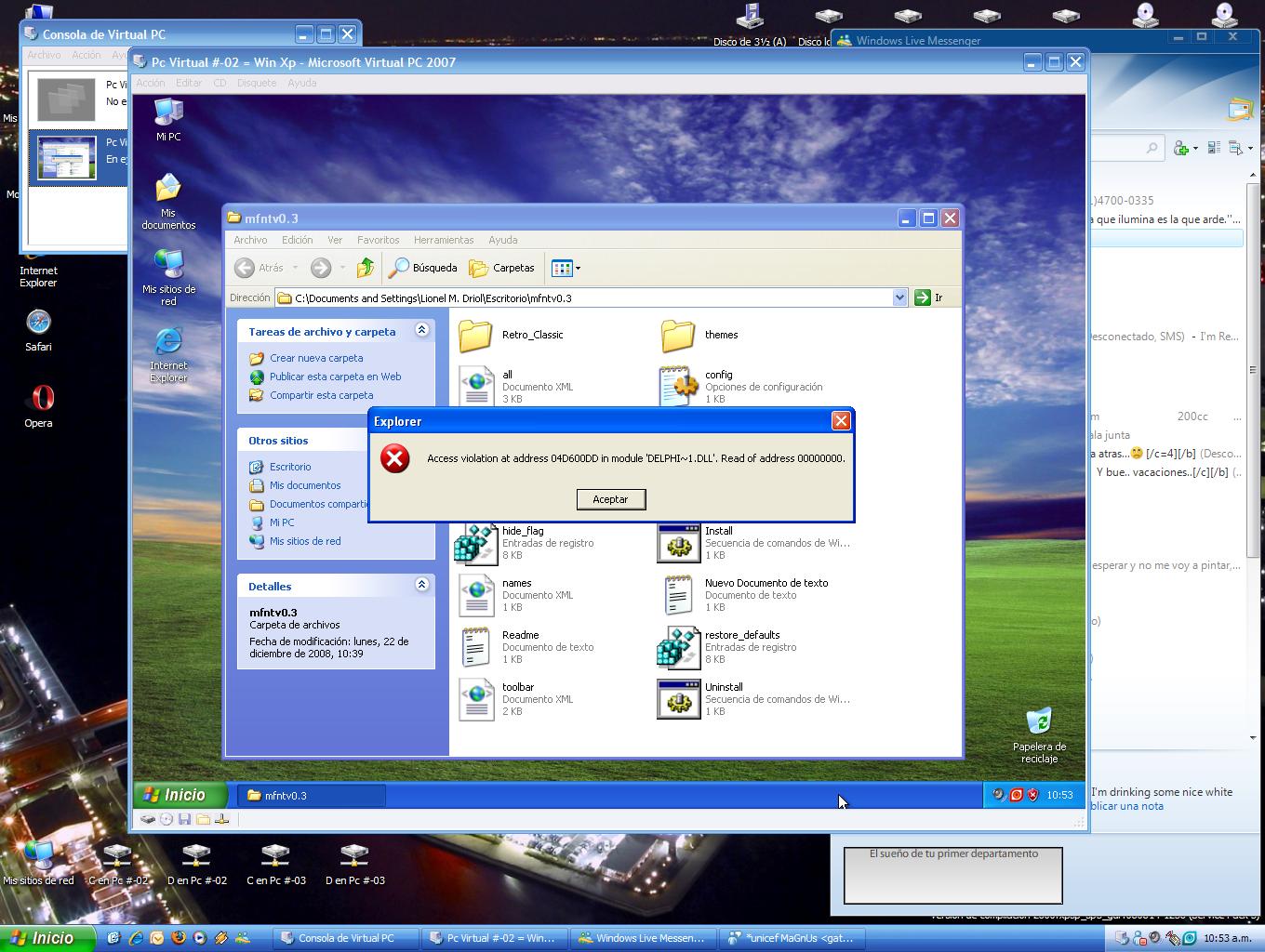
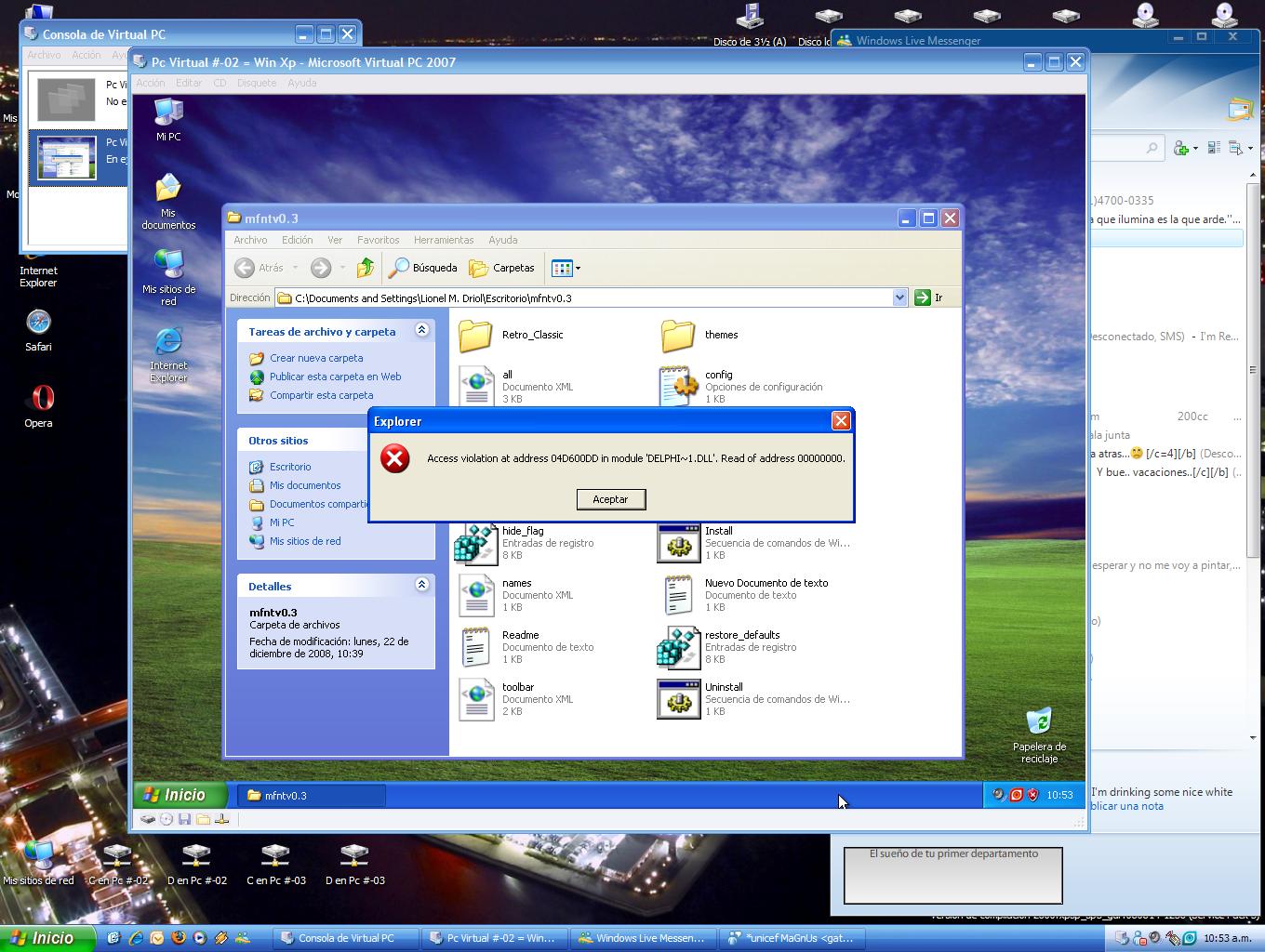
A friend tried to change the skin and a Error message appeared :S

post-74758-1229951796_thumb.png

iTunes.zip

post-74758-1229951796_thumb.jpg

Itunes_Preview.png
Itunes_Preview.png

Attachment: iTunes.zip

Mfinder.jpg
Mfinder.jpg

#517970

Have you used png with transparency?

#517972

Thanks for feedback!

@Björn,

I've installed TrueTransparency 0.9.4. And even Leopard theme.

That's strange but it works well here.

I see that it stops on first step of animation on screenshot but I don't know why.

So without TT it works right?

@scissorhands7,

Yes, there some strange things with menu.

If I hide it from my toolbar then Findexer and other toolbars (as you noticed) works not properly.

And with buttons moving too. Today I've tried to fix it but it anyway works strange sometimes :(

Still working...

@magnus87,

There are free space around path box so it looks separately with folder button... (if to place it before this button)

On theme changing: is standard one works right on his PC?

I see that there no toolbar in Explorer. If standard theme works right that maybe friend can replace exists buttons and check that all images placed in theme folder.

And, yes, all images should be 32bit PNGs :)

#517973

and soon the styler will dead ;) great effort KSoft, thank you

#517974

and soon the styler will dead ;) great effort KSoft, thank you

Thanks, ArchDevil!

If, certainly, strange bugs will not kill my toolbar faster ;)

#517975

Styler is dead ;)

New Buglist for 3.1:

- Don´t remembering: Shellview, Window-Position, Window-Size, Toolbars

- Optionsmenu and AddFoldermenu are sometimes stick on Objectbar instead of Explorer

- Forward/Back Buttons don´t work correct with QT Tabbar (Strange but my Mouse Forward/Back Buttons works well)

- Up Button don´t work on desktop-folders (deactivated)

- Become Error-Message, when i use AddFolder in maindisk directories (C,D,E,F,...) The folder will be created, but i became 2 Error-Messages and the AddFoldermenu don´t close

#517977

I don´t get the error message with AddFolder.

I must admid I just realized I didn´t use TT 0.9.4.

Works well with this one. Sorry.

Maybe this went down in my post:

-could the search field made strechable, so that in case of vaery small windows it doesn´t overlap the icons?

-I´m really missing the list view.

-Cannot access to my search window from the start menu. Looks like this:

neu-141pz.jpg

#517978

it's dying -i mean styler- at least on my part;) i don't have any bugs on my xpsp3 box, i guess i'm lucky :P

#517979

Styler is dead ;)

Yep, Quizo and his QTTABAR too

Hey Ksoft, on the PC of my friend, statandard Skin works well, the problem apears when he try to change it

#517999

Hi, with the new 0.3 everything is working now (menu bar hides now, findexer shows now, costomize toolbar no more disorted), but I have some issues with TrueTransparency.

TT moves your close, min, max bars to the left like leftsider or WindowBlinds. Its a small program you can run without installing just from a folder, and it works for me without a glitch.

http://truetransparency.softonic.de/

The problem is that I cannot access the costomize toolbar... menu. It opens, but it shows just the upper 2 cm of the menu, the rest is hidden. .

I too have true transparency and had the same problem. However You can access customize toolbar by right clicking underneath the Search Bar and clicking Customize.

This should work.

Now that I have it configured it works perfectly.

Well there is one more bug with the actual toolbar I want to discuss with Ksoft.

When you hit the back button, instead of just going back 1 position, it goes back to the original folder opened.

Example: I open my computer and navigate to C: Program FilesSmartdefrag

And I click the back button, instead of going back 1 to program files, I go back to My Computer.

#518003

Yep, Quizo and his QTTABAR too

Hey Ksoft, on the PC of my friend, statandard Skin works well, the problem apears when he try to change it

Maybe he can replace one image and check how it works. Not all at once but per button.

It's really looks like wrong image format.

@scissorhands7,

On TT. That's strange because there are the same menu under box and on Settings button and it opens the same Customize window.

On back button: look, you open "My computer" and navigate in "C: Program FilesSmartdefrag". On one level up should navigate Up button, not Back (in case if you mean that Back should navigate to "C: Program Files"). Back button should navigate to one step back in browsing history.

#518021

Another Update of my WinLeopard Style^^

- All buttons have transparency corners and shadows now (for better integration)

- All colors a little bit more on the orginal Leopard buttons now (Icons, Button-edges, Pressed Buttons)

- Seperators between foldertree-path-folders now

- New foldertree-Button-Style (like the genius-sidebar-button in iTunes)

previewkw6.png

Download

#518029

thank you for non-stop development KSoft and thank you RocknGothAlien for your accurate skin.. it's delicious :D

#518035

thank you for non-stop development KSoft and thank you RocknGothAlien for your accurate skin.. it's delicious :D

Thank you for interest to application! :)

Really very accurate skin, thanks, RocknGothAlien! Better and better :)

(I only think that bg.png also should 32bit. I'm working to make possible to use 24bit. Sometimes 32bit is no needed for background)

I'm thinking on search box sizing and path edit as dynamic separator (to use it instead such separator).

Also background image can be hidden sometimes, I'll fix it soon, I hope.

#518036

this is ****in fantastic!!! PLEASE keep it up!!!!!! I'll donate!

#518053

Thanks, that make me happy :)

Now, here is a Proto-Style^^

- Pathbar haven´t a hover effect, yet (don´t look good, atm)

- All Buttons in Proto-Style (Firefox)

- All Icons from my WinLeopard-Style (maybe i will also change them...)

Together-Hanging-Buttons:

- Back-Forward-Folders

- Icon-List-Tile-Thumbnails-Thumbsize

- Info-Newfolder-Delete

- Folderstree-Path

preview2nb7.png

Download

Feature Request/Question: It´s possible to add/integrate buttons over/in the path/searchbars? (For the Hovereffect and maybe for the comming resize-feature)

#518059

nice work RocknGothAlien :)

btw, I forgot to test this when I installed the toolbar, but does hte path/address field also feature 'breadcrumb' navigation? Can you click within the path and go to that folder directly? If so, your request to have those overlay effects possible would be a nice touch.

#518064