 Aqua-Soft Forums
Since last version i found this, when dock has the auto hide option enabled and cursor goes out from dock focus, if you place the cursor a few seconds after just about near the dock it shows up... pooof just like that, hum... for make it clear, let´s say that I use the dock and launch Windows media player, just after that I want to press the play button but I can´t because the dock shows up (obviously i got the always on top enabled and that´s the way i use it, otherwise i will be using my desktop icons LOL!). this happens for me most of the time, not always.So if someone else report this try to check it out.
The same, but I know what you could do, Vladimir. Just implement 'auto focus' feature in next versions, like in other docks, OB or RK. So it sits in the background and when you have window on top of it after some time it cames to the top. It would be the best solution, tho.
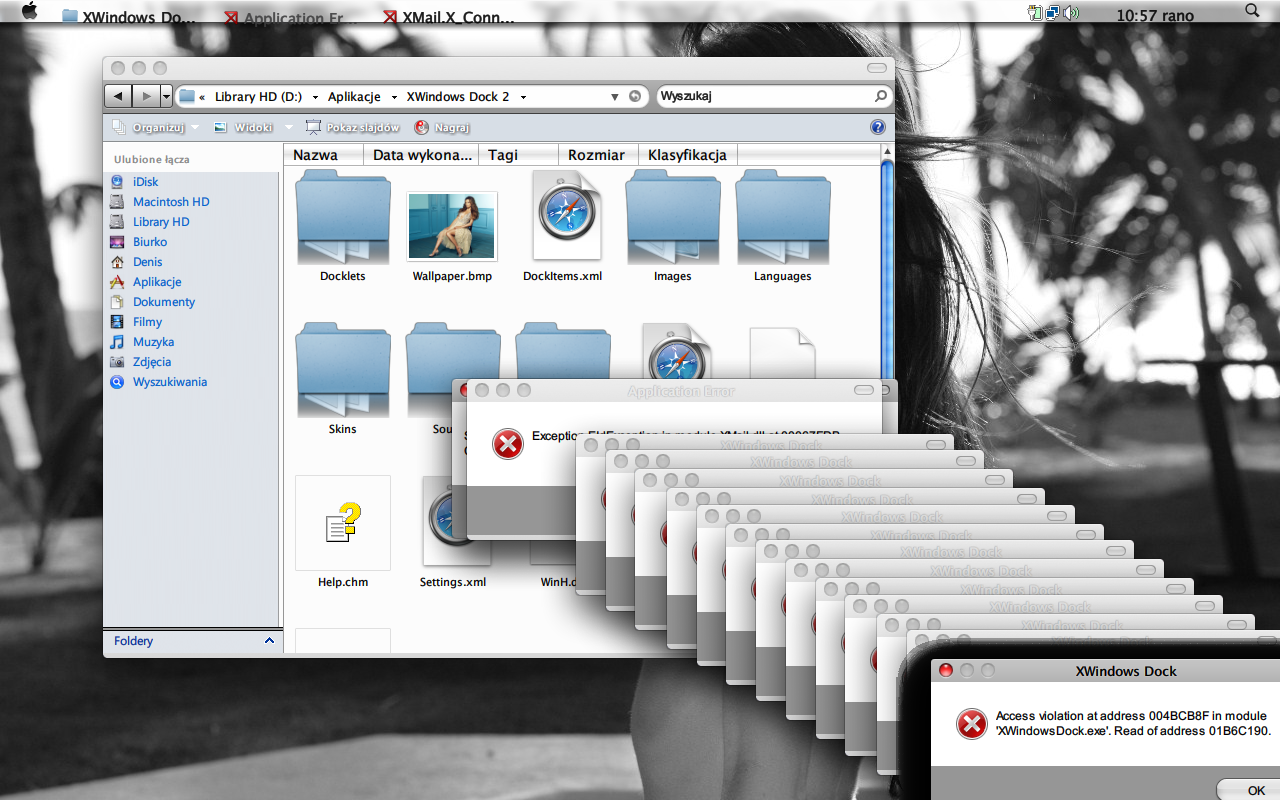
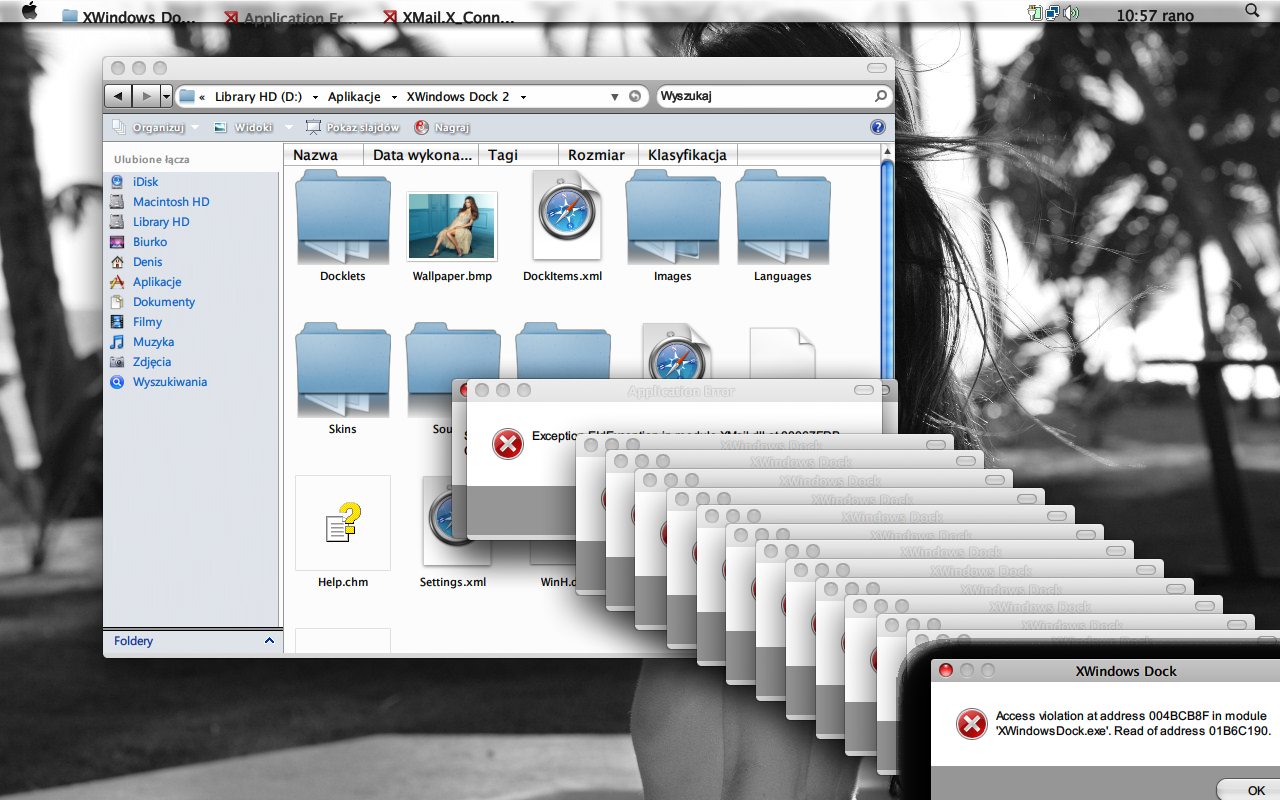
EDIT:: found bug
Vladimir, I don't know what is this, but whenever I click on Control Panel, icon jumps and nothing happens.
I deleted it, added again - Control panel, and it has link to : "::{20D04FE0-3AEA-1069....something" . I have official Vista SP1.
Just can't access control panel. Whenever I try to add shortcut to CP manually by dragging CP to dock "This interface is not handled" dialog appears. Any solution? Not a big bug, but, just can't access CP.  I had this issue in old version , 5.2.1. too. Just wondering why.


 Nothing's changed; I still can't afford CS4

