 Aqua-Soft Forums
Juno, can you give me the name of the fonts (filenames + displaynames) ?
[release] Avefontbook
Yeah...here is the link to the actual font
http://oldtype.8m.com/fonts/amertype.zip
The condensed version and the regular are fine but it has troubles with the other two.
Its these 2 files:
AMERICA1.TTF
AMRTYPEB.TTF
Display names are:
1st: American Typewriter-Light
2nd: American Typewriter Bold BT
Thanks, I tried and I have the same problem here too sometimes. Seems Windows locks the file somehow. I keep on investigating...
Juno, can you give this version a shot: http://mpj.tomaatnet.nl/Fontbook.zip
(btw, updated brushed and default skins by Magbi9 are included (Y) )
Yeah ill try it. Cool that you included the new skin!
Thanks for being so responsive! You are a great guy.
Just a slight bug report. Fonts under 14pt size are not anti-aliased.
Good work around, turning the fonts off in the main collection when adding them to a new one! It works OK so far...I now have a couple of files that just have an off on the right side but that isnt a problem of yours. Thanks!
Just a slight bug report. Fonts under 14pt size are not anti-aliased.
Thanks Sid, didn't noticed it. I made some tests, and apperently, Windows does not anti-alias characters smaller than 14 pts. 
Good work around, turning the fonts off in the main collection when adding them to a new one! It works OK so far...I now have a couple of files that just have an off on the right side but that isnt a problem of yours. Thanks!
 There are still some small problems, but this wasn't a release version. Just to test out if you still had the problem.
i might be sounding like a complete idiot but what is the real usage of this app?
Anyway, Ave great job
Originally posted by tarik@May 18 2004, 09:32 PMi might be sounding like a complete idiot but what is the real usage of this app?
Anyway, Ave great job
artists and graphic designers who need to add/delete and find fonts, some of which are hidden in programs
great job ave
I am having some trouble with the LucidaMAC fonts. It would be nice if somone could send them in ttf because I think the only problem is the type of file they are. Look at the screenshot to see the problem, it is the blank spaces.
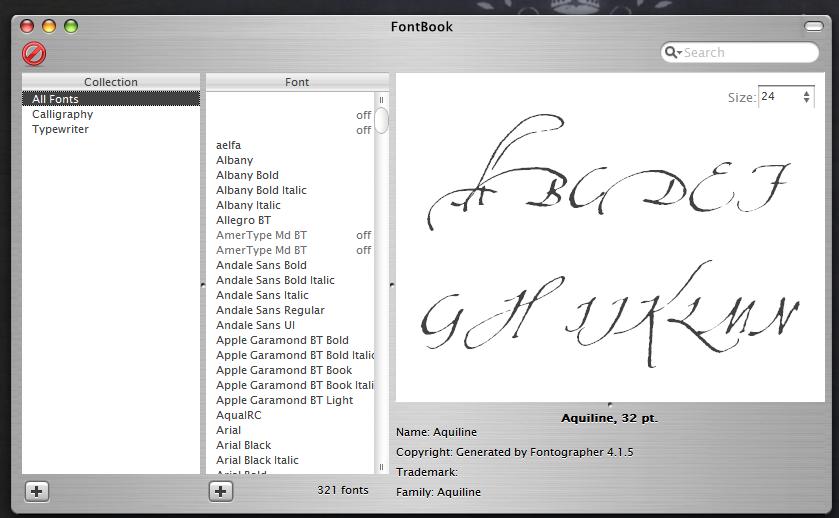
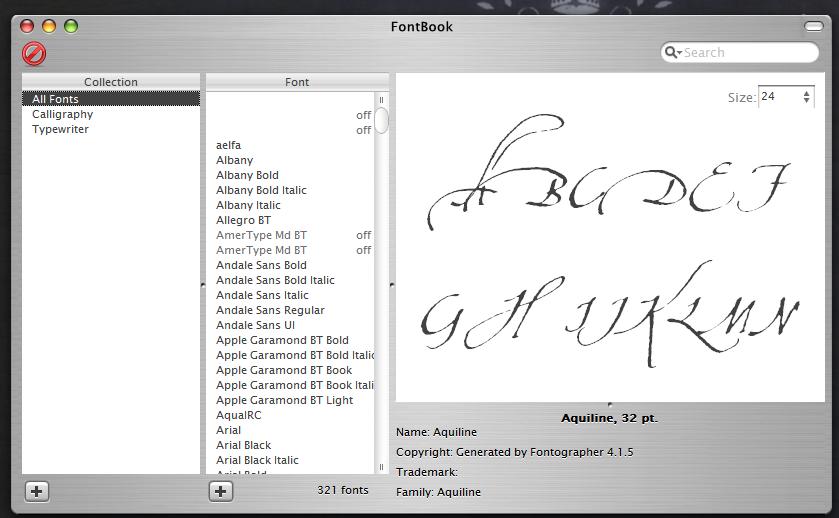
>.< Sorry yep. forgat to filter them out
Ahh ok then...thanks for the quick response as always. Ill wait for the next release then.
I just asked that. Sit tight and wait for another release.
I don't know if I will get it to support Type1 fonts. Those aren't really native to Windows and installation goes different (Windows can't install them itself, but needs 3th party apps to do it).
oh you can do it  you've tackled bigger obstacles before I'm sure
I dont mind at all if you cant view or modify (turn on and off) type one fonts I just want the blank spaces to not be there. Is there a way you can filter PFM and PFB files out?
bleeeeeeeeeeeeeeeeeeeeeeeeeeeeeh :6
ehmm. I mean, updated, download here [ http://mpj.tomaatnet.nl/Fontbook.zip ](same link)
Heheheh! Thanks a bunch man...When are you going to start making us pay for this wonderful thing? If you dont plan to, I will donate some right now.
Originally posted by juno@May 20 2004, 09:25 PMHeheheh! Thanks a bunch man...When are you going to start making us pay for this wonderful thing? If you dont plan to, I will donate some right now.
Don't think I will start to ask money for it. At least, not at the current state.
I will leave it in this state for a while now, doing other, more important things.
Hey Ave... anyway that your going to implement a secondary font directory that can be searchable as well as the main directory? I'm sure it would prove useful for those who have extra large font directories. it would help loading graphic programs.
Ehmm, the current fontbook is able to categorize your fonts in subdirectories already. Try clicking the plus-button under the collections listbox. Moving fonts goes by drag-'n-drop.