 Aqua-Soft Forums
i downloaded and installed this and when i open the media tab it shows up as teh finder and imidiately goes back to the media bar
please help me
i downloaded and installed this and when i open the media tab it shows up as teh finder and imidiately goes back to the media bar
please help me
did you install it into the C:\ folder?
If not, you'll have to edit the .DLL to point ti the installation location.
Originally posted by menk@Jan 25 2004, 12:24 PMi downloaded and installed this and when i open the media tab it shows up as teh finder and imidiately goes back to the media bar
please help me
you have to uncheck "dont display online media..." in your advanced internet options under multimedia.
-The Unknown
Any news on this? I'd love to see some progress. Please, guys :shy:
Originally posted by Pe7er@Feb 2 2004, 12:12 AMAny news on this? I'd love to see some progress. Please, guys :shy:
Give them time...we all know what happens!...Lay off! :rant:
Originally posted by bh2@Feb 2 2004, 01:24 AMGive them time...we all know what happens!...Lay off! :rant:
Don't get too excited. I'm sure that theunknown won't freak out because of one question like you did. Calm down please 
TBH, i havent even give this a look in recently  . i just started my final year at skool and havent had much time. anyway, once i settle into a routine in hopeing to continue working on it. although to speed things along, if someone can figure out which file DRAWS the media window, and how to set the media bar as default. im sure i can make an hour or so to put it all together into a neat patch.
and no, i have no intention to abandon AS or my projects here, although ppl must understand... if windows or time simply dosnt allow something to be done, there's nothing i can do about it.
-The Unknown
Thanks for the answer :bow: Take your time, no need to hurry.
I figured out one thing. OK, it's not a big thing  When you set My Computer (I couldn't remember what was the link to this, so I set 'c:\') as your home page and use IE as explorer, the media bar is always there. One little thing >.<
But afterwards I tried to turn off throbber in IE and the registry patch I found fukked everything up, so that now IE doesn't remember any changes - doesn't remember that he should show the Media [finder] Bar nor toolbar settings. Frag, I'm pissed off >.<
this was in the XwX Finder file readme :
Then go to folder options and turn on your webview
Could not find this?? :rant:
Originally posted by b0r3d@Feb 12 2004, 01:35 AMthis was in the XwX Finder file readme :
Then go to folder options and turn on your webview
Could not find this?? :rant:
you must have active desktop turned on, i also am aware some XP machines require a few reg keys to be changed to FORCE the web view.
hope it helps
-The Unknown
how do i find active deskop! is it a program??
if you go back to page four and DL my patch... you'll achieve the same thing without fighting with XP to enable web view.
-The Unknown
to activate webview in XP through the registry, go here to get the instructions from Microsoft on how to do it:
http://support.microsoft.com/default.aspx?...kb;en-us;819028
Hey guys....
I've been trying and trying.....I attach my version of this thing. Can anyone please help me to clean up the finder.htt? It's terrible cos I know nothing about html/css/whatever it is. I don't know how to add proper scrollbars. I've been trying in Dreamweaver (because notepad scares me) and I feel I messed it up.
Someone experienced - please take a look at it and help me out :cry:
Thanks mate...but it didn't help. Take a look at the screenie attached. It's still the same.
About notepad: I know, I'd love to use it, but I'm just scared of this code. I am blind when I see it, seriously >.<
What now?
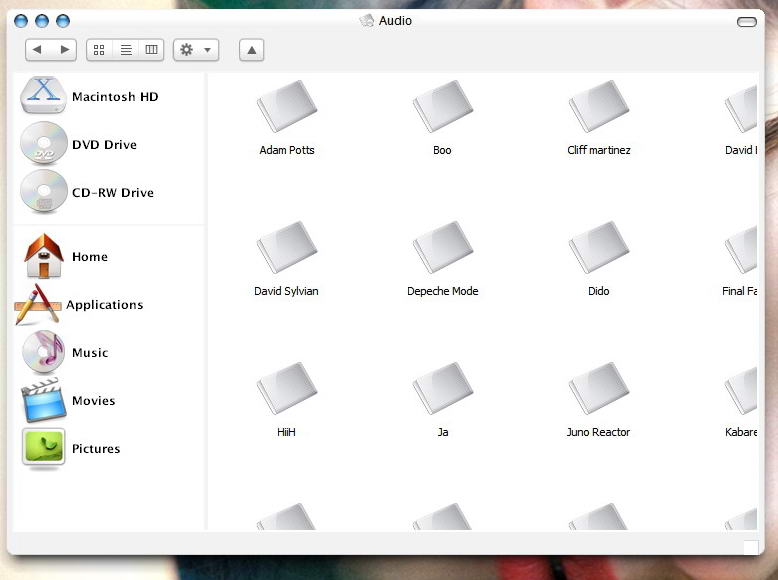
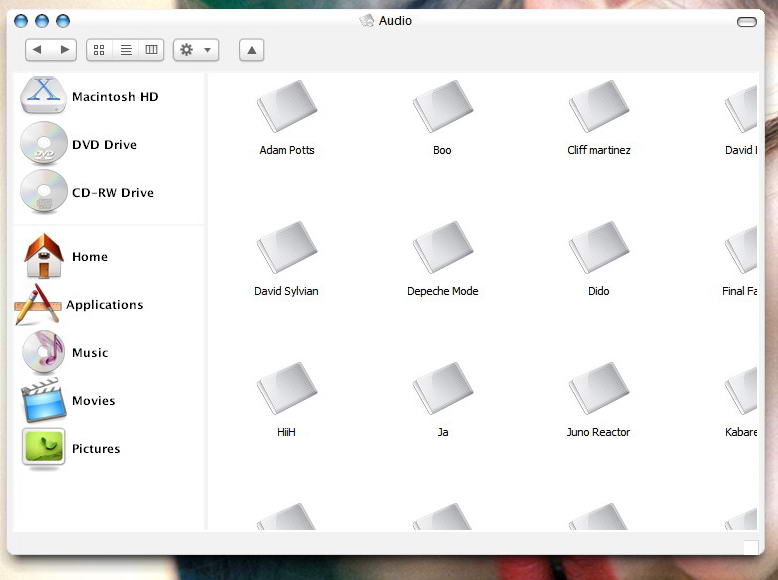
Originally posted by Pe7er@Feb 17 2004, 10:06 PMThanks mate...but it didn't help. Take a look at the screenie attached. It's still the same.
About notepad: I know, I'd love to use it, but I'm just scared of this code. I am blind when I see it, seriously >.<
What now?
oic... your using webview rather than the media bar <_< . ill have another look.
-The Unknown
Sorry theunknown, webview seems to be easier for now.
Apart of that, I've managed to do it! Attached  :D
:D
Now I have to place desktop.ini in every folder >.
Edit: what is weird, it's that not every folder shows the pane. I put appropriate desktop.ini inside, refreshed for a couple of times, reset folder settings and still nothing, it shows standard 'tasks' pane.
Originally posted by Pe7er@Feb 17 2004, 10:30 PMSorry theunknown, webview seems to be easier for now.
Apart of that, I've managed to do it! Attached
Now I have to place desktop.ini in every folder >.
Edit: what is weird, it's that not every folder shows the pane. I put appropriate desktop.ini inside, refreshed for a couple of times, reset folder settings and still nothing, it shows standard 'tasks' pane.
as long as its working thats the main thing 
and since i havent messed around with webview too much i dont have an answer to that issue... sry.
-The Unknown
Thanks for understanding and support. (Y) BTW did you manage to do anything with the media bar?
Oh, here's registry hack for all who don't feel like messing with regedit:
Originally posted by Pe7er@Feb 17 2004, 10:54 PMThanks for understanding and support. (Y) BTW did you manage to do anything with the media bar?
Oh, here's registry hack for all who don't feel like messing with regedit:
apart from what you've seen so far, no. due to skool and a few other things ive had goin on i simply havent had time.
-The Unknown
Originally posted by sniper1747@Feb 17 2004, 11:34 PMHow can I activate Webview in all folders ?
Thanks
you cant... you need to have a file in every folder for the webview mod to work, that y its not being used a whole heap ATM.
-The Unknknown
Originally posted by theunknown@Feb 17 2004, 01:17 PMyou cant... you need to have a file in every folder for the webview mod to work, that y its not being used a whole heap ATM.
-The Unknknown
Thanks
