
Stacks Docklet 2.0

Hi,

Im sorry if this has been covered, but i didnt see it in the thread, i just tryed this with RK launcher and it keeps crashing when i add the stack dock.

does this not support RK launcher?

if it does how can i get it working? if not what dock does it work with?

Many thanks

#529144

Am I missing something or why the lack of progress updates? :P I haven't seen Matonga reply in a while.

#529258

Am I missing something or why the lack of progress updates? :P I haven't seen Matonga reply in a while.

He will reply and update when he's good and ready, he does have private life.

This is a free application please be grateful he's even released all.

#529259

Am I missing something or why the lack of progress updates? :P I haven't seen Matonga reply in a while.
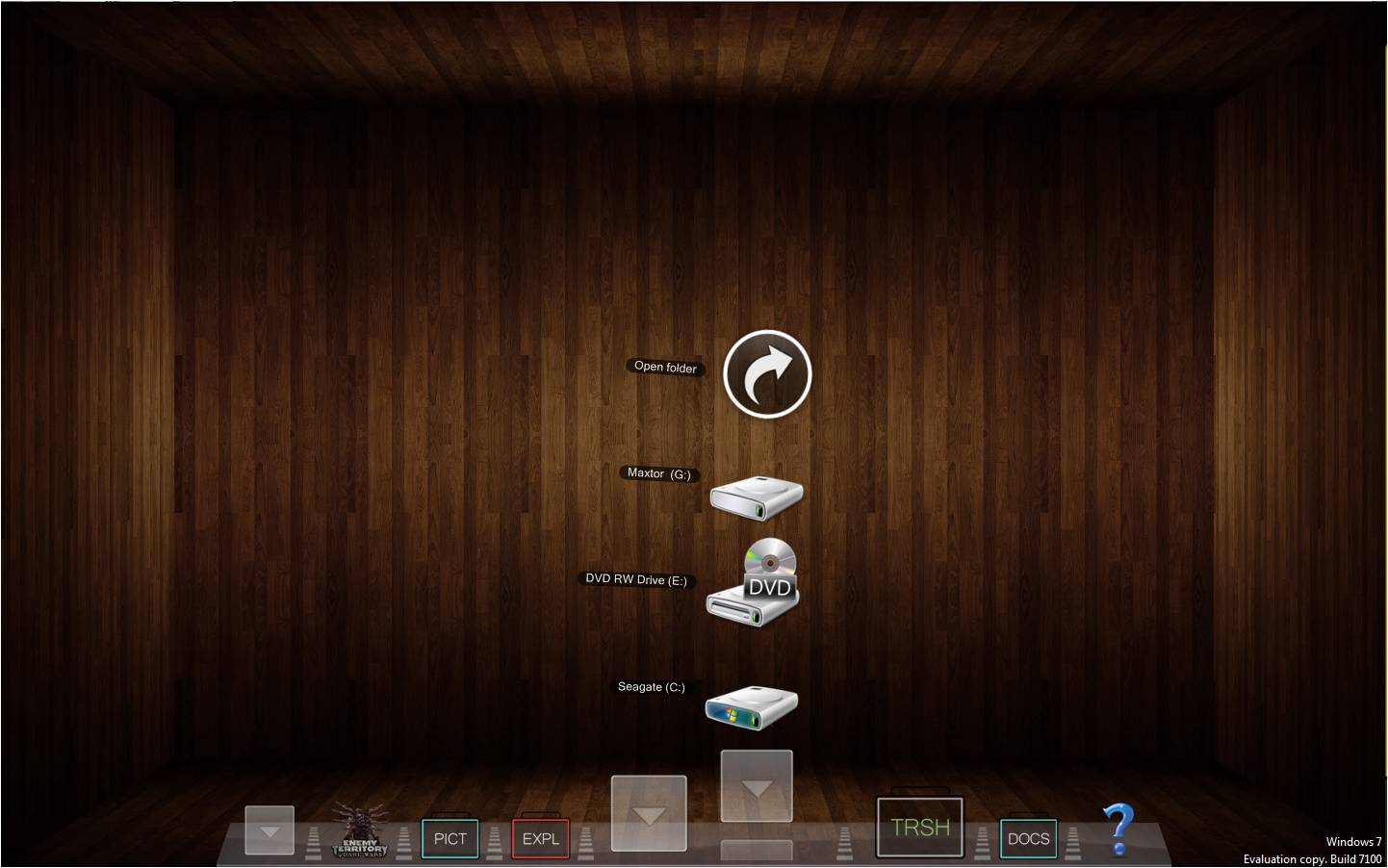
He said a while back he was rewriting the application in another language, and that it might be a couple months before he has any updates. We'll just have to wait and see.

#529261

Chrisn'soft's standalone stack is more advanced than this docklet right now. Just use it and drag a shortcut onto the dock. Matonga is porting it to another language to make it more stable and fix the icon extraction problems. I'm sure he'll get something out in the fall.

#529267

post-103311-1246855031_thumb.jpgI like Stack Docklet 2.0 it very stable and very responsive but the icons are too big. I hope the icon will be smaller like the real Macosx dock stack.

post-103311-1246855019_thumb.jpg

Picture1.jpg
Picture1.jpg
Picture1.jpg
Picture1.jpg

#529332

theexclusive, you can change it under the options under Advanced. Just untick "Use docklet icon size for fans" and change the size to whatever you want.

#529345

Thanks you very much Andrew=) I wonder went the actual stack docklet 2.0 release ?

After using Stack Docklet 2.0 for a week my rocketdock and my window 7 64 bit seen not to be happy with Stack Docklet 2.0[not stable]

Do not double post - mps69

#529420

I have been doing a lot of tests with different versions of RocketDock/ObjectDock/Stack Docklet. On my Vista machine (SP2), the most feature reach and stable combination is the free version of ObjectDock v1.5 (yes, the old one) + Stack Docklet v1.0.0.98. Just be sure to remove the weather docklet as it is generating lots of problems. You may substitute it with the old xml weather docklet if you need it.

#529555

Using Stacks Docklet 2.0 with the latest build of ObjectDock Plus under Vista Home Premium SP2, and it works flawlessly most of the time (huge props to matonga :D ) though I've been having the odd crash when the dock launches. Strangely it doesn't crash every time; maybe the icon extraction thing? Anyway, I changed to XP SP2 compatibility mode to see if it works any better and so far it hasn't crashed. . . though a couple of OD's Vista specific features don't show up anymore. Conveniently, I wasn't actually using them. . .

I'll update this post later if I can reproduce the crash in compatibility mode, but otherwise looking forward to the next build. ^^

[Edit] Never mind, it happened again. Guess I'll switch back and just baby it until there's an update or my Win7 pre-order gets here in October.

#530010

Great docklet, works pretty much as expected. However, would it be possible for you to make some kind of program that adds a reflection to an icon? I'm using a leopard theme dock but not all my icons are reflective so it looks off.

#530222

Matonga has already programmed that.

Look over to his official site: M! Reflect Icons

#530234

using this with windows 7 and it works good, the only bug i have is with my second shortcut to a folder where sometimes it doesnt load the folder and shows the desktop

#530241

Matonga has already programmed that.

Look over to his official site: M! Reflect Icons

Nice, thanks a bunch!

#530280

Nice, thanks a bunch!

Np, it's my pleasure.

#530287

Hello :)

I tried to install SD2 on my Vista SP2 machine, the problem is that everytime that i try to add a stack docklet on rocketdock, the application crashes, and it keeps crashing everytime that i restart it.

I either tried to run rocketdock as admin.

Is there a fix for that?

Thanks in advance :D

#530386

when i use my stack to program files it stil shows deleted folders, i tried defragmenting also but they still showup

#530480

when i use my stack to program files it stil shows deleted folders, i tried defragmenting also but they still showup

As it is right now, the stack won't auto-refresh. You have to stop and restart your dock. We'll see if that issue has been resolved if/when the new stack is released.

#530510

As it is right now, the stack won't auto-refresh. You have to stop and restart your dock. We'll see if that issue has been resolved if/when the new stack is released.

even when i restart my computer it still shows deleted folders, ive tried making a new stack but doesnt work is there some history file i can delete or something

edit: ok i found the problem, explorer shows there nothing there but when i browse for example with objectdock in that menu i can see the file/folder even though its been deleted but it has a lock on the lower left corner, any1 know what that means

#530512

hi. im using objectdock plus on vista sp2.

everytime i try to add stackdocket 2.0 the objectdock crashes.

is there anyone with similar problem and have solve it?

please help.

thank you.

#530534

even when i restart my computer it still shows deleted folders, ive tried making a new stack but doesnt work is there some history file i can delete or something

edit: ok i found the problem, explorer shows there nothing there but when i browse for example with objectdock in that menu i can see the file/folder even though its been deleted but it has a lock on the lower left corner, any1 know what that means

Under your explorer, go to the tools menu and click folder options, click the view tab and select show hidden files and folders.

Do you see the folders now under explorer?

#530536

Big props for the docklet! :)

I'm having the same problem as everyone else. I've read through all pages to see why is SD2.0 crashing under Vista 32, but I got lost. Could someone help us?

Saludos desde México!

#530544

I think we will have to wait until matonga finds the time to migrate Stacklib to C++ and update his stacksdocklet.

#530576

Suggestion for Stack Doclket 3.0? :P

-Minimize windows in stacks like Snow Leopard

#530762

Thanks for this awesome little piece of software - so I've got it installed and working, my only issue is that in Windows 7, I make my Libraries as a Docklet icon and the resulting libraries only use the default icon for each one (not the actual icons for each library). Is there a way around that?

#530935