 Aqua-Soft Forums
Wow~~!Cool~
Focusin Xp
Focusin still doesn't start with windows. Application is running but doesnt draw blue boxes, I always must restart it manually.
Focusin still doesn't start with windows. Application is running but doesnt draw blue boxes, I always must restart it manually.
Yes I have the latest version and it started off when I loaded but when I reboot it doesn't function at all what gives? What do I need to do or what needs to be done"
Ok, finally I had time to reproduce the problem. This is the fastest way to reproduce:
Logout then login.
By now I have no idea why it doesn't work. Let me see...
Edit
Ok, I found a way to circumvent it:
1. Tell FocusinXP to not load at startup.
2. Add a shortcut to FocusinXP.exe into your start folder (C:Documents and settingsStart menuProgramsStart)
This way it works here. Please try it and tell me if it works, because I'll implement it this way instead.
Ok, finally I had time to reproduce the problem. This is the fastest way to reproduce:Logout then login.
By now I have no idea why it doesn't work. Let me see...
Edit
Ok, I found a way to circumvent it:
1. Tell FocusinXP to not load at startup.
2. Add a shortcut to FocusinXP.exe into your start folder (C:Documents and settingsStart menuProgramsStart)
This way it works here. Please try it and tell me if it works, because I'll implement it this way instead.
I did this and It works so I hope it holds out when I reboot any updates on the horizon? I know you are busy no hurry just wondering and btw I am using winpatrol to add application to the start up folder does that suffice.?
Ok, uploaded new update:
http://matias.securityconsultant.com.ar/Fo...-2009-01-16.rar
Now it works at startup too!
Congrats bro, everything works fine
Nice Update Matonga 
Is there any chance you could fix the theme selection lost on startup issue as described also, possibly make the minor UI changes I proposed below?
my theme selection still does not save between sessions. (program restarts)Also, I cannot find an example of the listbox focusin images being used in WindowsXP system. Could you please direct me to where to test my edits?
Lastly, a big favor~
Could you please:
- Add a "Close" Button in the Settings window
- Change "Apply" Button behaviour to ONLY apply and not Close the window.
The above change would make reviewing skins and selecting them much more user friendly.
EDIT 2: I have found another area of the system which uses square_images instead of the button_images. Please see screenshot below. It would seem that areas of MS Office2007 display like the control panel had.
Steps to reproduce below image:
- Open MS Word
- Type something
- Attempt to close the window by clicking "X" close button before saving.
In Outlook:


@firecracker6:
Uploaded a new version. Please try MS Office and Mail again.
Sorry I meant Outlook, not Mail. (???)
I don't have an account configured, and my Office version is a "legacy" app (I use Office XP + compatibility plugins for 2007 files), so I can't test it myself.
Give me a second and I'll reupload with your requests, if possible.
Edit
Please redownload.
FocusinXP didn't store settings selected into preferences dialog. It also didn't load them... like everyone was stick with LeopardXP and "skin legacy apps" unchecked.
Now it works.
Also when you ... oh sh****t I forgot to bugfix something...
Expect another edit to this post in about 5 minutes.
Edit
Ok, when you choose a different theme in settings dialog, it immediately applies it so you can "preview" the theme.
If you make changes to the theme, just choose another theme then choose the theme again (no need to apply the settings then go to the tray icon bla bla bla, just two keystrokes at the Theme: combobox are enough).
Last but not least, the listbox...
I was unable to find a better example:
Run Notepad, choose Format, then Font.
By some reason FocusinXP supposes Font, Font style and Size are listboxes (which is wrong, they are a textbox plus a listbox below, I dunno how to solve it yet).
I hope all this info helps you, as you can see I don't lack good will, just haven't enough time 
Wow Matonga, this is truly a treat, thanks again for taking the time to improve this.
I will write back again after using this program for a bit.
Unfortunately, the first computer I tested the new release on, would not work. This is what happened:
- Unzipped the folder: "FocusinXP-2009-01-19" into program files.
- Launched "FocusinXP.exe"
- Try and click on Explorer window's title bar. Everything starts flickering and window is frozen and cannot be moved.
- Attempt to right click on Focusin's system tray icon and the right-click menu flickers and disappears immediately.
- Taskmanager (minimized to system tray) shows lots of activity.
- Then moments later, an error message pops up. Something like system resources, or exception, error.
- Click OK on the error and Focusin quits.
The above happens on a (just freshly reinstalled) Windows XP XP3 32bitOS running nothing else (as far as I can remember) also, no windowblinds, just patched UXTheme. This is an HP PC with Core2Duo, 4gb ram, Nvidia 7xxx series card.
On my dell laptop running XPSP3 with Windowblinds 6 and a whole bunch of other things, and FocusinXP starts up just fine.
Strange...
Ps. So far, all the office 2007 related borders are OK And major appreciation for the theme saving fix! And also for the listbox sample. I now know where to test out the listbox borders.
Updated FocusinXP, now if explorer start menu bar crashes and relaunches, Focusin's tray icon is not lost.
I clicked on the link and I got a 404 error
should I extract in program files overriding previous versions
I clicked on the link and I got a 404 errorshould I extract in program files overriding previous versions
Sorry I forgot to rename file after upload. D'oh! :mad:
Fixed.
Please retry now. 
Sorry I forgot to rename file after upload. D'oh! :mad:Fixed.
Please retry now.
Thanks do I extract into program files or does it matter?
: I have been extracting into a folder of the same name is that fine?
Yeah you can put it wherever you want.
I prefer C:Program FilesFocusinXP to keep things organized, but others' mileage may vary.
To uninstall, just make sure "Start with Windows" option is unchecked, then remove the folder.
Yeah you can put it wherever you want.I prefer C:Program FilesFocusinXP to keep things organized, but others' mileage may vary.
To uninstall, just make sure "Start with Windows" option is unchecked, then remove the folder.
Thank you I will have to do that -I once had two processes running because I did not do that
Haven't tried this app yet, but does it come with a visual style too? It seems like there is a grey visual style.
@username3d3:
No it doesn't come with a visual style.
The default halo skin included with Focusin matchs the following visual style:
http://nobodyuse.deviantart.com/art/Leopar...-Style-81776516
Also Firecracker6 has done another skin named "Squared", for a WindowBlinds skin: Freearea by Dreamxis; and maybe other visual styles and wb skins with "Square Buttons".
Just to report it is working on Windows 7 beta just fine... i think the mismatched highlight has to do with the skin... so I would need to create a matching skin, wouldn't I?
BTW, just a little bug... the application will load multiple times if run more than once, it would be nice that if ran twice the app will simply close so no multiple instances end up showing up.
Little things always count a lot! Thanks for such a nice app.
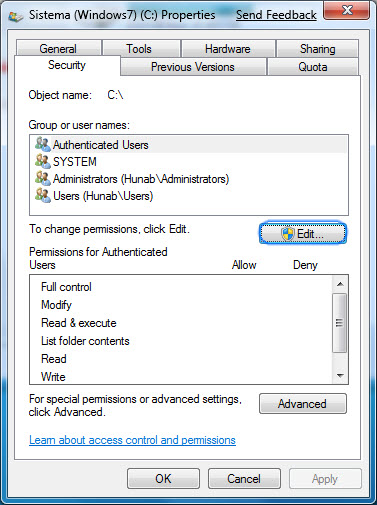
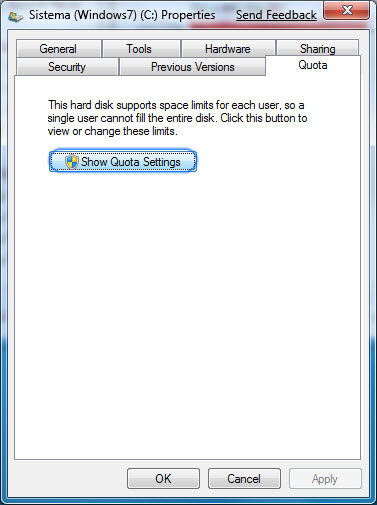
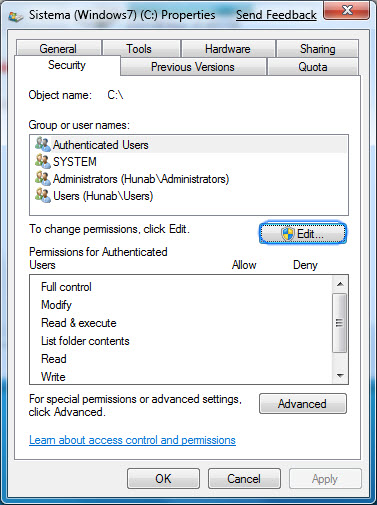

@Smaky, try this: http://www.aqua-soft.org/board/showthread....light=focusinxp
Fixed a bug where some checkboxes / radio buttons where incorrectly drawn a halo in the right side (where the checkbox / radio button is in the left side as usual).
Checkboxes / radio buttons at right side of text are not affected and continue to draw halo correctly.
Thanks, it worked just fine...
@Smaky, try this: http://www.aqua-soft.org/board/showthread....light=focusinxp
But I have a doubt, I see no glow around radio buttons... how it is supposed to show?
@ Smaky, you're using this with Windows7 right? I've been trying the squared skin on windows7 and it's still slightly off. I might, when I have time, post a skin specifically for Win7. Btw, would you mind posting a screenshot of where the radio button's not being 'skinned'?
nice app but can you make a exclusion option plz because it interfears with some apps