 Aqua-Soft Forums
Firefox 3 Skins
The only one I've came across is the IE7 look-alike, but honestly who wants that? 
Does anyone know if it'll be difficult to get skins updated? ugh... looks like I'll have to wait a while before my favorite skins are updated.
There is a skin called Mac OS X theme. It's still 'experimental', but it's pretty complete.
I'm using it now, it's nice.
I'm using GrApple Yummy (blue) for OSX it seems to be the best skin for firefox 3 on mac, so far.
Phoshi, mind taking a screenshot? Does anybody know if FF3 uses the same skinning format that FF2 uses?

I don't know if I'm right to upload this 2 skins, just found them in FF sites, in experimental.
They're not mine and never asked the permissions to upload in here, I hope I will not get trouble
so here you go
Oh, actually I still use FF 2
Can't seem to find a Safari skin for FF3 yet..
I've tried these ones.
http://www.takebacktheweb.org/
But smth wrong with menu bars.
look

Oh yes. One more thing. Since FF uses Windows icon font size - the fonts in favourites bar are too big in my case as I made those to perfectly fit my Finder clone. So if you know where the fonts in FF can be changed pklese share those knowledge as I want them to be smaller.
I've tried these ones.http://www.takebacktheweb.org/
But smth wrong with menu bars.
look
Oh yes. One more thing. Since FF uses Windows icon font size - the fonts in favourites bar are too big in my case as I made those to perfectly fit my Finder clone. So if you know where the fonts in FF can be changed pklese share those knowledge as I want them to be smaller.
Ahh! I've managed to run the above theme/skin in xp sp2.
Regarding the transparent menus, you can install Stylish add-on and write the following:
/* Make menus XP style */
menupopup, popup {
border: 1px solid ThreeDShadow !important;
-moz-border-left-colors: ThreeDLightShadow !important;
-moz-border-top-colors: ThreeDLightShadow !important;
-moz-border-right-colors: ThreeDDarkShadow !important;
-moz-border-bottom-colors: ThreeDDarkShadow !important;
padding: 2px !important;
background-color: rgb(230, 230, 230) !important;
}
menubar > menu {
border: 1px solid transparent !important;
padding: 2px 5px 2px 7px !important;
margin: 0 !important;
}
menubar > menu[_moz-menuactive=true] {
background-color : Highlight !important;
color: HighlightText !important;
}
you can play around with numbers, specially the background color...
regarding the font sizes, i too have some issues. will take a look inside the theme later...in the meantime, you can go to Tools>Options>Content and see if it helps.
btw, you can install Hide Menubar add-on. press Alt key to toggle...
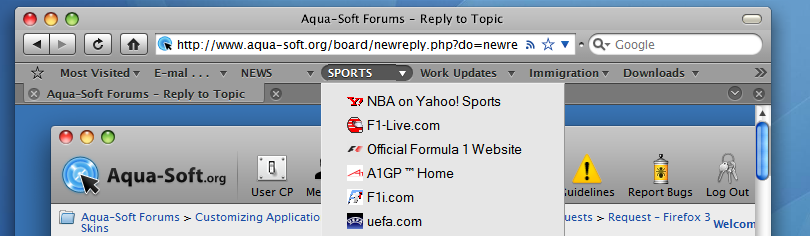
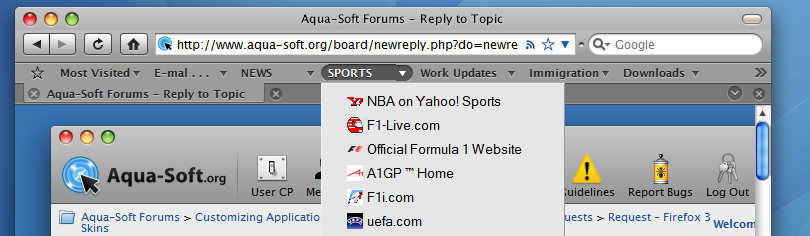
Sure thing, KAW.
It's an OK theme, mac emulation wise, but I do rather like it. It is just a pity my VS doesn't quite blend perfectly.
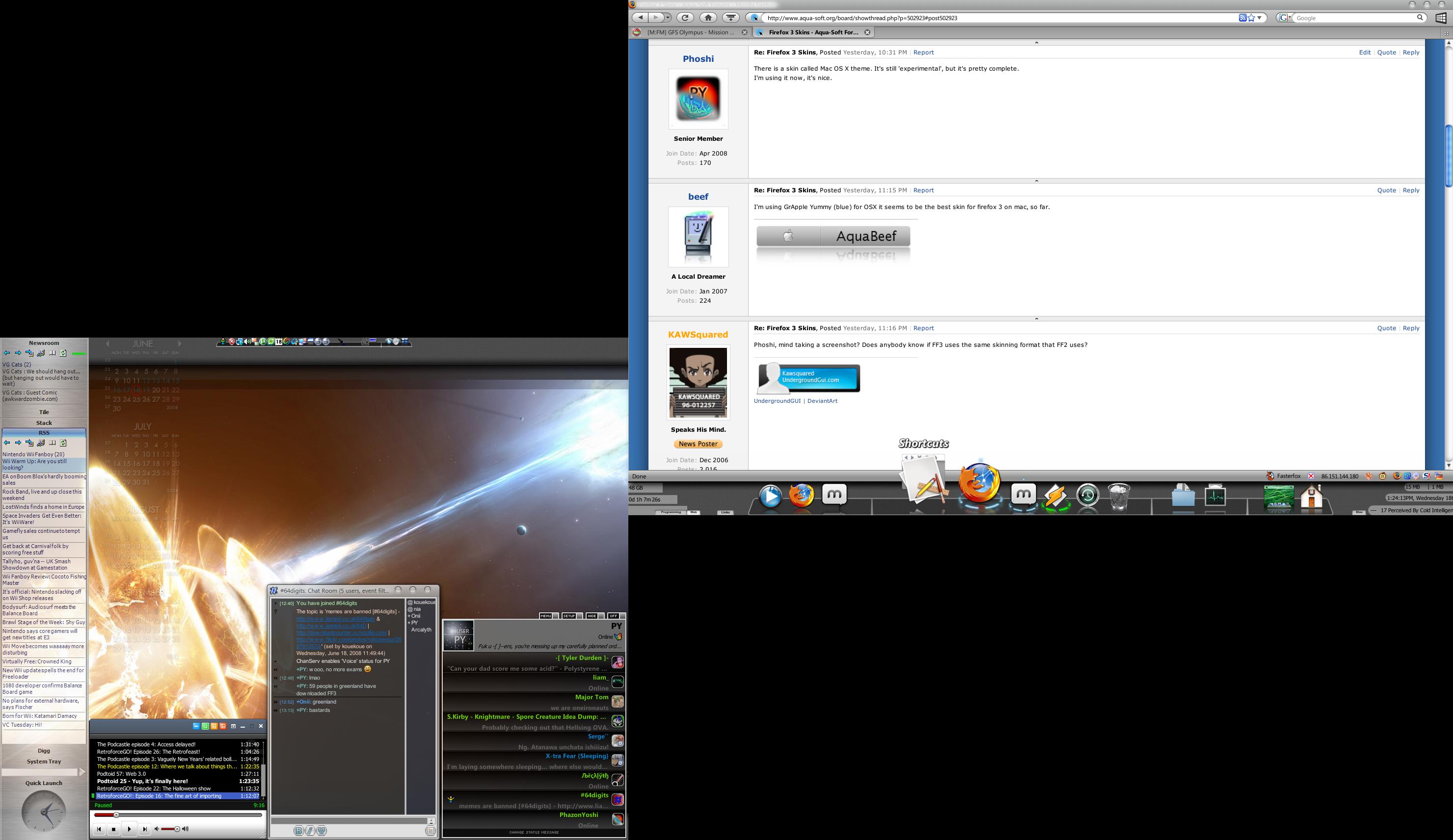
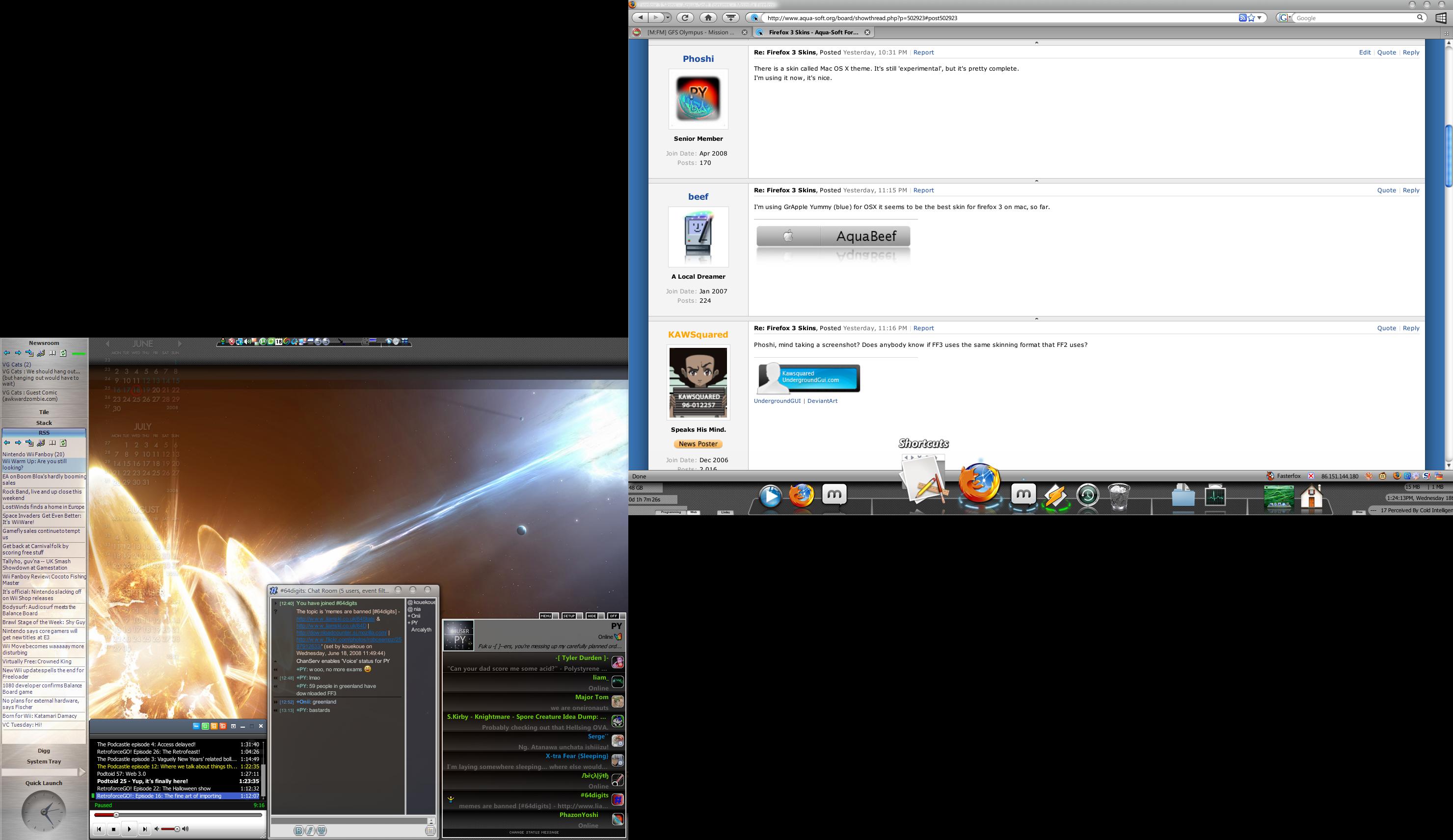
Here's what mine looks like, it really fits with the mac style better than the default skin.

Ah, but you don't count, because you're on a mac already
(Though that skin is very nice. Pity it's almost certainly one of them there mac only mac skins)
Well, guess i won't be uploading anytime soon.
Both bSayz and Phoshi's firefoxes (plural version pl0x?) look terrible, no offense intended. People like me who don't stick with leopard themes all the time won't be able to handle that. Everything on my computer is unified, nothing is out of place.
So when firefox 3 can be skinned, that's when i'll upgrade.
¬_¬
Skin it yourself, lazy bum!
And no offence taken, I'm not a big mac emulation guy, so I just focus on what looks right to me.
From what i've read, FF3 doesn't offer me anything extremely useful to me, so there's basically no point anyways
Dude.
Awesome bar.
Really, it's revolutionised the way I surf the internet. (Install FF3 portable edition to try it out)
Hi,
Is there a way to get the icons away (just text) in the links-bar (don´t know how it´s called)?
Oh it´s Windows XP SP2:

Bookmarks toolbar, I think it's called in the menu.
I'd like to know, too. I can't see an option, or anything as such, so someone may need to create an addon. (BTW, what skin is that? And what WB skin?)
Firefox skin is this one, a port of the original MAC theme (slightly overdone by me to match the WB theme exactly):
https://addons.mozilla.org/en-US/firefox/addon/7172
The WB theme is my own on base of Blitzr´s Tiger theme. I can send it to you if you want, but it´s not perfect in the deep, as it´s just for my own use. (i.e the start button is just plain white as I use Finderbar, which brings its own...)
Beef is probably using one of these skins http://www.takebacktheweb.org/
But I think that he has a MAC, 'cause he has Firefox menu in bottom bar. I dont think objectbar can do that... you can use the skins on the http://www.takebacktheweb.org/ on PC version, I am using it and its fantastic
Aye, look at the bottom of his screen.
Icon is a .dmg
@Bj, Thanks for the link.
(And WB screws up my firefox right click, which is a pity)
Well, guess i won't be uploading anytime soon.Both bSayz and Phoshi's firefoxes (plural version pl0x?) look terrible, no offense intended. People like me who don't stick with leopard themes all the time won't be able to handle that. Everything on my computer is unified, nothing is out of place.
So when firefox 3 can be skinned, that's when i'll upgrade.
lol
http://www.aqua-soft.org/board/showpost.ph...02&postcount=40