Free Utility Gdi++ Replaces The Windows Font Engine With Os X-style Rendering

I figured someone might like this little app, being that this is an emulation site.

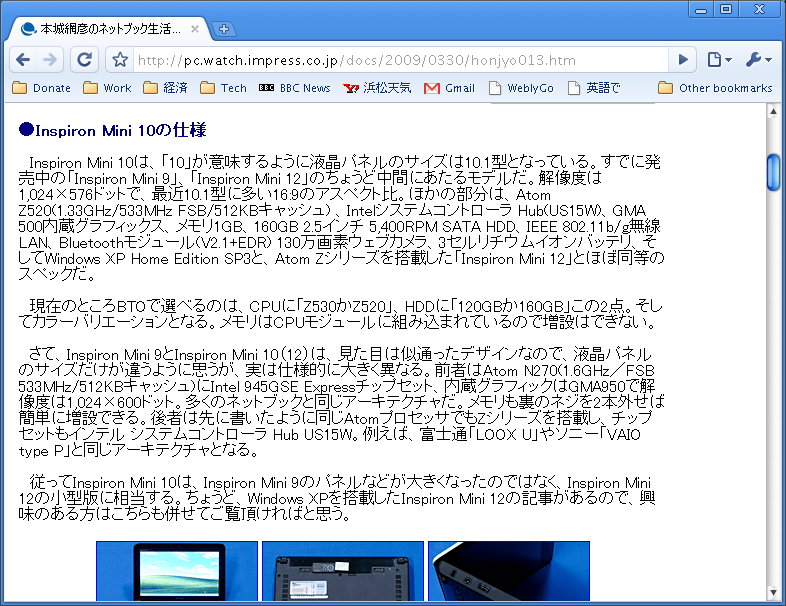
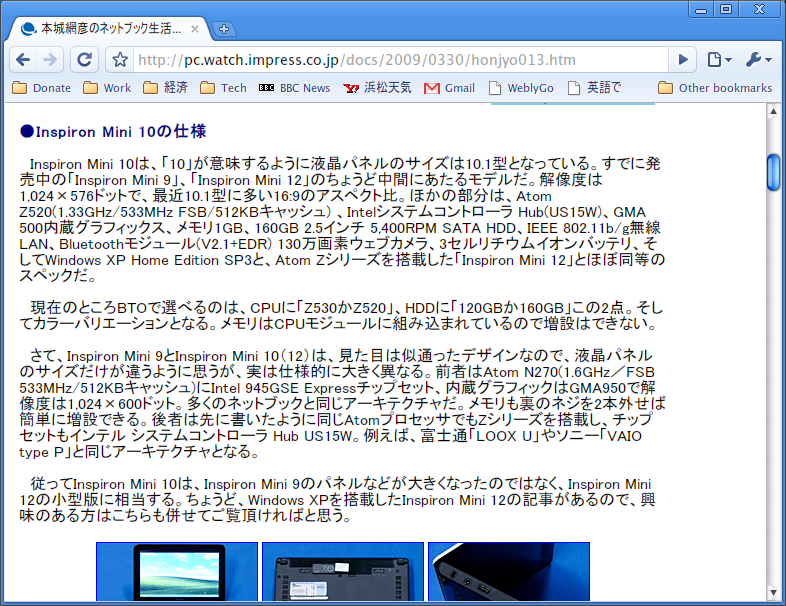
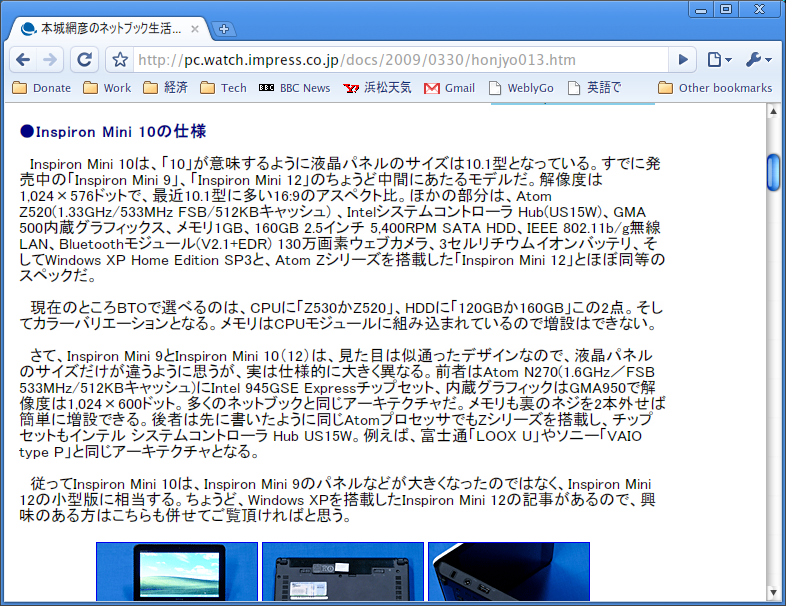
System tray application GDI++ replaces the Windows font engine with smoother OS X-style rendering instead of Microsoft's ClearType.

Link to the app and screenshots here

An article from lifehacker about the utility GDI++

..aand a bit of a caveat before taking the plunge:

The font rendering is based originally on the GDI++ library from drwatson. That means most of the documentation is in Japanese, the application is clunky, and hooking into Windows this way could cause system instability, so definitely proceed with caution.

..no doubt the above won't deter this site's posters, I'm sure you've all done much worse to your systems. ;)

#525908

Welcome to last year.

Okay, that's perhaps a little harsh, my apologies.

Gdi++ is really terrific though. The emphasis is on improving the appearance of Japanese/Chinese characters - as you can see, it makes quite a difference:

Normal Windows text rendering:

post-96378-1238490490_thumb.png

With Gdi++ enabled:

post-96378-1238490500_thumb.png

However, the software also improves the appearance of Roman characters, although it may take a while to configure the rendering properties in order to achieve a satisfactory result.

Normal Windows text rendering:

post-96378-1238490508_thumb.png

With Gdi++ enabled:

post-96378-1238490518_thumb.png

One further thing to consider is that the rendering quality appears to vary from display to display. For example, the 17" LCD that I use at the office utilises a slightly different configuration to that of my home laptop. This may explain why some users' screenshots look absolutely hideous - indeed, the images above may not look terribly good when displayed on your monitor!

Cheers,

James

x

japanese_normal.png
japanese_normal.png
japanese_gdi__.png
japanese_gdi__.png
english_normal.png
english_normal.png
english_gdi__.png
english_gdi__.png

#525914

Google Chrome users with GDI++ and no antialiasing in the browser (like me) remember to add --no-sandbox as arguments to each shortcut to chrome.exe :)

#525923

matonga, do you perhaps mean the --singleprocess switch?

Actually, recent versions of gdi++ addressed this issue, so now it is possible to run Chrome with each tab in its own process, as originally intended.

The most recent release uses a beta version of the rendering engine, so I would recommend using something a little older, such as http://free.flop.jp/gdi++/src/gdi0885.7z

Cheers,

James

x

#525925

I really meant --no-sandbox.

--singleprocess defeats most of the purpose of Google Chrome :( (though I used this switch under Windows 7 else it wouldn't run there).

BTW is there any source code of gditray.exe available? (in particular the dll injection code, it would be very useful to other apps such as AppleMinMax, any remake of Rosie, skinning context menus, etc...).

Edit

Ok, after looking around it a bit, it seems to be using detours api.

#525927

Yes, I used to use the --singleprocess switch (reluctantly, as it defeated one of the main benefits of a multi-process browser, as you correctly note), however after reading on these very forums that gdi++ had been updated, removed the argument from my Chromium shortcut and was delighted to see that the smoothing was still working correctly.

What does the --no-sandbox achieve with regards to gdi++ ?

Cheers,

James

x

#525930

Welcome to last year.

fair enough.. I thought I remembered something about this back in the day but a search of the forums didn't bring up anything on GDI++, how odd.

#525937

Is there one for x64 systems, anyone?

#525955

Does anyone know how to get the older versions working with non-SSE2+ processors? (I read in another post that it is possible using an "dll injection tool" to make the font rendering system wide)

#526671

I really meant --no-sandbox.

--singleprocess defeats most of the purpose of Google Chrome :( (though I used this switch under Windows 7 else it wouldn't run there).

BTW is there any source code of gditray.exe available? (in particular the dll injection code, it would be very useful to other apps such as AppleMinMax, any remake of Rosie, skinning context menus, etc...).

Edit

Ok, after looking around it a bit, it seems to be using detours api.

matonga, thanks very much, i didnt know that, and works perfectly.

#527695

Someone should slap me for not trying this before, excellent program.

#527700

Can someone post the link to the latest gdi++ and where to get so that i don't bug people often?

Sorry am being a noob, but you gotta start somewhere...

#532607

Aah...thanks.

#532643