GDI++ , font smoothing...

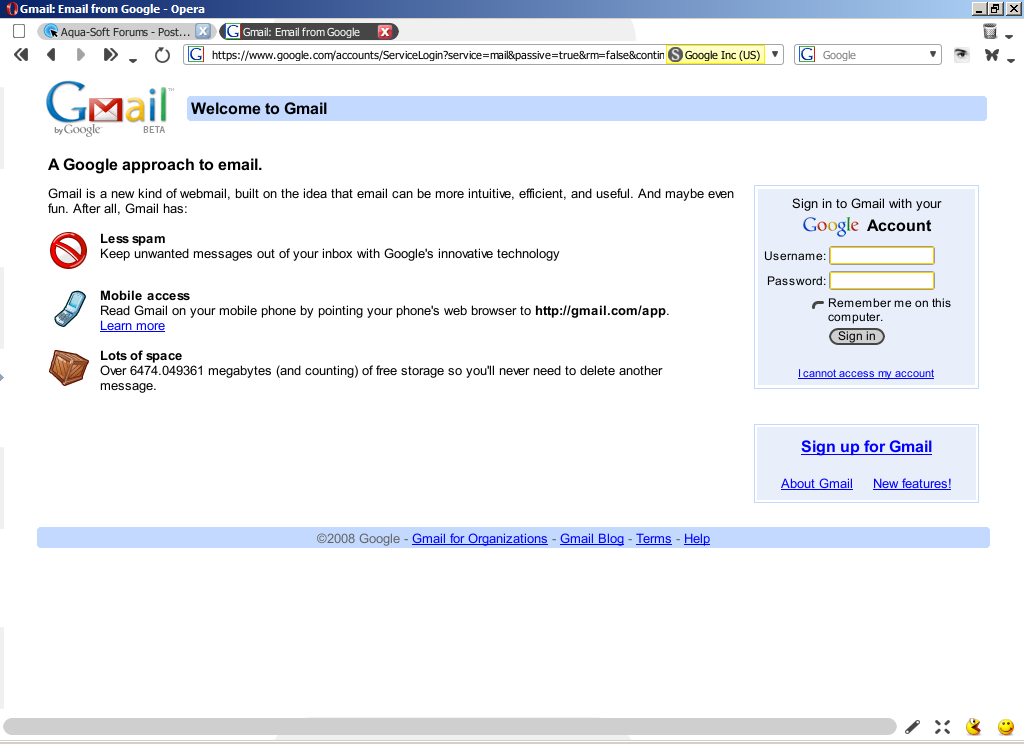
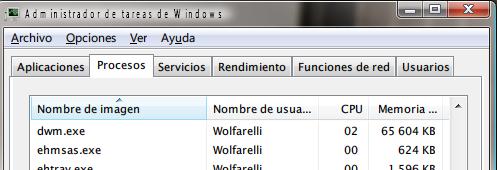
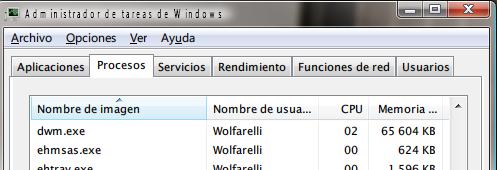
After Bapestar pointed this app out, I've been tinkering around with it a bit. The default smoothing looked ghastly on my crt, however I've managed to achieve a decent look after some inspired tinkering with the settings. Since there was no other thread on this, I decided to create this one to ask if anyone else has tried it out and if yes, how did you configure it properly.

Get it here: http://reader.feedshow.com/show_items-feed...0af4f39972ff59a
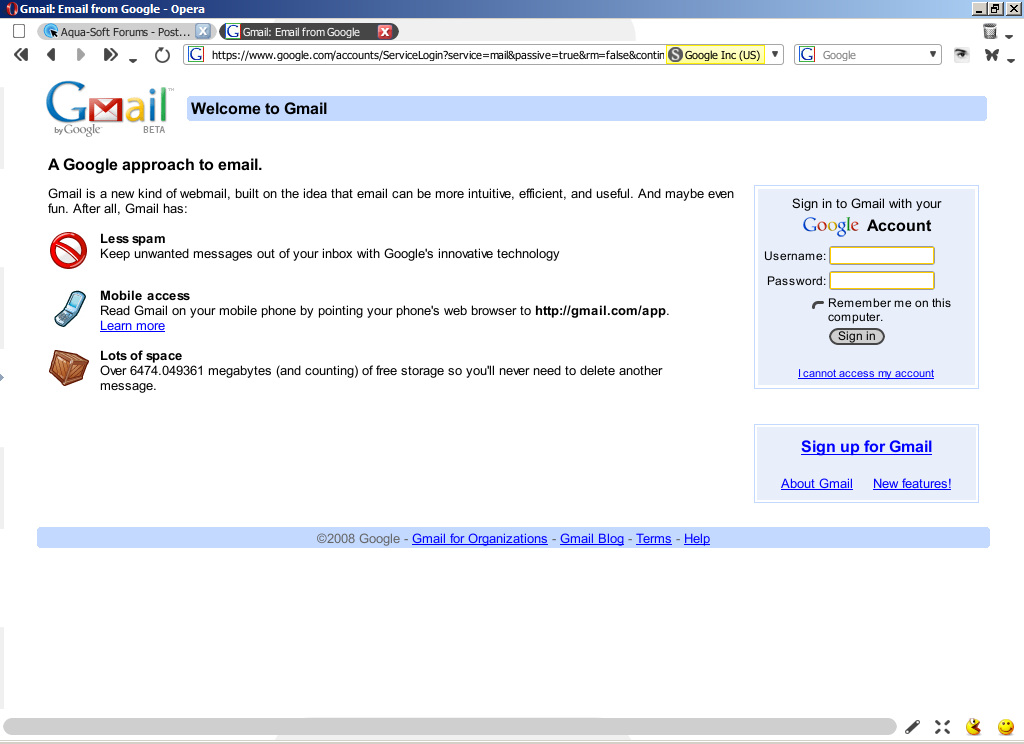
post-62115-1204365055_thumb.png

fontsmooth.PNG
fontsmooth.PNG

#493298

thats how mines looks too, but i don't use that app anymore

#493310

What did you do for that?

The only app that looks like that without GDI++ is iTunes.

#493313

I've had it for a bit now. Great improvement, but it messes up lucida grande on objectbar.

#493316

Looks amazing here, I've been using it ever since I found it.

#493331

How did you configure it (share the ini file you use)? And can it work with explorer? I can't make it to...

#493340

Like i mentioned, you shouldn't have messed around with the settings if you didn't know what you were doing.

You never know what an app is capable of.

#493364

i think i was using a pre-smoothened font, because windowsblinds 6 gives you the option to change the default font

#493370

Like i mentioned, you shouldn't have messed around with the settings if you didn't know what you were doing.

You never know what an app is capable of.

Well, the default was looking horrible and I did kind of repair it. I didn't make anything worse than it was, and the defaults are backed up, so I fail to see why I should lay off. :)

#493386

Hm, I just right clicked > enable.

Works fine so far, although pre smoothed fonts do look a little too bold.

#493389

@Bapestar, could you put up a screenie of how it looks? I put opera and safari side be side and tweaked it so they looked the most similar...I wanted to see if the defaults on your were the same? Post your ini file too. :)

#493877

I just found this blog which quotes this thread op verbatim...Even the picture attachments there.

Is that allowed?

http://window_vista.windowsrecovery.org/20...font-smoothing/

#495071

Sorry, what exactly would you like a shot of?

#495216

Nice app. It renders fonts pretty nice.

The only problem I'm having is that the title font in all windows is, or replaced by these ugly font, or having some kind of rendering problem. Anyone with the same problem in Windows Vista?

post-23172-1206075538_thumb.jpg

Screenshot.jpg
Screenshot.jpg

#495271

I just found this blog which quotes this thread op verbatim...Even the picture attachments there.

Is that allowed?

http://window_vista.windowsrecovery.org/20...font-smoothing/

It quotes EVERYTHING from aqua-soft... all the threads... really wierd

http://window_vista.windowsrecovery.org/

notice the do admins administrate post... same as thread on here

#495276

What is that site???

#495280

Sorry, what exactly would you like a shot of?

Just a screenie showing the effect of this app on your setup, take the forum pages for example.

#495281

Shot of the upper forums.

Something like that?

#495313

Well, here's mine:

wjgr9x.png

The text seems a bit too bold in yours, that's how it was on default for me too.

#495434

GDI ++ is powerful and customize.

see this picture...

upload.ysk.cc/upload/photo/200803-1206197768-DLPRSai136.png

#495440

I followed the instructions in the blog post. I ran gditray.exe and it displays a greyed-out icon in my systray.

However, when I right-click on the icon and select Enable, nothing happens. 'Disable' remains selected and I'm unable to figure out why.

How do I get this to work?

#495449

You have to get all those dlls too. Wait, I'll upload my version here...

GDI++.zip

Attachment: GDI++.zip

#495456

They look too bold? Weird, appears fine to me... Yours look a little rough too.

#495459

Here's a detailed explanation of the ini config. Tweak to your heart's content. (it's an english translation of the jap readme)

http://free.flop.jp/gdi++/src/gdi0808.txt

#495460

Shot of GDI in action

Heres a shot i did with GDI. Do you think my fonts appear too bold?

#495462