ShowDesktop

Download:

[s]http://www.matiasmoreno.com.ar/ShowDesktop.exe

http://matias.securityconsultant.com.ar/ShowDesktop.exe

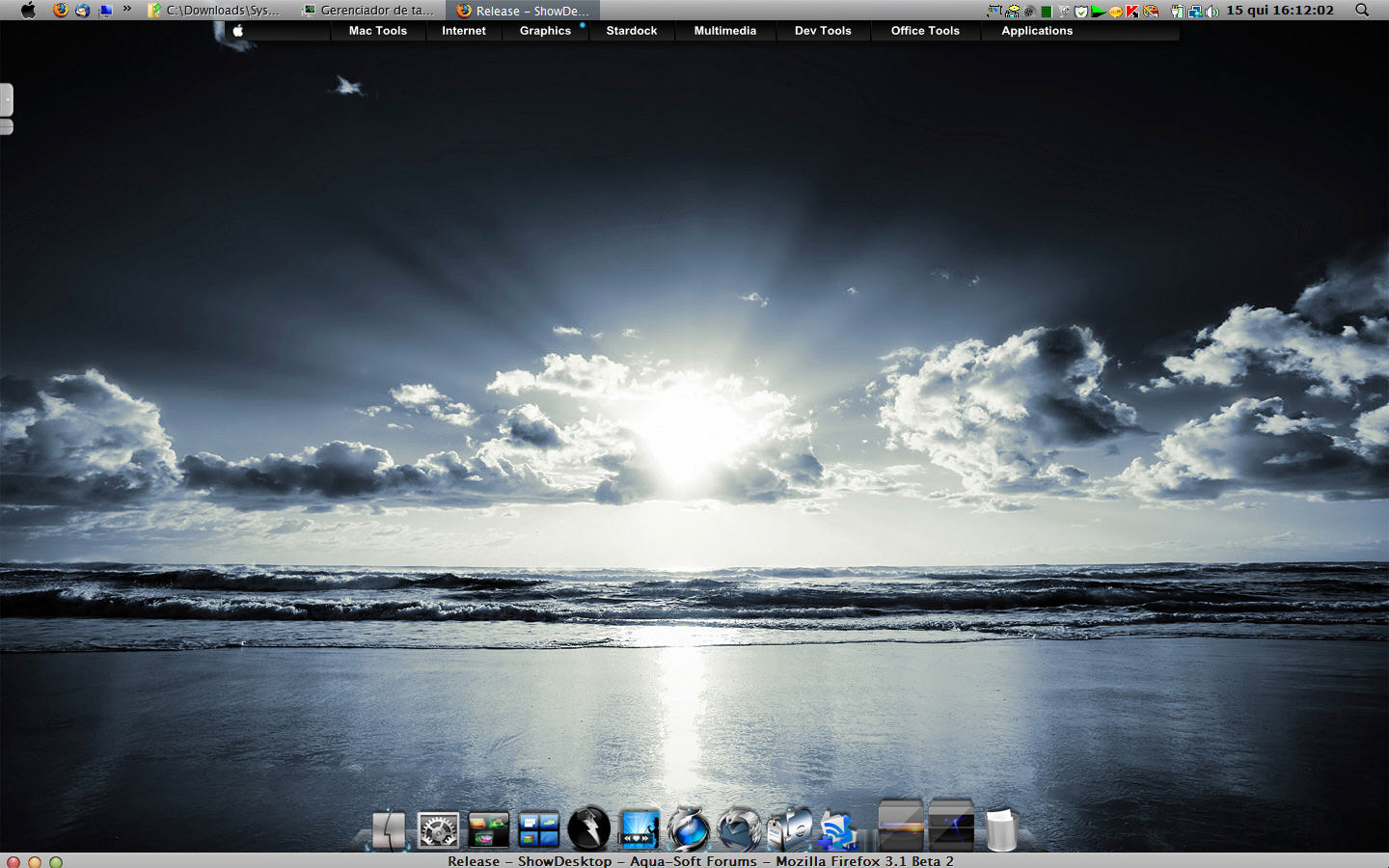
Screenshot:

[s]http://www.matiasmoreno.com.ar/ShowDesktop.png

ShowDesktop.png

Shortcuts/docks users:

Download and use this app to tell ShowDesktop to show the desktop immediatly:

[s]http://www.matiasmoreno.com.ar/ShowDesktopNow.exe

http://matias.securityconsultant.com.ar/ShowDesktopNow.exe

Developers:

To programatically show the desktop:

HWND hwnd = FindWindow ('TfrmShowDesktop', NULL);
if (hwnd) PostMessage (hwnd, WM_HOTKEY, 100, 0);

To programatically show the settings window:

HWND hwnd = FindWindow ('TfrmShowDesktop', NULL);
if (hwnd) PostMessage (hwnd, WM_USER, 0, WM_LBUTTONDBLCLK);

aquasoft-separator.png

This is kind of incomplete release because a friend recently called so I must go now :)

Whatever:

http://www.matiasmoreno.com.ar/ShowDesktop.exe

Activate: F11

Leave: F11 again

Settings, etc... later, sorry.

aquasoft-separator.png

Edit

Added exceptions list!

#520344

nice release! Much potential with a settings dialog & re-assignable hotkeys, Just don't forget about FocusinXP.. and your vacation ;)

#520345

It´s possible to set my own hotkeys? Because F11 interferes with topdesk.

#520348

works great as allways matonga but, why don't you put it together with WinExpose?

I think there's no need of two apps running for what it's basically the same function

#520350

this is so great

thank you so much ... can`t wait for a hotspot option

#520380

Ok, done.

#520402

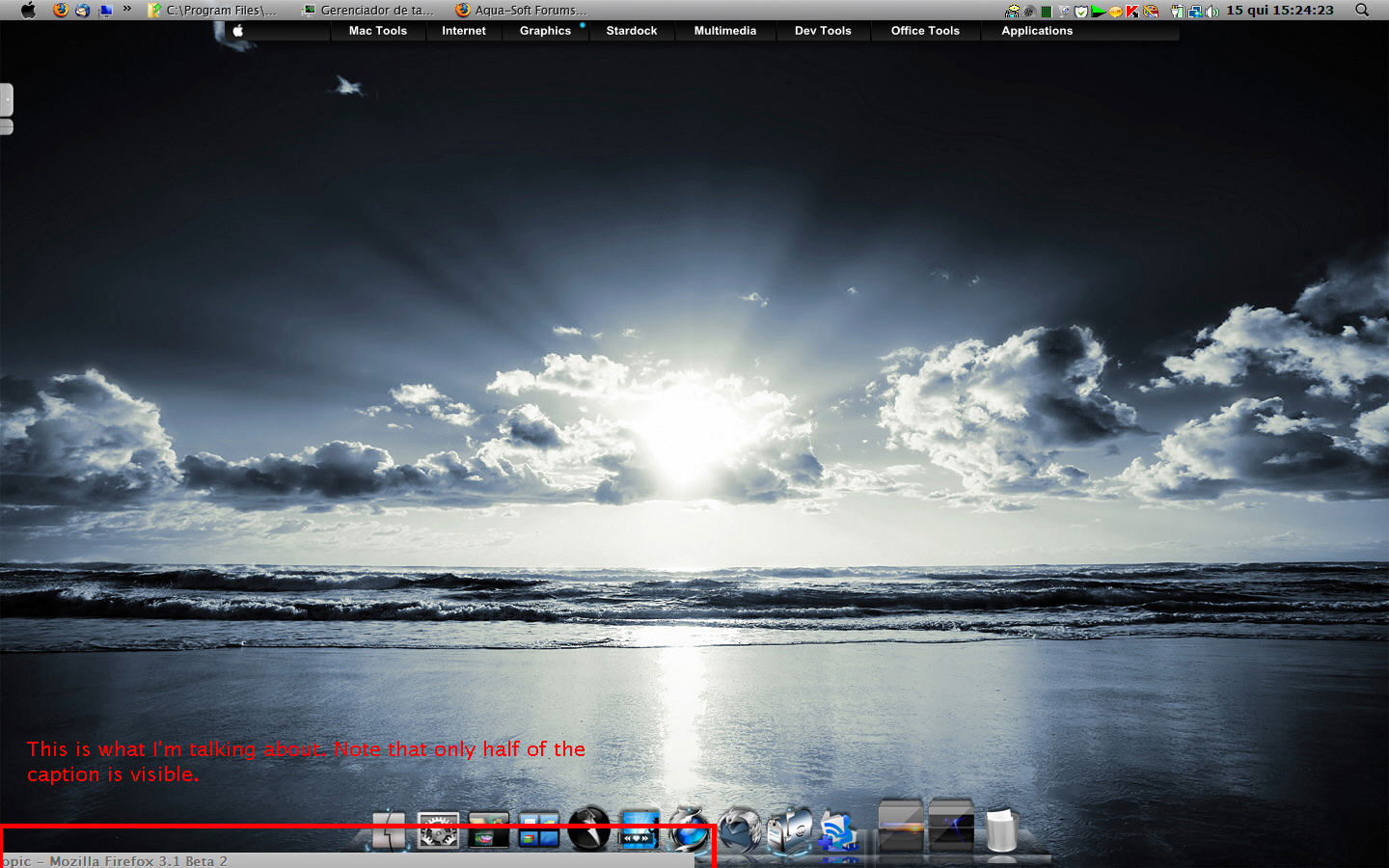
It's working almost perfectly in Vista, except for maximized windows (the right half of the titlebar keeps visible at the bottom left part of the screen).

Now, if you could make e.g. an ahk script for activating it, it would go directly to XWindows Dock... *hint* *hint* *hint* :P

#520430

Dude,

Again, as always, yet another great program!

Running my Netbook-wanna-be-a-Mac-but-don't-have-the-money-to-buy-one lol, these programs are really making a difference.

Serious respect and a big thanks for all your hard work, looking forward to the update on Finger XP,

But, on another note, weren't you meant to be on vacation?...make sure you get your R&R

Thanks again

#520435

But, on another note, weren't you meant to be on vacation?...make sure you get your R&R

Thanks man, hehehe. I'm back at home since yesterday :D I forgot to mention that ;)

Edit

It's working almost perfectly in Vista, except for maximized windows (the right half of the titlebar keeps visible at the bottom left part of the screen).

Can you send a screenshot? Just in case: this program leaves some windows side visible, just as Leopard does. I'll send you a screenshot soon.

Now, if you could make e.g. an ahk script for activating it, it would go directly to XWindows Dock... *hint* *hint* *hint* :P

Is this ok?:

http://www.matiasmoreno.com.ar/ShowDesktopNow.exe

It's not exactly an .ahk script, but serves the same purpose.

#520442

Cool app! Thanks! I noticed it doesn't work in iTunes thoug h, all the windows slide away but iTunes stays when it's maximised, but slides when it's minimized. ;)

#520444

great app.

always wanted something like this :)

#520448

@Panta:

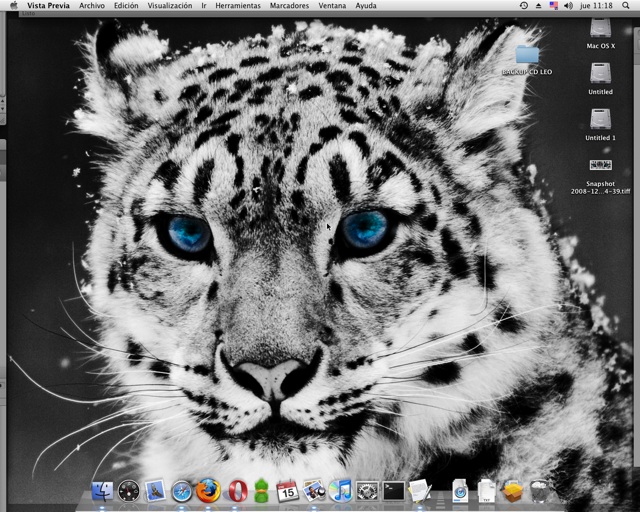
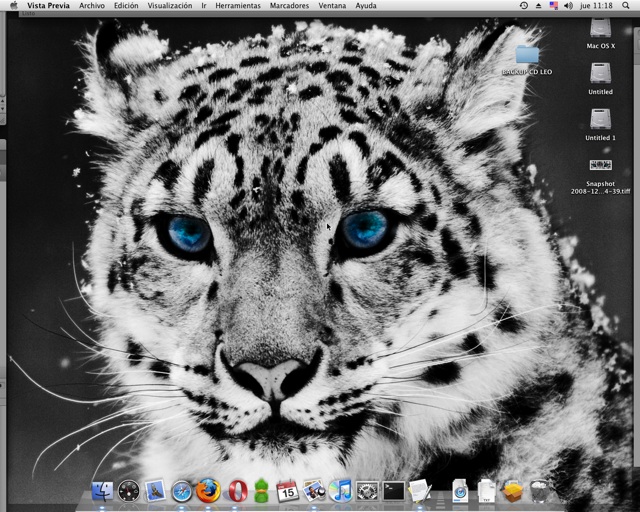
Here is screenshot from a real Leopard.

You can notice windows are at the borders.

Is this what you were talking about?

post-52939-1232036961_thumb.jpg

Captura 2009-01-15 11-18-18.jpg

#520463

@Panta:

Here is screenshot from a real Leopard.

You can notice windows are at the borders.

Is this what you were talking about?

Sorry, only saw your replies now. No, see attachment; it's just like I've described and only happens with a maximized window.

Btw, it's nice how Leopard shows windows' borders; this doesn't happen with ShowDesktop, at least not in Vista. Here they get completely hidden. Hope this helps.

ps: ShowDesktopNow works just fine! Thanks a lot!! :D

post-58609-1232042001_thumb.jpg

Bug1.jpg
Bug1.jpg

#520469

Sorry, only saw your replies now. No, see attachment; it's just like I've described and only happens with a maximized window.

Btw, it's nice how Leopard shows windows' borders; this doesn't happen with ShowDesktop, at least not in Vista. Here they get completely hidden. Hope this helps.

Ok, the screenshot really helped a lot! I had misunderstood you. Now I reproduced the bug and fixed it. Please re-download and test :)

Dunno if the bugfix solves problem with windows' borders not being shown. If they continue to disappear, tell me and I'll try to figure out what's going on.

#520471

OK, thanks! I'll test it and then report back to you.

#520474

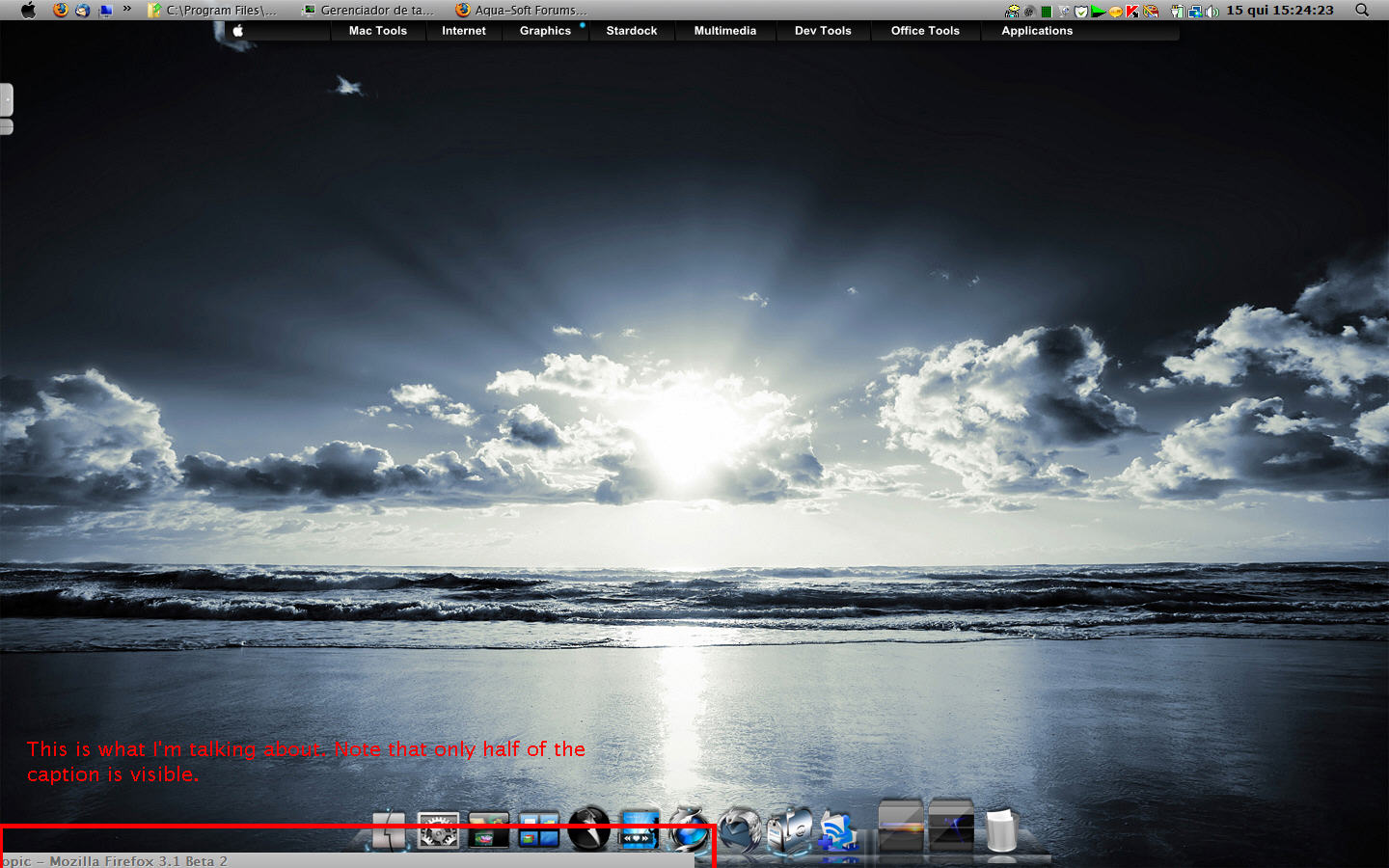
Sorry for double-posting (just for calling your attention). Now the maximized window moves straight to the bottom, so its caption is fully shown; all other windows still completely hidden tho - see attachment.

Great work, and let's keep improving it! :D

ps: you should place a link for downloading ShowDesktopNow at the first post too, no?

post-58609-1232043698_thumb.jpg

Good1.jpg
Good1.jpg

#520480

I have trying showdesktop and there was a huge bug which totally freezed my computer. I have listened my iTunes music and let computer be. After 5 minutes - screensaver, iTunes freezed and on the desktop reveals lot of errors windows without possibility to close them. A have must use hard reset

#520481

I have trying showdesktop and there was a huge bug which totally freezed my computer. I have listened my iTunes music and let computer be. After 5 minutes - screensaver, iTunes freezed and on the desktop reveals lot of errors windows without possibility to close them. A have must use hard reset

Dude

Not sure if this is the same thing, but the very first time I tried it, I activated it with all windows fully maximised and my netbook went straight to blue screen and then restarted!

After a strong coffee, I rebooted, reactivated and tried it again from a scaled down version ie, all windows spaced around my desktop, and hey presto it worked perfect!

I have found that it won't move iTunes in full screen mode, only in mini player mode ( although not tried scaling down the iTunes window as mini player works better for me)

Top application Matonga!!

#520506

1. i LOVE this app!

2. i would use this app daily if you could somehow reduce the memory footprint? Is that possible?

#520618

I thing, that would be better to join this application with WinExpose

#520624

another great work by matonga .. thanks

#520728

In my PC there are more Matonga´s App than "important software" xD

Good Work again ^O^. Works perfect on Vista

#520776

Is this App like WinExpose? Or is it a new App? Just asking because Expose from Apple has this feature built into Expose. It would be cool if you added this same functionality to WinExpose.

#521072

I thing, that would be better to join this application with WinExpose
It would be cool if you added this same functionality to WinExpose.

I agree: It would be cool if you added this same functionality to WinExpose :)

And It would be really great to be able to modify the speed.

One question: What trick do you use to move maximized windows ? Because maximized windows should not be moveable (BTW, it's good that YOU could move them ;) )

#522712

@smurth, jakub.karasek, username3d3.:

Ok! I'll add it to WinExposé's to-do list.

One question: What trick do you use to move maximized windows ? Because maximized windows should not be moveable (BTW, it's good that YOU could move them ;) )

Just SetWindowsPos:

http://msdn.microsoft.com/en-us/library/ms633545(VS.85).aspx

With SWP_NOACTIVATE | SWP_NOSIZE | SWP_NOZORDER.

Tough I use BeginDeferWindowPos, DeferWindowPos & EndDeferWindowPos, which is the same than calling SetWindowPos repeatedly, but optimized for moving many windows at the same time. Now I recall I've forgotten to test ShowDesktop under Windows 7.

#522718