Aqua-Soft Forums
- Where to put a snooze button hmmm...
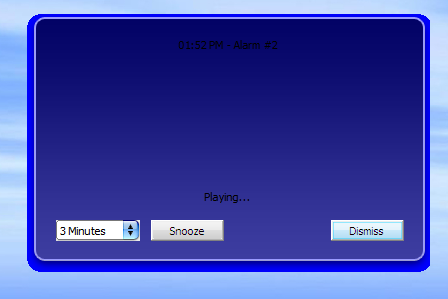
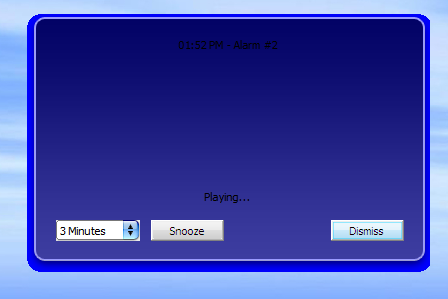
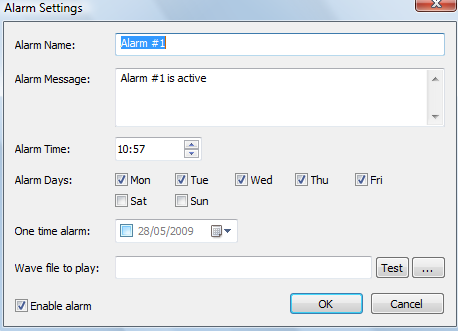
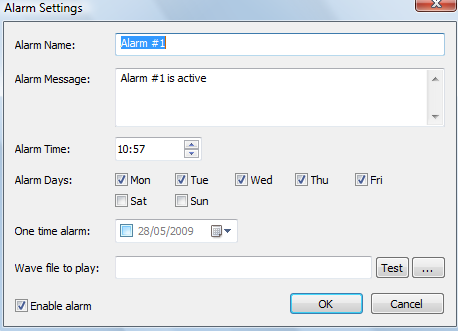
This takes us to the "audible" alarm "show reminder" thing that was never discussed before. Currently there is always a visible reminder of the alarm being fired... a modeless dialog box is shown and the configured alarms audio is played (currently I am working on the MP3 playback). But having audible-only alarms would hide the alarm reminder dialog (where the snooze button lies).
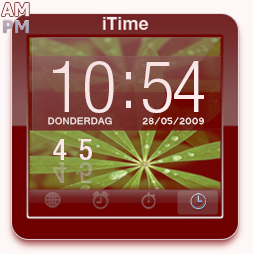
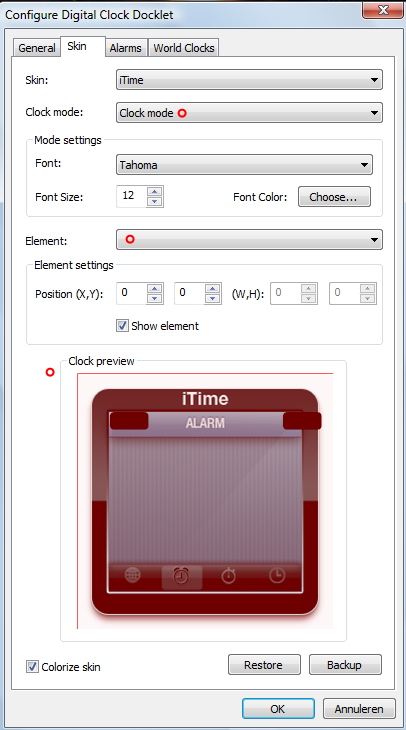
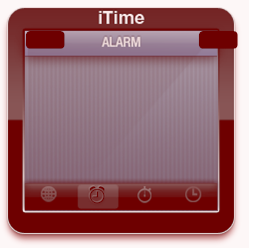
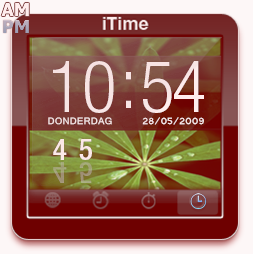
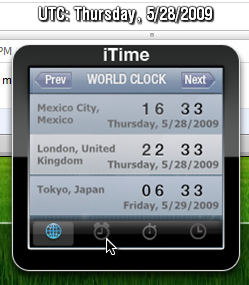
a) One option is to create a "Alarm fired" mode which will change the docklet icon to somenting resembling a alarm... well... ringing. int this mode I could overlay the message configured (or maybe just part of it, as much as possible)... and a couple of buttons, snooze & dismiss. The problem with this approach is what to do when multiple alarms have fired, maybe it will need a prev/next buttons too.
 We could overlay a couple of buttons on top of whatever mode the clock is showing, but this will only work for a single alarm.
c) Snooze/Dismiss options could be added to the right-click menu of the docklet.
Finally, it comes the issue about the snooze functionallity... how should it work?
 Didn't know how to make the situation better, but this will do just fine!




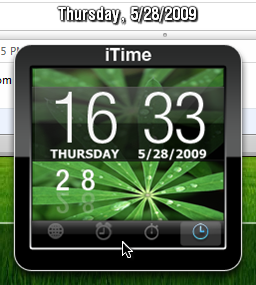
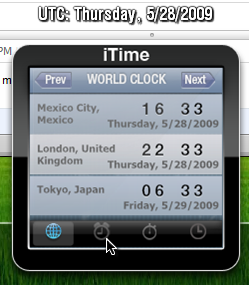

 )
)