 Aqua-Soft Forums
Best Leopard Firefox Skin?
It's just a CMD window where you drag your system file thats in use, press enter, then drag the file you want to replace it with, then you press enter again. It'll create an automatic backup of the file, and all you have to do is reboot to save changes. It makes life a hell of a lot easier 
I can't find the official app page for some odd reason, so I've uploaded it in a rar for you 
Download - http://www.sendspace.com/file/wsljtp
Did I mention it's incredibly tiny? 
Hi,
I came across this thread today while looking for a Firefox theme that looks exactly like Safari 3 on Leopard. Everything I installed was far too dark - nothing really came close to Safari's unified graphite look.
GrApple (Eos Pro) is nice, but it uses Aqua buttons. I like Foxdie, but when I first installed it I had no idea about the extra options.
So, after going through every option in Foxdie, the best I could find was the 'Leopard' toolbar buttons setting and 'Samui' extreme ways setting. (The Leopard and Leopard-D options were too dark). This is almost perfect, although the taskbar at the top is a different colour to the rest of the theme.
Good luck everyone! (PS - if any theme developers are listening, could you develop a theme that looks like Safari 3 on Leopard?)
In foxdie, If you use the 'leopard' setting on the buttons and on the extreme ways section, then hide the firefox menubar (which should only have the compact menu button in it if you use that extension) and use Blitzr's latest leopard wb theme then it all blends perfectly. I believe this is the closest it is possible to get to Safari 3.
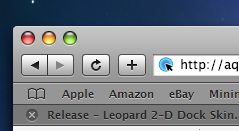
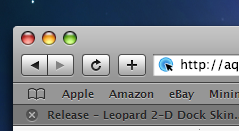
Is windowblinds the only thing that will put the traffic lights on the left hand side? or is there an extension for firefox that will do it? I dont want to use windowblinds resource reasons.
Is windowblinds the only thing that will put the traffic lights on the left hand side? or is there an extension for firefox that will do it? I dont want to use windowblinds resource reasons.
Windowblinds is indeed the only way to get the close/min/max buttons on the left-hand side of a window.
Honestly, there's no reason not to create a Windowblinds-compatible version of anything. It's the default skinning method these days.
Check this one:
http://www.aqua-soft.org/board/showthread....light=leftsider
Don't know if it is compatible with WindowBlinds. It says:
Now you can move the Minimize, Maximize, and the Close buttons to the left for Free with LeftSider! This is a great program for people who like to emulate Mac OS X on their Windows PC without using WindowBlinds.
Ya I'm using leftsider for my windows I just need something for firefox
More information on how to achieve Safari 3's dimming and highlight effects in Firefox: http://forums.mozillazine.org/viewtopic.php?t=617305
More information on how to achieve Safari 3's dimming and highlight effects in Firefox: http://forums.mozillazine.org/viewtopic.php?t=617305
Too bad it doesn't work...
What's not working? Have you installed the scripts, and have you selected the 'highlight all' option?
I prefer LeoFox.
In foxdie, If you use the 'leopard' setting on the buttons and on the extreme ways section, then hide the firefox menubar (which should only have the compact menu button in it if you use that extension) and use Blitzr's latest leopard wb theme then it all blends perfectly. I believe this is the closest it is possible to get to Safari 3.
WHAT IS THAT bookmark icon on the left of the bookmark bar?!!? HOw do you get i? I've been looking for FOREVER for it!
Hey folks, just a quick question, I'm using OsX Leopard and running firefox 2, with the foxdie skin installed. All of the foxdie screenshots feature a Unified Toolbar and application bar, how do I achieve that in OSX Leopard?
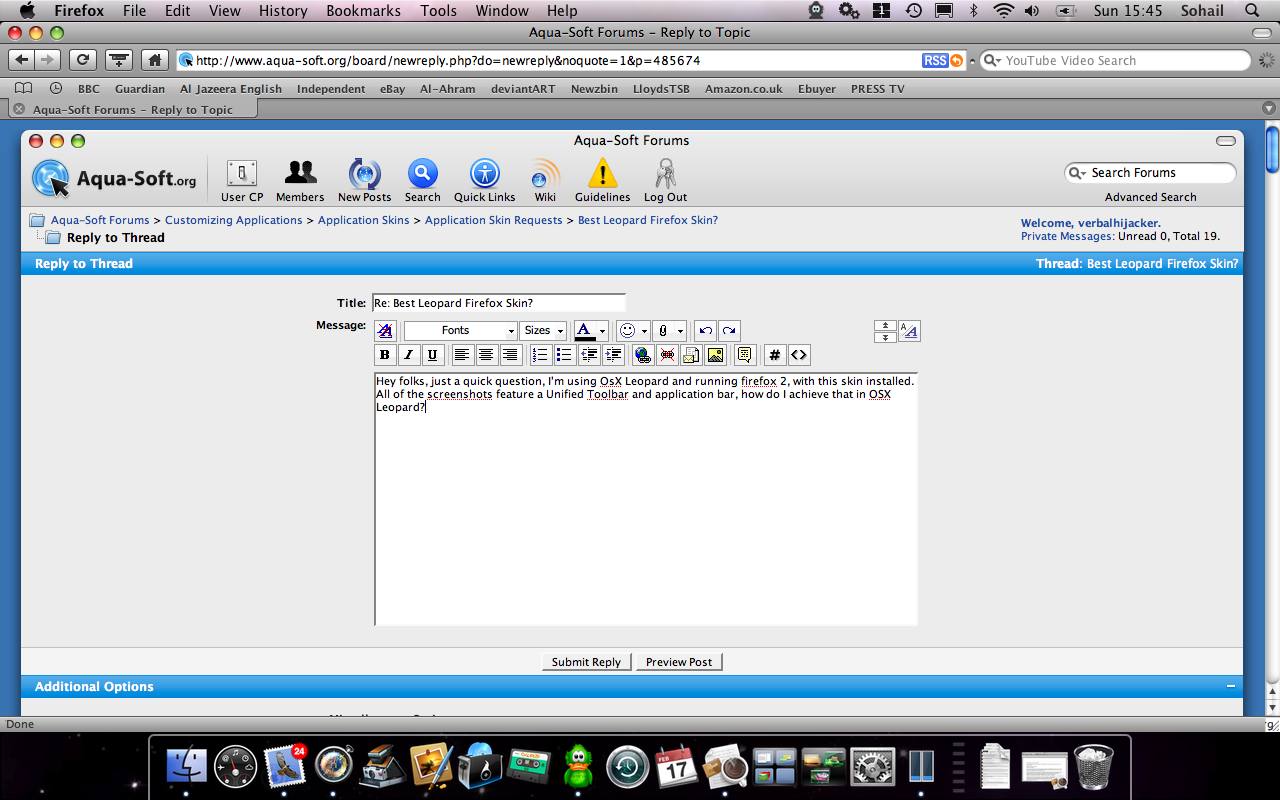
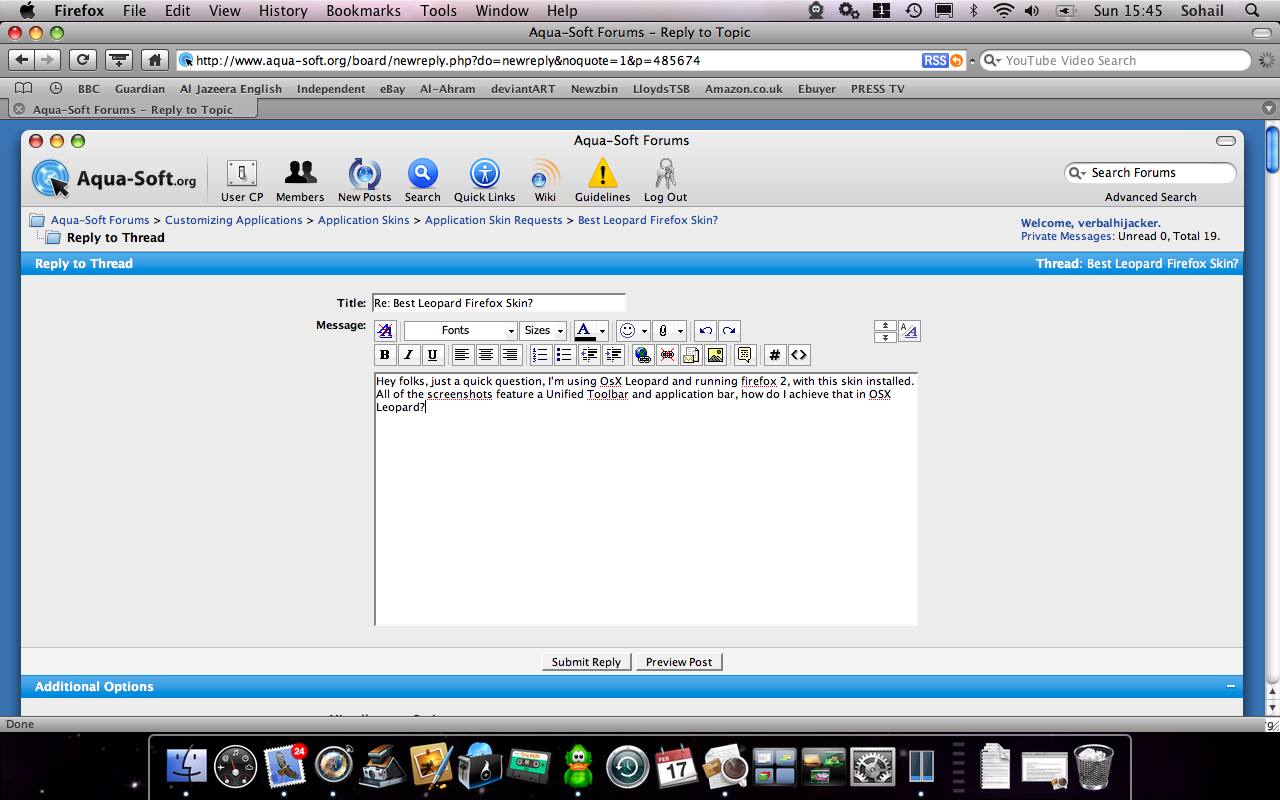
Check all leopard options available in toolbar and toolbar extreme.
Can someone give me a hand, I can't make foxdie work and don't know why:
I get this, i have cleaned all in my profile userchrome etc as suggested by the creator's theme but i still can't make it work right, i get a white line when moving the buttons up and a different color space .
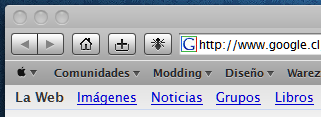
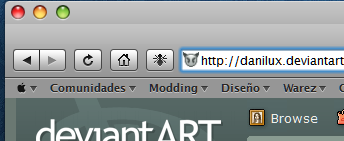
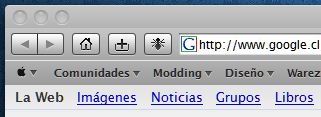
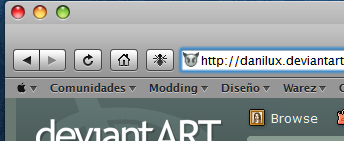
I would argue you have a bigger problem with the Windowblinds theme you're applying to Firefox than with Foxdie itself.
@danilux, for the white line try this : http://cherripez.deviantart.com/journal/17107571/
and for your second attachment it happened to me if you don't hide the menu bar
Foxdie is the best and the developer is very friendly, if you email him the graphics he will add to the skin. I have already added fire ftp buttons Google Calendar,Stumble Upon, Mozilla Internet Dictionary although I have not done the toolbar icons as of yet just the buttons.