 Aqua-Soft Forums
SkyJohn: How were you able to replace the default icon images with the real ones?
Kk Menu: Leopard Stacks v2
SkyJohn: How were you able to replace the default icon images with the real ones?
Go to the RkLauncher folder and find the icons and replace with the ones you want
Hope that helps! 
SkyJohn: How were you able to replace the default icon images with the real ones?
If you want to replace the KKMenu Icon you go to the RKLauncher folder then open itemlist.conf look for KKMenu, then change the path of the default icon: C:Program FilesRK LauncherRK Launcher 0.41 Beta Nightlyiconsstacks.png
to wherever your new icon is
If you just want to choose a new icon for something else, right click the icon>Dock Item Properties>Use custom image and then browse
Oh, I'm sorry I was a little obsure with my question. What I meant was how were you able to have the thumbnails show up as pictures instead of file icons?
All I get are the file type icons instead of previews, and I'm using Objectdock Plus btw.
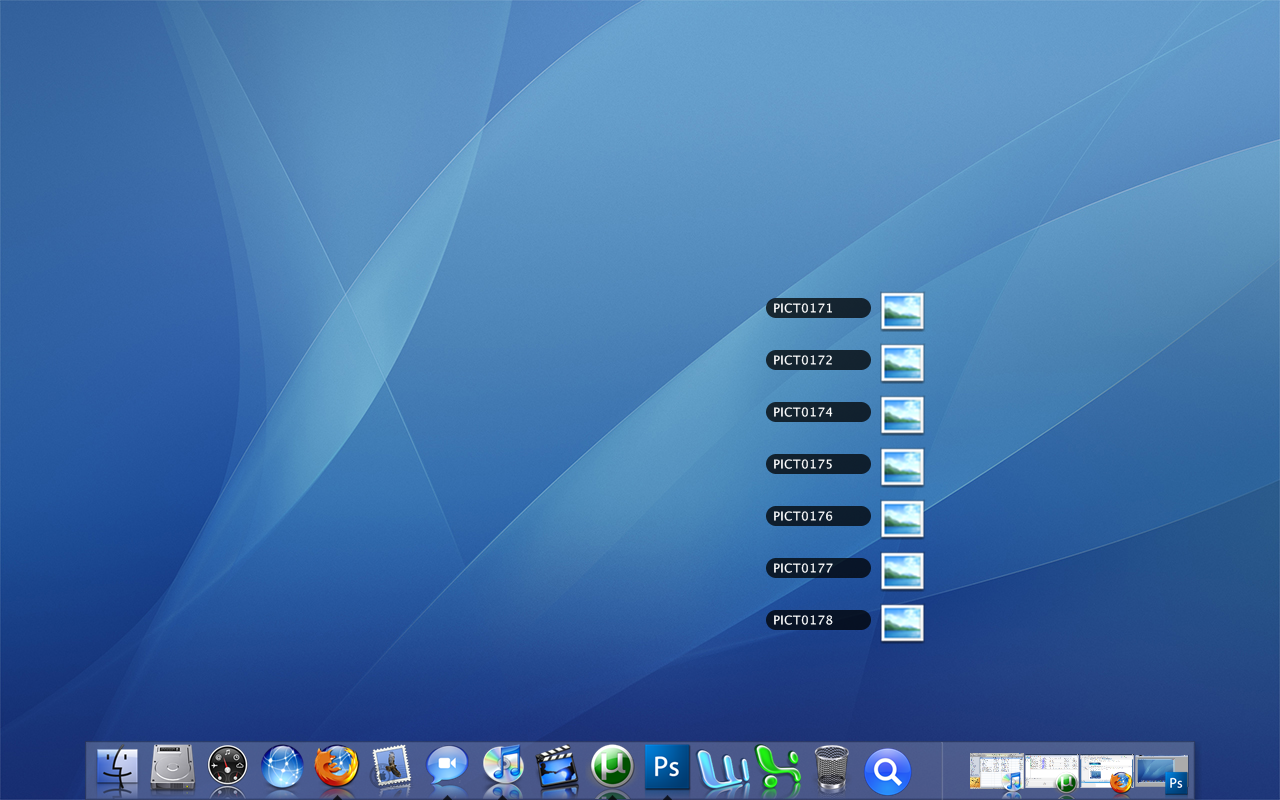
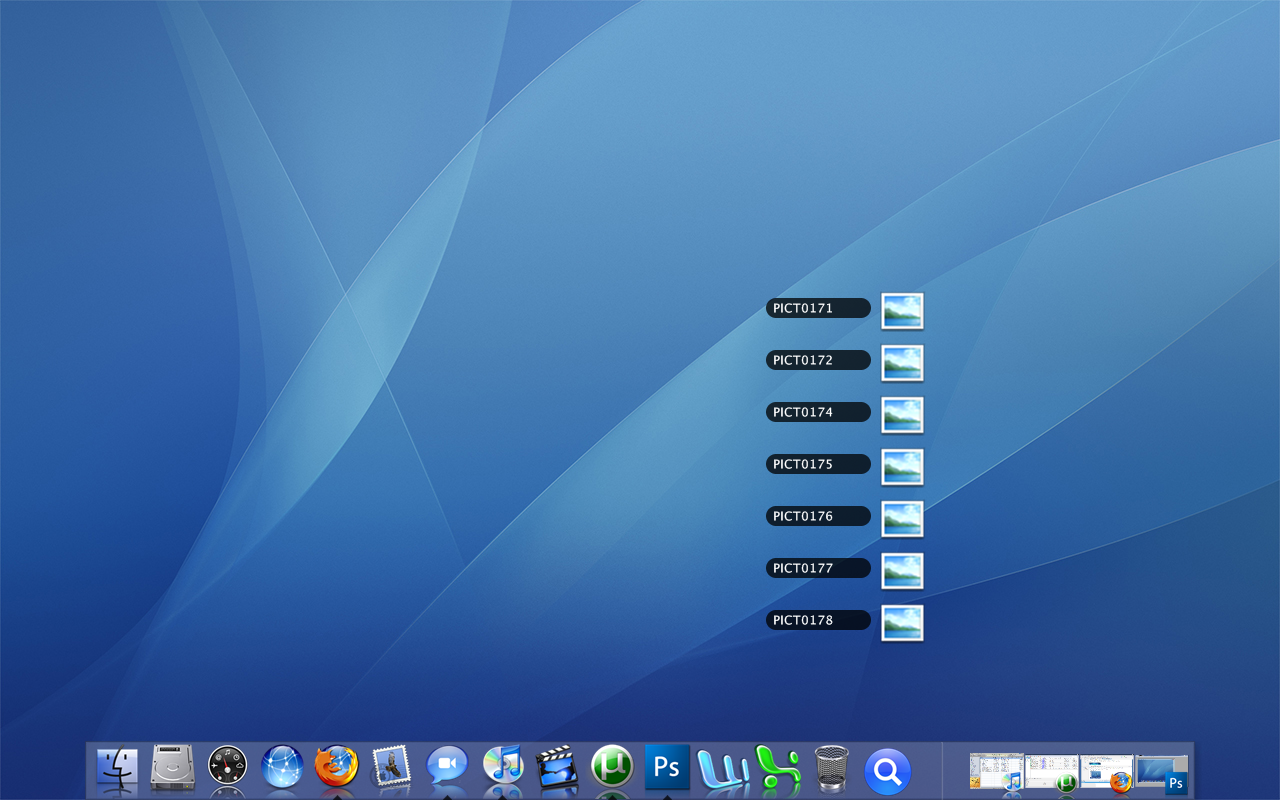
The thumbnails are faked for the screenshot.
I just created some mini png versions of the images and set them as the icons.
You could try that Xentient Thumbnails program Björn linked too but I don't think it'll show the thumbnails inside KK Menu.
The thumbnails are faked for the screenshot.I just created some mini png versions of the images and set them as the icons.
You could try that Xentient Thumbnails program Björn linked too but I don't think it'll show the thumbnails inside KK Menu.
Yes,SkyJohn,I use it for a long time and show the thumbnails inside the KK menu
Just tried it myself and it kinda works, but it's very slow.
Yeah, I still have no clue on how to change the icons that appear when I click on the KkMenu I have set up. I played around with it and got the font and skin working thanks to help around on the internet.
Any help on changing the icons that appear when I use the KkMenu.
You'd have to completely rebuild most of the skin to do that.It would need a new background image for a start, and then most of the code that controls where the text goews would have to be rewritten.
If the text was on the right I could just make it resizeable, but Apple had to be awkward and put it on the left. :|
I'll make a wider version for you if you want, how wide would you want it to be?
{{EDIT}}
Wider version:
[there was an image here]
thanks for the wide version!
Thanks for the wider version.
I'd like to use this but need some way to alter the size of the icons.
I changed the Item Height to 24 which looks about right for me but could you tell me what needs to be changed to make the icons match this size?
Thanks for any help.