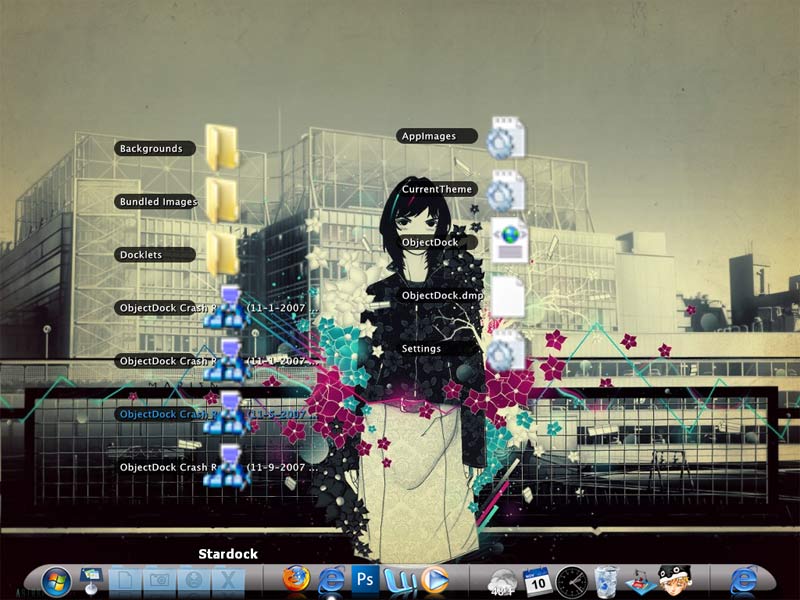
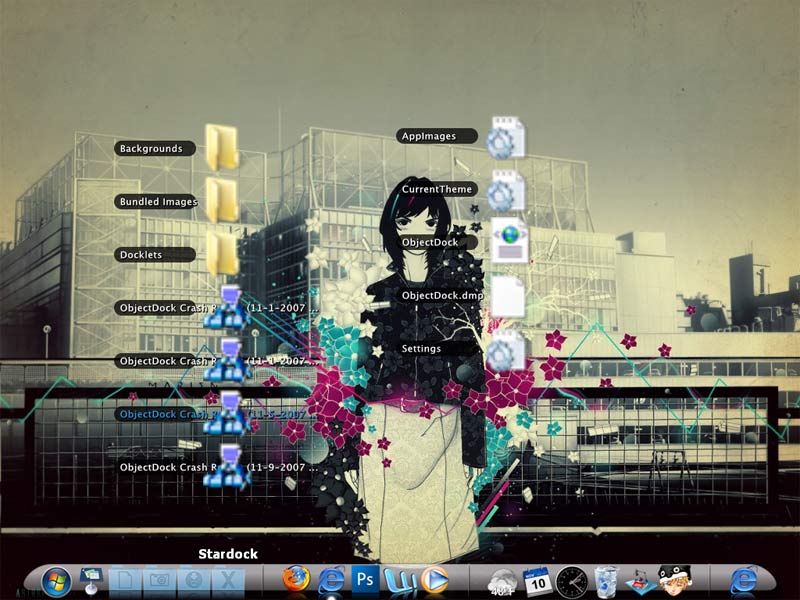
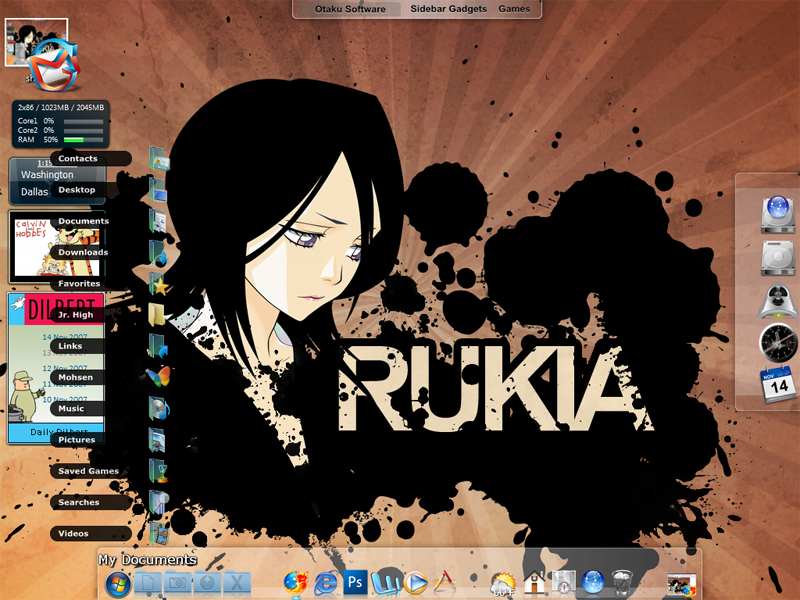
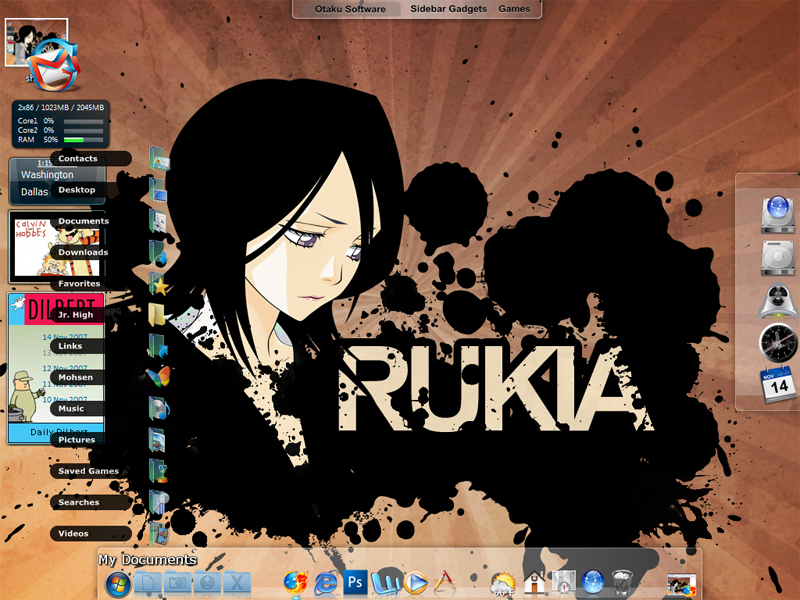
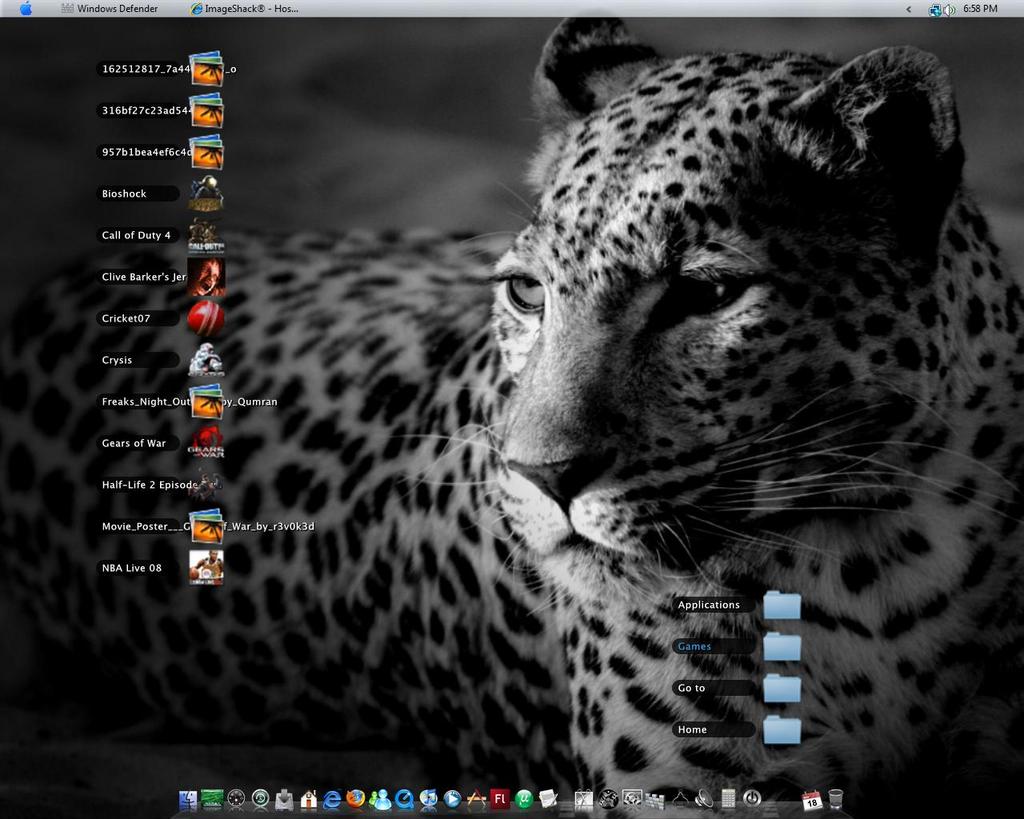
Kk Menu: Leopard Stacks v2

Windows emulation of the Stack menus in Leopard.

You need Kk Menu installed to use this skin.

Download Kk Menu here: http://www.aqua-soft.org/board/showthread.php?t=33710#373641

And then you just copy this skin into the DockletsKkMenuSKINS folder

Download: http://skyjohn.deviantart.com/art/Kk-Menu-...cks-v2-68507184

#478393

nice :D

lol ur link doesn't lead anywhere

here's the download link http://www.aqua-soft.org/board/showthread.php?t=33710#373641

#478402

Another great one,how did you do to show your images file as a thumbnails,do you use Xentient Thumbnails ?,if ityes does this apps sucks your memory usage ?

Why don't you released your grid version,I think it is different one and nice too

#478403

Thanks for the heads up on the broken link g510.

Husaini HB: The thumbnails are faked, I just created some 64x64 pngs to replace the icons.

I'll release the grid menu soon, just got a few more bugs to fix on it.

#478405

Thank you, and nice job.

#478460

Nice app. congratulations!

Could somebody please give me a hand thought?

I have installed it in 2 c o m p u t e r s , but the glitch I've got is the same:

The text (name of the shorcuts) are not showing up where they are suppose to.

Not even misplaced. They just won't show up!

The transparent-grey cartouches appear empty.

What can I do?

Thanks a lot.

#478674

I too am getting no text, this happened to me on other stacks docklets too (including the other one released by Skyjohn, the Stacks Grid one) :(

Edit: I reinstalled KKmenu and that solved the problem. This is one nice skin, Skyjohn. Thanks! :)

#478676

Tinkering with this KK I've found it.

No way! Old fashion instalation.

Just copy the .f o n t .provided into your "F o n t" folder @ w i n d o w s..directory.

Voila!

Re-start ObjectDock if needed

#478677

Thank you very much for this program ;-)

#478860

ok i have objectdock and i installed kk menu but i don't know how to set it up. can anyone help me?

#480003

ok i have objectdock and i installed kk menu but i don't know how to set it up. can anyone help me?

Try to read and learn from this thread,I hope it'll help you,good luck : http://www.aqua-soft.org/board/showthread.php?t=43919

#480005

Hey, everytime I try to load the stacks...it looks like this*(attached) on my computer.

I am using "objectdock plus"...

is there ANY way to fix this, because i simply love these screenshots of your stacks!

post-71771-1194690468_thumb.jpg

stack.jpg
stack.jpg

#480017

What size are the icons your using? It looks like they're being resized from 32x32 up to 64x64?

Kk Menu doesn't handle icons very well, when it resizes them they get all blurred like that.

You'd be better off installing some higher quality icons if your going to use the dynamic folder feature, or making some make custom menus using png files.

#480018

What size are the icons your using? It looks like they're being resized from 32x32 up to 64x64?

Kk Menu doesn't handle icons very well, when it resizes them they get all blurred like that.

You have to close objectdock and open again and icons looks ok again

#480053

Say I wanted to expand the horizontal size of the bands to cover text strings longer than whatever is the default. What value would I have to change in the skin?

#480098

You'd have to completely rebuild most of the skin to do that.

It would need a new background image for a start, and then most of the code that controls where the text goews would have to be rewritten.

If the text was on the right I could just make it resizeable, but Apple had to be awkward and put it on the left. :|

I'll make a wider version for you if you want, how wide would you want it to be?

{{EDIT}}

Wider version:

widestack.jpg

LeopardStacksWide.zip

Attachment: LeopardStacksWide.zip

#480115

Ahh, I see. Thanks a bundle for the wide one. If you're up for it and don't mind stepping on the Leopard purists toes, I'd really appreciate a resizable one. I don't mind what side the text is on :D.

#480123

how do you go about changing your icons in vista so as to have better icons on the kkmenu app?

{{UPDATE}}

sweet I got it to work...!

post-71771-1195069710_thumb.jpg

stacks.jpg
stacks.jpg

#480455

Nice skin. But i cant view the thumbnails. And files of bigger name dont work well here. Also the stacks show up on the left no matter where you put in on the dock.

Can someone help me..i cant change the stack icon in my dock. Its blank now. Im using RkLauncher.

post-66461-1195430550_thumb.jpg

deskbn2.jpg
deskbn2.jpg

#480827

Kk Menu doesn't work properly in RK Launcher, it works fine with RocketDock, and ObjectDock though.

You have to edit the Kk Menu settings to get the text length correct

#480867

To be more exact...im using the RKLauncher Leopard Inspired. And the themes that came with that package work perfectly. Ive heard its pretty hectic to get kk menu to work so i got this where I wouldnt have to install KK menu myself.

#480896

Try this : C:Program FilesRK LauncherRK Launcher 0.41 Beta Nightlyiconsstacks.png,replace the stack.png icon with an icon that you wish to use,don't forget rename your new icon with stacks.png,it works with me,good luck

#480907

Tried it. My icon does not appear at all. stacks.png is already in the icons folder. it doesnt show up no matter which icon i replace it with.

right-clicking on the stack icon on dock brings up the kk menu settings...i tried to change the default icon from there and thats how it got messed up. it has something to do with that.

windows was acting a bit weird and the RKLauncher DOCK properties once came up for the STACK icon...i was able to change the icon but when i clicked ok it went blank again.

so the problem here is kk menu. its messed up. appreciate any more help you can give.

#480931

Tried it. My icon does not appear at all. stacks.png is already in the icons folder. it doesnt show up no matter which icon i replace it with.

right-clicking on the stack icon on dock brings up the kk menu settings...i tried to change the default icon from there and thats how it got messed up. it has something to do with that.

windows was acting a bit weird and the RKLauncher DOCK properties once came up for the STACK icon...i was able to change the icon but when i clicked ok it went blank again.

so the problem here is kk menu. its messed up. appreciate any more help you can give.

Appearance of stacks icon in dock = close rk launcher, edit itemlist.conf with notepad. change "/" to "" in filename paths...

Length of icon text = edit the shortcut names in your kkmenu shortcut folders, LOL!

Search for answers in rk launcher thread! i got this skin to work with rk launcher as well as the skin from that "leopard inspired" installer by tweaking around a bit...

#480939

Seems a whole lot of hassle just to get an icon.

#480956