RK Launcher 0.4 - DOCKLETs BUG REPORT

I get this message: "Error Creating Direct3D Device". What can I do to solve this problem? Thanks in advance. Is this because of my computer or the rk launcher?

I receive the same error message and in fact cannot minimize any window to the dock. I do know the Alladins Lamp Effect used to work so i credit the latest DirectX update with spoiling this great feature.

Now to find an older version to see if it helps resolve this new issue.

By the way, RK Launcher is by far and away the quickest and smoothest Dock of them all & really has a lot of nice compatibilities with other Docklets that make it a pure joy for any Windows Xp desktop.

SP1 here.

#441924

I don't have a bug related to a docklet, but to version 0.41 nightly, build 282, WinXP 64-bit SP2. Is this the right place? Two things:

1) Active application arrow does not appear for OpenOffice 2.3 apps.

2) Minimize an application to the dock, right-click on the app icon, and select "Close." The icon does not disappear until you click on the icon.

Keep up the great work. RK Launcher is very nice.

[EDIT] Oops. I did not see the regular bug thread until now, please move. [/EDIT]

#474260

I got a problem. When i tried to change kkmune's icon, it just disappeared, leaving a blank tray.

#476917

I got a problem. When i tried to change kkmune's icon, it just disappeared, leaving a blank tray.

this has been reported and the offered fix involved:

. exit RKLauncher

. open itemlist.conf with NOTEPAD.EXE

. look for the entry of where the icon supposed to be

. change all forward slahes (/) to backward slashes ()

. save and exit and restart RKL

cheers ...

#481165

I have a problems with the RK Launcher-Leopard Installed the latest version and I had it on my computer for at least 6 months and now when I turned on my computer and I put it in the startup folder it did not save the settings after I selected save the settings on exit. I don't l know what to do to get it to save the settings

#481213

I have a problems with the RK Launcher-Leopard Installed the latest version and I had it on my computer for at least 6 months and now when I turned on my computer and I put it in the startup folder it did not save the settings after I selected save the settings on exit. I don't l know what to do to get it to save the settings

did it work before with what u are doing? what do u mean by "save the settings"? what settings? could we have an example?

cheers ...

#481225

I have the same problem in the last realease...for example, I save the position on the screen in top-center but when I restart RK Launcher it appears is top-left.

Any solution?

#483162

I load the program and go in to setting to select to save current setting such as minimize to dock, save on exit. etc. and then when I reboot computer it doesnt save my settign so I dont load it anymore. It has become nerve racking to keep redoing the settings what do I need to do?

kirk

#483188

Power v0_2_0 docklet

The problem is that the icon of the docklet shown does not match with the % of the battery.

Example, when the battery is 50%, the docklet icon show 40% icon.

#489468

I have a BUG when adding a Stackdocklet (Matías Moreno v0.9) while already having 2 of them in my RK launcher the error message : "Class already exist" appears . THe docklets works fine in the launcher exept that when I assign an icon to it I get the default windows dll icon. Moreover each time I start RK launcher the same error message appears "class already exist".

#491047

I have a BUG when adding a Stackdocklet (Matías Moreno v0.9) while already having 2 of them in my RK launcher the error message : "Class already exist" appears . THe docklets works fine in the launcher exept that when I assign an icon to it I get the default windows dll icon. Moreover each time I start RK launcher the same error message appears "class already exist".

I think the 'Class already exist' is a sure have.

#491163

I think that it was posted already, but a solution to the "Class already exist" is to create different copies into the "Docklets" folder, and rename the StackDocklet.dll file. I did it, and I have 4 StackDocklet "folders" on my bar...

My paths are:

RKLauncher

|-Docklets

..|-StackDockletMedia

..|.|.Media Folder ;)

Hope it helps...

#491217

I have several problems with the docklets. Vista x64, SP1, Latest RK Launcher

about kkmenu - I can't install a icon for this docklet. it's just free space

about Matías Moreno 0.9 docklets - 1ts: as in previous posts I have problem with adding several docklets (same), 2d: after installing the docklet I choose working folder and icon, but after reboot I have default icon and working folder..

Please can smb help???

And I think it will be nice if on the home page of the RKlauncher there will be direct link for downloading the program (with all icons = about 40Mb)))))

#496042

I think that it was posted already, but a solution to the "Class already exist" is to create different copies into the "Docklets" folder, and rename the StackDocklet.dll file. I did it, and I have 4 StackDocklet "folders" on my bar...

My paths are:

RKLauncher

|-Docklets

..|-StackDockletMedia

..|.|.Media Folder ;)

Hope it helps...

Thanz for instruction. ;)

#496044

Please, guys! Need help...

especially about the 2d point....(after installing the docklet I choose working folder and icon, but after reboot I have default icon and working folder)

#496081

Please, guys! Need help...

especially about the 2d point....(after installing the docklet I choose working folder and icon, but after reboot I have default icon and working folder)

I've understood what was the problem.

So I'm using Vista (Russian language) and it is using Cyrillic alphabet, so the RKLauncher couldn't understand this symbols "C:UsersАлександрDocuments"...

Very hope everything will work in the next version! =)))

#496377

I have installed latest version of RK Launcher and added all stack docklets from the object dock desklets type that came by default. When I try to add same docklet twice it says

RK Launcher error

"class already exits"

When i click ok, the docklet is added and works fine. When RK launcher is started again the same error is displayed again.

This error occurred on Vista and XP.

#498541

That´s a bug of build 282 (the latest). Please use build 275.

http://www.forestpro.net/Ghostwalker/Downl...auncher_275.zip

#498543

hi radu n all forumers here, 1st of all thx for d great dock apps mac look a like.

im using it now in my vista home edition n im very love the functionality.

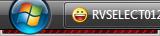
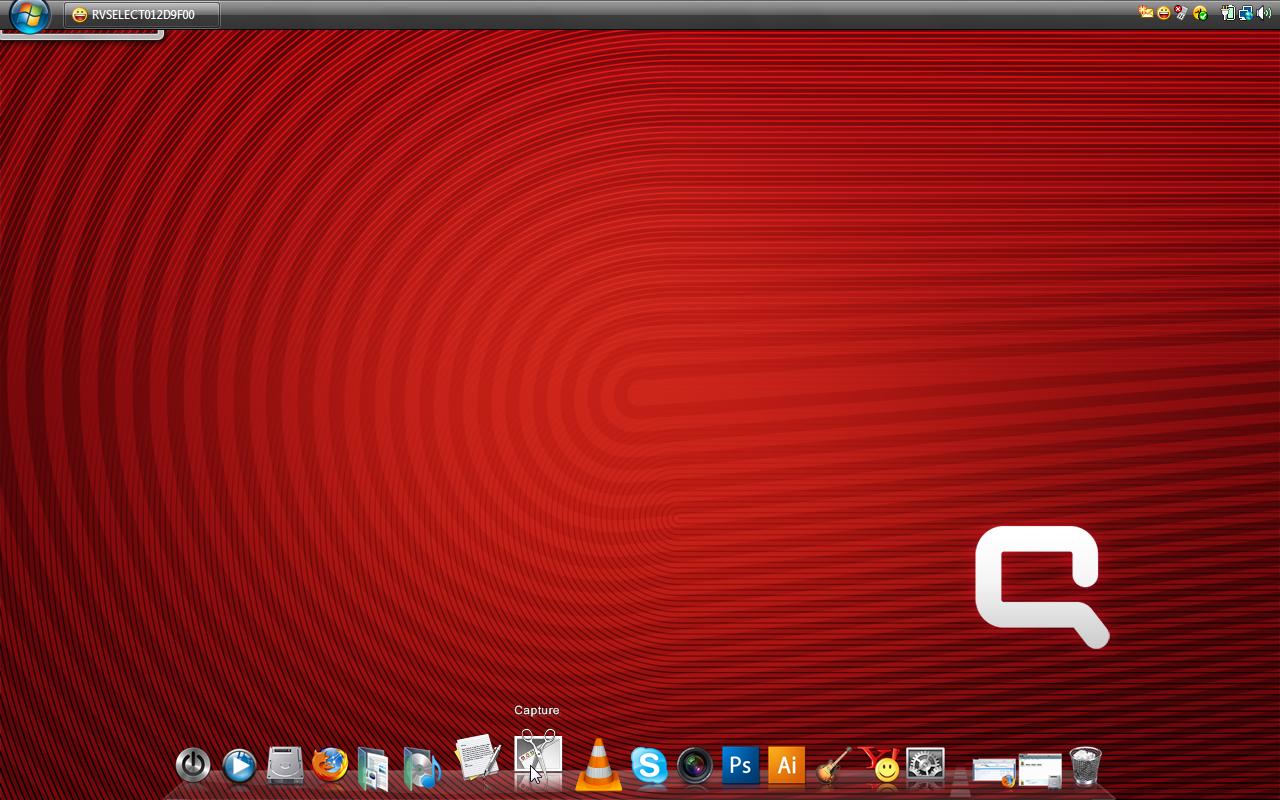
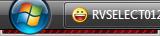
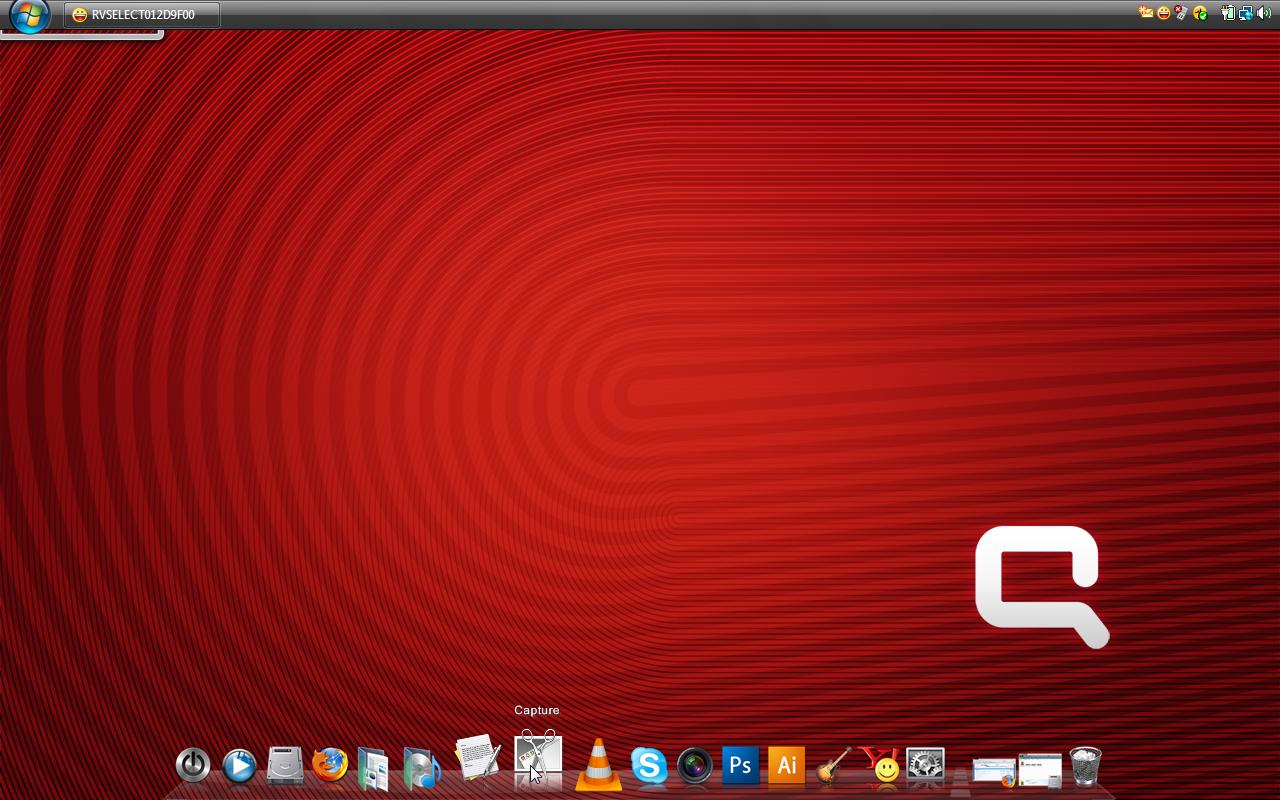
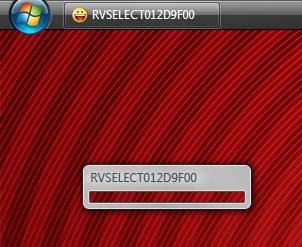
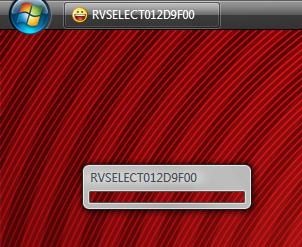
but i've some prob here with my yahoo messenger that do minimize to dock but adding some box with title "RVSELECT012D9F00" i can't even close this box, can't do anything with right click coz the menu not appear when i right click on those box.

there a photo that i capture from my screenshot.

secondly i want to know where shld i go to download those dock background.

that all, hope u can help. thx.

post-81404-1211304654_thumb.jpg

post-81-1211304654_thumb.jpg

SS05212008010607.jpg
SS05212008010803.jpg

#500615

hi radu n all forumers here, 1st of all thx for d great dock apps mac look a like.

im using it now in my vista home edition n im very love the functionality.

but i've some prob here with my yahoo messenger that do minimize to dock but adding some box with title "RVSELECT012D9F00" i can't even close this box, can't do anything with right click coz the menu not appear when i right click on those box.

there a photo that i capture from my screenshot.

secondly i want to know where shld i go to download those dock background.

that all, hope u can help. thx.

post-81404-1211306136_thumb.jpg

SS05212008015122.jpg

#500616