 Aqua-Soft Forums
Mine wont work 
gmail .mac skin

well even though i changed gmail to mail and tried those 3links im still none the wiser to fixing those green bars that are appearing
I don't think the problem is with the skin. I tried using the default CSS from persistent.info and I still had the blue and green bars.
gMac 1.01 fix -- gmail domain change.1: Visit persistent.info to find out how to install it.ok
2: Download the attatched Gmail skin userContent.txt file and rename it to userContent.css.
IMPORTANT!
**// - to get a generic .mac email logo (the top right) change the image number from "...1.gif" to "...2.png" in the css file - //**
This is my first attempt at css. So feel free to customize it (make it better), just let me know the results, and keep my name in there somewhere. Thanks.
PREVIEW:

How to signup Gmail account or download/install..I can't find
@adi
1) Do NOT quote posts with images in them.
2) Normally, you have to be invited for Gmail. Fortunately, I recently found a link that lets you sign up!
https://www.google.com/accounts/NewAccount?...g<mpl=default
-NC
how to sign up Gmail account, mean the free one:)
Thank's to you muchhhhh, but its not invite to Gmail. :confused:
Send me your e-mail address to my PM and i'll send you an invite
So has anyone found the reason for the blue/green bars??
it seems that noone answered that little riddle...
Does this work with 1.06? I've installed URI id or whatever that mod is and then i put this in as userContent.css but no luck.
its working for me, but with the errors that i pointed before.
someone that is not having this problems or the ones that solved this, please post a solution or files to help us out.

Hi all, i use high resolution (1280 * 1024 ) this is my screen :

raxidian, i have same problem of u
That's pretty cool. Thanks!
That's pretty cool. Thanks!
I tried the file from http://persistent.info/archives/2004/10/05/gmail-skinning and that one seems to work just fine.
Can someone repost a working CSS file for the Mac to Gmail conversion? The attachment in the original post doesn't seem to work for me.
Best regards,
Steve
This doesn't seem to work with Firefox 1.07 Does anyone have a fix for this??
yea....I was wondering if anyone could remake one..
I had Beta 1.5 installed, no workie.
But too many crashes, so now I'm on 1.07 -
And my gMail skin just came back automatically. Hmm.
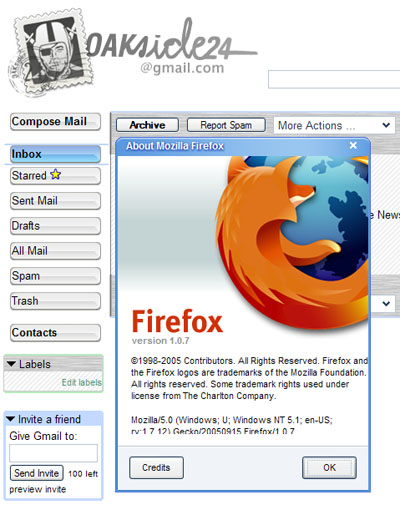
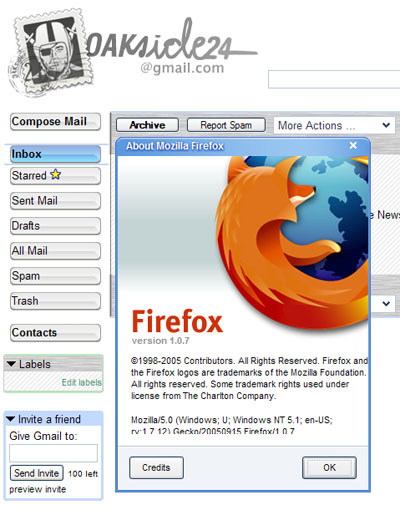
This does not work on OPERA :slant:
I find myself on the end of a slow internet connection and got bored with waiting for it to download the images. Plus its a pain to have to edit the CSS file with whereever you uploaded the images. So here's a version of the userContent.css that has the images embedded in it. No need to upload them to some server somewhere.If you have a special version of gmailemail_header1.gif you will have to edit the body#mail-google-com div#ds_inbox section to refer to it somewhere.
Thanks Judge! It actually seems to work for me.
Can you also post a version without the embeded images?
Judge, could you post a "clean" usercontent file? With clean I mean with just the gmail stuff and not blockads, flashblock and so on..
Thanks for taking a look at it.
your "usercontent_new.zip" had "tons" of adblocking integrated. But I have it working fine actually, thank you 
The JavaScript console reported some errors in the FF 1.5 usercontent:
line 143 is missing px in the height declaration
line 266 has 100%px as value for width
line 313 boarder instead of border
hmm oops, line number is not actually helpful unless you have my usercontent file
Just look at your JavaScript console after you loaded FF to get your lines.
I tried this and I got the same old gmail look. I had urlid but it doesn't work on 1.5 so I cnt use that. I edited the usercontent.css file and did that but still getting the same old look? Am I doing something wrong?
yup, you must be doing something wrong. I am using FF 1.5 and it works for me. Make sure you are "mixing" Judge's two zips the way he described it for FF 1.5.