Aqua-Soft Forums
Update, annoying bugs fixed
What is fixed?
- "iTunes not loaded" message didn't always appear when iTunes was unloaded (thanks Stevie)
- Albumart didn't disappear when iTunes was unloaded (thanks Stevie again)
- iTunes will now come to front when you toggle it's visibility.
- Default panels showing up in skins when they shouldn't be shown.
- Some more annoyances and the z-order of some things.
Added for skinning
When a hotspot had an animation, all information, panels, progressbar, sound indicator would be hidden, which gave a very annoying "flash". This was the case, because it was impossible for the widget to know, which sections had to be hidden to not interfere with the animation. I delegated that to the skin maker now  .
.
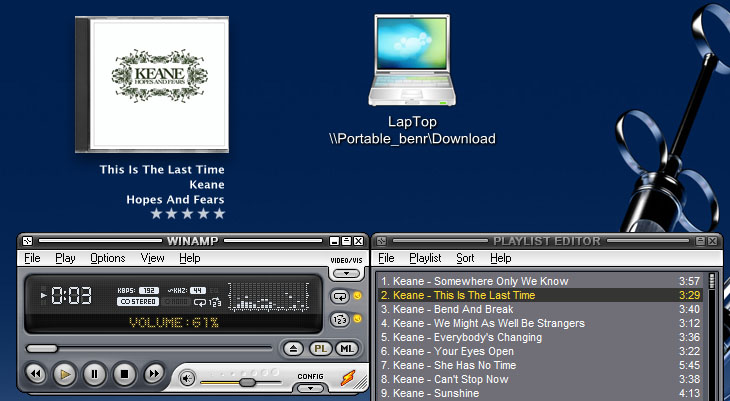
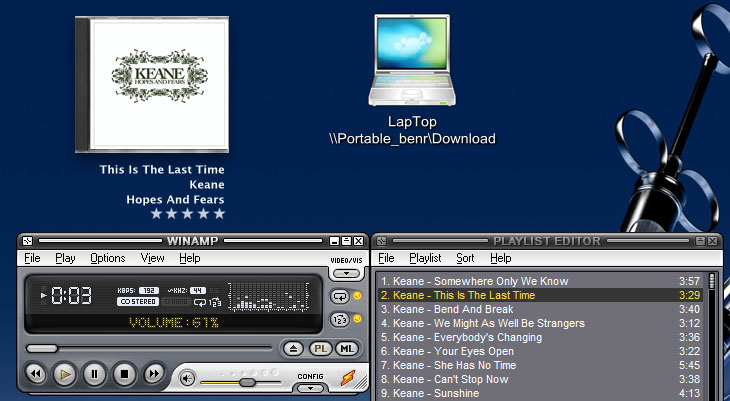
Also, albumart can fade in on skinchange-animation and sounds can be played.
[SkinChangeHotSpot-1]
for the next options to be used, this skinchange must do an animation.;

; set this to one if you want some panes/progressbars/etc to remain visibile
; during an animation
NoHideDuringAnimation=1

; for each section that should stay visible, set the value to 1
AlbumArtShowDuringAnimation=0
SoundShowDuringAnimation=1
ProgressShowDuringAnimation=1
RatingShowDuringAnimation=0
CounterShowDuringAnimation=1
InfoShowDuringAnimation=1
DisplayShowDuringAnimation=1

; number of extra info panes
ShowExtraPanesDuringAnimationCount=0
; for each extra info pane, set the value 1 to
; if it should stay visible during the animation.
ShowExtraPanesDuringAnimation1=0
ShowExtraPanesDuringAnimation2=0

; if you want albumart to fade in after the animation has been completed
; set this to 1 and set the number of frames for the fade in (defaults to 10).
fadeAlbumArtIn=1
numberOfFadeFrames=40

; this will only be used iff UseCurrentSkinSizeForAnimation=0
; it defines the new bg width/height of the new skin so the
; panes that are still visible can be scaled accordingly
; during the animation.
****gWidth=333
****gHeight=180

; if you want to play a wave sound during animation
; note that sounds are by default disabled
; and have to be enabled on the skin-tab in
; the properties dialogue.
SoundForAnimation=drawer/popup.wav
; idem, but then for a mouseout when type=hover
SoundForAnimationMouseOut
Version
2.2
Download
Single DLL: http://mpj.tomaatnet.nl/iTunesWidget.dll
Full zip: http://mpj.tomaatnet.nl/iTunes.zip
 )
)