 Aqua-Soft Forums
oh and if you like it please put iton your server as i have limited bandwidth.
[release] Nexplorer 1.6 Public Beta
BigB - thanks for hosting that, but when I download it I get "some of the files are corrupt. Please obtain a new copy of the program"
Originally posted by BigDaddy5@May 5 2004, 05:57 PMBigB - thanks for hosting that, but when I download it I get "some of the files are corrupt. Please obtain a new copy of the program"
darn the instaler doesn't work i will fix it some other time.
Not beta tester now but must report big bug not yet said. Use Objectbar and run okay. Quit objectbar then run objectbar again. click on Nexplorer icon and I have white screen only. I try on other computer and same problem. Must Browse Nexplorer.exe again in Dock Item Properties and it work again. But quit objectbar and run objectbar and problem again. see attach.
Thank you.
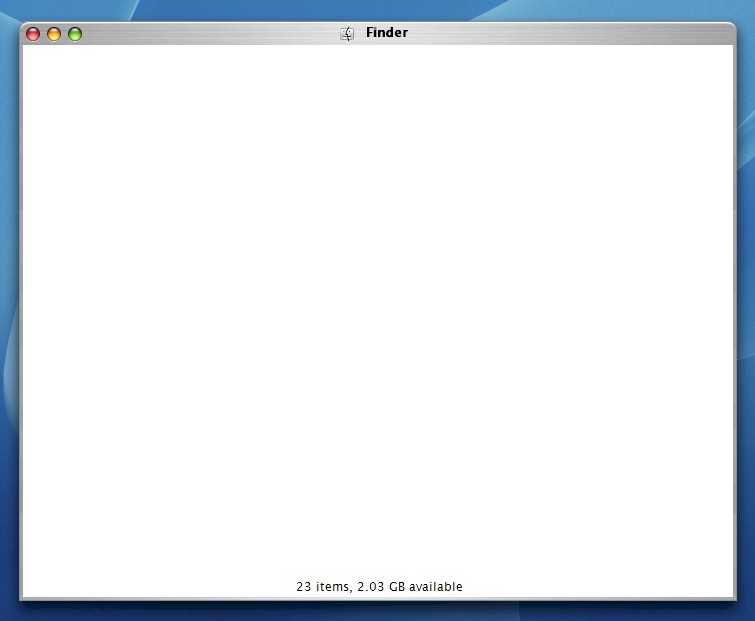

Sorry I talk about ObjectDock. Not Objectbar. Sorry again.
Originally posted by sMACkingMACs@May 6 2004, 02:18 PMNot beta tester now but must report big bug not yet said. Use Objectbar and run okay. Quit objectbar then run objectbar again. click on Nexplorer icon and I have white screen only. I try on other computer and same problem. Must Browse Nexplorer.exe again in Dock Item Properties and it work again. But quit objectbar and run objectbar and problem again. see attach.
Thank you.
I don't know why but objectdock seems to change the "current directory" of Nexplorer. It becomes objectdock directory while it has to be Nexplorer directory.
It doesn't happen with the y'z dock.
I will find a way to correct this.
Its work okay if i make shortcut Nexplorer and link objectdock to shortcut.
@vneumann: Just to let you know this happens with a couple of other applications, including avedesk. The work arounfd is to have a shortcut to nexplorer with the working directory set and make the program target the shortcut a opposed to the program.
Also, the double folder problem doesn't actually seem to make viewing the folder any slower, it happened in the windows directory to me but it didn't browse any slower than before.
edit: oh and i'm running a AMD 1600 with 256Mb RAM if I remember rightly and Windows XP SP1 (Flyakite 5.1).
Originally posted by vneumann@May 6 2004, 02:47 PMI don't know why but objectdock seems to change the "current directory" of Nexplorer. It becomes objectdock directory while it has to be Nexplorer directory.
It doesn't happen with the y'z dock.
I will find a way to correct this.
i have the same problem with objectbar 