[help] Neos Theme On Style Xp

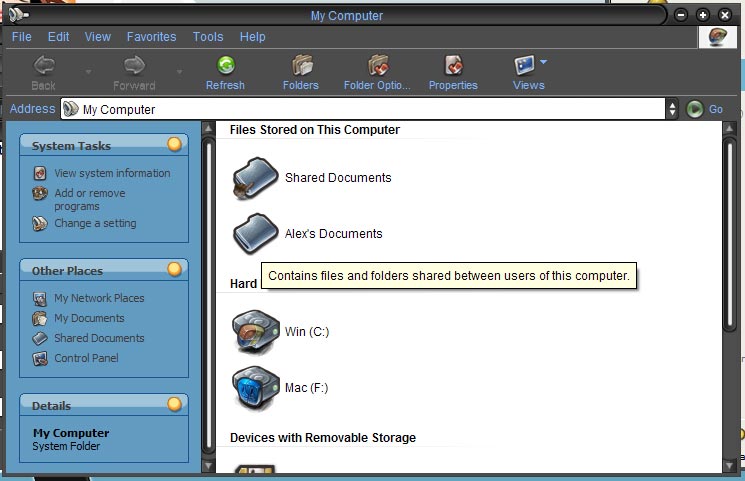
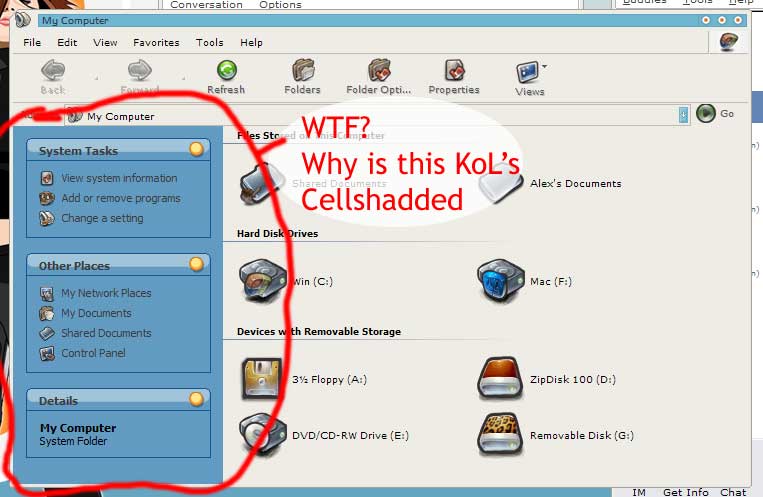
I downloaded the theme that Keith has been raving about, Neos, along with some other ones to try out, and they all seem to have the same problem when on my computer, the left box thing in explorer is always KoL's cellshadded theme! I deleted that theme off my computer a long time ago and it still appears! Anyone know why? In the picture I have Spitfire theme loaded, but it does the same thing on Neos.
post-9198-1075329399_thumb.jpg

style.jpg
style.jpg

#106801

Did you keep the folder "shell" in the same folder with each VS (also don't use StyleXP, but that's not the problem :P )

#106805

Did you keep the folder "shellstyle" in the same folder with each VS (also don't use StyleXP, but that's not the problem  )

I keep all my themes in completley different folders. and you keep saying not to use Style XP and somehing with the uxtheme.dll, can you explain exactly what to do?

#106810

I mean that most VS's (NOT called themes) come with a folder named "shell" which is basically a skin for that wierd useless folder tasks bar that you're using

If you want the folder tasks bar thng to be skinned keep the "shell" folder in the same folder with each VS

#106813

Originally posted by Keith@Jan 28 2004, 10:47 PM

I mean that most VS's (NOT called themes) come with a folder named "shell" which is basically a skin for that wierd useless folder tasks bar that you're using

If you want the folder tasks bar thng to be skinned keep the "shell" folder in the same folder with each VS

Sorry, I already knew that, I was asking how you replace your VS's without Style XP by messing around with that uxtheme.dll file.

#106817

use the Replacer cmd script to replace the original uxtheme.dll in [root]:\windows\system32\ with the modded uxtheme.dll

#106819

or DL PatchXP and have it done for you. Plus, you get a nice backup.

#106884

To Alexman: I have used Style XP for a year until five minutes ago, and was pretty happy with it even Style XP somethimes forget to load a theme. 5 minutes ago I have changed uxtheme.dll using "replacer" and I can tell you that this is the real thing! It is easear than installing Style XP!!!! People from this forum told me to do that and all I can say to them THANK YOU : )

Do it man,and forget Style XP.

#106956

yeah ok so once you have the modded uxtheme.dll then what do you do?

#106970

You just extract theme that you want and use it man!

--------------------------------------------------------------

GO BODYBUILDING, IT`S HEALTHY!!!

#106975

You just extract theme that you want(to windows/resources/themes/) and use it man!

--------------------------------------------------------------

GO BODYBUILDING, IT`S HEALTHY!!!

#106976

Ahhh I see. I just got back from work, so I'll try this method out.

#107022

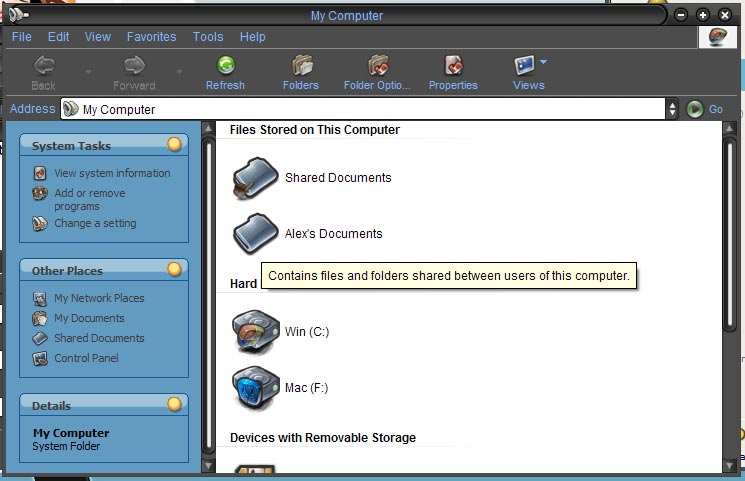
:rant: The "wierd useless folder tasks bar" is still skinned as KoL's cellshadded when I choose a VS, even after using the non-Style XP method!!!!! :rant:

post-9198-1075355542_thumb.jpg

style_2.jpg
style_2.jpg

#107030

I think your only solution then is to disable it, after all it is "wierd" and "useless" :P

#107238