Avedesk Upclose

To show Andreas our appreciation of his art, I thought it would nice to show off your usage of Avedesk on your desktop.

Remember this is only an avedesk screenshots topic and its not intended to include your regular desktop shots. You know what i mean.

play nice please :rolleyes:

To start off this is mine take a peek here

#96242

Agree (but i think it should hv been posted in desktop screenshots thread)

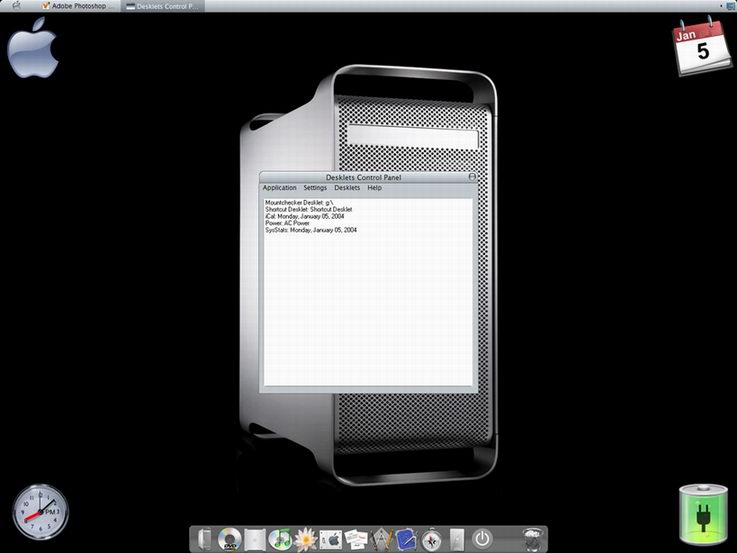
iLike it simple ;)

post-1068-1073410230_thumb.jpg

Image_1x.jpg
Image_1x.jpg

#96261

MSN Docklet using konfabulator images

#96274

i would, but i have no clue on how to run the program at startup withthe defualt settings, ie, no caption?

#96485

a little avedesk and samurize combo

#96504

Topic Moved.

Only releases in the Releases forum, please. <_<

------------------

Stevie BM

#96612

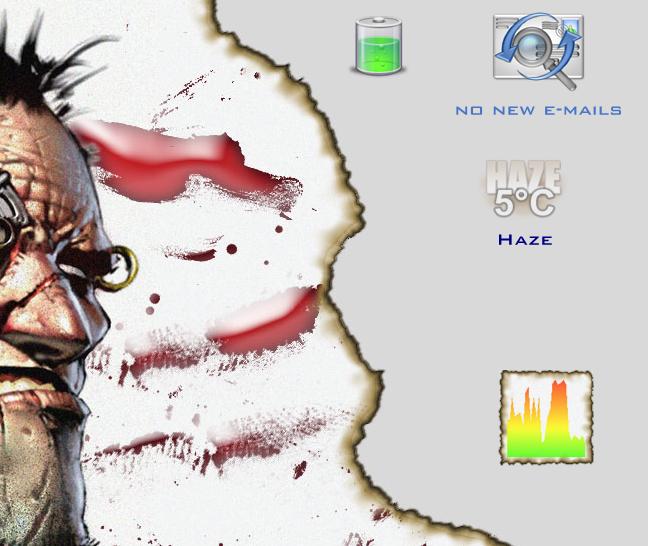
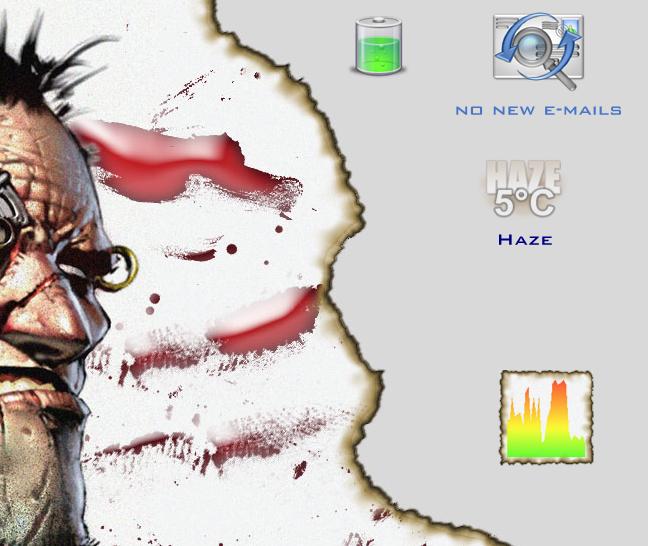
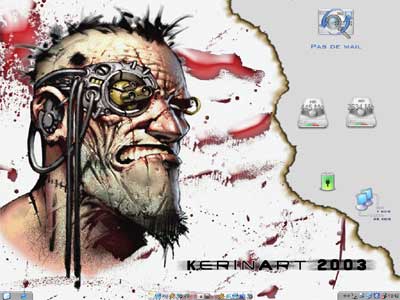
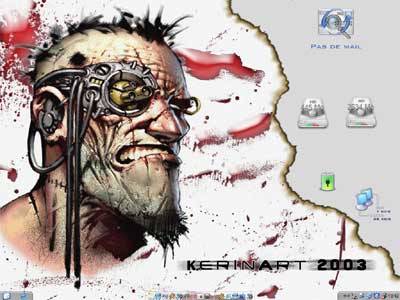
All right this is mine, i have:

MailChecker

CpuMeter

Weather

Batery

this is not completely integrated to my desktop but :P

post-7384-1073478160_thumb.jpg

screen.JPG
screen.JPG

#96622

I would have shown mine, but there is a small problem.... I think that if U change the shortcuts to work with a single click than the cursor should change to the hand pointer to indicate this....

#96661

Good point choo-chee, added it for the final version! :)

#96664

@all: i'm curious about avedesk, but have been limited in time to read the entire avedesk preview/release thread. is it pretty much the same idea as samurize? configure scripts for your desktop?

#96720

it`s more like confabulator cause it uses allready made docklets (desklets), but u can make desklets of yourown ;)

#96759

Avedesk is not a system information provider like Samurize

Samurize is more turned as a system properties/information/status display with all the meters included in (performance monitor, HD, memory, batery...) the scripting in Samurize is very poor (it's better in the lastest version). The advantage of Samurize is that it's HIGHLY customizable and easy to integrate to a desktop

AveDesk is more a script exec/display program, alowing you to make everything you want, but you will be restricted in the customization (depending on witch desklet). AveDesk has a better user/system interact behaviour, meaning that by programing a desklet you can add features easily (mount checker for example).

personnaly i have Samurize 1.0 running cause Avedesk can't provide me (yet) a graph/meter as clean as on samurize (the system stat docklet by judge is not enougth advanced for the moment)

Try Avedesk with all the desklets/docklets you find interessant and you'll see that it's very nice and complementary with samurize. (one more program to launch on startup and that eat resources...)

#96855

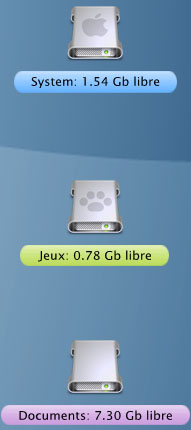
Not much - really simple. Also have MobyDock running but it's auto-hidden.

Clock is Judge's SysStats docklet

iCal & MP3 player are both by AndreasV.

#96949

I joined here a while ago because I liked to check out some of the skinning stuff occasionally, but I never expected to find such a cool piece of freeware! Simple and elegant, I'm certainly looking forward to the final release.

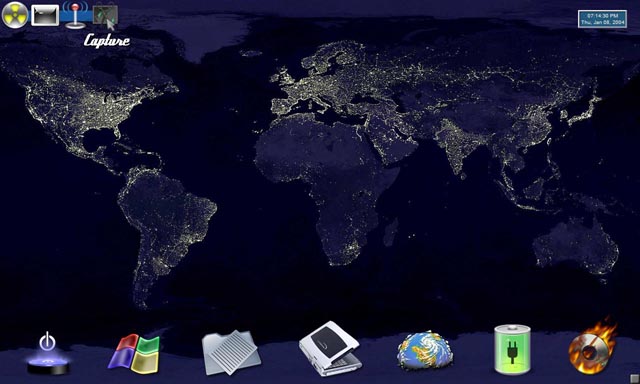
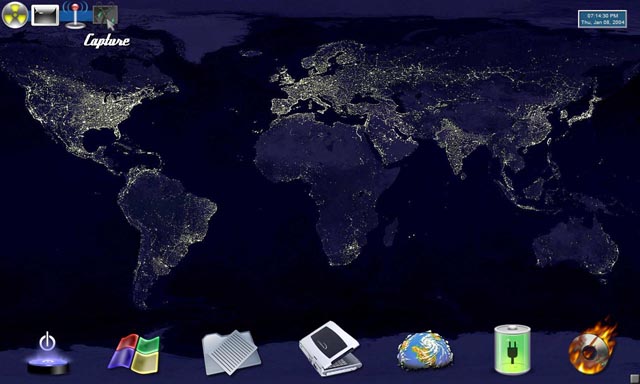
Laptop screenshot; I've kept my Objectdock (on autohide) for less-needed links, and used Antarctica as a pseudo-dock, with Shutdown docklet, Startmenu docklet, Power docklet, Animated docklet (CD burning), and the middle ones just nice-looking shortcut 'desklets'. Wallpaper: Earth at Night...

post-6960-1073619374_thumb.jpg

Capture__08_19_01_31_2.jpg

#97402

Here is mine:

-Yz Dock

-Rainlendar Calender

-WinAmp Modern Visual Style (not Apple related, but it's awesome)

-AVE Desk (XML Weather OD docklet, Drive checker OD docklet, I-Cal 3.4 OD docklet, OD clock docklet)- err, maybe they are deskletws now? ;-)

desktop.jpg

#97994

where find this VS?

screenshot-8963.jpg

#98843

It's an msstyle called XPErience (with the nicest buttons I ever saw). Try to search http://www.theme-xp.org . If you can't find it, drop me a line and I will send the zip to you :)

#98853

hey Ghostwalker.. :D

Like the msn docklet .. is it samurize ? how do u get it if i may ask ? ;)

cheerz :naughty:

#98912

I updated my desktop on my website:

Here it is!!!!

so that's it:

post-7384-1073933941_thumb.jpg

tb_desktop_12_01_2004.jpg

#98951

It's an msstyle called XPErience (with the nicest buttons I ever saw). Try to search http://www.theme-xp.org . If you can't find it, drop me a line and I will send the zip to you

My e-mail is cctrv@163.com.

or you can my add msn messenger:cctrv@hotmail.com and send to me.

thx

#99354

i made this with sysstats from Judge :

post-768-1074020706_thumb.jpg

avedesk.jpg
avedesk.jpg

#99488

Todays Desktop:

desktop.jpg

#100400

well since everyone is showing off their desktop with avedesk..

here is mine.. still trying to figure out where to put eveything but

so far im leaving it like this..

icons on the left hand side labels come up on mouseover

current changes y's clock port and weather replaced by SysStats

added MBM display next to weather..

My Desktop

don't want to put large images on the forum so click the link to see...

#100824

Its the msn docklet for objectdock in avedesk with images from a konfabulator widget "iChat oline staus" did a little switching and made these images. images dont work good in the dock but great in avedesk

#100869

Where would one GET these scripts\docklets?

or must i make my own?

:goku's job:

#101356