 Aqua-Soft Forums
I wanna change the default icon for memorystck in my SONY VAIO pc. I can change all others, c:, a:, USB driver, but can not change the memorystick icon which is too ugly. Could someone please give me some ideas?
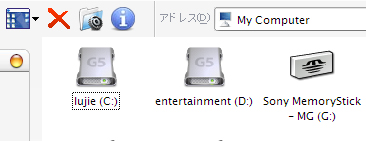
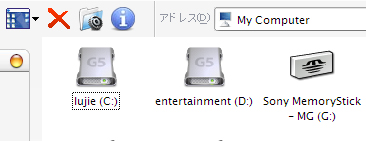
I wanna change the default icon for memorystck in my SONY VAIO pc. I can change all others, c:, a:, USB driver, but can not change the memorystick icon which is too ugly. Could someone please give me some ideas?
You can go into the registry.
HKEY_LOCAL_MACHINE\SOFTWARE\Microsoft\Windows\CurrentVersion\Explorer\DriveIcons\\DefaultIcon
Create new Keys as they won't be there if you haven't done this already. Replace with the drive letter of your memory stick reader. Edit the Default REG_SZ present in the DefaultIcon Key to the path of your chosen icon.