 Aqua-Soft Forums
How To Change My System Info

1. i think you can hack shell32.dll and change dialogs to the text will be different.
2. you can change that flag/monitor image by changing a control panel applet. i believe it's main.cpl, but i need to check.
3. you can add another image (to the left of your cpu and ram info) by changing the oemlogo.bmp in the system32 folder.
here's more on hacking it: http://virtualplastic.net/html/logo_tab.html
you could also get atx, the "about this mac" program that tells you about the system.
1. i think you can hack shell32.dll and change dialogs to the text will be different.
shell32.dll is an icon cache 
you could also get atx, the "about this mac" program that tells you about the system.
your best bet, slayertime, if you dont have photoshop and/or 1337 skillz 
Originally posted by @Oct 23 2003, 11:16 PMshell32.dll is an icon cache
yeah, it is an icon cache, but it also has menu and dialog text settings in there. open it up in reshacker. you can change the words that are used on your system. 
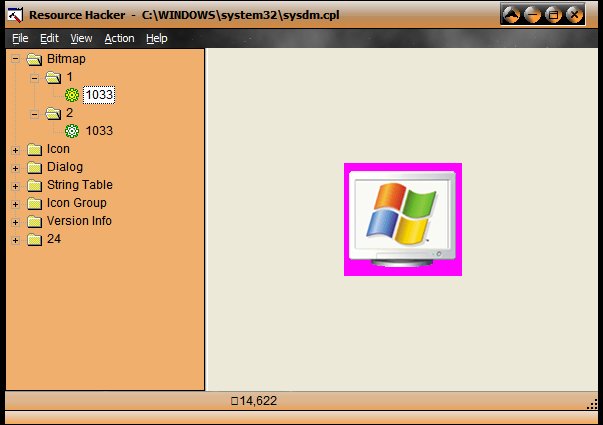
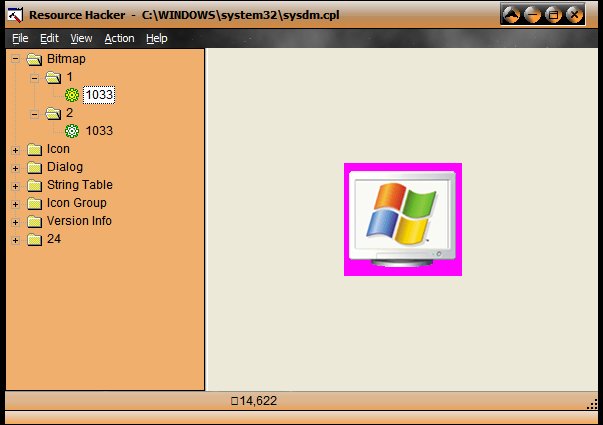
d'oh! applelover is right. that's the correct cpl, not main. :shy: thanks for pointing that out, applelover.
but you won't be able to make it look exactly like the mac one.