Aqua-Soft Forums
One question... is it already compatible with Windows 8.1 ????
Yes, work but have some lagg. You can use normally and wait update checking autoupdate box in program preferences.
One question... is it already compatible with Windows 8.1 ????
Yes, work but have some lagg. You can use normally and wait update checking autoupdate box in program preferences.
I need help bad How do I move the icons say I don't like how they are in order cant I drop and drag them to pute them in the order I want ? or do I have to remove them and redo them ? on the old version I had there was an option to remove from dock and then I would add it back were I wanted to ?
One question... is it already compatible with Windows 8.1 ????
If you are having any problems with Windows 8.1 and XWindows Dock try this:
Go to C:\Program Files\XWindows Dock (if your OS is 64 bits: C:\Program Files (x86)\XWindows Dock), right click on XWD.exe and then you should choose the tab that says Compatibility. Following this, click where it says "Change settings for all users". Once you are there, click the empty square right below "Compatibility mode" and select "Windows 8". Now you might press OK, and then press OK once again to close the window. In doing this, my XWindows Dock started to work like it used to. I hope it can be of any help for you, or anyone having the same problem.
Thanks for the update. PS you didnt update the link i had to change the 5 to a 6 to download.
Theres still lag when programs are minimizing and maximizing from the dock vs the taskbar which is smoth any fix for this or a way to set the task bar as default?
Hi,
Is there a chance of getting the preinstalled zip files for the latest release? Thanks!
It's in the first post, as always.
I haven't seen any zips with source of XWD for quite long since newer versions updates since version 2.0.5 .
Is it still provided somewhere, like Github???As I am a developer, XWD is quite great, thanks a lot, to Filandre1. 
Because some parts of 2.0.5 are protected, this version can't be "open-source".
Only the source of versions 2.0.3 and 2.0.4 are available.
Regard's,
Filandre
XWindows Dock constantly using CPU it never settles to 0 always above 3% consumption is there, i am currently using windows 8.1 and also tried with compatibility mode of windows 7, prior to windows 8.1 i was using windows 7 still same problem of cpu usage was prevailing, also have tried previous versions like 2.0.4.x but same was observed.
One more thing whenever i minimize or maximize the window animations does not seems to be smooth and little slow please fix these problems.
___________________________________________________________________________________________________________________
Intel i5 3337u
Nvidia 740m VRAM 2gb ddr3
Windows 8.1
RAM 8gb ddr3
(above all with updated windows and drivers for chipset, graphics, SCSI and gpu)
Awesome work. Thanks for this dock! Any chance of a minimize to dock feature (not just an animate to dock feature)? Thanks!
Awesome work. Thanks for this dock! Any chance of a minimize to dock feature (not just an animate to dock feature)? Thanks!
Also, is there a possibility of a "magnification" feature? Thanks.
Hello all, here is a new release of your my favorite Dock!
Happy new year, Filandre!
Just bumping this thread to let you know that there's still a loyal fan of this dock who's eagerly waiting for the next release. I hope you're still into this thing. hahah!
Also, I'd like to report about an issue with the "Dock over all windows" option. It keeps reverting back to "Border" (from "Always") everytime I restart my PC.
Thank you for all your work on this.
it feels like this project is now dead. i cant believe that microsoft hasent implemented a dock into windows.
it feels like this project is now dead. i cant believe that microsoft hasent implemented a dock into windows.
I also believe this project is now dead. If you want microsoft to implement a dock into windows you need to vote here (this about the new features of Windows 10):
The more votes this idea gets increases the chances of having a dock in Windows.
Dock has recently started making my computer freeze up a bunch.. just like stalls when doing anything window-management related... Wish there was a good dock that was still maintained. Been using this one since it launched in Jan 2010
EDIT: Whaaaaat dock just got an update, is there any changelog or something at all?
On 8/9/2013 3:07:14, Filandre1 said:Hello all, here is a new release of your my favorite Dock!
Version 2.0.5 has the main enhancements from 2.0.4:
- New auto-move mode, the dock move now itself to don't hide your working windows.
- Add a new big and unique feature: TidyBox ! To organize your dock as you want, with more icons than the size of the dock can support.
- Windows are now animated to the dock instead of taskbar when they are minimized, and animated from the dock when maximized
.
- New auto-lock icons and dock system: you can now unlock icons to modify only once, also you can drag on an icon without change it when it's locked.
- Better support for ObjectDock docklets, also you can display their animations in front of the TidyBox.
- Great stability improvements.
- Other minor changes everywhere...
The last release available is now 2.0.5.8:
- Release 1 add animating to dock feature
- Release 2 & 3 fix small bugs
- Release 4 add auto-lock and option "Overlay on Box"
- Release 5, 6 & 7 attempt to fix ch@@&#@&!#@ng lags introduced by release 3...
- Release 8 FIX these lags !
Link to the Windows Installer: xwdock2.0.5.8-installer.exe
Link to the preinstalled* zipped files: xwdock-2.0.5.8-exe.zip
* The preinstalled version is "ready to run" but is only available in english language: Just copy the unzipped directory anywhere on a disk, then launch XWD.exe file.
You can also make a link to XWD.exe with "-p" parameter to put the setting files inside the XWindows Dock directory.
Have fun,
Filandre
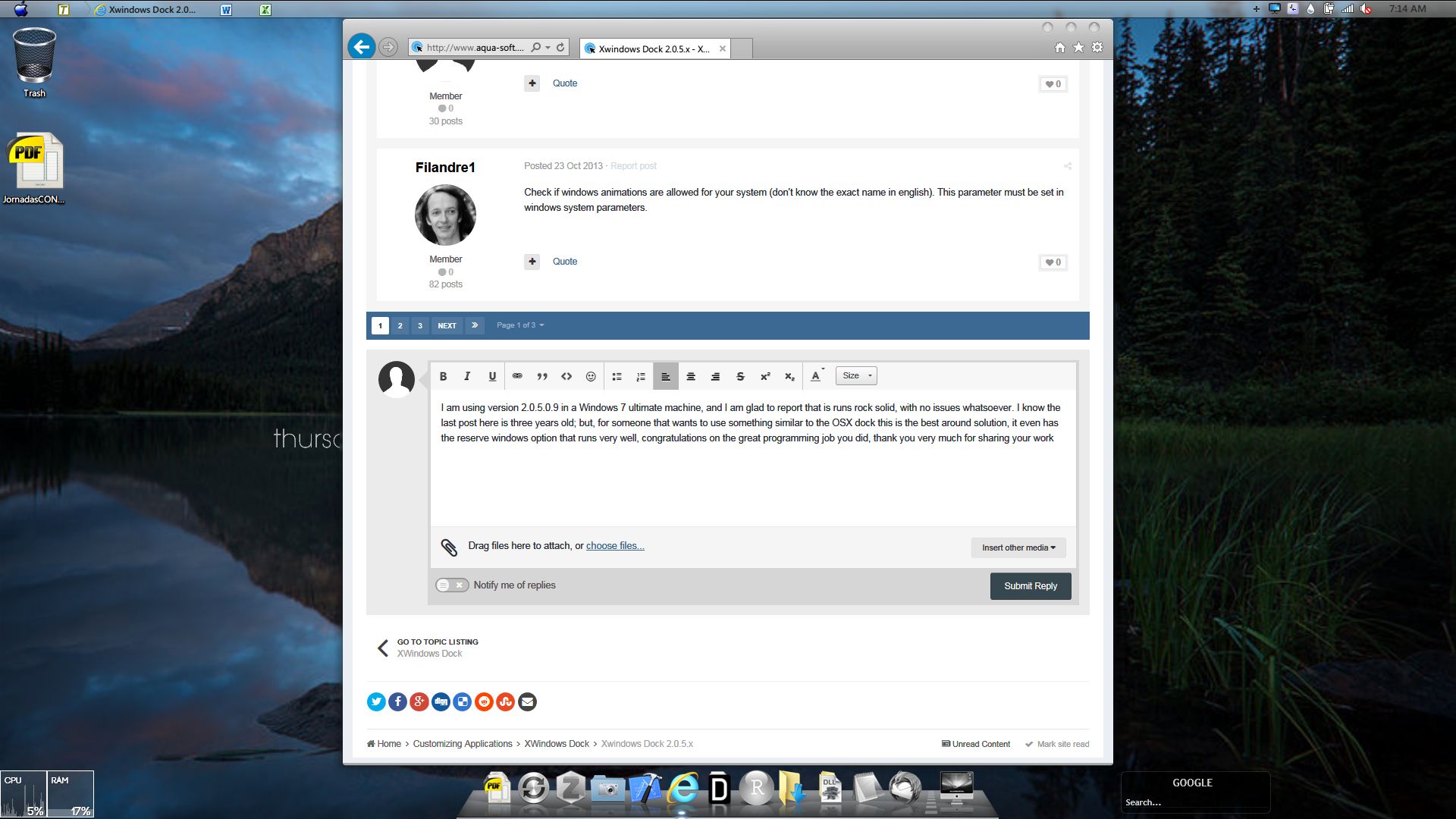
I am using version 2.0.5.0.9 in a Windows 7 ultimate machine, and I am glad to report that it runs rock solid, with no issues whatsoever. I know the last post here is three years old; but, for someone that wants to use something similar to the OSX dock this is the best solution around, it even has the reserve windows option that runs very well, congratulations on the great programming job you did, thank you very much for sharing your work.