Aqua-Soft Forums
Hello all,
This post to replace the previous one whose title was only for 2.0.3.1 update.
Last release is now the 2.0.3.30 version with the enhancements below:
- Release 30 fix some small problems and a big one introduced with the release 29 (GDI overflow), sorry  .
.
- Release 29 fix a crash with the "public" plugin container.
- NEW in 2.0.3.28: Some gifts for this Xmas release: navigation inside container is now disabled by default; image of the desktop is now created when you take a screenshot, dock can now be colorized as the background change... But no yet genie effects... Happy holidays 
- NEW in 2.0.3.27: Support of animated GIF, dock may be colorized as desktop and indicators can also be colorized. Colorized dock must be activated in preferences (also color can change automatically with Windows 8). Indicator's colors can be defined in skins (examples are included and a new one is added).
- Release 26 simply offer optimization CPU load.
- NEW in 2.0.3.25: Add "drawer" to the skins and improve stability.
- Releases 23 and 24 fix some problems which prevented the dock to display it above all windows when called with the mouse.
- Releases 21 and 22 correct a problem with the launch of apps wich appear in release 18 (work directory missing).
- NEW in 2.0.3.20: Better support of docklets from ObjectDock/StarDock/RocketDock.
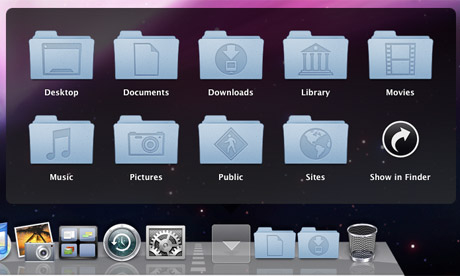
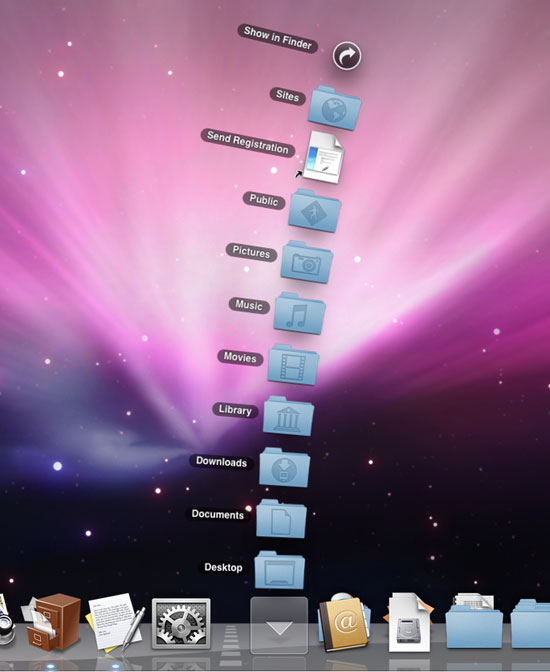
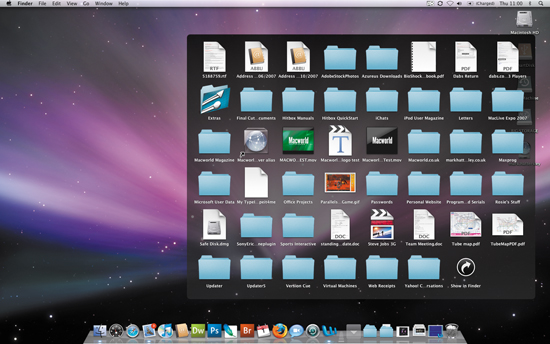
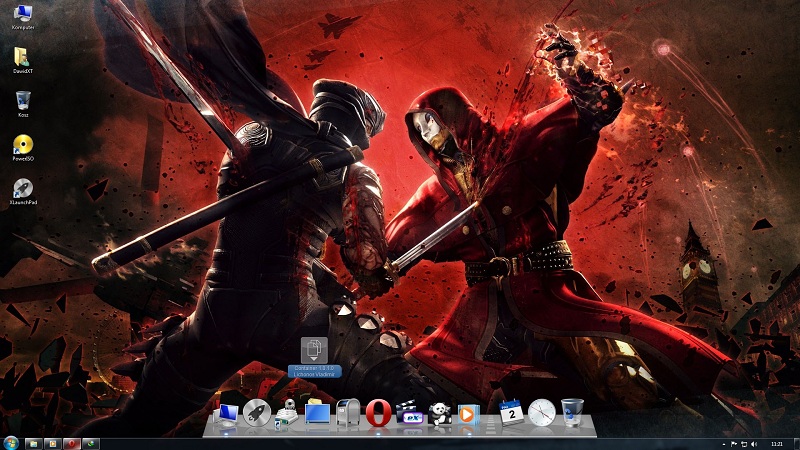
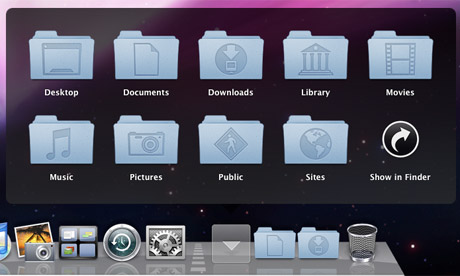
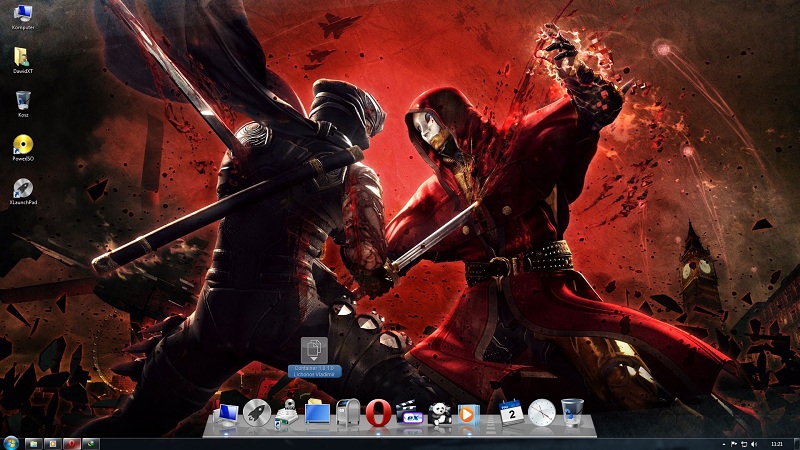
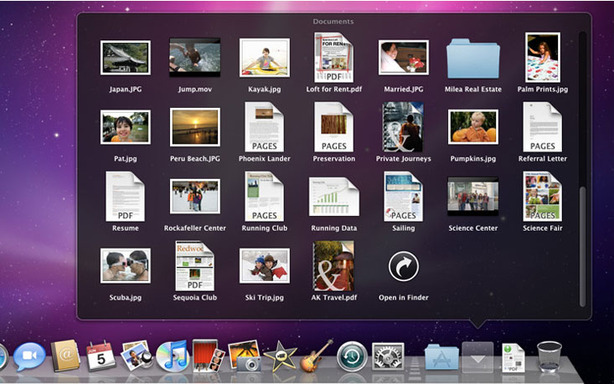
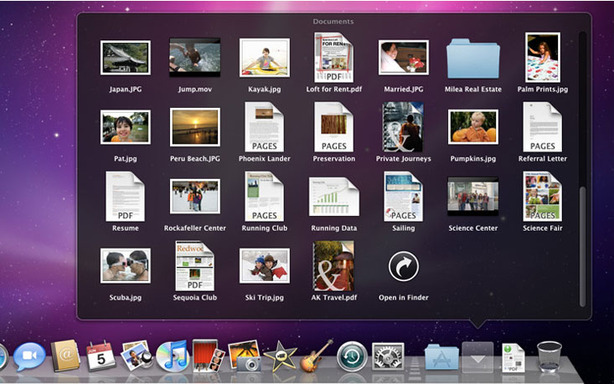
- NEW in 2.0.3.19: Ability to navigate through directories with the containers.
- NEW in 2.0.3.19: Directory automatically becomes a container when dropped on the dock.
- Now correctly working with multiple monitors.
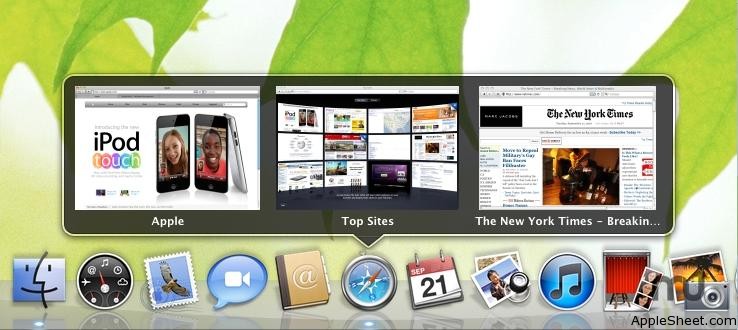
- The "featured popup dock" can now be disabled in the preferences.
- Group "Switch mode" with "Screen position" and add the other position options to the menu.
- Ability to mask inactive application (menu Options/Mask Icon) which keep its icon and place on the dock.
- Ability to hide an application (menu Options/Hide Icon) and to display hidden applications (menu Add/Hidden Icons).
- French, Polish & Italian translations added, and ready for more translations: simply translate and send me the file "text.ini".
- Other changes in menu.
- Tested succesfully on Window XP (SP3), Windows 7 and Windows 8.
I would like all 2.0.3.x versions improve stability of the app and are the last beta versions before 2.0.4.0.
So please tell me if you encounter some bugs, with, if possible, a screenshot of the issue. To simplify the report, I've added an option in the menu to take a picture of the dock.
Link to the Windows Installer: xwdock2.03.30-installer.exe
Link to the preinstalled* zipped files: xwdock-2.03.28-exe.zip
Link to the zipped sources: xwindows-dock-2.03.30-Sources.zip
* The preinstalled version is "ready to run" but is only available in english language: Just copy the unzipped directory anywhere on a disk, then lauch XWD.exe file.
You can also make a link to XWD.exe with "-p" parameter to put the setting files inside the XWindows Dock directory.
Regards,
Filandre