Aqua-Soft Mobile 2 Beta

Aqua-Soft Mobile 2 Skin Beta

For Invision Power Board 3.1.x Only

Updated: Sept 5thth

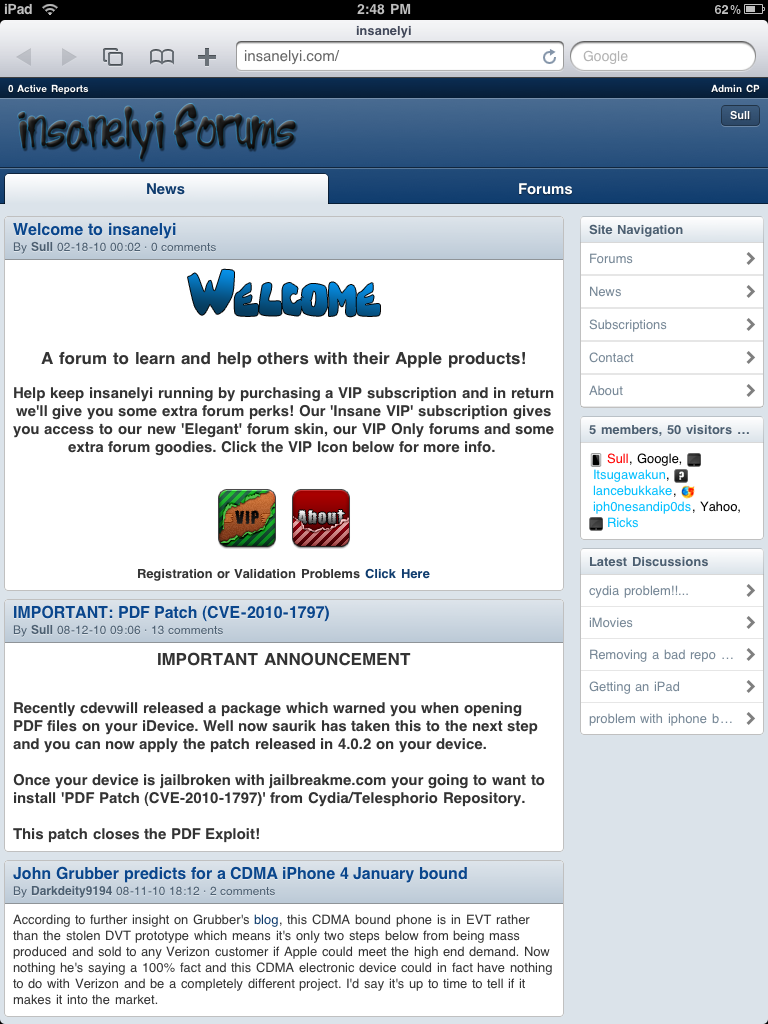
What seems to of taken forever to release, here is a beta version of the mobile skin. Use at your own risk, there are bugs and un-skinned areas. So if you plan to use this on your live site, just be warned.

mobile3c449.png

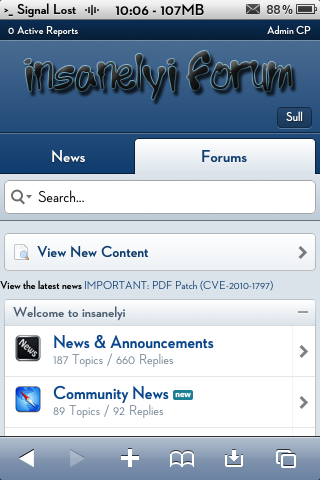
Currently only supports the following devices/browsers

- iPhone/iPod/iPad (iOS)

- Android (Android 2.x)

- Blackberry Torch (Blackberry OS 6)

- Palm Pre/Pixie (webOS)

New Features:

- Completely new skin, started from 3.1 default skin

- Report Center & Moderation tools

- Calendar support

- Menus, Collapsable forums and javascript support

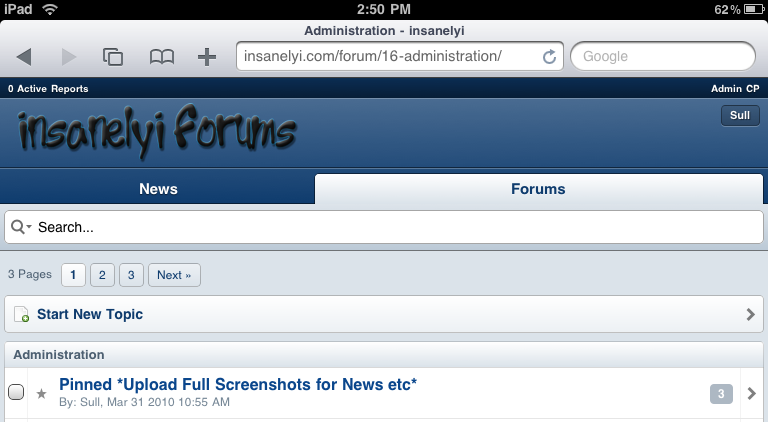
- Support for bigger screen size devices such as iPad

- Expanded search (tap the magnifying glass to view search options)

- Color changer (will be added near final release)

- Tons of other misc fixes/tweaks

Please use this thread to report any bugs, quirks, or any feedback. I will update the attachment on this post with newer releases till the final version is ready.

Known Issues:

- Lack of Shoutbox and Blog support (after final ver)

This skin will also go up in price, so for those lurkers out there be warned. It'll only be 10$ till it hits final. Current subscribers you don't have to worry at all, you've purchased the skin already so you're set. (unless you'd like to donate)

#536987

When reporting bugs, please post what device, version of the os, and what browser application.

#536989

Thanks Timan, much appreciated! I'll report any bugs I come across!

#536991

Good thing Senators let me know this was released ... almost missed it!

Just installed on test board and now I'll install on my live board and keep it private while I make sure it's some what safe :)

#536992

For the life of me I can't find where to remove the shoutbox from board index... ?

EDIT:

Nevermind I found it !

#536993

Got a bug: Guest's posts are messed up - http://cl.ly/1fdfaba28c354d8b646b

#536994

View the latest news. Couldn't find in any of the css so I added this for now...

ipb_styles.css

#latest_news {
padding-left: 14px
}

I am sure you can make this proper, but for now it's a quick fix. View bug below.

Bug!

post-113128-038282400 1281849714_thumb.p

QuickFix!

post-113128-090202200 1281849894_thumb.p

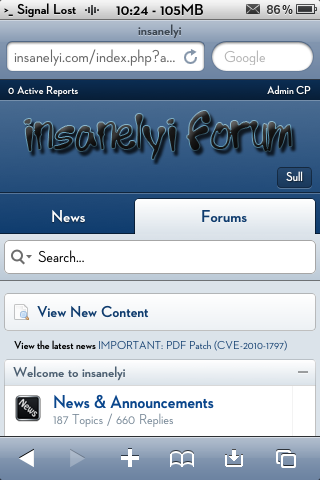
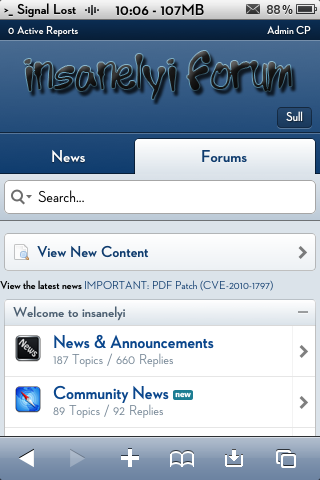
I think the font needs to be bigger and perhaps a different color + a box around the news ?

IMG_0689.PNG
IMG_0689.PNG
IMG_0690.PNG
IMG_0690.PNG

#536996

Will fix the latest news and guest posting today.

#536997

We have a major problem I cannot seem to solve!

once you have the mobile skin up you cannot get back to the desktop skin even by choosing show desktop. Also I cannot for the life of me get the drop down menu to show. I took the <if> useragent out of globaltemplate and I got the drop down menu to show, but then you have nothing to click to get back to desktop.

So yeah one of my staff is stuck on the mobile skin and also my iPad is stuck..

I have selected for the dropdown menu to show

#536998

You should "never" select the skin from the drop down. You should let ipb automatically set the skin for you based on your user agent.

Anyway if you want a quick fix to get the drop down to show.

Find this bit in globalTemplate

	<if test="!$this->memberData['userAgentLocked'] AND $this->memberData['userAgentBypass']">
<if test="skinchanger:|:$this->settings['allow_skins'] AND $footer_items['skin_chooser']">
<form action='{parse url="{$this->settings['query_string_formatted']}" base="public"}' method="post" style="display:none">
<div class="box">
<ul>
<li class="input arrow">
<label class="label" for='newSkin' class='hide'>{$this->lang->words['theme_prefix']}</label>
<select name="settingNewSkin" id='newSkin'>{$footer_items['skin_chooser']}</select>
</li>
</ul>
</div>
<input type='hidden' name='k' value='{$this->member->form_hash}' />
<div class="buttons"><input type='submit' value='Change Theme' class='input_submit' id='newSkinSubmit' /></div>
</form>
</if>
</if>

Replace With

		<if test="skinchanger:|:$this->settings['allow_skins'] AND $footer_items['skin_chooser']">
<form action='{parse url="{$this->settings['query_string_formatted']}" base="public"}' method="post">
<div class="box">
<ul class="form">
<li class="field select">
<label class="label" for='newSkin'>{$this->lang->words['theme_prefix']}</label>
<select name="settingNewSkin" id='newSkin'>{$footer_items['skin_chooser']}</select>
</li>
</ul>
</div>
<input type='hidden' name='k' value='{$this->member->form_hash}' />
<div class="buttons"><input type='submit' value='Change Theme' class='input_submit' id='newSkinSubmit' /></div>
</form>
</if>

#536999

Thank you for that. I understand what your saying. With my current configuration Aqua Soft Mobile is set by the user agent, but now I was thinking that I should let a user decide if they want to use Aqua Soft on their iPad or one of the standard desktop skins...

Anyway that did fix the problem. Before I had no user agents checked and when I clicked desktop version I would go directly back to mobile skin :D

Please advise :)

#537001

Got a bug: Guest's posts are messed up - http://cl.ly/1fdfaba28c354d8b646b

I've just tested out guest posting on my dev forum. Seems to work fine.

Do you have any modifications installed (ie for the download links you have in that screenshot) ?

#537007

I've just tested out guest posting on my dev forum. Seems to work fine.

Do you have any modifications installed (ie for the download links you have in that screenshot) ?

Nope, nothing except a shoutbox. Don't even got a shoutbox, whoops. Brand new install of 3.1.2

I noticed 50% of the time the posts get jumbled like I showed you, the other half the time it's fine. I might just disable guest posting though.

#537008

Since we have scrolling issues with Android.. I'll wait for that to be fixed first. But good job Timan!

#537010

First update posted.

Make sure you check the box next to Upgrade skin.

screenshot_45eadf5861ff2281d.png

Fixed

- Android scrolling uses (tested on Froyo 2.2)

- Avatar gallery should now work

- Latest news is now styled

- Skin chooser from not displaying

- Portal layout for iPad users

#537011

Awesome what was the bug with portal on iPad ?

#537012

Hey Timan what is the color code for the top blue part where logo is ?

#537013

background-color: #0F3C6E;

#537014

Great thanks!

Nice one for the latest news! looks great!

I am wondering about shoxbox support on iPad. You obviously know I had to remove it because it's a bloody eye sore right now, but in final this will be supported ?

#537015

Ya, I'll eventually have shoutbox and blog support back.

I'm also gonna try to get a release every day with bits added, till I'm done.

#537016

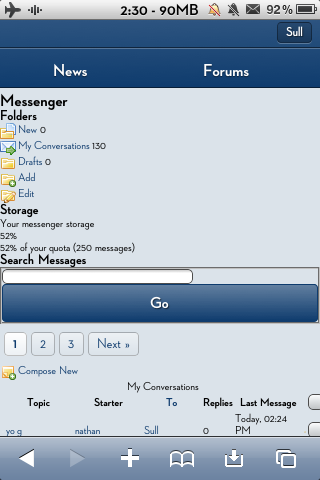
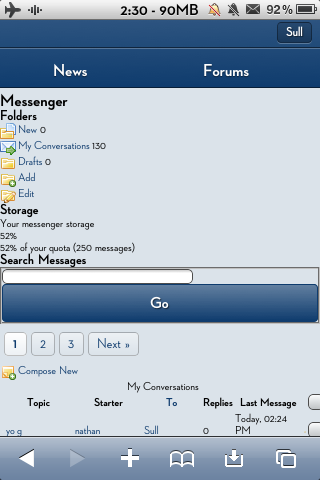
Can we get the messenger fixed next ?

post-113128-003934800 1281908373_thumb.p

Also clicking on your name in the upper right hand corner and choosing 'My Content' does not seem to be finished. Just thought I'd mention that!

IMG_0691.PNG
IMG_0691.PNG

#537017

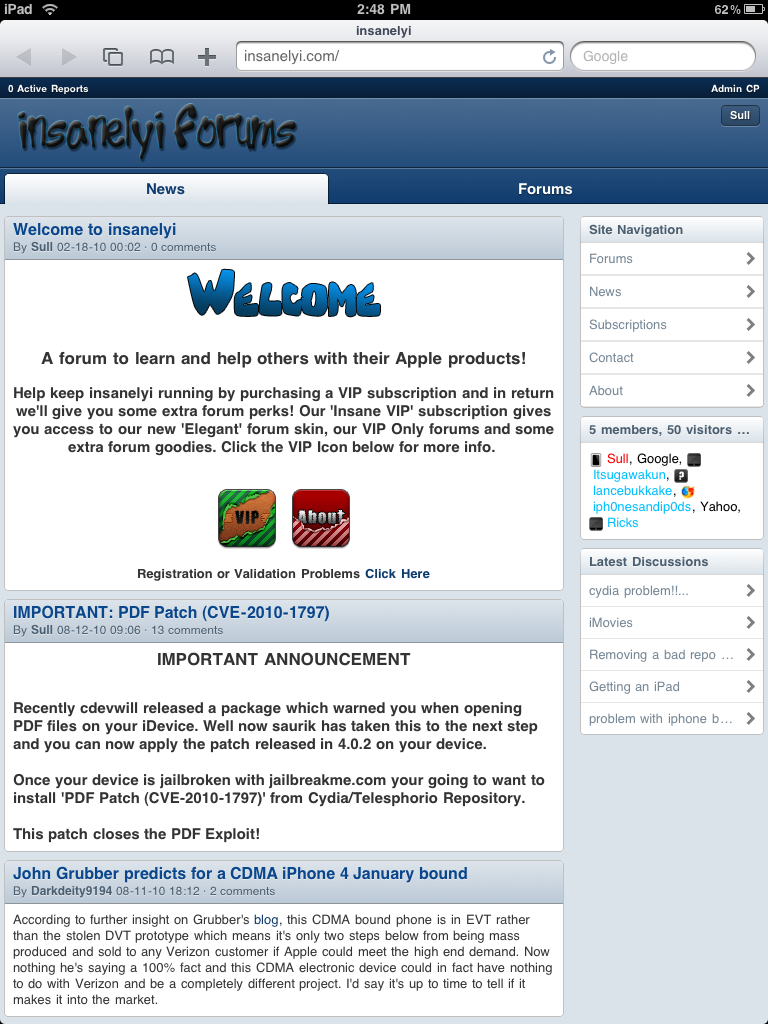
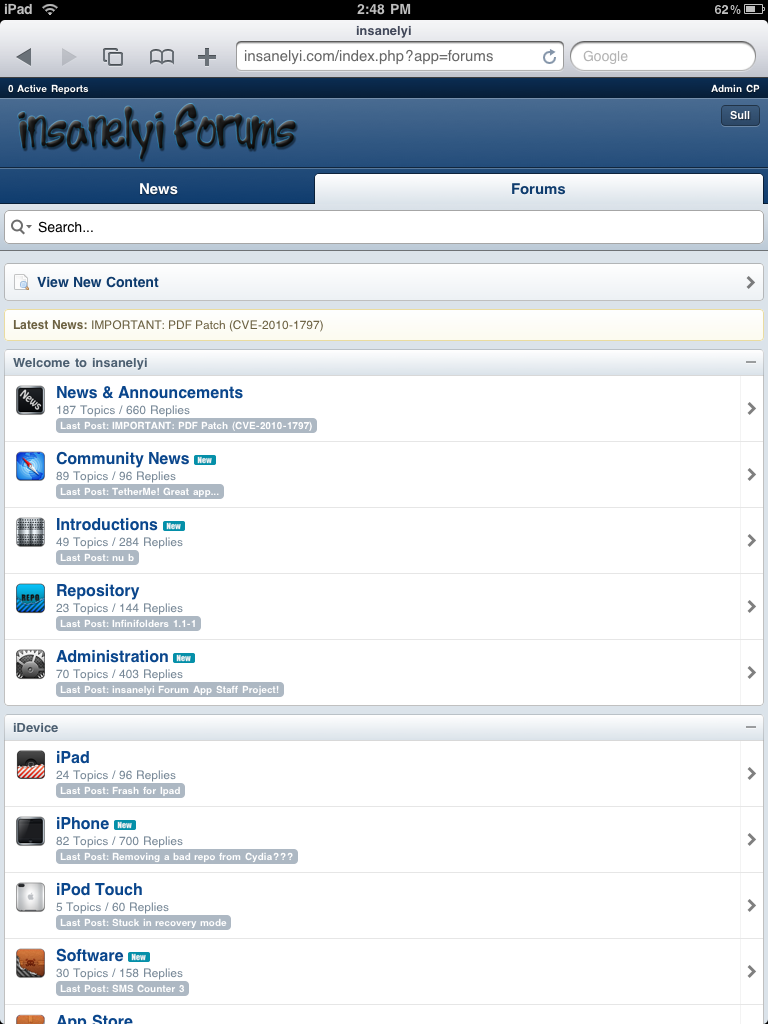
iPad looks good!

post-113128-095104900 1281909135_thumb.p

post-113128-025875400 1281909174_thumb.p

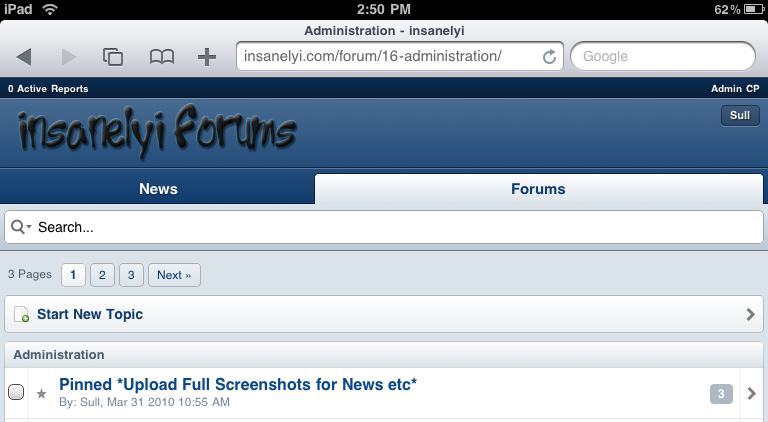
Can we get an image for pinned topics instead of bold text ? ( View pic below )

post-113128-055334000 1281909293_thumb.p

IMG_0006.PNG
IMG_0006.PNG
IMG_0007.PNG
IMG_0007.PNG
1.png
1.png

#537018

I'll add a style to thread prefixes today (closed, sticky, movedetc) and start on messenger .

Find some more bugs for me guys! :P

#537021

Looking forward to that.

Well since you have added more support for admin/moderator support on iPad/iPhone(landscape) When I unaprove a thread on my desktop skin it just puts a shade of red over it so I know it needs attention, but I notice aqua doesn't do anything. Would be nice to know if any threads need attending to.....

Still looking for bugs!

#537022