Cpu Monitor Docklet For Objectdock

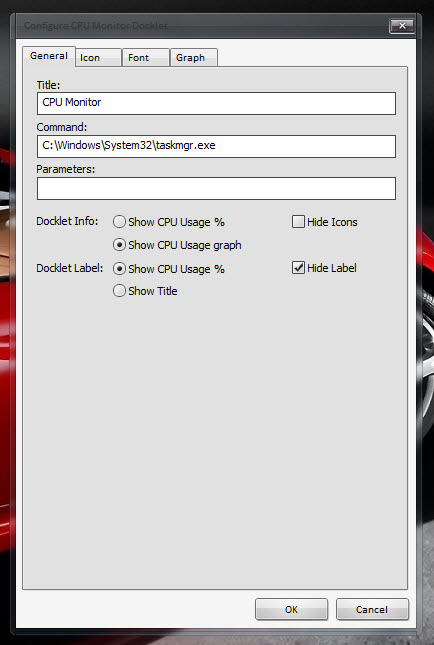
After a long pause I have managed to update all my docklets and create a new one. This is a simple CPU monitor Docklet for ObjectDock.

As usual, uncompress under your Docklets folder and add it to your dock.

Feel free to provide any feedback!

Updates:

- 03/25/2010: Added options to show CPU Identification & Brand String at the docklet label.

Fixed bug that prevented the docklet from saving the selected background. (v0.1.0.0e)

post-79521-126932251345_thumb.jpg

post-79521-12693225221_thumb.jpg

post-79521-126932253128_thumb.jpg

post-79521-126932254021_thumb.jpg

post-79521-126932254788_thumb.jpg

CPUMonitor - 0.1.0.0e.zip

preview.jpg
preview.jpg
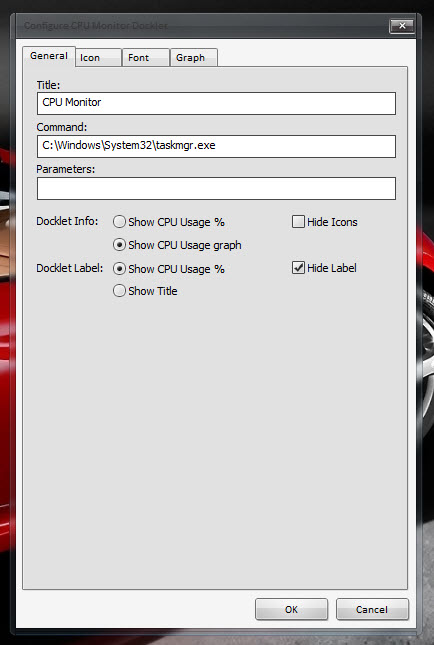
general-settings.jpg
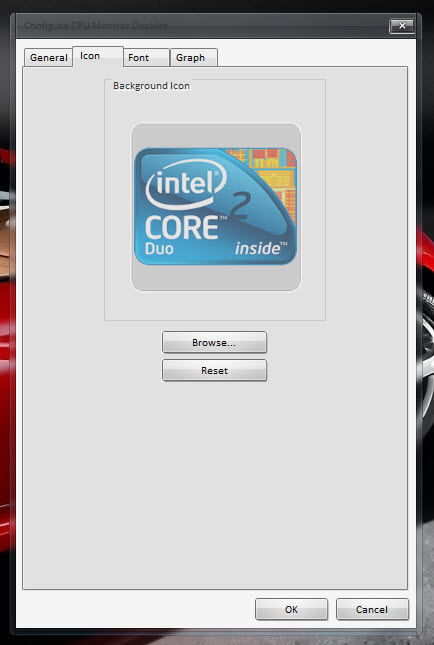
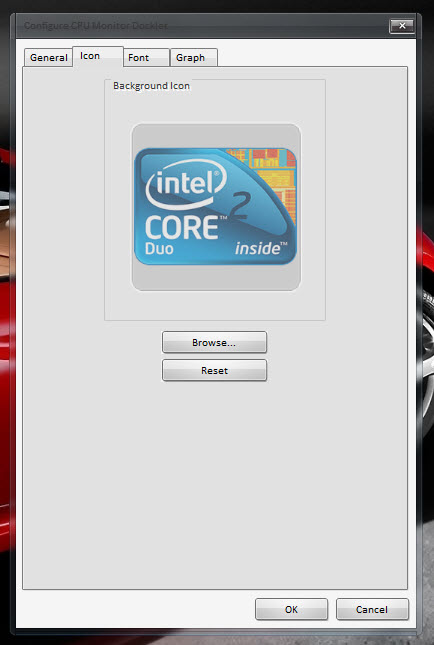
icon-settings.jpg
icon-settings.jpg
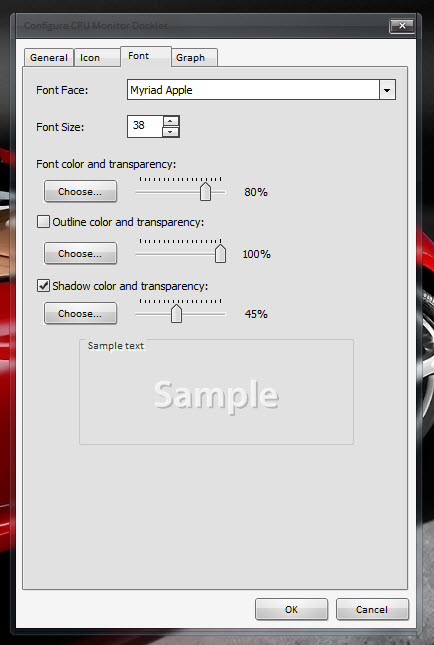
font-settings.jpg
font-settings.jpg
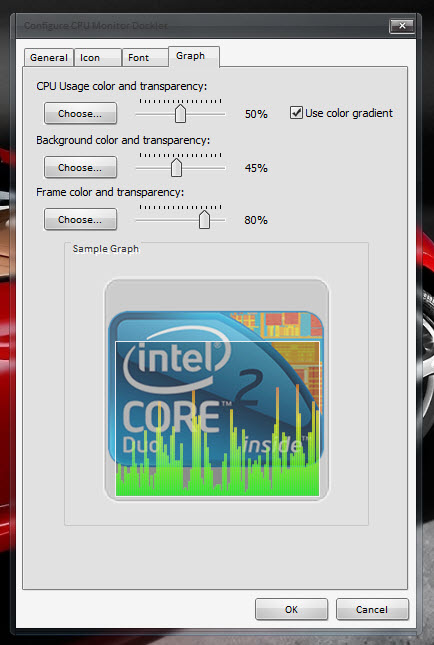
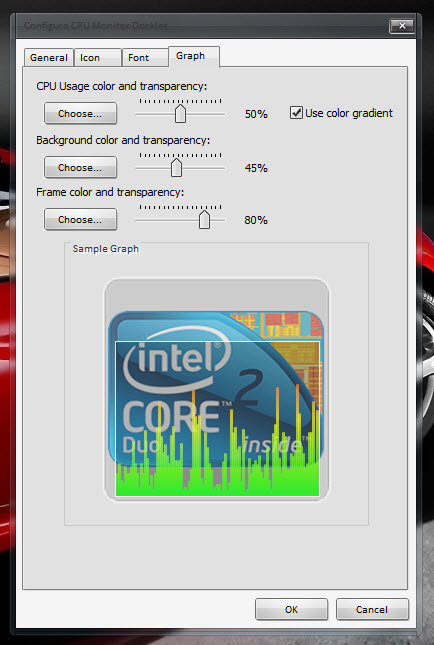
graph-settings.jpg
graph-settings.jpg

Attachment: CPUMonitor - 0.1.0.0e.zip

#535353

After a long pause I have managed to update all my docklets and create a new one. This is a simple CPU monitor Docklet for ObjectDock.

As usual, uncompress under your Docklets folder and add it to your dock.

Feel free to provide any feedback!

I run AMD Athlon 64 X2 Dual Processor so I put this together. Also an option would be to display the processor name as the docklet label. I have not got everything set up for graphics work yet but I will do my best if you need anything let me know.

Bug

Seems when I close the dock and open it the icon reverts back to the default icon.

post-1012-12693599507_thumb.png

post-1012-126935999127_thumb.png

post-1012-126936029173_thumb.png

background.png
background.png
background.png
background.png
background.png
background.png

#535358

Ghost, I just added the option you asked for and fixed the icon not being saved bug.

#535400

Working fine now thanks, when I get a little time I will post a few more processor icons (any requests). Right now I'm spending most my time over at the sevenforums trying to learn some of the differences with the OS.

#535407

Added with no problems. One thing i noticed is the AMD pictures don't work, but doesn't really bother me. I can deal with the Intel picture. Great Job.

#536642

thank you.

i've been waiting ages for working 64bit version.

your's work like a charm

thankyou

#537490

This one works fine with the new version.

Thank you!

The AWN dock is the best dock I ever used, but it only works in Linux environment.

Docks in windows lack of doclets because of permission problems.

And this doclet is quite useful.

#539326