 Aqua-Soft Forums
Quicktime X For Kmplayer

This is what I waiting for...
Thankz alabanco
**add QTX logo for background** (for my own customize)  ;)
;)


...hope you don't mind
QuickTime X Icon
hi alabanco
im having problem with this skin take alook d screenshot
pls help me. i really like this!
happy new year
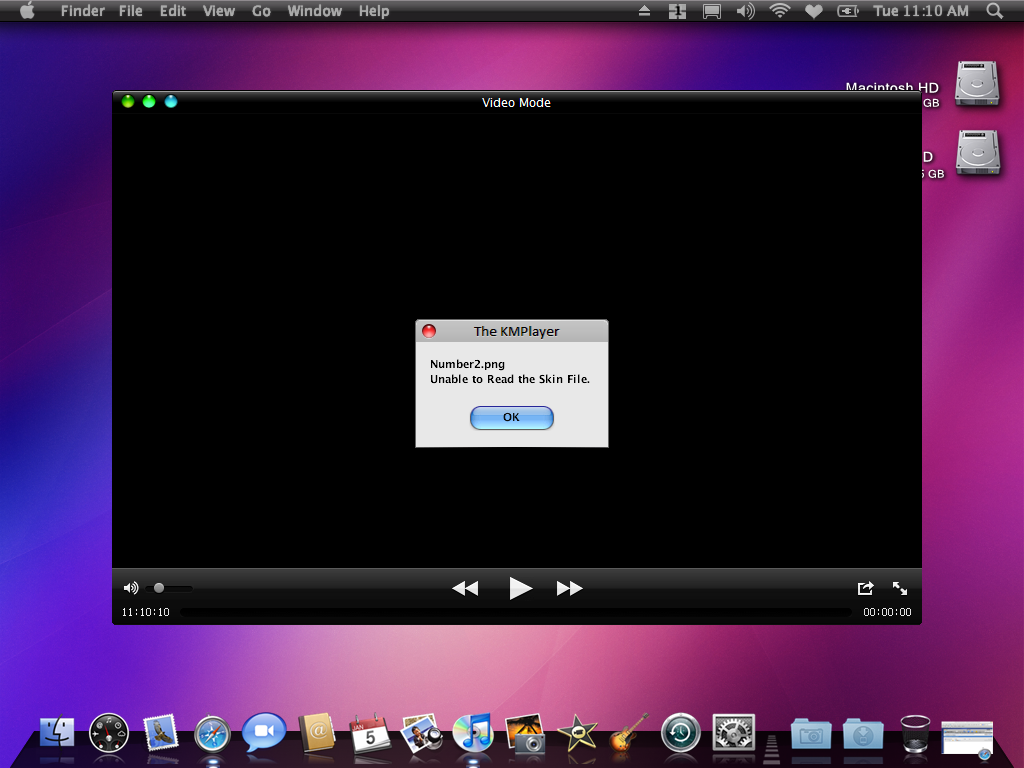
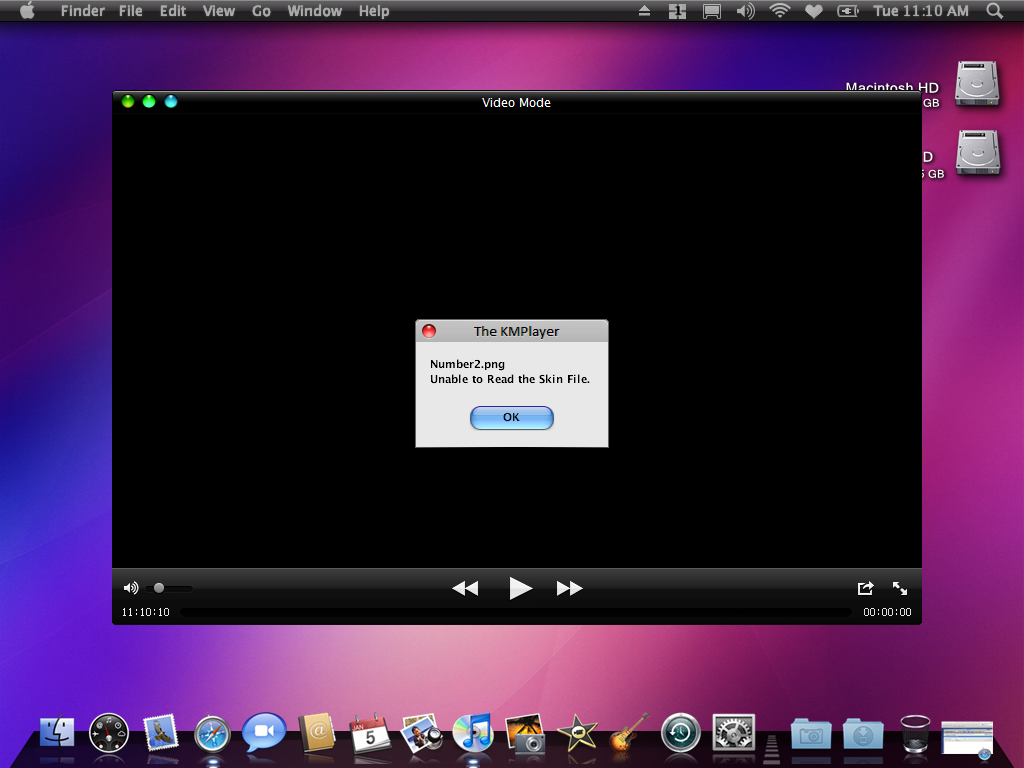
cns0813h
Colors problem
That's because you have Random Color Theme option activated in KMPlayer.
Here are the things that you should do:
1. Right click on screen
2. Choose Skins -> Color Themes -> Do not use (instead of "Random Color Theme")
Numbers2.png problem
Could you download and reinstall again and write me whether the problem is gone.
Happy New Year to you too.
cns0813hColors problem
That's because you have Random Color Theme option activated in KMPlayer.
Here are the things that you should do:
1. Right click on screen
2. Choose Skins -> Color Themes -> Do not use (instead of "Random Color Theme")
Numbers2.png problem
Could you download and reinstall again and write me whether the problem is gone.
Happy New Year to you too.
hi alabanco
i did what u said..but the problem still the same. button is back to normal button but the border change to green or blue.
i did reinstall but nothing changes. sorry for my english.. hope u can help me with ur skin.
tnx
alabanco ds my screenshot
Do not double post - mps69
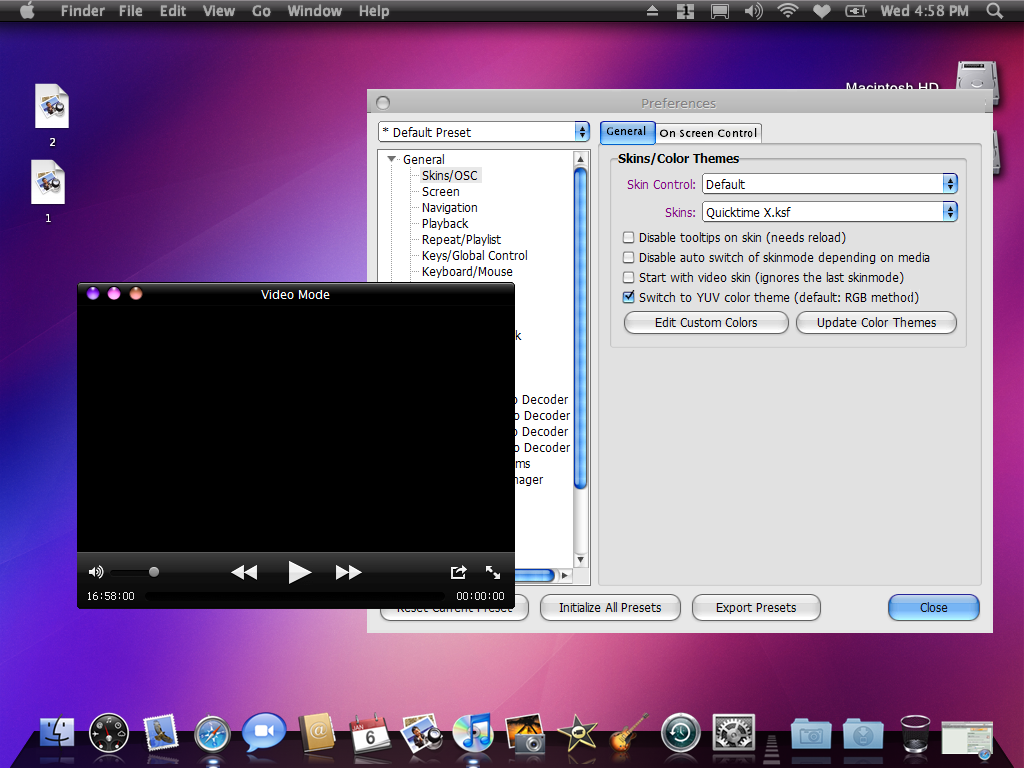
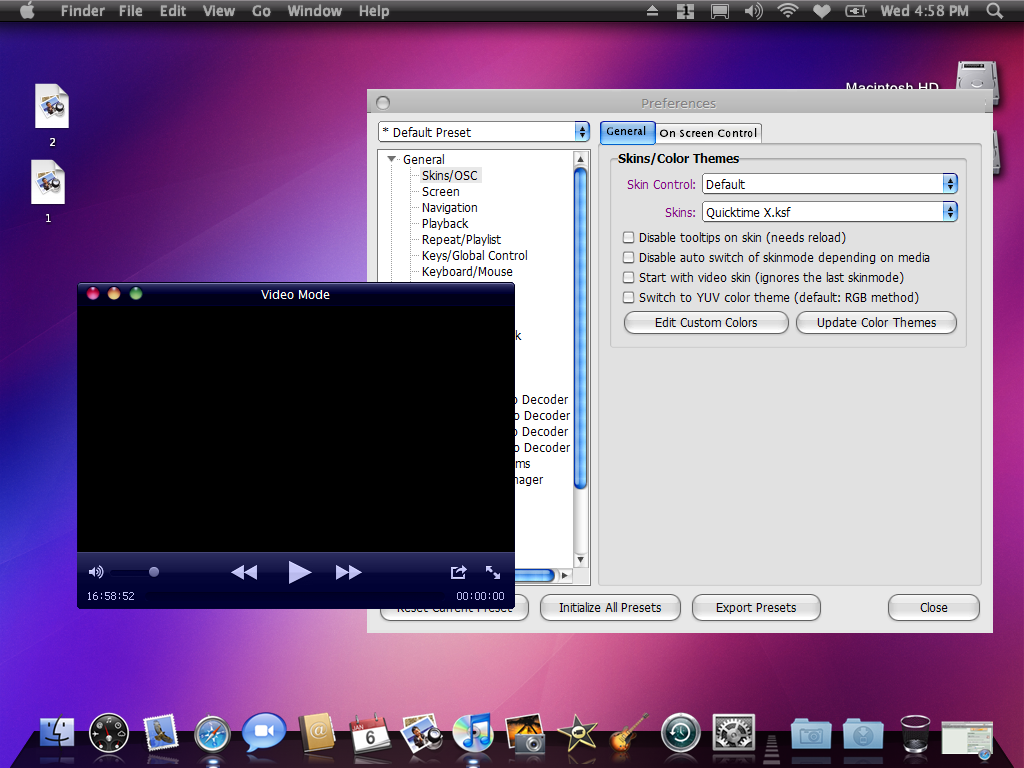
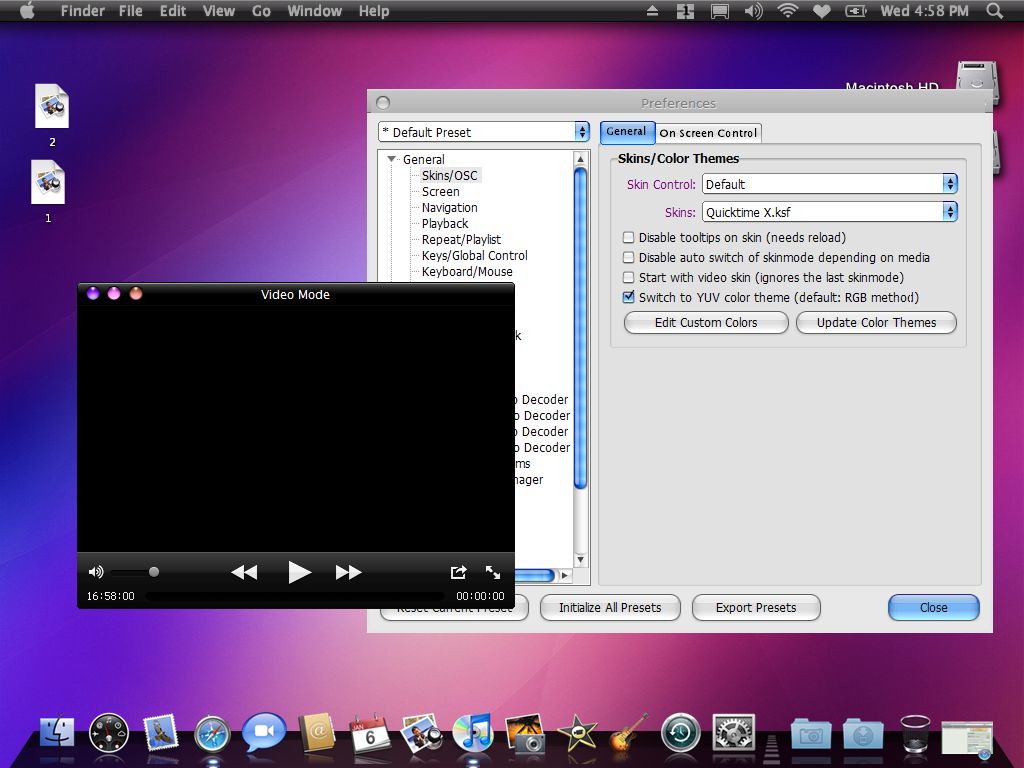

cns0813h
You did not exactly what I told you.
1. Right click on the black screen
2. Choose Skins -> Color Themes -> Do not use (instead of "Random Color Theme")
yes i do right click..but i cant see the skin option.
last request. could u change d font.the you made tittle font from quicklook..
big tnx!!!!!!!!!!!!!!!!!!!!!!!!!
The skin has been updated. Minor fix.
Added the version with thicker font from Quicklook skin.
Cool skin.The color combination is in artistic style.gonna download now.