1920 X 1200 Windows Xp

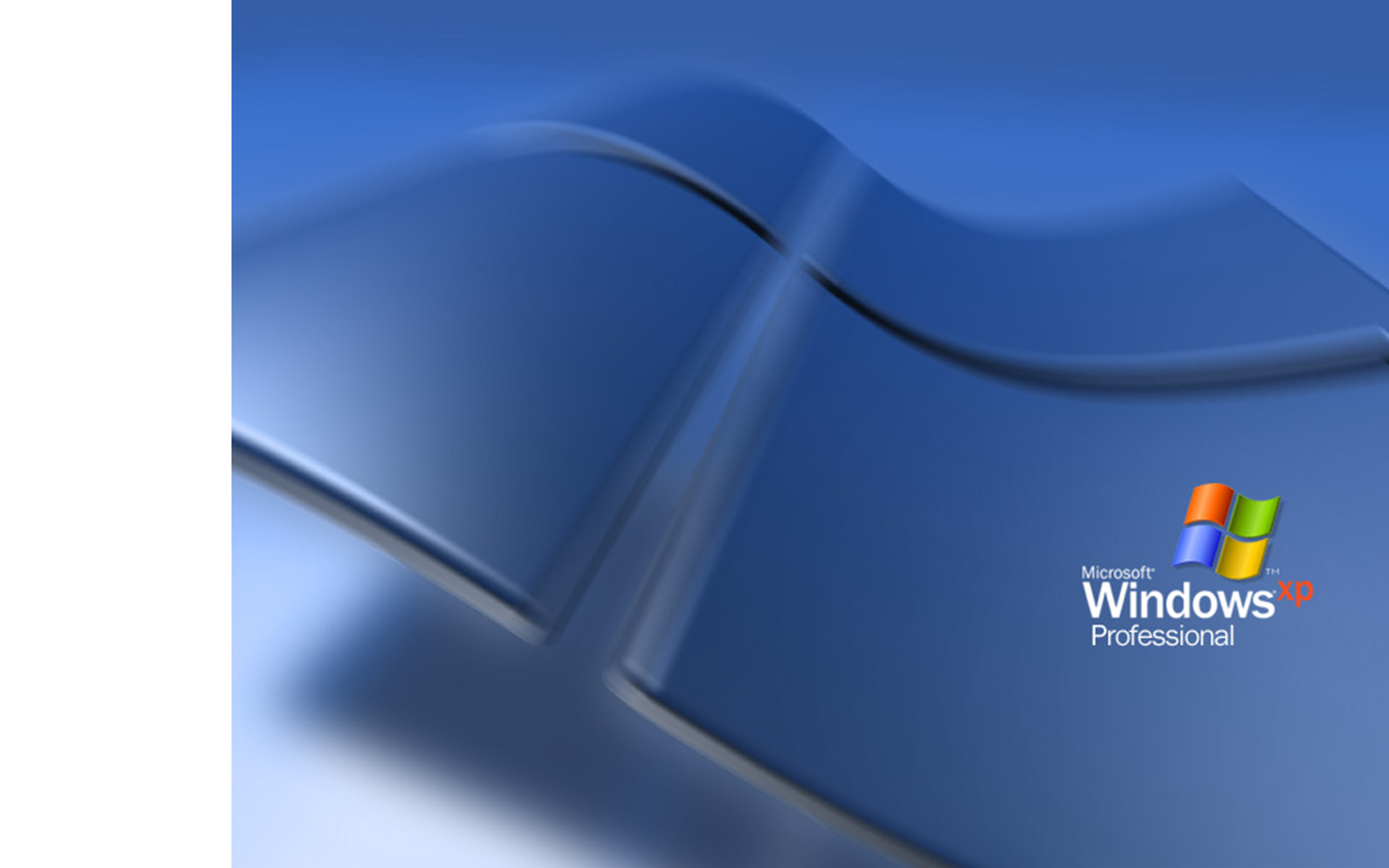
I was wondering if any of the gurus here could make 1920x1200 versions of the default Windows XP wallpaper jpegs. The trick is that the originals are 800x600 (4:3) whereas 1920x1200 resolution is 16:10. I've reached the limits of my Photoshopping abilities by enlarging the originals to 1920x1200 while maintaining the aspect ratio and putting the blank letterbox blank spot on the left side, which an artist would need to fill in by extending the image. Clean up the artifacts that resulted from enlargement and modify the green (Home) version to say "Professional" instead of "Home Edition" and vice versa for extra credit!

I was surprised that no HD versions of these wallpapers seem to exist given that millions of people use them! Is there some sort of copyright issue? I hope not. Well, thanks a lot to anyone who can do this; I know more than one XP fan who will be very grateful!

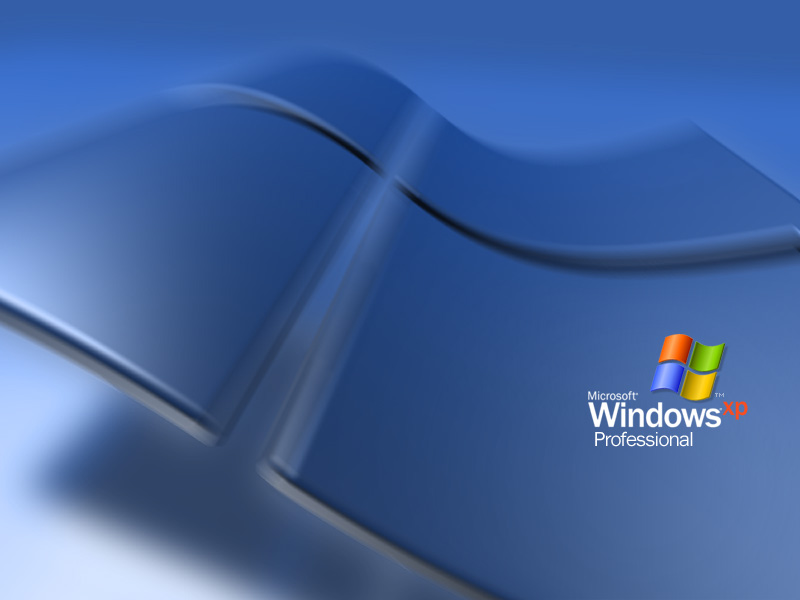
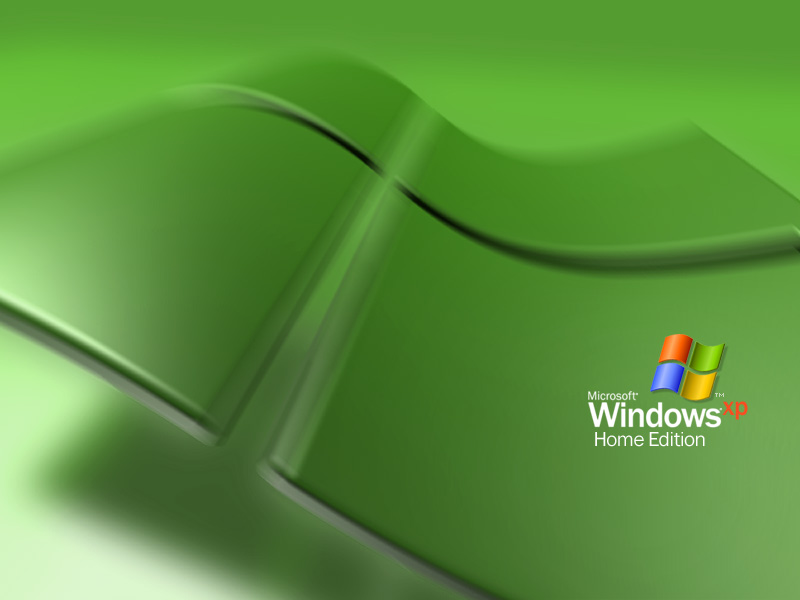
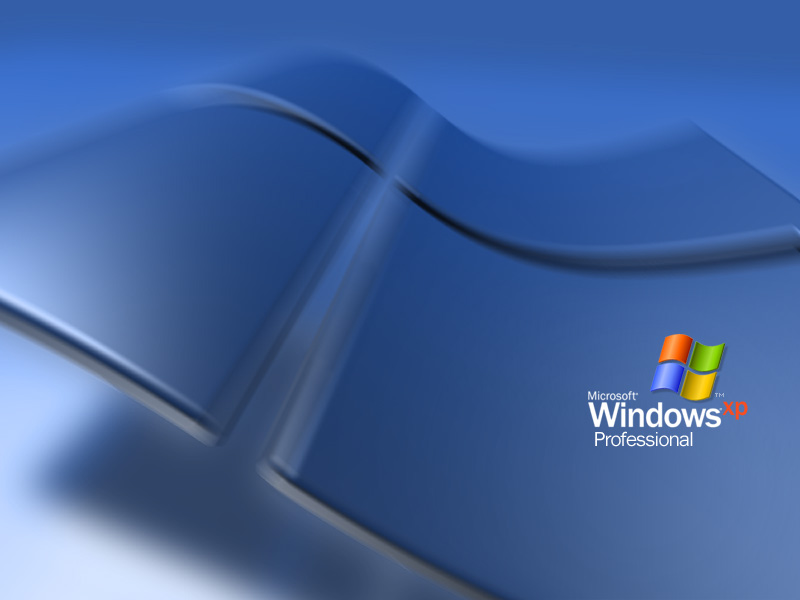
Original 800x600 images:

post-111191-1262130870_thumb.jpg

post-111191-1262130892_thumb.jpg

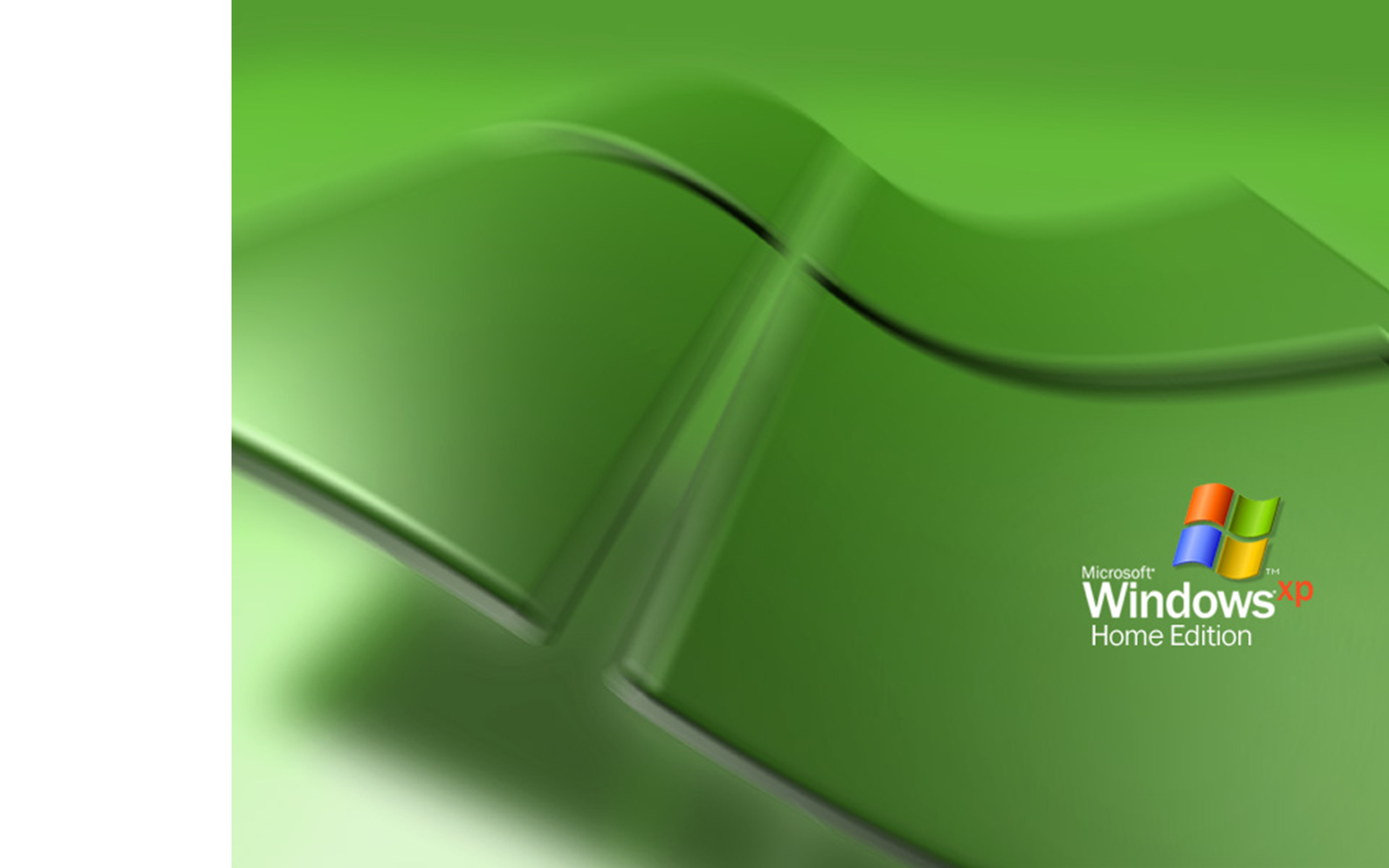
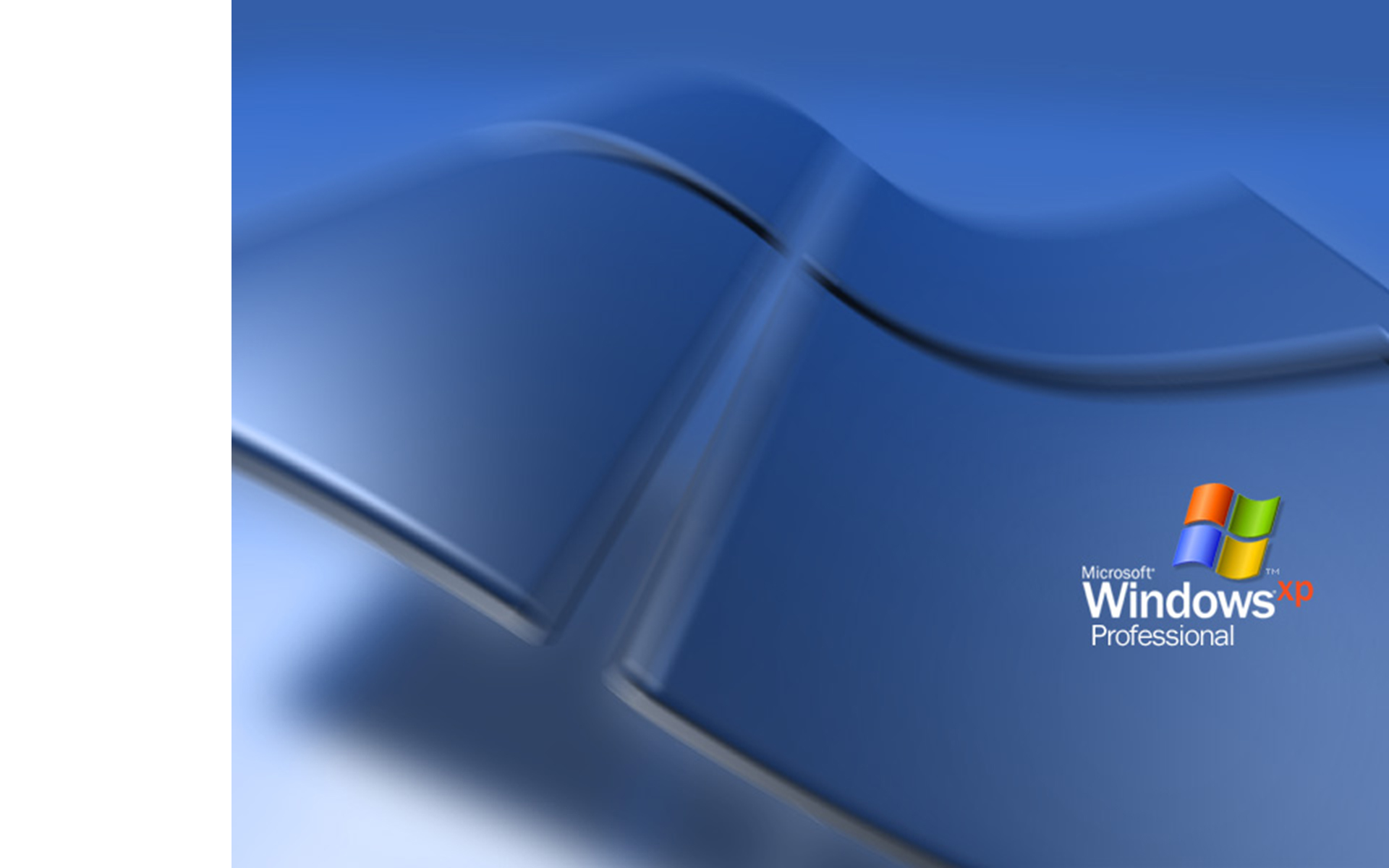
"Started" 1920x1200 images:

post-111191-1262130885_thumb.jpg

post-111191-1262130905_thumb.jpg

Windows_XP_Home.jpg
Windows_XP_Home.jpg
Windows_XP_Home2.jpg
Windows_XP_Professional.jpg
Windows_XP_Professional2.jpg

#533676

Just crop the image from top and bottom and make this fit 16:10. But you will never get the quality of original one. If you want that, you must vectorize it. But you must challenge to make it looks good.

And I have no time for this. Sorry mate.

#533677

Just crop the image from top and bottom and make this fit 16:10. But you will never get the quality of original one. If you want that, you must vectorize it. But you must challenge to make it looks good.

And I have no time for this. Sorry mate.

I did originally crop it, but at 16:10 it looks too "zoomed in." It would be better to extend the window graphic on the left from an aesthetic point of view. That's cool if nobody wants to take on the project though, I know it won't be easy. It certainly would be easier than redoing the entire image from scratch as a vector image though! Is that what you meant when you said to vectorize it?

#533678

Yeah. You won't be able to make a decent resize.

Why would you even want this ugly wallpaper on a glorious 1920x1200 monitor anyways? Look for some nature shots, or a picture of your favorite model's junk.

#533687

Yeah. You won't be able to make a decent resize.

Why would you even want this ugly wallpaper on a glorious 1920x1200 monitor anyways? Look for some nature shots, or a picture of your favorite model's junk.

The resize does cause artifacts, but even I was able to hand retouch most of them. The main artistic issue is extending the window graphic. As far as ugliness; well, believe it or not many people have XP pride just like Mac or Linux pride. Personally I think a sleek logo desktop is much cooler (especially for a professional working environment) than a model's boobs or some boring nature scene that makes it hard to even see your icons on the desktop.

#533703

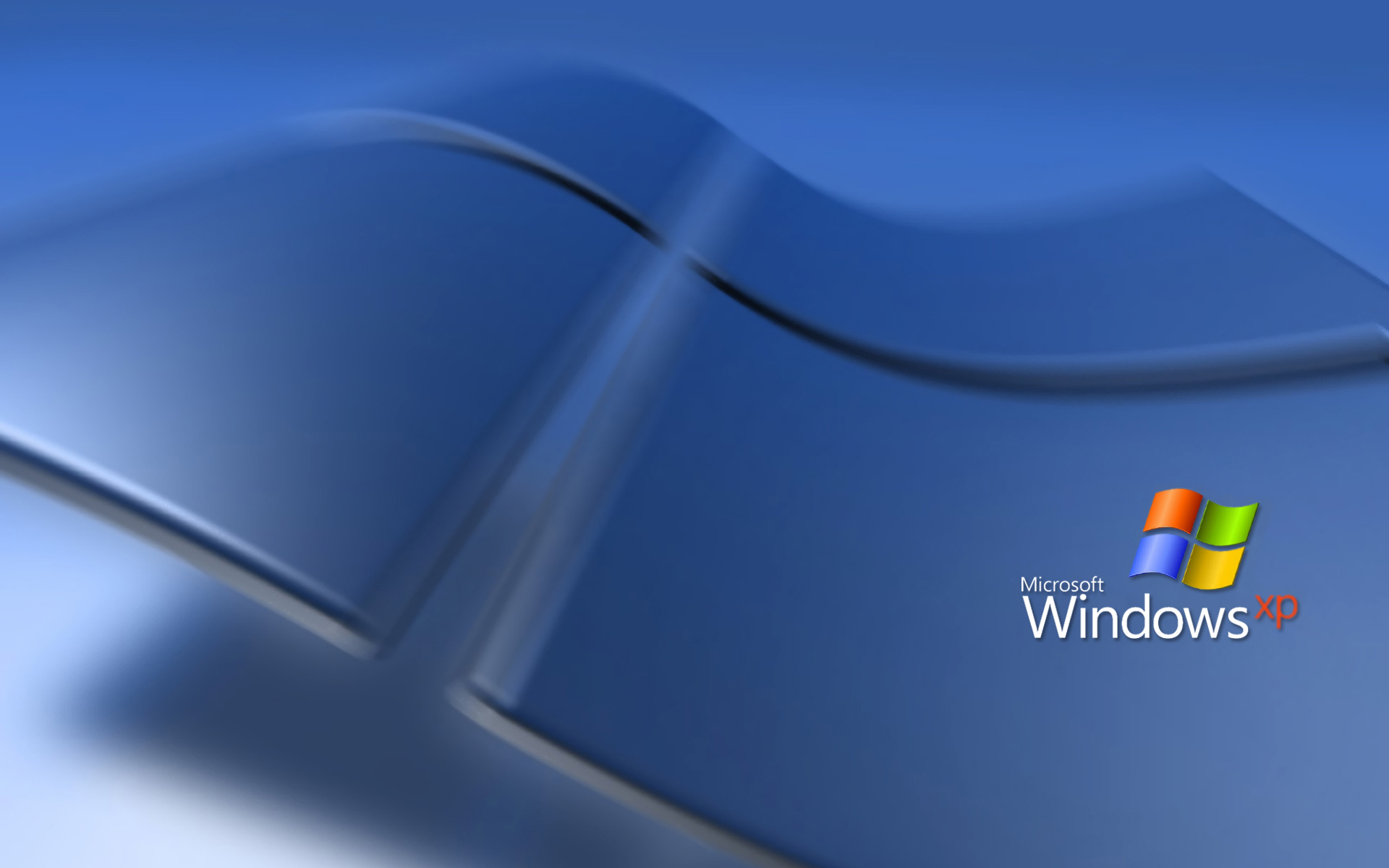
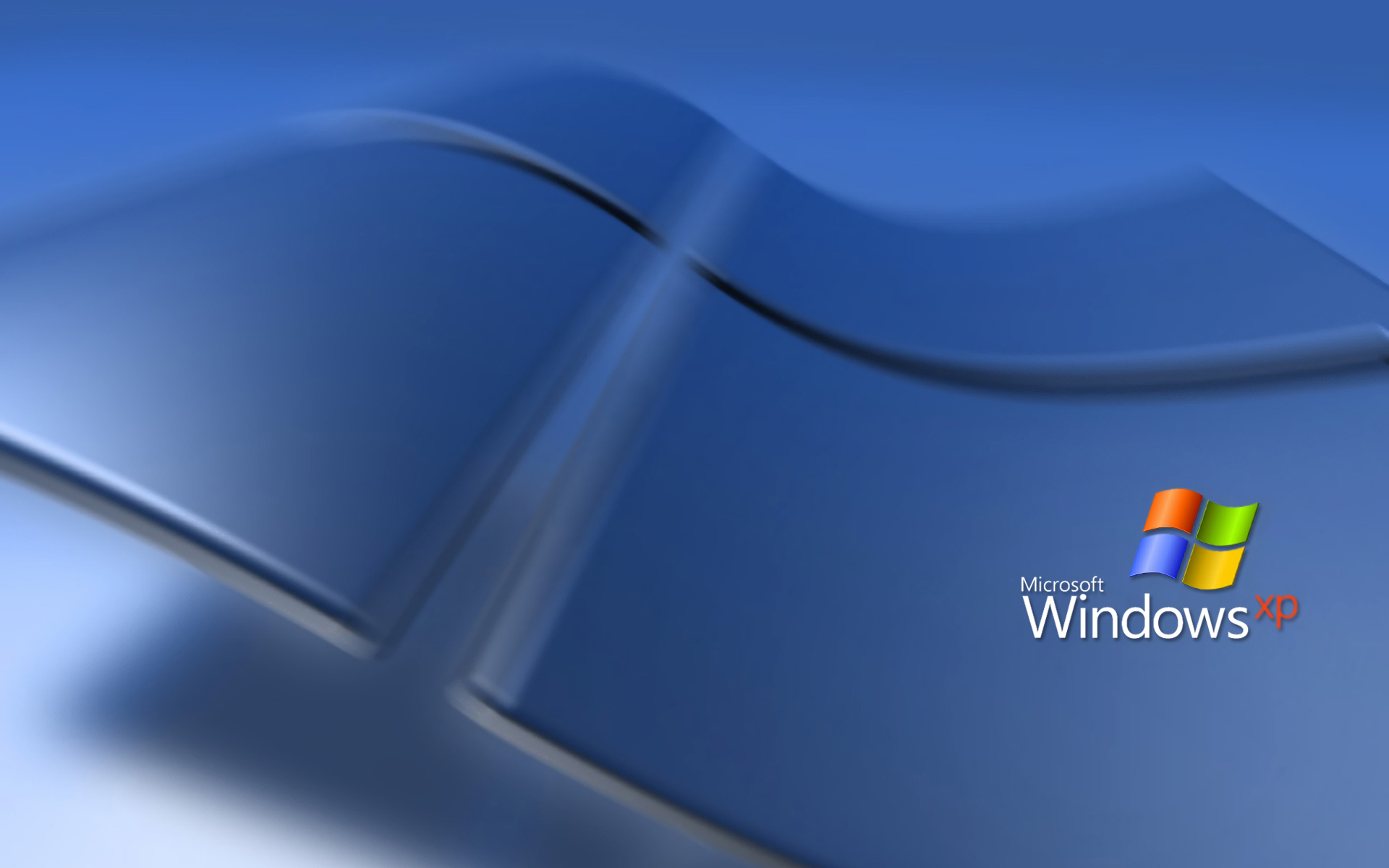
This is my 15 minutes attempt at Photoshop...Sorry but I don't think I can make it any better...it's better than nothing right? :P

post-37098-1262228964_thumb.jpg

BlueXP.jpg
BlueXP.jpg

#533705

This is my 15 minutes attempt at Photoshop...Sorry but I don't think I can make it any better...it's better than nothing right? :P

post-37098-1262228964_thumb.jpg

Not bad at all, thanks! It looks like you took off the logo, stretched the background, and then put the logo back on. Is that right? That's a cool idea, and it turns out looking pretty good!

#533772

Couldnt have done it better. Its sure helpful that the BG is so blurred!

Nice looking!

Dews

#533843

hi

these are very high resolution wallpapers....totally eye catching!!!

___________________________________________________________________________________

#537622