Aqua-Soft Forums
Hi everyone,
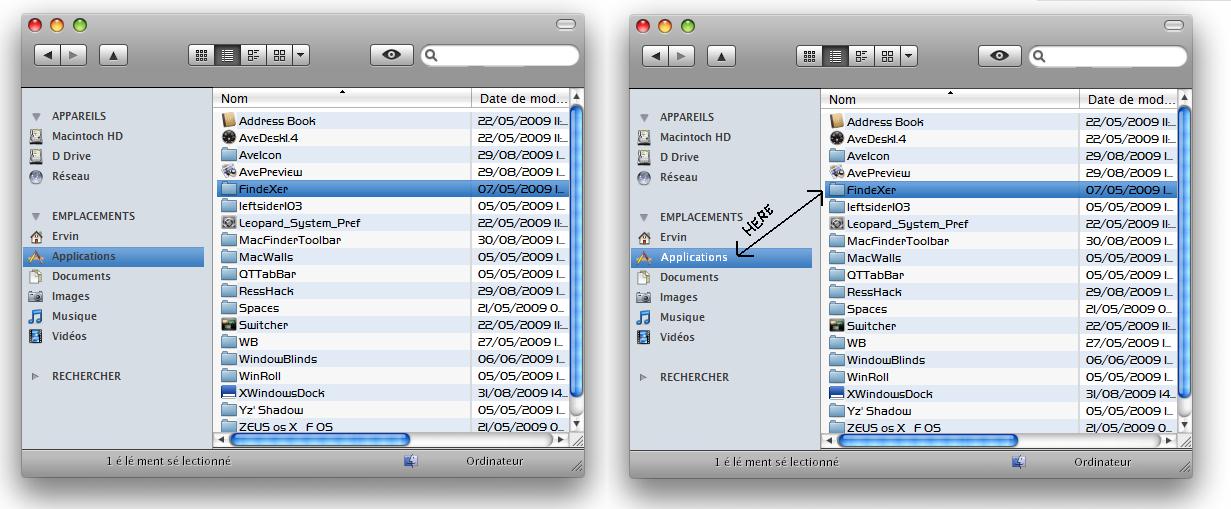
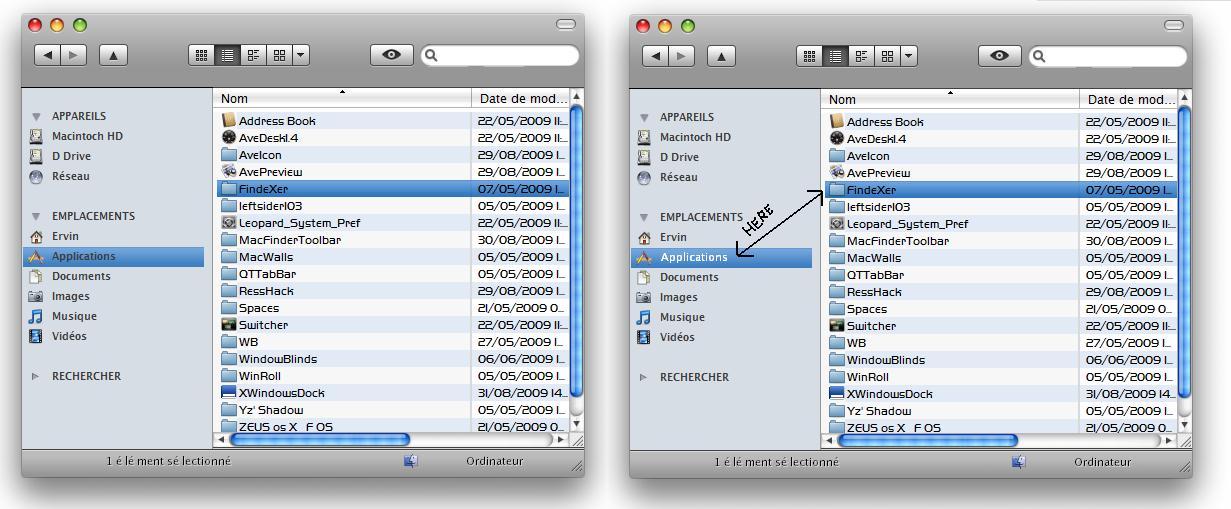
I'm new here, but i was wondering if anyone knows how to change the common places and explorer font color on mouseover. Normally I changed it from the VARIANT/NORMAL ressource from aero.msstyles with a HEX editor and reshacker, but when I apply a WB skin the text doesn't change. I want to change them to white while the mouse is over and pressed or when the item is selected. I'm not using FindeXer but the normal sidebar from windows explorer.
Btw, I'm running vista SP1.
Thanks for ur help!!!!