 Aqua-Soft Forums
Is there any way to remove address bar along with search so i can use Mac Finder Toolbar clean like in xp?
Thanks
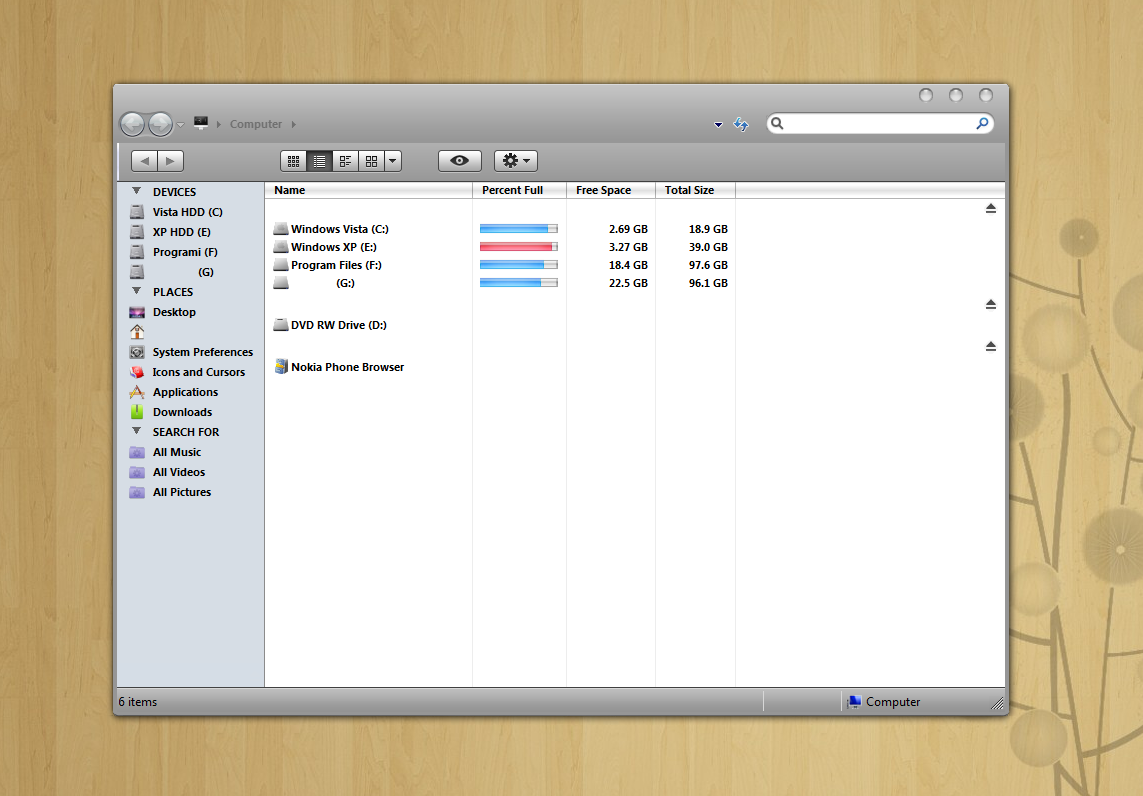
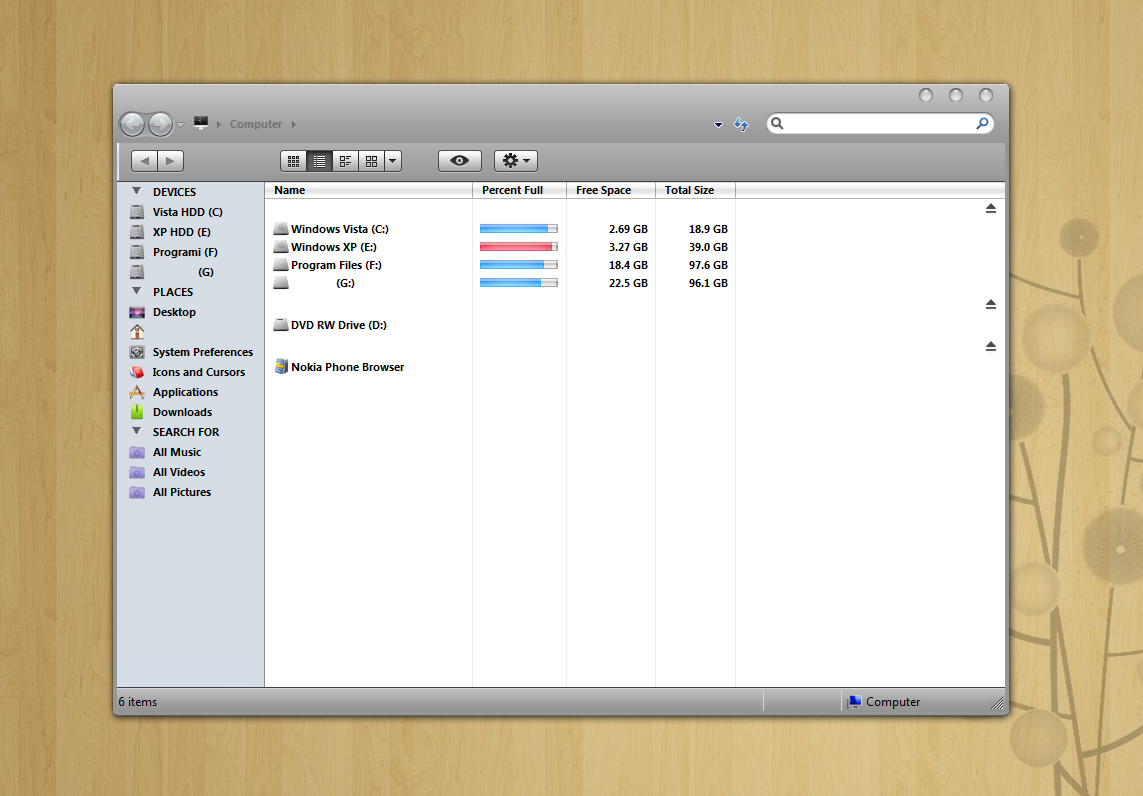
Is there any way to remove address bar along with search so i can use Mac Finder Toolbar clean like in xp?
Thanks
If you by any chance use Objectbar, just go to the General Options and tick off "hide movable menus from Explorer".
Then, the address bar won't appear anymore.
If you by any chance use Objectbar, just go to the General Options and tick off "hide movable menus from Explorer".Then, the address bar won't appear anymore.
I downloaded shareware version of objectbar and it doesn't allow that option in trial. : (
I've found a Tutorial for Windows XP, but maybe it's also working for Vista:
http://www.askvg.com/hide-menubar-addressb...-in-windows-xp/
I tried with reg key but it only removes addressbar and search and leave buttons and empty space...
@NikolaWhere did u get foctional buttons for view style in ur windows? which sidebar u use?
This is Mac Finder Toolbar for Windows xp v0.3.2,it`s not completely functional because it's not made for vista it behaves like in xp,u can't change icons size by it slider,Sidebar is Vista`s default i just put some icons with Place,Devices... to separate deferent sections.
Sorry for my English
Thanks Nikola
I don't really know how u can remove ur address bar, but I can give u some advices for looking more like leopard
- For having the buttons (min/max/close) in the left side : http://hsiw.web.fc2.com/
- For having the roll option (the window roll into its title bar), besides transparent windows : http://www.softpedia.com/get/Desktop-Enhan...s/WinRoll.shtml
- For having tabs and list look (with blue lines) QTTabBar
I don't use Mac finder Toolbar but I got Zeus themes (u won't have foctional buttons but at least you won't have to remove the address bar). 
@edgordil
Thank you very much,very useful informations and links!
I use LIM Leopard msstyle which i found on Deviant Art,u should try it the style is great.
Thanks again.
Hey Nikola how did u get rid of the bar that usually sits below the address bar? The one that says "Organize, View, System Properties" etc
Hey Nikola how did u get rid of the bar that usually sits below the address bar? The one that says "Organize, View, System Properties" etc
That handle shellstyle.dll you can menage that with ZeusOSX theme by Zeus from Da.It just autohide it.
if u get windows blinds it does it all for u.
I tried removing but have been unable to I am used to it now and have actually used it so have decided to leave it where it is.
I downloaded shareware version of objectbar and it doesn't allow that option in trial. : (
i've had for the last 6 months. All the sites visited EVER! Still appear in the drop-down list on the address bar. I'm using windows vista home premium & the firefox browser. I've delete them manually from the list but they reappear immediately. Using 'tool' & 'options' makes no difference either. I've downloaded 'hide unvisited add-on' but that makes no difference either.