Skinstuodio Taskbar Distortion Issue

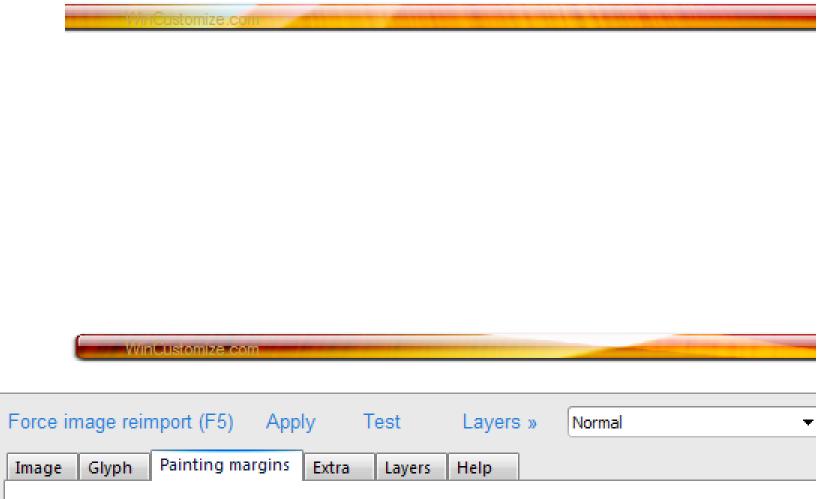
I am having a problem applying a taskbar that I created. I want to create a taskbar that is nearly the width of my screen (resolution is 1280 pixels), with rounded edges. Thats the simple part. I know that the .PNG image for a taskbar should consist of TWO images (a top and a bottom) like this:

[First Image Here]

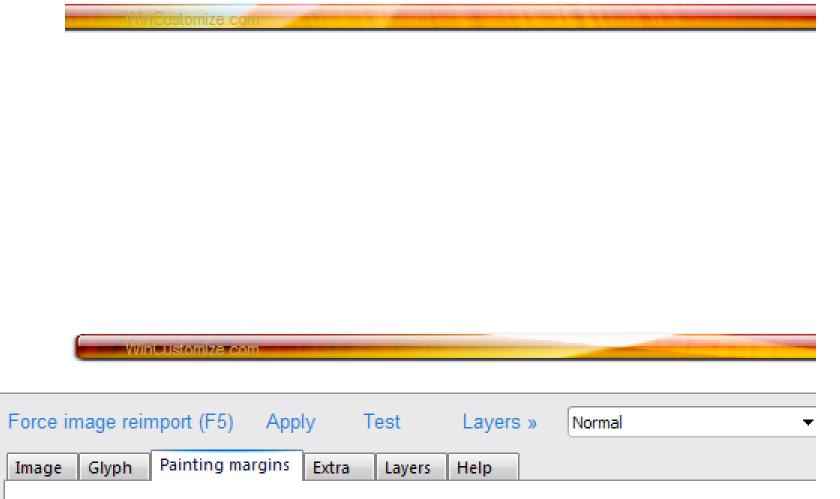
However, when I apply a more detailed taskbar image, the image is stretched, distorting the details (pixelating them).

[second Image Here]

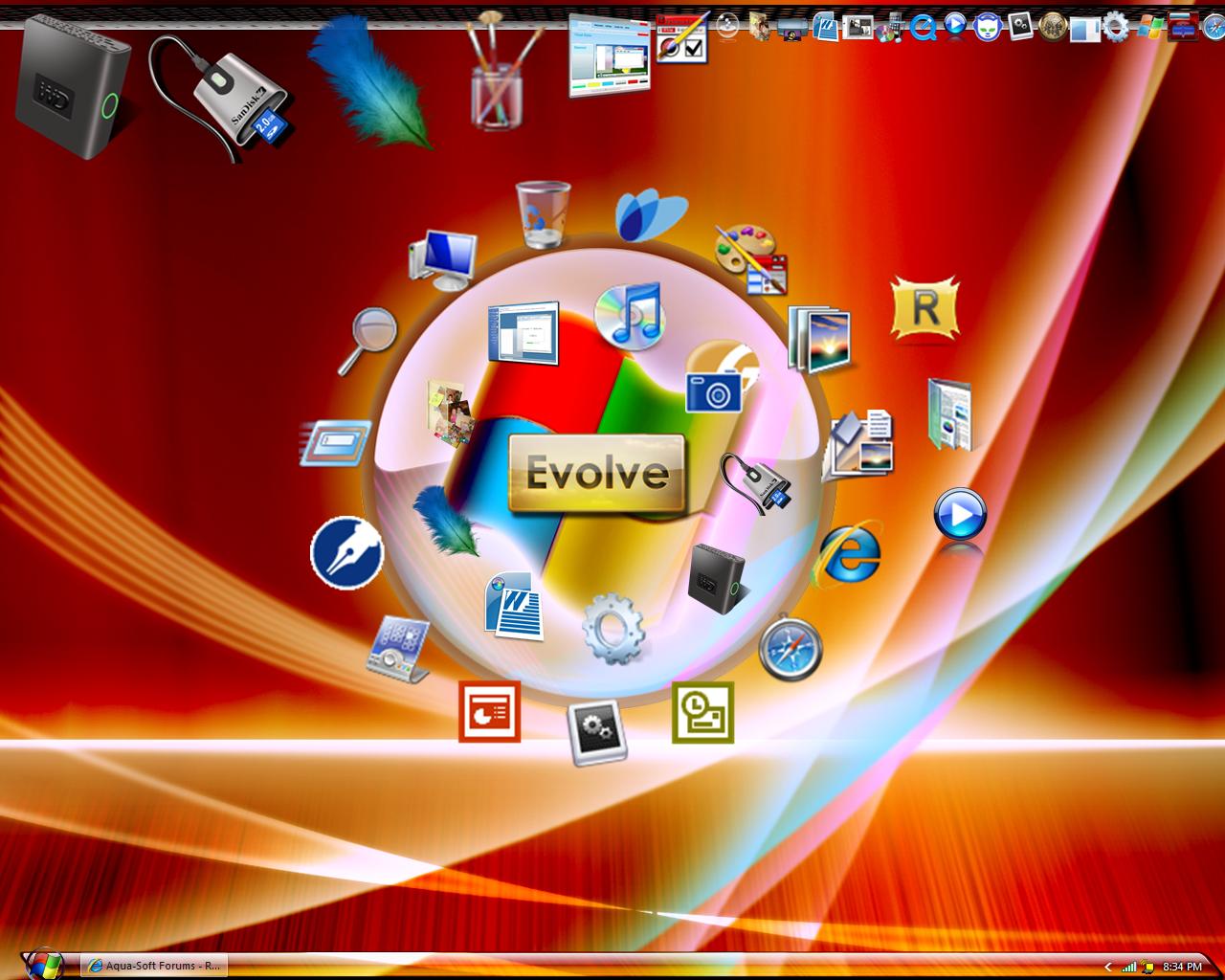
I've tried creating a taskbar thats slightly shorter than the width of my screen (Height: 30 pixels Width: 1260 pixels) so as to prevent the image from stretching. But when I try this method, one rounded edge comes out fine, while the other side runs off of the screen so that you cannot see the rouded edge

[Third image here]

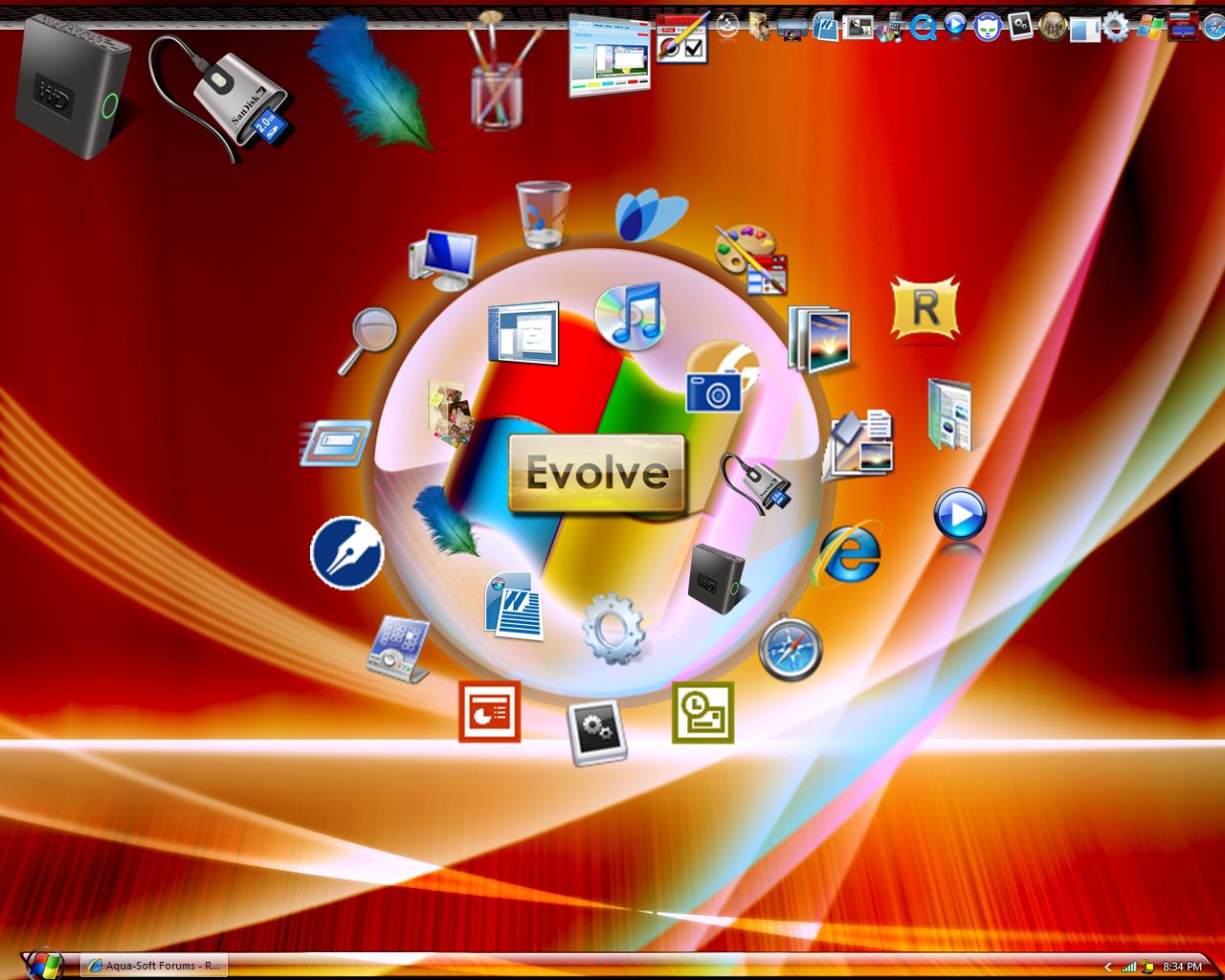
This is how the taskbar SHOULD look.

[Fourth Image Here]

So, Can anyone help me?

post-94407-1232395188_thumb.png

post-94407-1232395188_thumb.jpg

post-61-1232395188_thumb.jpg

post-61-1232395189_thumb.jpg

Aurora2 taskbar_h3 copy copy.png
Pixelated.JPG
Pixelated.JPG
Run off bar.JPG
Run off bar.JPG
Ideal Taskbar.jpg
Ideal Taskbar.jpg

#521091

try this out:

Prepare an image 30px by 2560px (1280px for bottom bar first, and the other 1280 for the top bar).

Set "sizing margins" to 0, 0, 0, 0.

Then in Painting Options, Draw Method, select "Tile the Image"

I'm using SS 5 for reference, but the concept should be the same for SS6.

If you prefer a smaller image, compress the width of your original image (30x2560) to let's say 30x1000. keep sizing margins to 0,0,0,0.

In Painting Options/Draw method, select 'Stretched Horizontal and Tile Verticval'...

#521132

try this out:

Prepare an image 30px by 2560px (1280px for bottom bar first, and the other 1280 for the top bar).

Set "sizing margins" to 0, 0, 0, 0.

Then in Painting Options, Draw Method, select "Tile the Image"

I'm using SS 5 for reference, but the concept should be the same for SS6.

If you prefer a smaller image, compress the width of your original image (30x2560) to let's say 30x1000. keep sizing margins to 0,0,0,0.

In Painting Options/Draw method, select 'Stretched Horizontal and Tile Verticval'...

ThnX a Bunch. I'll Try these suggestions.

#521144

I tried it and It Worked perfectly! You just solved 4 months of stress for me. This is my screen now with redone taskbar

post-94407-1232415351_thumb.jpg

My7 Screen.JPG
My7 Screen.JPG

#521154

nice, r u gonna release it ?

#521156

Incase anyone likes my design, here's the .png image that you can import into your visual style and use

post-94407-1232416512_thumb.png

Red TaskbarSLANT5.png

#521159

nice, r u gonna release it ?

I haven't created an entire style yet. So far, I've only imported my own images to alter the Diamond Style. But I can post the start button aswell as the taskbar. I'm working next on the start panel.

#521164