 Aqua-Soft Forums
Hey guys is there anyway to make Finderbar (found here:http://landvermesser.tripod.com/) more leopard like? (maybe by making the font more bold, does anyone know how to do this?)
Finderbar
Hey guys is there anyway to make Finderbar (found here:http://landvermesser.tripod.com/) more leopard like? (maybe by making the font more bold, does anyone know how to do this?)
Post a picture so I can see what the problem is, maybe I can help.
Id like to make Finderbars font a little bolder than it is in the screenshot, do you know how to do this?


Id like to make Finderbars font a little bolder than it is in the screenshot, do you know how to do this?
Okay dude,
1) Go to your Finderbar Configuration settings and change the font to Arial Bold.
2)Make sure you have the Finderbar fonts installed into you C:Windows/Fonts folder.
3) Go to your desktop properties, appearance, advanced, then change the Font of the TitleBar to Finderbar Font,
If you have any difficulties don't hesitate to ask again.
BTW: You don't have to do steps 2 and 3 in order to get Bold font for the Bar, they are the step you take in order to get the custom Mac-like symbols next to the menu items.
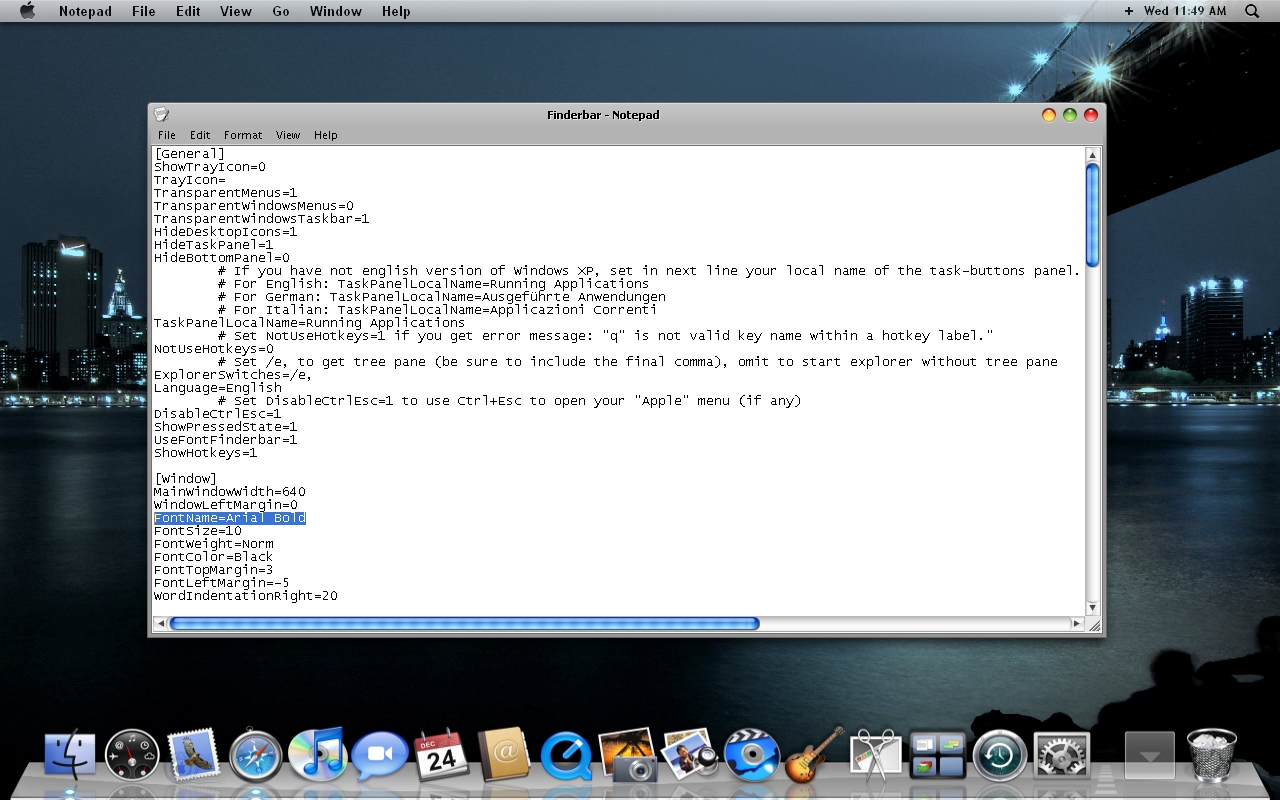
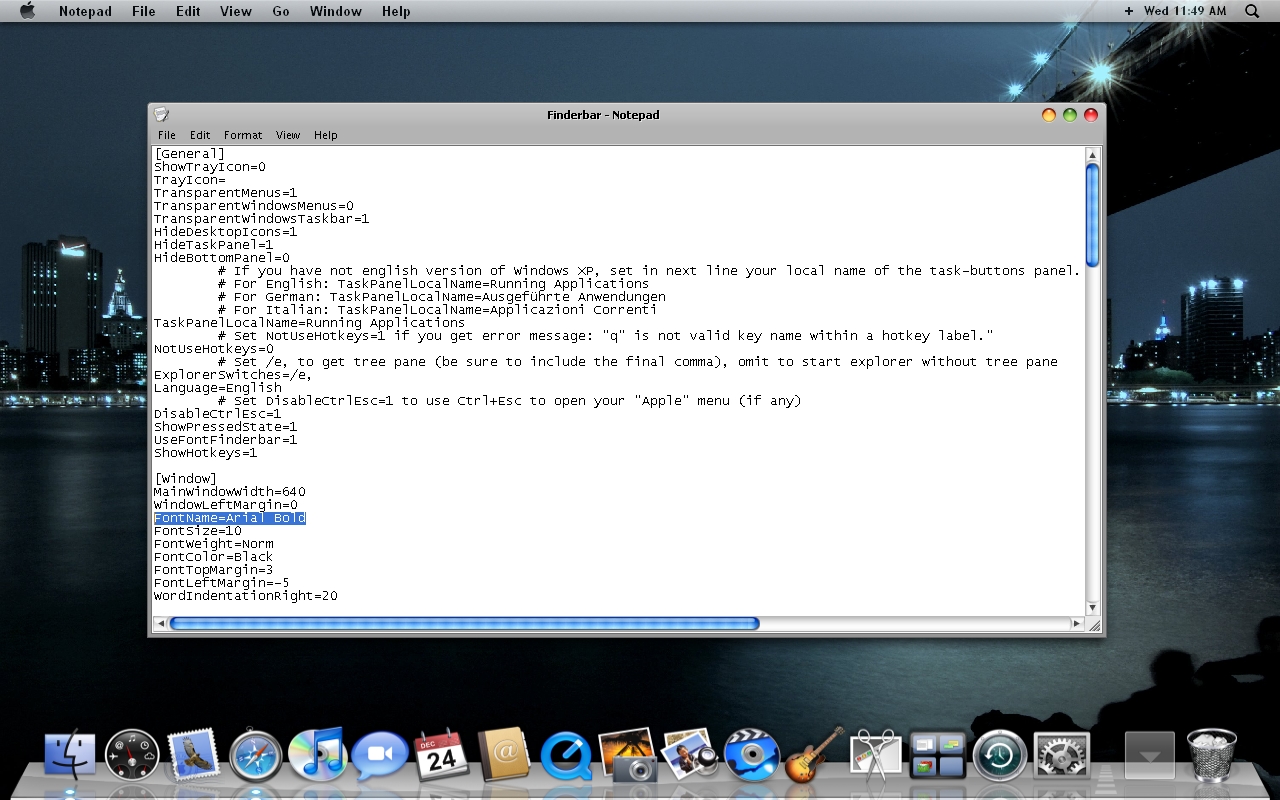
Ive done the first step by changing the font to Arial Bold but everytime I try to save I get the error message in the screenshot
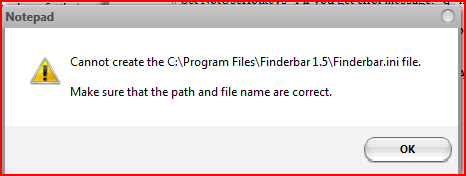
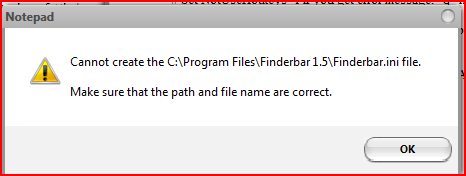
Ive done the first step by changing the font to Arial Bold but everytime I try to save I get the error message in the screenshot
Okay try this,
1) Go to your Finderbar preferences by clicking Finder at the top, then go down to preferences.
2) Make sure "Use custom Menu Font" is not checked.
3) Restart Finderbar.
Ive done that but it still doesn't let me change the font, I get the same error message
Ive done that but it still doesn't let me change the font, I get the same error message
Okay, this causes for a last resort.
1) Uninstall Finderbar, then reinstall it.
2)Try to change the font to Arial Bold.
This should work, if not I might not be able to help any further.
But make sure you look at the Finderbar help file that comes with the download.
It didn't fix the problem, Thanks for you're help though
Okay dude,1) Go to your Finderbar Configuration settings and change the font to Arial Bold.
2)Make sure you have the Finderbar fonts installed into you C:Windows/Fonts folder.
3) Go to your desktop properties, appearance, advanced, then change the Font of the TitleBar to Finderbar Font,
If you have any difficulties don't hesitate to ask again.
BTW: You don't have to do steps 2 and 3 in order to get Bold font for the Bar, they are the step you take in order to get the custom Mac-like symbols next to the menu items.
That looks absolutely nothing like the menubar font.
That looks absolutely nothing like the menubar font.
Well dude guess what? I understand that, but when your running an "emulation", nothing is ever going to be perfect.
So just keep your rude *ss comments to yourself.
If your not going to try and help the guy out then maybe you shouldn't even log on to Aqua-Soft anymore.
Click here to see my desktop.
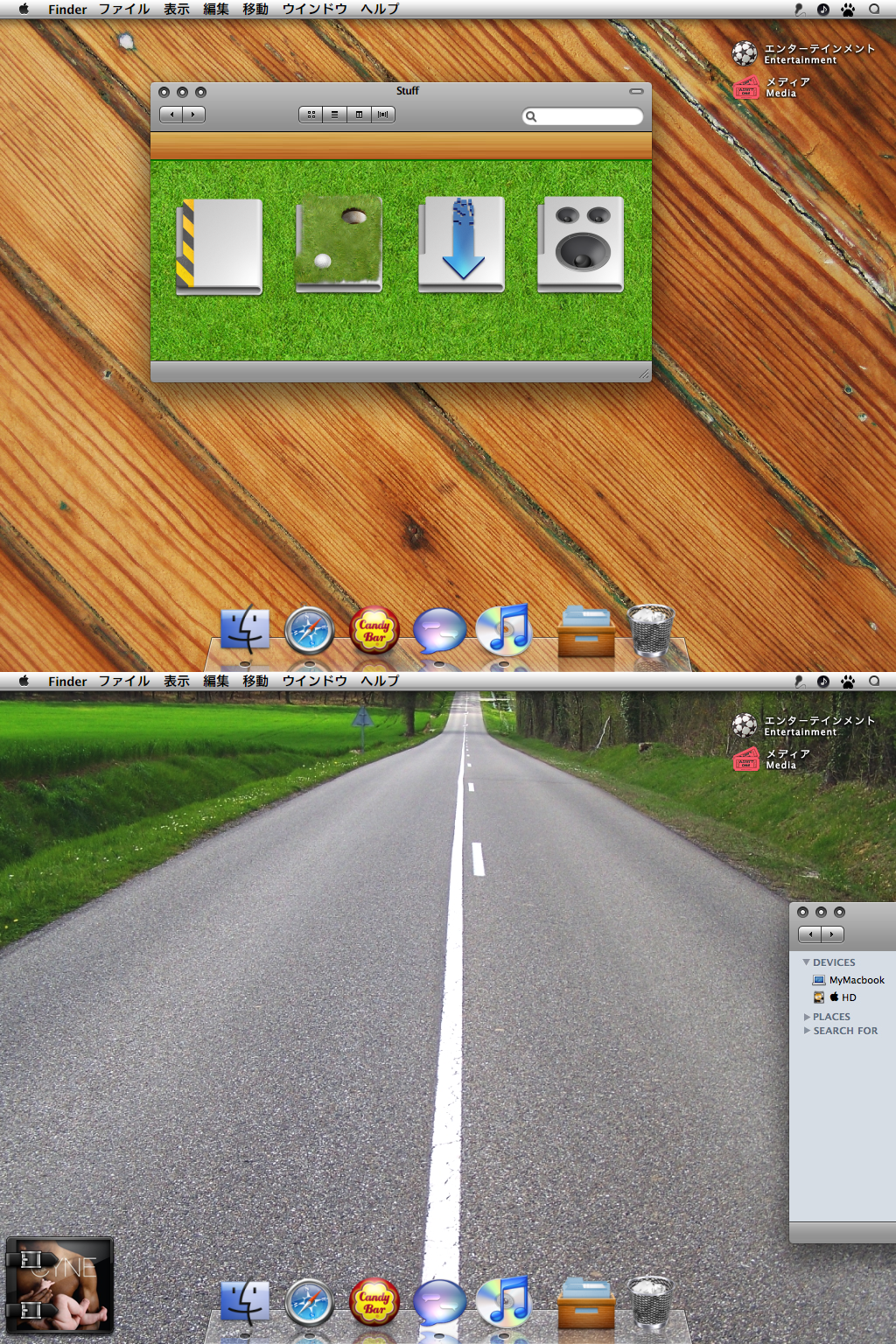
Lol.
Although, you are right, maybe I shouldn't log in anymore, but meh, whatever.
Actually, Matt has a point. He could actually improve that 1000-fold if he used GDI++, and Mac's Lucida Grande font. That statement hardly rude, it's absolutely correct. When you're trying to emulate something, you should strive for a better solution.
Of course, aesthetics aren't always the main issue when it comes to emulation. But then again, functionality doesn't seem to be the first priority in this thread either.
Also, Arial isn't even used as a system font for OS X.
Actually, Matt has a point. He could actually improve that 1000-fold if he used GDI++, and Mac's Lucida Grande font. That statement hardly rude, it's absolutely correct. When you're trying to emulate something, you should strive for a better solution.Of course, aesthetics aren't always the main issue when it comes to emulation. But then again, functionality doesn't seem to be the first priority in this thread either.
Also, Arial isn't even used as a system font for OS X.
I already know that Arial Bold isn't the real font used in Mac OS Leopard, it's Lucida Grande.
But when you use Finderbar, for some reason the font's don't look crisp.
Use GDI++ for font smoothing.
Use GDI++ for font smoothing.
I didn't mean to be so rude earlier dude, but I don't even know how to install and configure.
I tried earlier after you posted but it doesn't work , can you help?
Ojalord made an installer, I think. I had to do it manually though.
Just changing the subject for a second does anyone know how to make Finderbar work with WindowBlinds??
Check this to see my XP emulation so far http://madcat101.deviantart.com/art/Mac-Emulation-107594231
Just changing the subject for a second does anyone know how to make Finderbar work with WindowBlinds??Check this to see my XP emulation so far http://madcat101.deviantart.com/art/Mac-Emulation-107594231
Dude your everywhere, lol. I believe that you just install normally, that's what I always did. It worked for me.
Dude your everywhere, lol. I believe that you just install normally, that's what I always did. It worked for me.
Lol I only just made this account
Must be something up with my OS coz Finderbar never works for me. Anyone have any ideas?
Must be something up with my OS coz Finderbar never works for me. Anyone have any ideas?
if you used Objectbar before, probably an issue with OB's TrayServer.exe Open Task Manager (Ctl-alt-del). Under 'Processes' tab, check if trayserver.exe is running. Kill it. also uninstall expired OB trial version. remove any reference to OB trayserver in startup. retart PC then launch Finderbar. that should do it...