
AveFontBook Leopard

Hi,

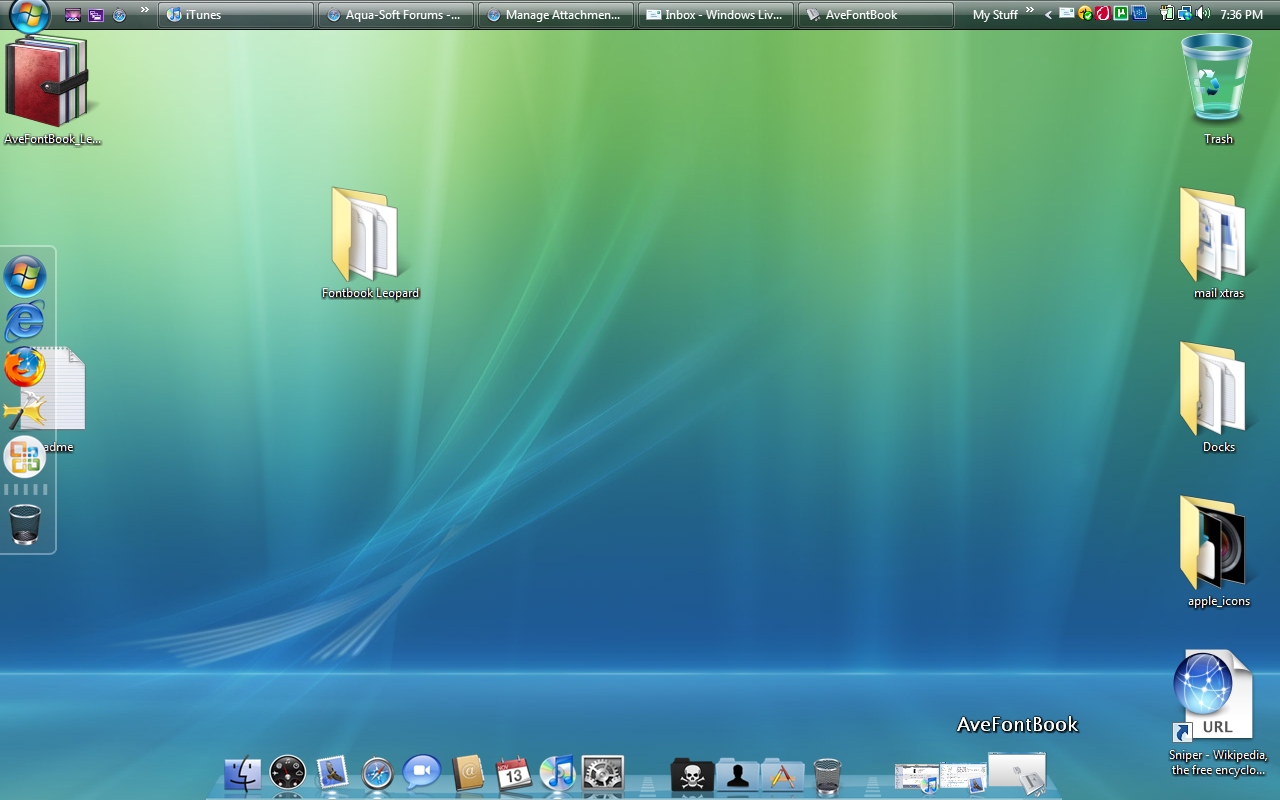
This is Leopard skin for AveFontBook.

It´s the whole program, with Leopard skin, because the exe is changed, due to graphical issues.

Thanks to Andreas for permission and Mark Raats for some suggestions.

AveFontBook_Leopard_by_clonemac.jpg

http://clonemac.deviantart.com/art/AveFont...opard-103459975
#514397

Very nice

#514399

Hi,

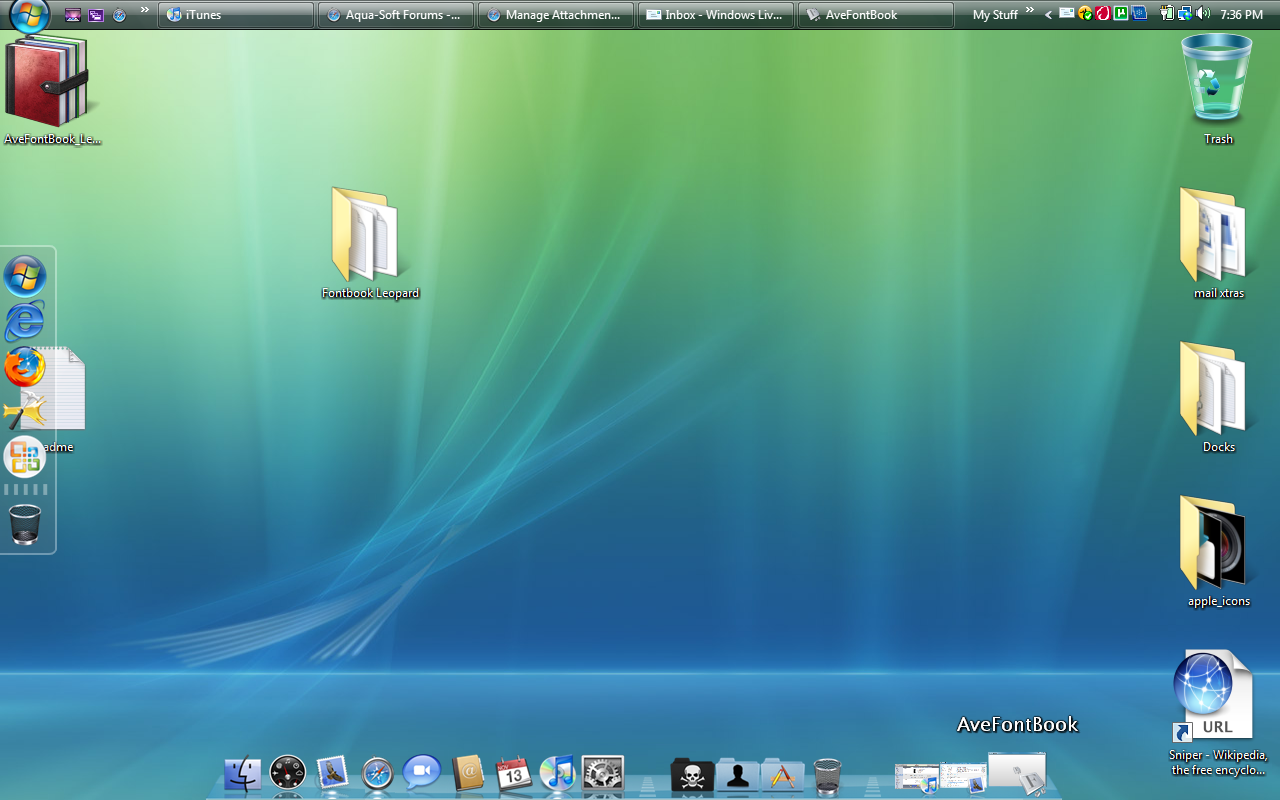
This is Leopard skin for AveFontBook.

It´s the whole program, with Leopard skin, because the exe is changed, due to graphical issues.

Thanks to Andreas for permission and Mark Raats for some suggestions.

AveFontBook_Leopard_by_clonemac.jpg

http://clonemac.deviantart.com/art/AveFont...opard-103459975
So this App can work under WindowsVista SP1? This looks awesome

#514450

Didn´t test under Vista, because I went back to XP SP3.

Test it and tell me how it works, please.

#514456

Alright, I finished downloading it, I'll make a quick restore point, test it and see how it works and feels. One thing is is it a self-installer EXE or do I have to manually move it somewhere. ANd if a normal installation EXE does it get rid of ALL the needless things such as unneeded Regkeys and irrevallent files?

----------------------------------------------------------------------------------------------------------------------

EDIT: Tried it, it works but Things I noticed, I Don't understand why certain fonts have disabled text color and say off? Explain this please and the third mini button on the bottom what does that do? I pressed it nothing happens? And maybe you didn't know cause you don't have Vista, but when minimized it does this [attached image]. It doesn't make a thumbnail image and the button on the top left what does that do also. Well thnx for this great app.

post-82093-1226621791_thumb.png

font.png
font.png

#514462

This is nice!

Thanks.

#514487

First I must say that Andreas Verhoeven wrote this app and I just changed the exe a bit.

The top left button opens the dustbin, that is from the original AveFontBook.

The third button on the bottom should enable and disable fonts in the Fontbook just like in OSX, but I don´t thing it has effects on your windows.

As for the disabled fonts, my fonts heer in XP are all enabled, but as I said, I don´t think it has an effect on your windows.

The thumbnail isn´t there I suppose because this isn´t a "window" in a classic sense. Also it won´t appear on Expose clones, like some other apps, too, like Rainlendar for example.

#514497

First I must say that Andreas Verhoeven wrote this app and I just changed the exe a bit.

The top left button opens the dustbin, that is from the original AveFontBook.

The third button on the bottom should enable and disable fonts in the Fontbook just like in OSX, but I don´t thing it has effects on your windows.

As for the disabled fonts, my fonts heer in XP are all enabled, but as I said, I don´t think it has an effect on your windows.

The thumbnail isn´t there I suppose because this isn´t a "window" in a classic sense. Also it won´t appear on Expose clones, like some other apps, too, like Rainlendar for example.

hmm well so far its great but IDK maybe cause Im kinda of a Techperfectionist, but if those features can be added like thee Thumbnail and smoother minimizing that'll be great. Oh and I found one bug, hwen u choose to resize the window it doesnt stop, lets say I want to make it longer I go to the side and expand it, the thing is the App still thinks Im dfoing it even if my Curosr is anywhere else but that window.

#514504

The resizing bug is a AveFontBook bug. I cannot do anything about it. Happens here from time to time, too.

Try to click again or hit escape.

#514509

It's unfortunate that OpenType is not supported. I have Extensis Suitcase atm, but if this included OpenType support I would definitely buy it or use it.

#515913