Aqua-Soft Forums
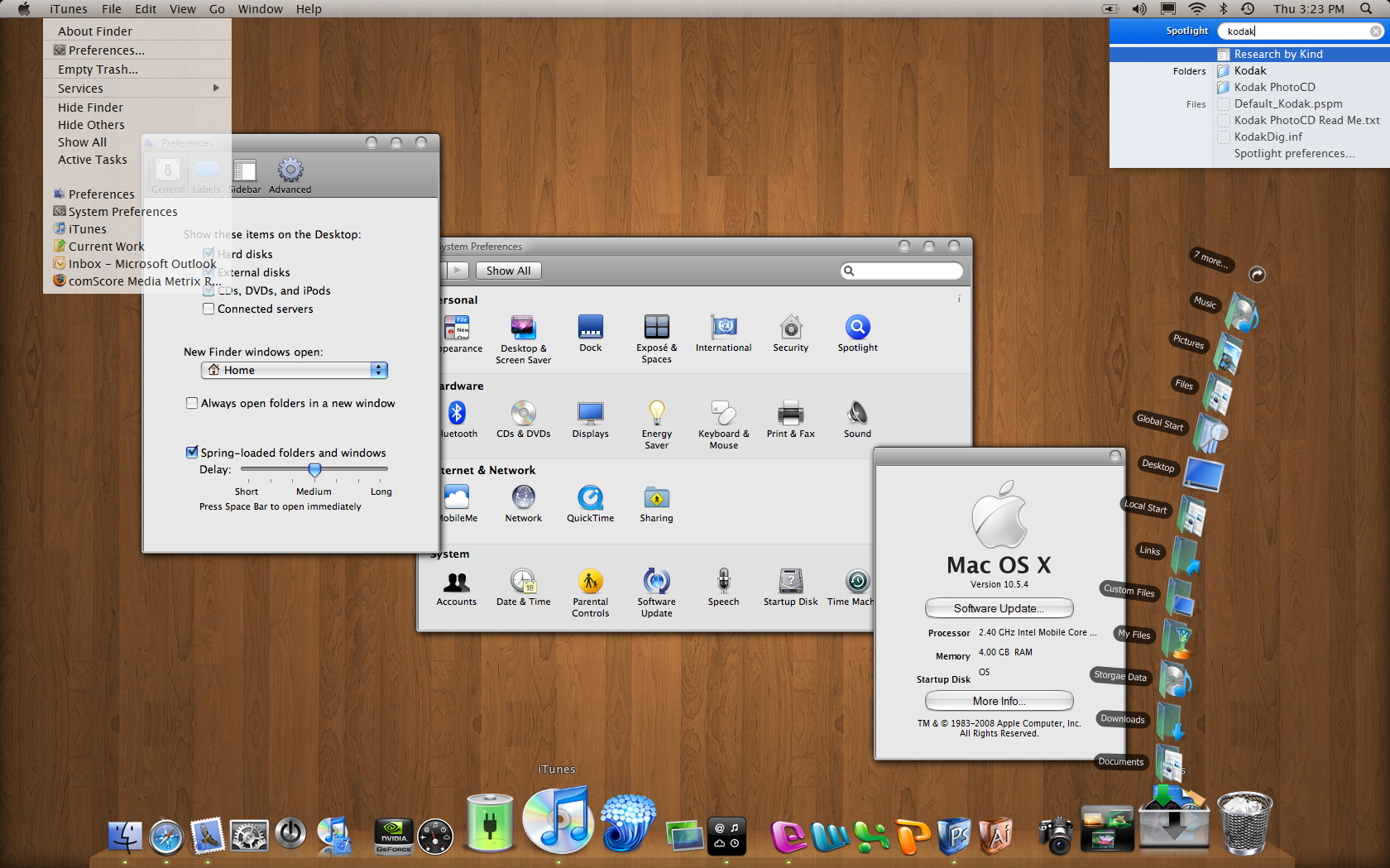
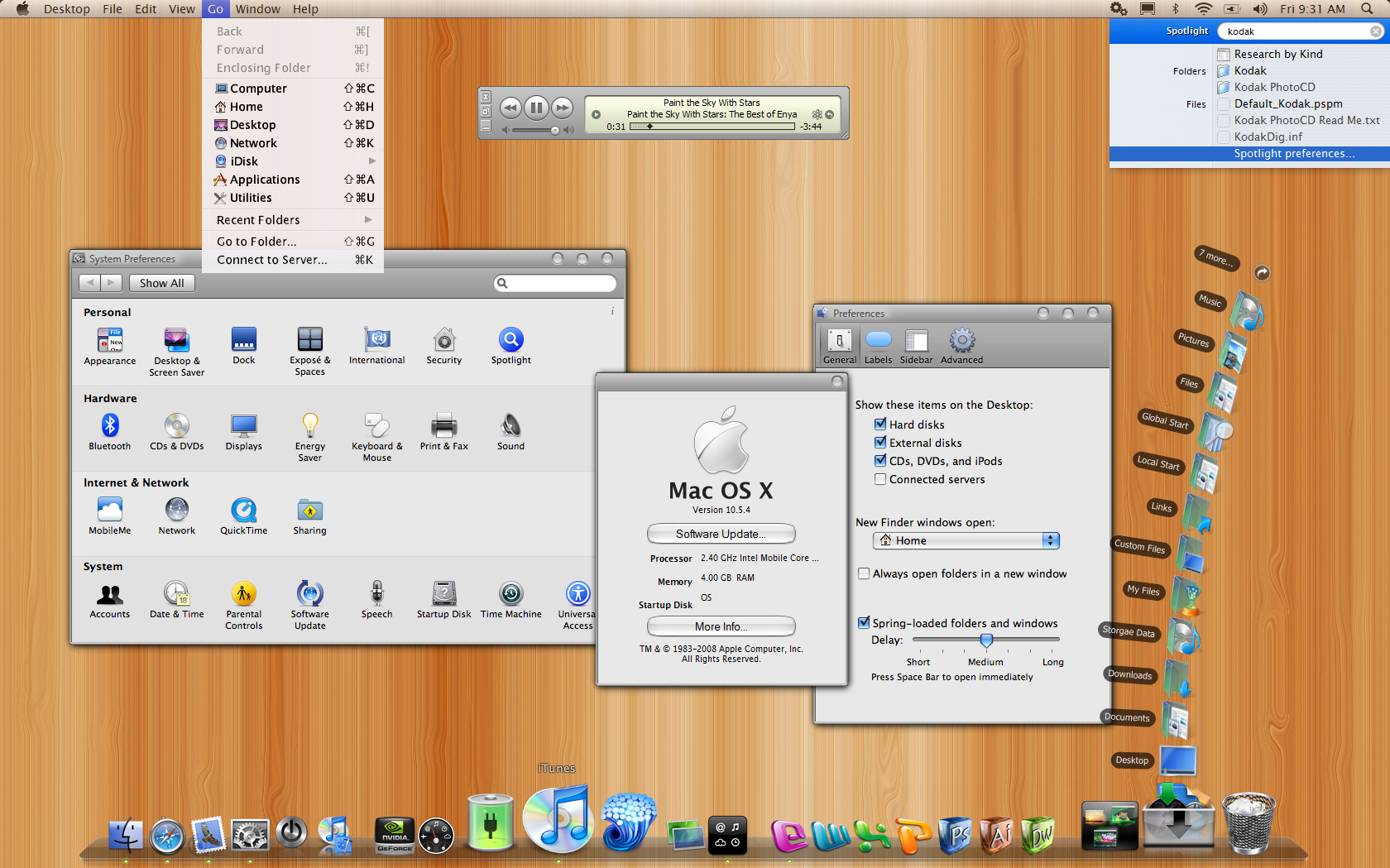
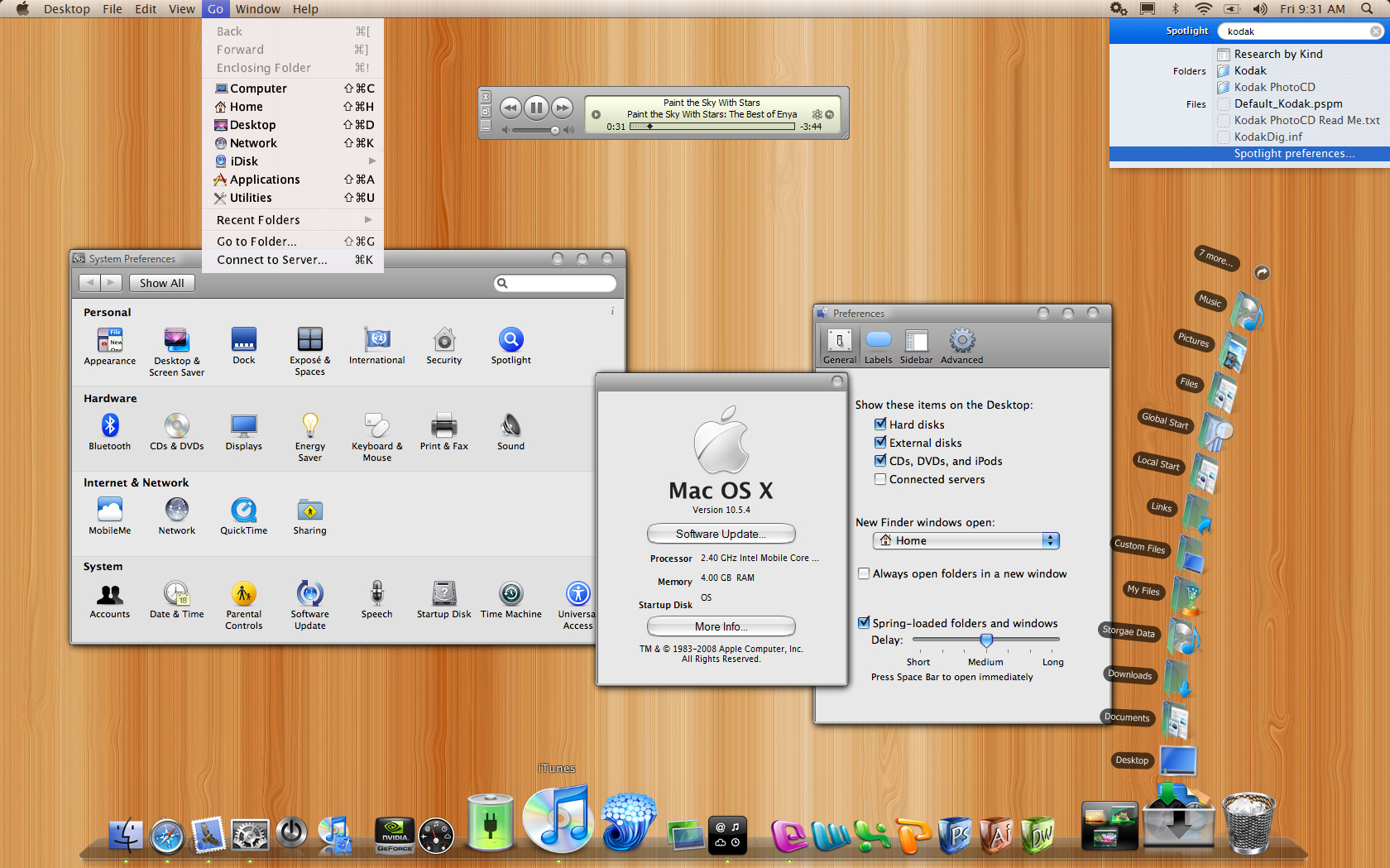
Sorry if this is a total newbie kind of post around here (I just joined but I am a big fan of skinning my OS, I've read the rules and even tried a few searches first) but I am getting pretty mad at StarDock's ObjectBar! I am running v2.1 that I bought online (I have WB5 but I don't use it). I have been tweaking an Aqua bar I downloaded from DeviantArt to make my Vista machine look better. But the more I tweak, the more ObjectBar seems to crash. I have uninstalled it completely, reinstalled it a few times and restored my files and folders. I have a lot of custom bitmaps and icons in my bar. I recently went through the bars and object files with a text editor and tried to find some bad settings in there but no luck. It seems related to any application that puts an icon in the System Tray. Some programs that put an icon in the Tray will always crash ObjectBar. You can see the bar in action in the attached screen. It look slike most others I have seen but they are more stable. I am running Vista Ultimate 32-bit on an HP Pavilion dv9000t CTO 17" laptop with an NVIDIA GeForce 8600M GS video card and 4GB RAM. Are there any tips or tricks for stabilizing ObjectBar with a custom menu? I am assuming I've edited something wrong or put in a bad item somewhere. I have gone through and deleted everythig not in use but nothing seems to make it happy again. Any ideas? Any patches out there? At least 10 times a day it will just abruptly terminate.