Editing the #header-tb-r

Hello,

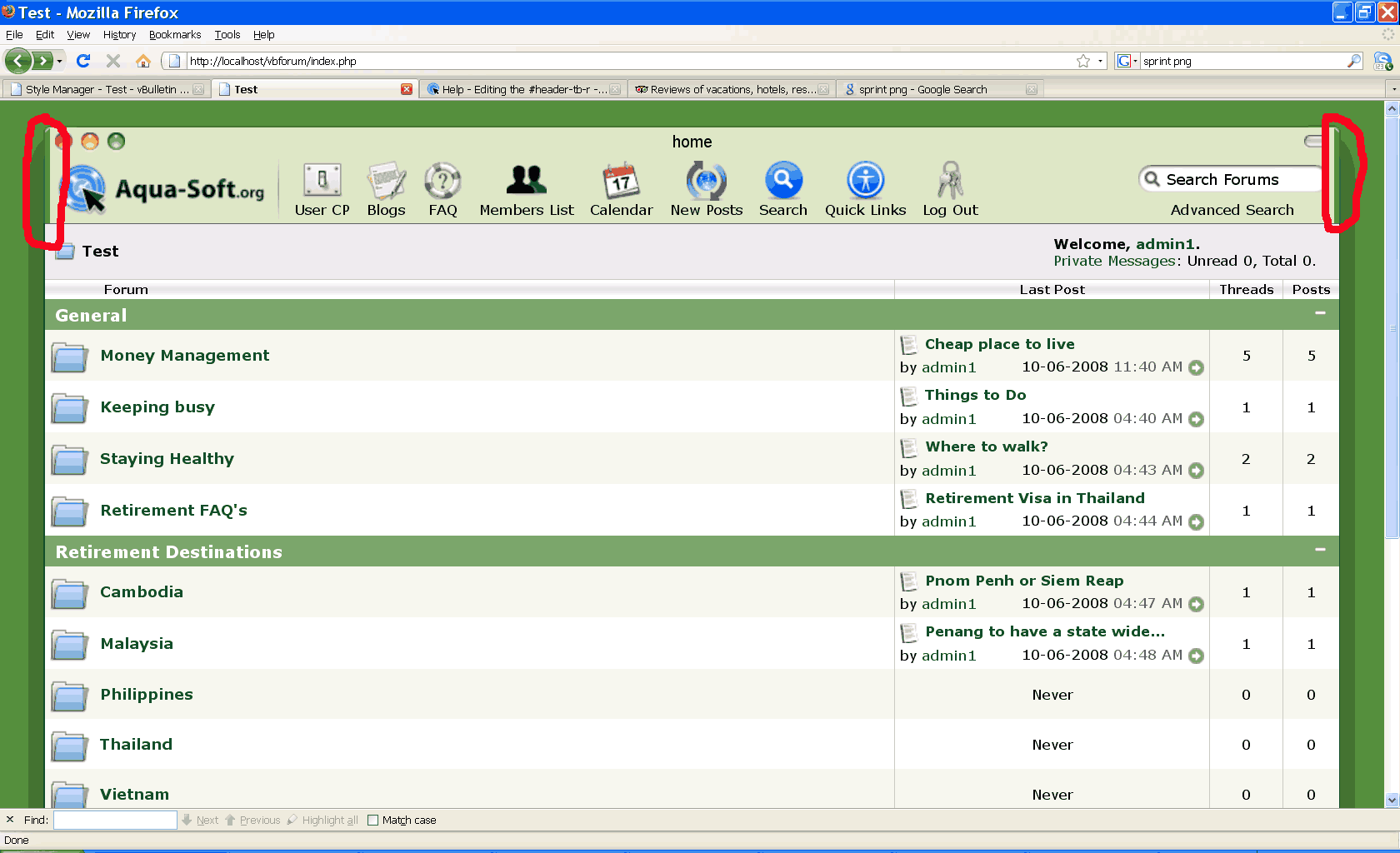
I tried to edit the background image in the #header-tb-r and #header-tb-l. In the code both are using the same image. When I used my edited image, it works okay in the left but not in the right (the curve at the top of the image disappeared).

Below is an attached image to show what it looked like.

Can anyone help me on what I'm supposed to do? Suggestions will be very much appreciated. Thanks.
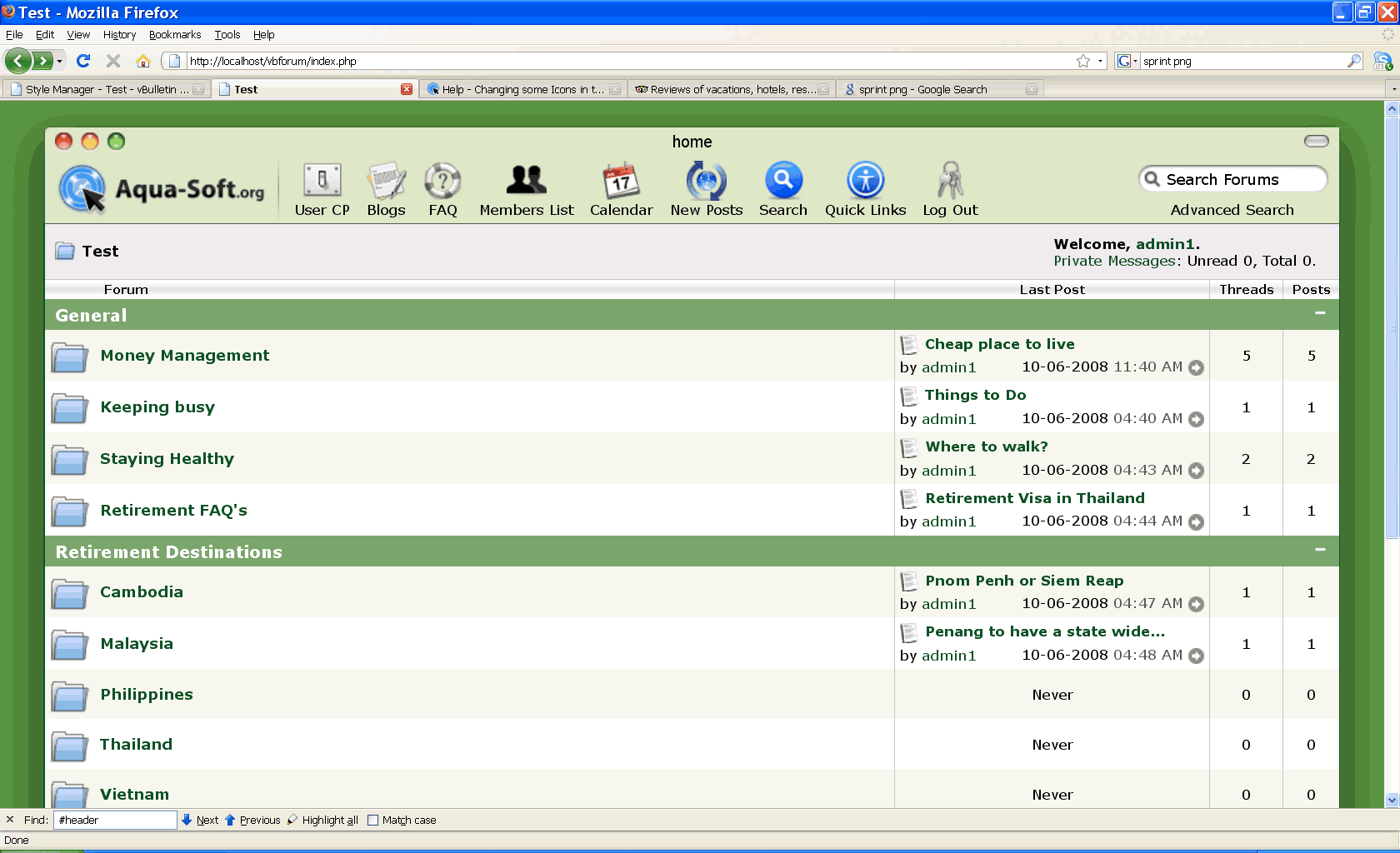
post-85921-1223535096_thumb.png

header.png
header.png

#511122

Could you post the images you modified? or a link to where the skin is setup?

#511124

Hi,

Here is the image after I modified it and also the original image.

Thanks

post-85921-1223547715_thumb.png

post-86-1223547715_thumb.png

header_toolbar.png
header_toolbar.png
header_toolbar_green.png

#511126

theres your problem, the image is used for the left, right, and center bit of the toolbar, seems you made it only look right for the left side.

Heres a fixed one.

header_toolbar_green1ffab.png

#511128

Hello,

Here's what the image looked like.

And also I include the codes where I did put it.

#header-tb-r {

float: right;

width: 4px;

background: url(images/as4/global/header_toolbar_green1ffab.png) no-repeat right -77px;

height: 77px;

}

#header-tb-l {

float: left;

width: 4px;

background: url(images/as4/global/header_toolbar_green1ffab.png) no-repeat left 0px;

height: 77px;

}

Thanks a lot

post-85921-1223561303_thumb.png

header_toolbar.png
header_toolbar.png

#511130