Network Monitor for ObjectDock

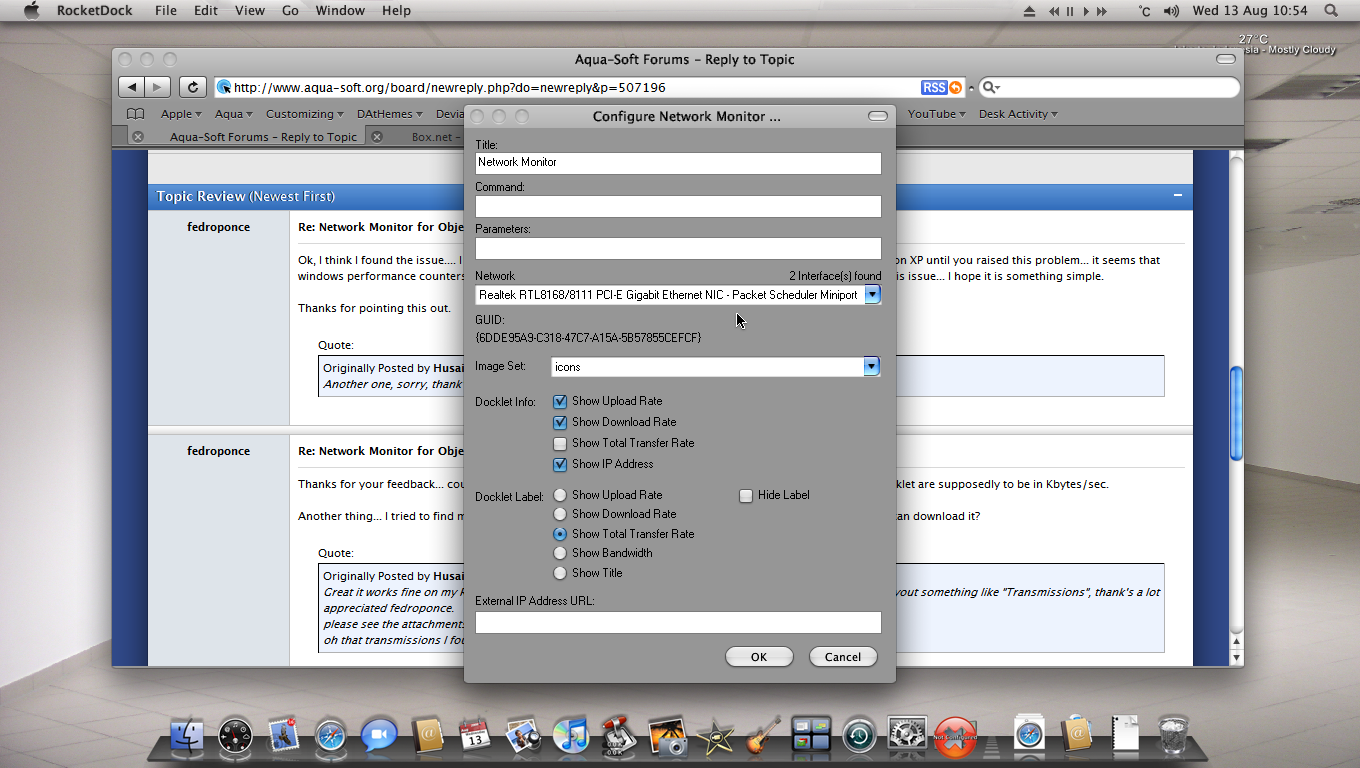
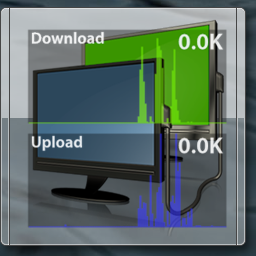
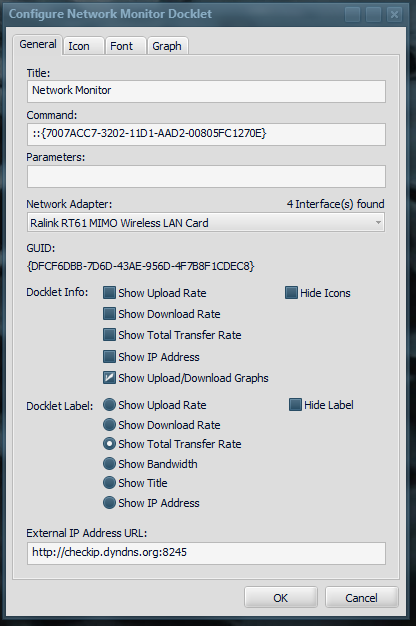
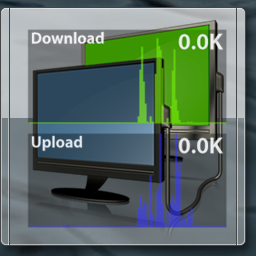
This docklet shows upload/download transfer rates for the selected network adapter.

Still under development, I hope to receive feedback so I may conclude it's development.

It should work both on vista & XP (tested with Object Dock, Object Dock+ & RocketDock), it uses WinHTTP API & Winsock 2 API, it retrieve performance data (upload/download/transfer rates & adapter bandwidth) from windows perfomance counters.

I need it to be tested with several network adapters (brands/models) to streamline the code... please give it a try and send me your comments.

Uptade:

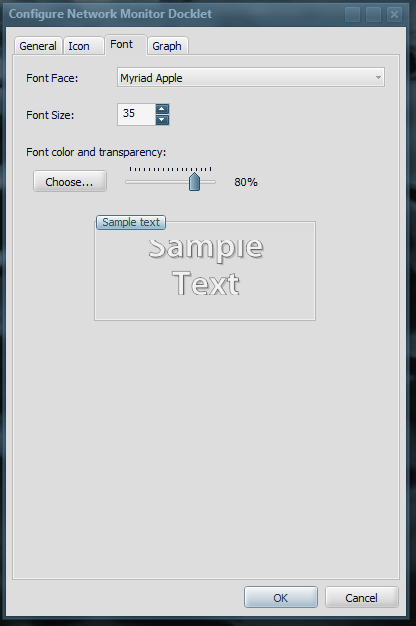
08/16/2008 - Changed the performance counter capture process to correct several bugs & a problem that prevented it to show the correct stats under Windows XP (yet I need confirmation that it is working well now), added "Show IP Address" to the label configuration options.

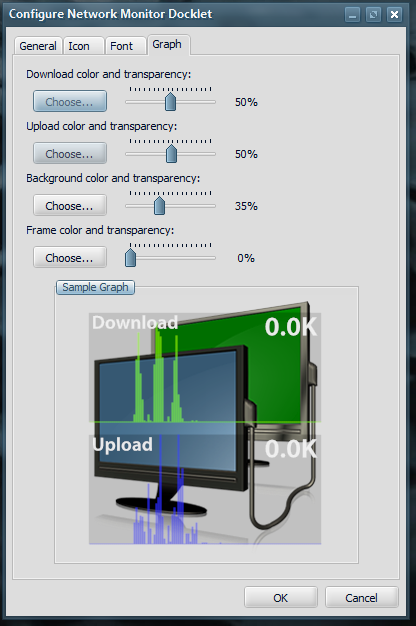
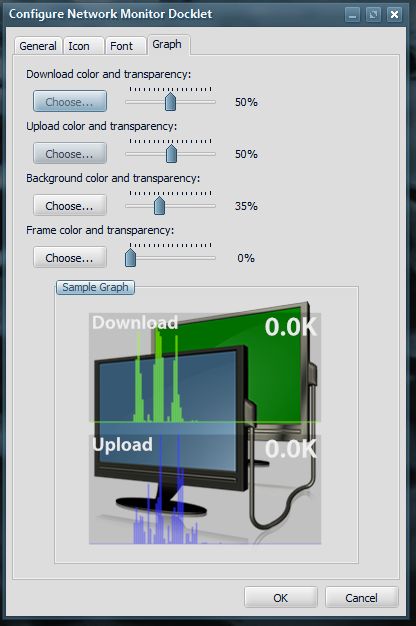
08/18/2008 - Added Grhap mode for displaying statistics in a graphical format.

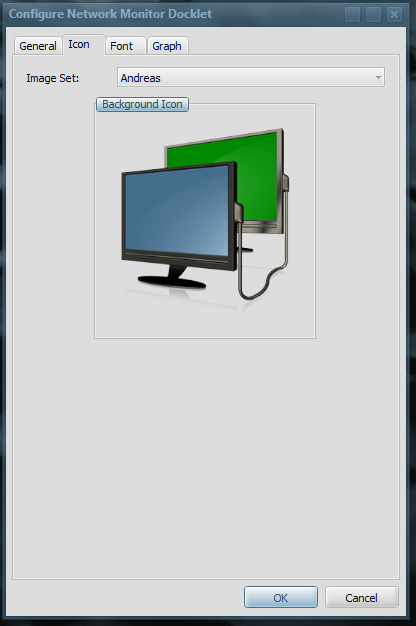
23/09/2008 - Added an option to hide the icons, so it is now possible to show the transfer graphs without anything behind it. Also fixed some bugs that prevented to change the icon set used. Finally I have replaced the original icon set by a custom icon set created & contributed by Andreas Dirscherl for this docklet (www.andreas-dirscherl.de) thanks man!

03/04/2010 - Updated this guy to properly scale graphs (they were being drawn outside of the graph area for bandwidths over 1 MB, added skinning options to control graph colors, changed background selection tab to make it easier to select the icon set for the docklet, added graph configuration settings, and fixed quite a few bugs. Tested under Windows 7 (64 & 32 bits), Windows Vista & Windows XP.

Important:

* In order to retrieve the performance counter data I need to "Normalize" the Adapter Name so I can find the proper instance name among the performance counter data. During the development of the code I found that some characters from the Adapter Name are changed (this is what I mean by normalized) to a different set of characters in order to find a match. I was not able to find any MSDN information on this, so my code currently does what I found for my network adapters, (characters like '(', ')' are changed to '[' and ']' and characters like '/' and '#' are changed to '_'). If you find yourself in the situation where the adapter protocol is actually retrieved but there is no information for bandwith metering I believe it must be something related to this "character substitution", please write down the adapter name shown in the docklet and compare it to the instance name shown in the performance monitor (if you know what I mean), and post both here, so I am able to add the required conversions to the docklet.
post-79521-127034343912_thumb.png

post-79521-127034344566_thumb.png

post-79521-12703434523_thumb.png

post-79521-127034346249_thumb.png

post-79521-127034349089_thumb.png

NetworkMonitorDocklet - 0.1.0.5g.zip
networkmonitor-preview.png
networkmonitor-general-settings.png
networkmonitor-icon-settings.png
networkmonitor-font-settings.png
networkmonitor-graph-settings.png

Attachment: NetworkMonitorDocklet - 0.1.0.5g.zip

#507163

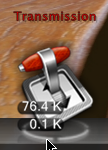
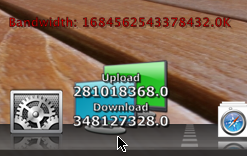
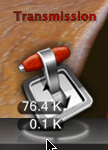
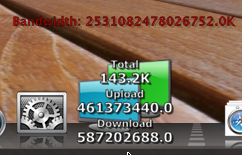
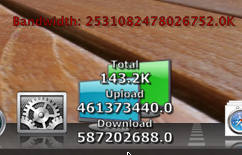
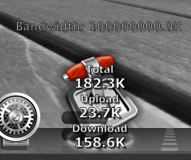
Great it works fine on my Rocketdock, but I think the digits are too many is it in bytes ?, can you make the layout something like "Transmissions", thank's a lot appreciated fedroponce.

please see the attachments

oh that transmissions I found it in here too it calls Bandwidth docklet by matonga

post-66870-1218543233_thumb.png

post-25-1218543233_thumb.png

NetworkMonitor.png
NetworkMonitor.png
Transmissions.png
Transmissions.png

#507175

Another one, sorry, thank's

post-66870-1218544000_thumb.png

NM.png
NM.png

#507176

It would be cool if you could use one monitor of your icon for a moving graph of relative upload bandwidth being used (like the CPU monitor docklet) and the other monitor for showing download bandwidth. Hope you know what I mean...a graph like DUmeter shows...only overlayed onto the respective monitor in your icon. They could still be overlapped - the green monitor active area for scrolling would simply be smaller than the blue monitor.

#507178

Thanks for your feedback... could you tell me what kind of connection you have? The numbers shown by the docklet are supposedly to be in Kbytes/sec.

Another thing... I tried to find matonga's transmission docklet but have no luck at his site, do you know where I can download it?

Great it works fine on my Rocketdock, but I think the digits are too many is it in bytes ?, can you make the layout something like "Transmissions", thank's a lot appreciated fedroponce.

please see the attachments

oh that transmissions I found it in here too it calls Bandwidth docklet by matonga

#507196

Ok, I think I found the issue.... I believe you are using the Docklet under Windows XP, aren't you? I did not tested on XP until you raised this problem... it seems that windows performance counters return numbers in a different scale for XP and Vista. I will need to research on this issue... I hope it is something simple.

Thanks for pointing this out.

Another one, sorry, thank's

#507207

Thanks for your feedback... could you tell me what kind of connection you have? The numbers shown by the docklet are supposedly to be in Kbytes/sec.

Another thing... I tried to find matonga's transmission docklet but have no luck at his site, do you know where I can download it?

yes fedroponce I use XP SP2

here is the Bandwidth Docklet : http://www.box.net/shared/hs0yauc20a

actually it's for Torrents but you can use it just like your docklet by changing the port to 8080 I think.

And this is another SC FYI, thank's fedroponce

post-66870-1218600331_thumb.png

Realtek.png
Realtek.png

#507233

Husaini,

Thanks for the feedback. I was able to reproduce the problem... it seems to be a difference between windows Vista and XP. I am not really an expert on WMI & performance counters, so I need to research on this, it may take me some time to find out how to solve this. I will update the docklet as soon as I found the reason for the difference.

yes fedroponce I use XP SP2

here is the Bandwidth Docklet : http://www.box.net/shared/hs0yauc20a

actually it's for Torrents but you can use it just like your docklet by changing the port to 8080 I think.

And this is another SC FYI, thank's fedroponce

#507250

Ok, fedroponce, I'm sure you'll find it soon, keep up the good work, thank's

#507252

Husaini,

I have just PM'd you asking for a little help on debugging the Docklet... do you think you can help me out?

Ok, fedroponce, I'm sure you'll find it soon, keep up the good work, thank's

#507315

Husaini,

I updated the docklet, I hope this time I nailed the bug.

#507414

Husaini,

I updated the docklet, I hope this time I nailed the bug.

Yes, fedroponce !!, I don't know about the " Total Bandwidth ", it's still many digits ?

can you replace that Total Bandwidth with IP, so it'll show in Docklet Info ?

Thank's, appreciated

post-66870-1218872302_thumb.png

NM.png
NM.png

#507416

It works too in Avedesk !!, fedroponce !!

#507418

Server...

added the IP Address Option to the label configuration & scaled properly the Bandwidth.

Yes, fedroponce !!, I don't know about the " Total Bandwidth ", it's still many digits ?

can you replace that Total Bandwidth with IP, so it'll show in Docklet Info ?

Thank's, appreciated

#507454

What about an option to just display the information when a defined program is running?

#507455

schmrom,

Could you elaborate on this?

What about an option to just display the information when a defined program is running?

#507461

schmrom,

Could you elaborate on this?

What does elaborate mean? Never heard that word before :slant:

#507473

What does elaborate mean? Never heard that word before :slant:

more details ?

#507482

more details ?

I mean, that you can specify a program to start when clicking on it and if this program is running the Stats should be visible. (I've got a program to connect to the internet, without it connecting isn't possible. So this would be interesting.

#507483

schmrom,

The docklet should respond to the connection status, that is, if the adapter is not currently connected (like disabled or something) it should revert to the X icon and show a legend "Not Connected"... I don't know if the adapter would indicate that it is "up", but without the other program it will not connect to the network. I think I would need more details on your setup, so I can understand it better.

Please, PM me, I have a small test app that dumps the adapter info to a text file, maybe you may run this before and after starting the app. This way I can understand what and if the app changes anything of the status information returned by the adapter.

I mean, that you can specify a program to start when clicking on it and if this program is running the Stats should be visible. (I've got a program to connect to the internet, without it connecting isn't possible. So this would be interesting.

#507499

The docklet includes the "Command" & "Parameters" configuration options, if you set up "Command" to the desired application, clicking on the docklet would spawn that app. Use "Parameters" to send any params required by the app.

I mean, that you can specify a program to start when clicking on it and if this program is running the Stats should be visible. (I've got a program to connect to the internet, without it connecting isn't possible. So this would be interesting.

#507500

Does anyone knows how to get in contact with Domestos (http://domestos.deviantart.com/)? I have used his icon as basis for the graphics of my docklet. Although I have sent him several notes through deviantart, I have received no response from him for a couple of weeks.

As I said, my docklet uses his icon, and I would like to ask his permission to use it...

#507501

any thoughts on my earlier request for animating the icon?

#509005

half,

the icon itself is something that I am not sure how to accomplish... since the graph would need to be skewed & oriented to match the monitor. Another issue is the small area that is available for it... specially for the monitor in the back. whose screen is only shown partially.

But maybe I did not get your idea right... do you think you can create mock-up of what you have in mind?

Another issue is that I haven't got permission to use the icons from Domestos (he never responded to my requests), right now I am waiting for a couple of contributions from two guys in the community... but I have to wait until I get the finished icons to work with.

What I did was to add the option to show a graph of uploaded/downloaded layered on top of the icons... I don't know if that would suffice.

any thoughts on my earlier request for animating the icon?

#509029

Just tried this out, works great on XP with SP3. Keep up the good work :)

#509032