Aqua-Soft Forums
Hey guys,
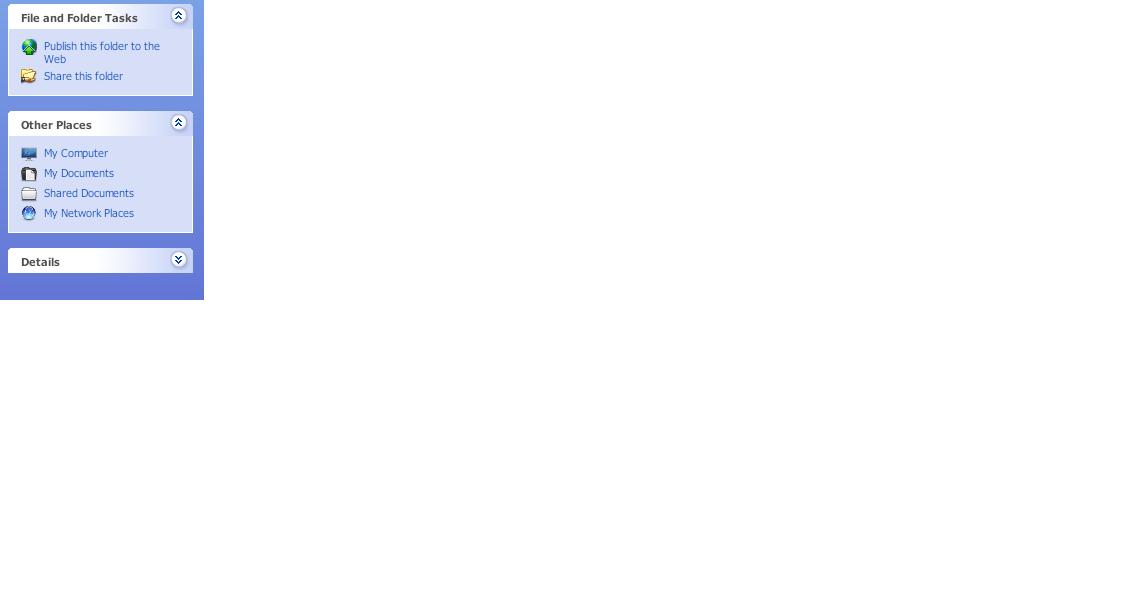
How can I remove the ugly bar (shown in screenshot) in explorer?
I know about the Classic Folder View, but if I use that then there's an ugly gray line around my window.
Thanks!

Hey guys,
How can I remove the ugly bar (shown in screenshot) in explorer?
I know about the Classic Folder View, but if I use that then there's an ugly gray line around my window.
Thanks!
FindeXer.
Also, if you want it to just disappear, rather than replace it with FindeXer, you can use an invisible shellstyle. I believe there is one packaged with Area by heylove.
Thanks nrossow. And I'm going for a minimal look, so I don't need FindeXer. Thanks!
Edit: I replaced the shellstyle in the zip file of Area o4 using Replacer, but it didn't seem to make the shellstyle in explorer go away. Any other ideas?
And yes i restarted
To apply the shellstyle go to the directory of the theme you are using (Windows default is in 'C:WINDOWSResourcesThemesLunaShellNormalColor') and back up shellstyle.dll.
Then copy the shellstyle.dll file from area o4 and paste it into that directory.
Re-apply the theme and it should work.
Thanks, I'll edit if it works/doesn't work. 
Errr... I'm using windowblinds. And it doesn't work :| Any other ideas? Thanks again!
I don't use Wndowblinds, so I have no idea how it deals with shellstyles.
Sorry man, hopefully someone else can help. Google might be able to help as well.
Thanks for the suggestion, but unfortunately google isn't being friendly today 
Thanks, I'll edit if it works/doesn't work.Errr... I'm using windowblinds. And it doesn't work :| Any other ideas? Thanks again!
Maybe this can help you. XP .msstyles Converter Tool... convert your VS to WB, then do your edits maybe?
Umm.. How will that help me? I'm using a windowblinds theme... Thanks for the input though
No, theme conversion will not work. Like i said, use FindeXer. Nobody said that you had to have it in every window. There's the option to disable the loading of FindeXer in every window by default, leaving you with nothing.
KAWS, I know about that, but if I check that option and open another explorer window, I get the shellstyle. What version are you using?
Don't bother with an invisible shellstyle, you can just disable it even easier. Just go to folder options (Explorer Menubar > Tools) and just use these settings as shown in this picture: http://xs330.xs.to/xs330/08316/folder_options772.png
In short, enable Windows classic folders. No need to mess around with FindeXer or shellstyles and whatnot.
I believe I stated that in the beginning, thanks for the input though. When I enable classic folders, a gray line appears around the contents in the window. Is there any way to remove/change the color? Thanks!
Maybe if we see a screenshot of this gray line, we could help?
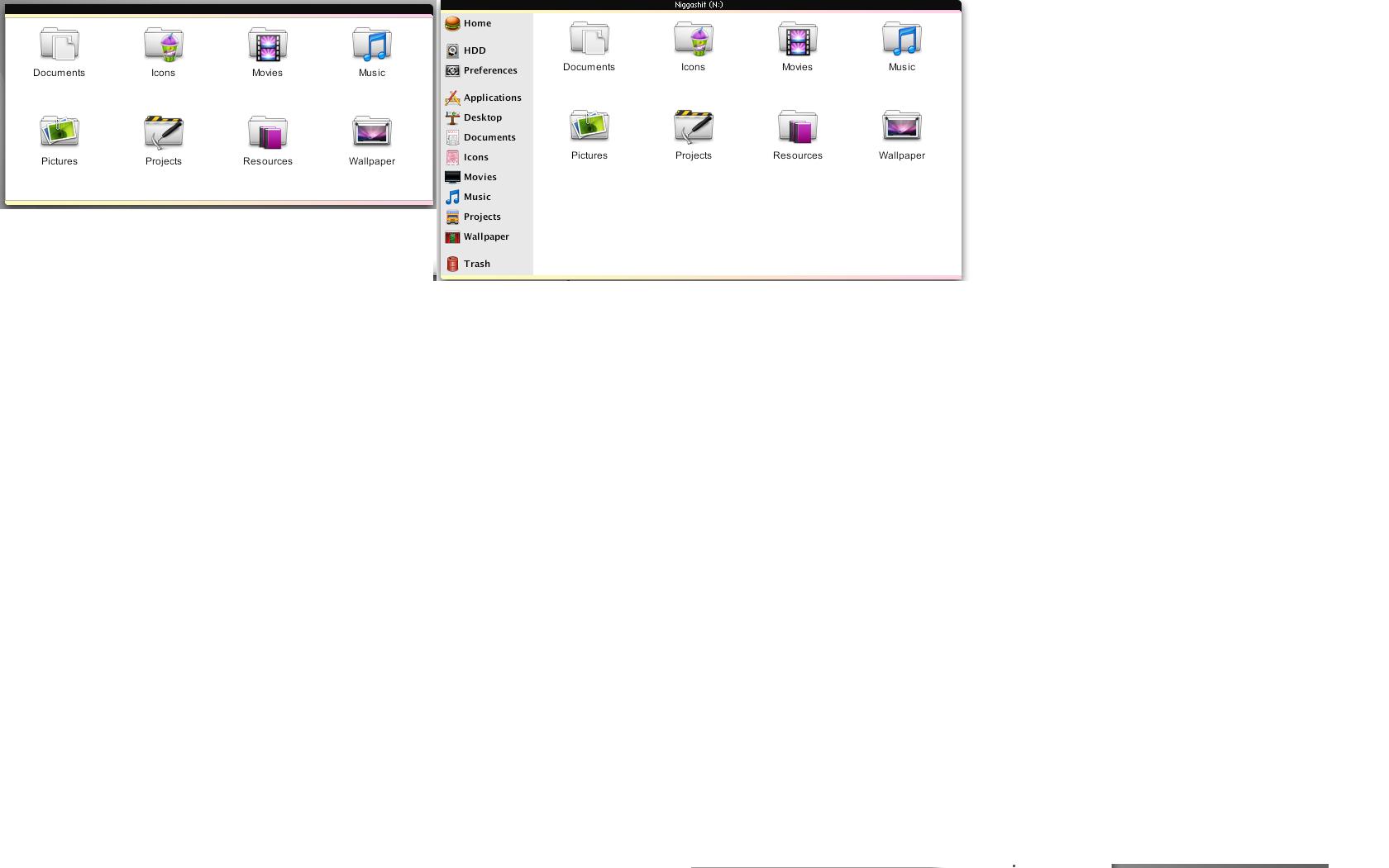
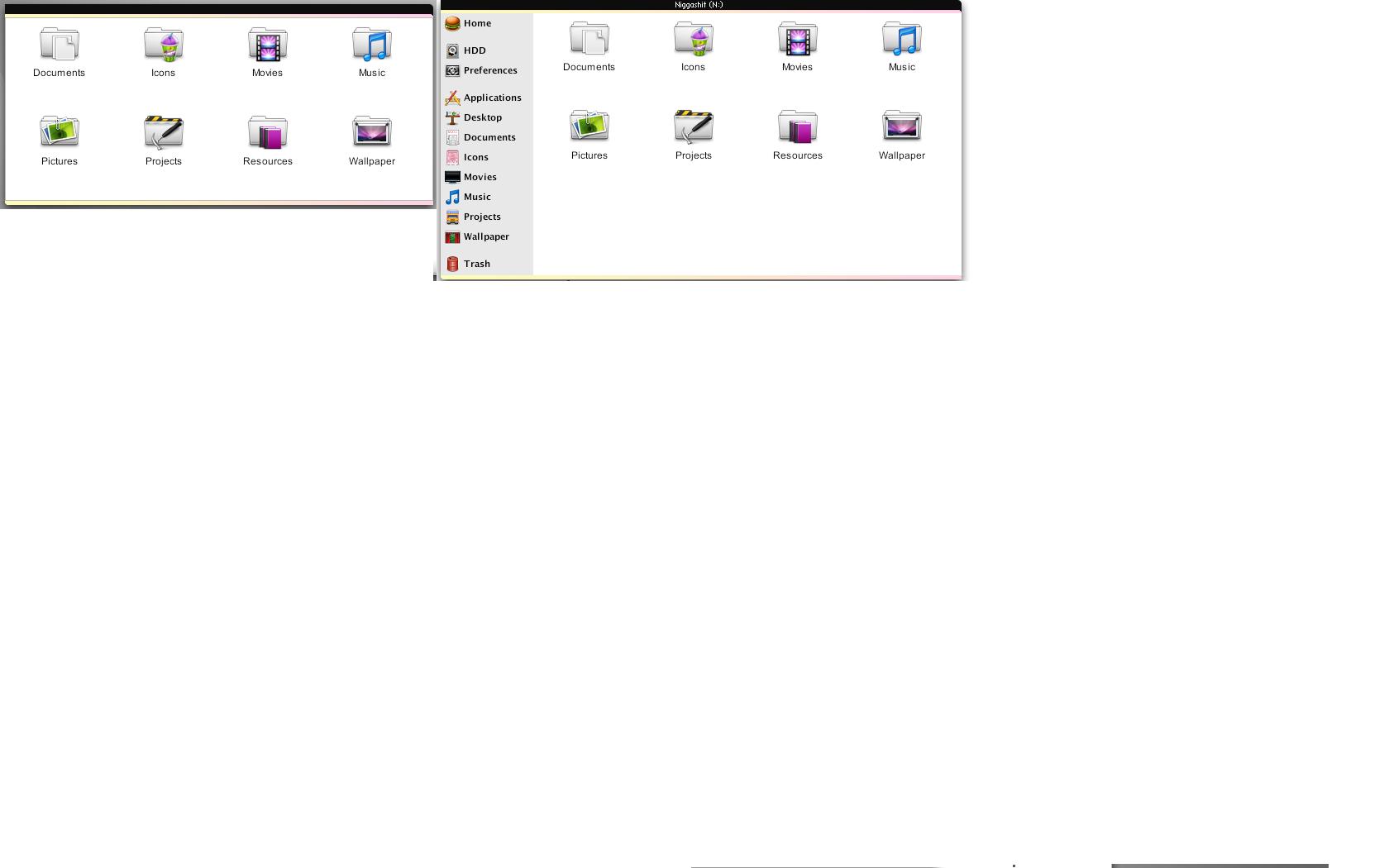
Screenie of gray line
that color is governed by Edit Box border (default is black) under Controls section in SkinStudio5. you either have to live with it, or find a compromise between edge color of edit boxes (eg. where you write your name and password when logging-in to AS etc.) and that 'frame'.
if you don't have SkinStudio, use a text editor to open up ///Windowblinds//.uis. Search for the section "Edit.Border" under which you'll find the line EdgeColour=xx (default is EdgeColour=0). For "xx', search for the section "Colour0", Colour1", Colour2" etc where youl find color definitions in rgb.
Cheers.
Thanks a million kinsemon! One question though, I don't understand the part about "search for section color0..."
Could you elaborate?
Scratch that, do you know where that is in SkinStudio 6?
Thanks a million kinsemon! One question though, I don't understand the part about "search for section color0..."Could you elaborate?
Scratch that, do you know where that is in SkinStudio 6?
For some reason, i cannot find it (that's why i rely more on SS 5 for editing).
...the part about "search for section color0..."
as per my previous post "...use a text editor to open up ///Windowblinds//.uis. Search for the section "Edit.Border" under which you'll find the line EdgeColour=xx'...
The choices for the "xx" are color presets, defined in another section of the UIS file. These sections are Colour0, which is rgb 0, 0, 0 or black. Colour1 is usually rgb 255, 255, 255 or white, Colour2 is rgb xxx etc etc.
So going back to section Edit.Border, your choices for the value of EdgeColour are 0 (black), 1 (white), 2 (whatever is defined under section Colour2)...
Thanks! Problem solved!