
URL Monitor Docklet for ObjectDock

A simple URL Monitor Docklet that will check if the configured web site is online by trying to access & download it's home page.

The docklet updates it's status periodically to reflect the current status of the web site. Clicking on the docklet icon opens the default internet browser at the configured web site.

Update:

+ 07/16/2008 - Tweaked the WinHTTP code that retrieves he web site's home to solve a bug that prevented the docklet to properly analyze the online status of some websites.

You may download it from:

http://www.feterspace.com.mx/downloads/URLMonitor.zip

urlmon-preview.jpg

Warning: The docklet is still beta and it may be buggy! It should work both under Windows Vista & Windows XP SP2+.

Give it a try, any comment & suggestions are welcome.

¿Errors?

Please download this little program that isolates the web site checking code run it as:

C:CheckWeb.exe www.mysite.com > mysite.txt

and send me the file, so I can further debug the code. Get the file at http://www.feterspace.com.mx/downloads/CheckWeb.zip

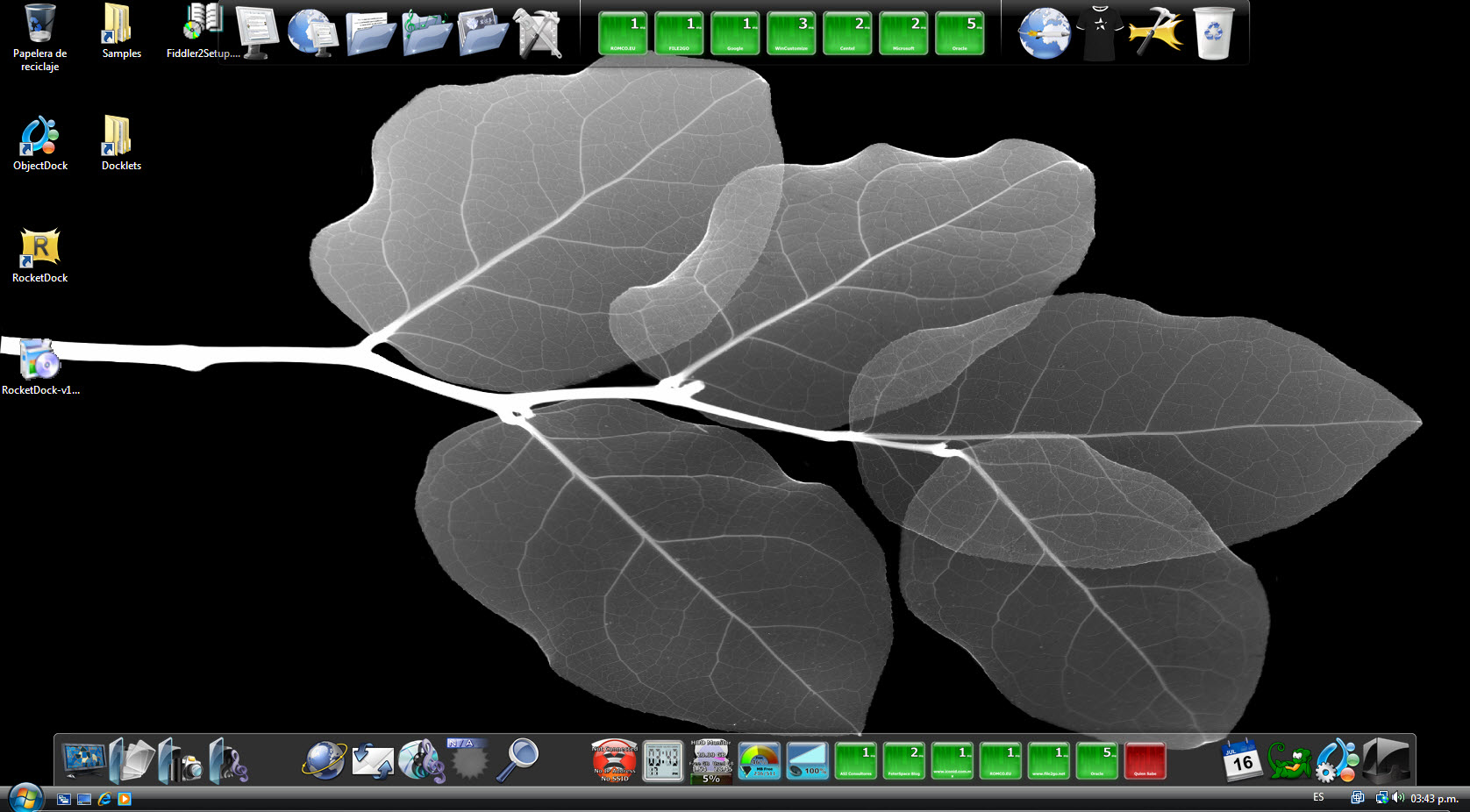
post-79521-1216156725_thumb.jpg

urlmon-devmachine.jpg

#505356

Interesting idea, I like it, but for which dock is it? I mean it looks like its working on Rocketdock, but it is'nt changing its status.

#505358

I developed this docklet for ObjectDock... as my previous docklets, I have received feedback on them that they work on Rocketdock too... so I dunno... but maybe it is really related to the way the site is being checked.

If you select "Update Now" does the "Check" icons stays or does it change to "Down"?

I am using WinHTTP API to open & download the home page of the configured web site, may be the problem is really related to that. You should double check that your system has WinHTTP API installed...

You should download & install KB842773 http://www.microsoft.com/downloadS/details...&displaylang=en.

Please do so and send me your feedback if that solved the update problem.

Interesting idea, I like it, but for which dock is it? I mean it looks like its working on Rocketdock, but it is'nt changing its status.

Edit:

I have just dowloaded the latest RocketDock release & installed on my Windows XP VM. After that copied the URLMonitor folder to the Docklets folder under Rocket dock installation folder and it worked fine. I believe your problem is really related to the WinHTTP library.

#505384

It looks like that file is for WindowsXP, have got a link for Vista too? I didn't find it it.

#505395

Well... there is no download for windows vista, as WinHTTP is already part of the OS on Vista. So, It should already be there...

I have installed the latest Rocketdock on my Vista VM and when initially added to the dock, it should show a yellow "CONFIG" icon, clicking on it shows the configuration dialog:

urlmon-config.jpg

After setting the URL & label (and desired other options), select OK & the docklet does it's first check of the site:

urlmon-check.jpg

It should not take long before the status is updated:

urlmon-status.jpg

If you want to check a site manually, simply choose the "Update now" option:

urlmon-updatenow.jpg

Could you tell me which site you are trying to check, so I can test it here...

It looks like that file is for WindowsXP, have

got a link for Vista too? I didn't find it it.

#505420

Well after playing around with the docklet for a while (adding & deleting) URL Monitor docklets I experienced a situation that prevented the dialog to "save" the url, so the "CONFIG" icon was shown all the time... but after shutting down ObjectDock & restarting it I was not able to reproduce it again.

Is this the situation you are facing?

#505422

I tried restarting then and it worked :)

#505426

Great!, anyway, I found a couple of bugs in my code... you should download the updated docklet.

I tried restarting then and it worked :)

#505434

Well after playing around with the docklet for a while (adding & deleting) URL Monitor docklets I experienced a situation that prevented the dialog to "save" the url, so the "CONFIG" icon was shown all the time... but after shutting down ObjectDock & restarting it I was not able to reproduce it again.

For me it is working in RKLauncher, but not in Rocketdock or objectdock. Seems neither one of those is saving the url. Restarting the docks does not help.

#509856

I have updated this docklet... to include the font configuration options. Pleasxe give it a try and tell me if this version works better than the others.

For me it is working in RKLauncher, but not in Rocketdock or objectdock. Seems neither one of those is saving the url. Restarting the docks does not help.

#509875

Text is now displayed upside down and backwards, still will not save the url.

#509892

You just have to configure the text size... something like 34 points is the size I used originally...

Still trying to find the bug on the URL... I could not find any problem with it here... could you send me your CurrentTheme.ini so I can take a look at it?

Text is now displayed upside down and backwards, still will not save the url.

#509924

It is not saving the url to the ini file.....

[Item(1-12)]
Type=Docklet
Docklet=DockletsURLMonitorURLMonitorDocklet.dll
Title=URL Monitor Docklet... click to setup!
ImagesFolder=icons
URL=
UpdateMinutes=3
DockletData=7
LabelData=3
FontName=Tahoma
FontSize=34
FontColor=16777215
Image=dockletsurlmonitoriconsna.png

The url should be www.forestpro.net if I manually add it to the ini it works fine.

#509982

Thanks... I will try with that.

Is this the only instance of the docklet? Are you using OD+ or OD Free?

It is not saving the url to the ini file.....

The url should be www.forestpro.net if I manually add it to the ini it works fine.

#509984

objectdock +and yes it is the only instance running. Also the text is displaying fine now.

#509989

Sorry... I forgot... under which OS?

objectdock +and yes it is the only instance running. Also the text is displaying fine now.

#509991

Windows XP Pro SP3

#509992